Posted on

5 Things You Never Knew Your iPad Could Do

iPads might seem like a glorified iPhone to some, but they’re actually more powerful than you think. In fact, you can use your iPad as a laptop replacement. The new windowed app feature lets you open multiple apps and resize and arrange them just like how you would on a computer.

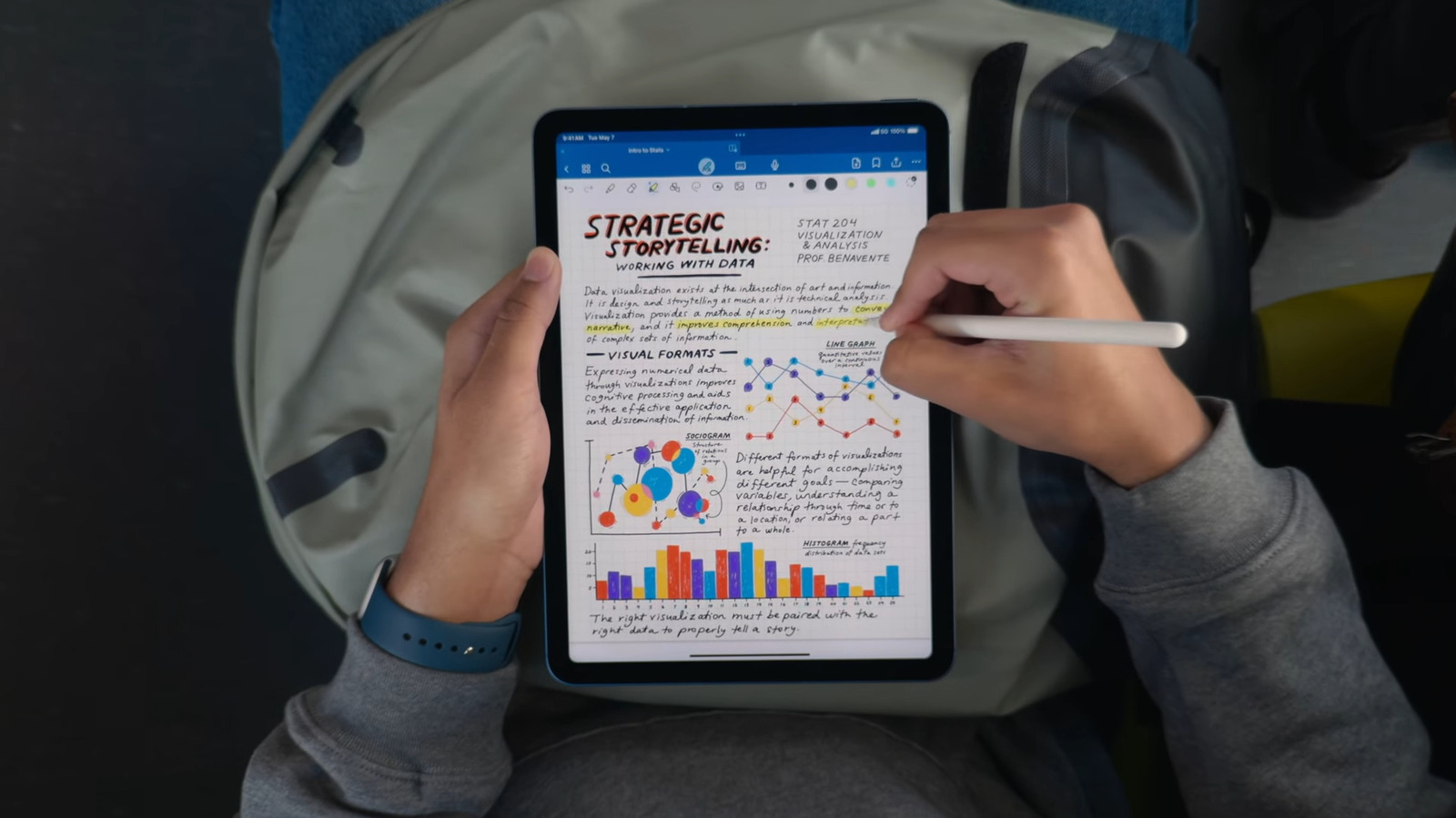
Your iPad also comes with nifty tricks for taking notes. For instance, you can enable a setting in the Notes app to refine your handwriting and add grids or lines as the background. Then, there’s other handy iPad features like the floating keyboard option, full-page screenshot in Safari, and multi-finger navigation gestures for everyday tasks.

Beyond these iPad tips and tricks are several lesser-known functionalities you might have been missing out on. They’re hidden in plain sight, but once you discover them, they can quickly change how you use your device. To that end, here are five of the cool functions you probably didn’t realize your iPad can do.

Merge files into a PDF in the Files app

Marinel Sigue/BGR

There are times when you’d need to merge several files into a single PDF. Maybe you’re sending different artwork samples to a client. Or perhaps you prefer accessing all your bills and receipts in one place. Instead of dealing with multiple files, you can combine them into one PDF. This way, you can declutter your storage and share the file much easier. 

To merge files into a PDF, you’d normally rely on a third-party app. But on an iPad, you won’t need to install one. There’s already a built-in feature in the Files app that allows you to quickly convert a set of files into a PDF. You can use it to create a PDF out of the same file type,  such as all JPGs or all DOCs. But it also supports combining different file types — say one JPG, one PDF, and one TXT file. Here’s how to merge files with this tool:

  1. Go to the Files app. 
  2. Locate the files you want to merge into a PDF. 
  3. Press Select at the top. 
  4. Mark the files. 
  5. Tap the More icon (three horizontal dots) in the upper-right corner. 
  6. Choose Quick Actions. 
  7. Hit Create PDF. 

The generated PDF will then appear in the same folder as the files. You can open it with any PDF reader to check the output. Keep in mind, though, that the files you added to the PDF won’t automatically be deleted. If you no longer need them, you’ll have to delete them manually. 

Quickly open a note with an Apple Pencil gesture

Marinel Sigue/BGR

Ideas can strike you anytime, and before they slip away, you’d want to jot them down. A quick way to do so is with an Apple Pencil and iPad. All you have to do is tap once on the Lock Screen with your Pencil. If your iPad is already unlocked, simply swipe up from the bottom-right corner of the screen. Both Pencil gestures will open a new Quick Note, and you can start scribbling away. However, saving the note works differently between the two methods. When it’s opened from the Lock Screen, you need to hit All Notes and unlock your iPad. When it’s opened from the corner, it takes a single tap on the yellow checkmark at the top.

Conveniently, Quick Notes opened from the corner also lets you do more. For instance, you can move the window around by grabbing the handle at the top, or even temporarily hide the Quick Note by swiping the same handle to the right. To open it, just tap on the arrow on the side of the screen. Like any other notes you make, your Quick Note will be accessible anytime on the Notes app. You can find it under the Quick Notes section and in the Notes folder. While this Apple Pencil feature comes in handy for Apple Pencil owners, you don’t really need to buy one to do the same gesture (at least for the corner swipe). You can also use your finger. To enable it, follow this guide:

  1. Go to the Settings app. 
  2. Navigate to Multitasking & Gestures.
  3. Toggle on Swipe Finger from Corner. 

This gesture is only available in the Full Screen Apps mode, though, not in the Windowed Apps or Stage Manager mode. 

Add File folders in the Dock

Marinel Sigue/BGR

By now, you probably already know you can personalize your iPad Dock for quicker access to frequently used apps and app folders. But besides apps, there’s actually one other thing you can pin to the Dock to boost your productivity: Files folders.

Just like how you can add folders to your macOS Dock, you can now do the same thing on iPads running iPadOS 26. This feature can come in handy if you find yourself constantly going to the Files app to open work reports or favorite eBooks. Instead of switching to a different app and breaking focus, you can simply go to your Dock and access the folder right there. Here’s a quick guide on how to pin folders to your iPad Dock:

  1. Launch the Files app. 
  2. Go to the folder you want to add to the Dock. 
  3. Press and hold the folder. 
  4. Select Add to. 
  5. Tap on Dock.

You’re free to place multiple folders in the Dock, and they’ll show up as a small stack of files. That means if the folder has documents, you’ll see a tiny stack of papers with lines; if the contents are pictures, the images themselves will appear in the Dock. You can easily customize the files’ arrangement in the stack by long-pressing on the folder in the Dock. Then, under Sort by, select how you want to sort them (e.g., by name, date modified, kind). There’s also an option to change how the folder opens when you tap it, either in a fan style or as a grid. If you no longer want the folder in the Dock, press and hold it, go to Options, and tap on Remove from Dock. 

View files and folders like a Mac

Marinel Sigue/BGR

The Files app on iPad might look similar to the Finder on macOS, but it really didn’t function the same way, especially when it comes to displaying file details. To know a file’s size, kind, and relevant dates, you’d need to open its info panel first. But that was until iPadOS 26 came into the picture. Now, you can easily check the details of files and folders by just changing the view layout. This is one of the iPadOS 26 features that turn your iPad into a touchscreen MacBook. To set this up:

  1. Open the Files app in landscape mode. 
  2. Go to any of the options under Locations (e.g., iCloud Drive, On My iPad). 
  3. Tap the rectangle icon in the top-right corner of the left side panel to close it. 
  4. Press the View settings (four-square icon) next to the search icon at the top. 
  5. Change the view from Icons to List. 
  6. Select the three horizontal dots next to Date Modified. 
  7. Mark the details — like Size, Date Created, and Tags — you want to add to the view.

From here, you’re free to change how the layout looks. You can rearrange the order of details by pressing and holding the top of each column and dragging it to your preferred position. If you want to sort the files, tap on the blue column heading to toggle between ascending and descending.

To divide the view into groups, go to the View settings again and select View Options. Then, tap on Group By and select how you’d like to categorize the files — by Kind, Date, Size, or Shared by. To fit more items onscreen, navigate to the View Options and switch “Icons and List Size” to Compact. 

Open two windows of the same app

Marinel Sigue/BGR

So, you’re trying to compare two products from different websites on Safari, but the constant back and forth between tabs just makes things more confusing than it really is. It’d be so much more efficient if you could open two Safari windows right next to each other and compare the products side by side. Well, your iPad can do exactly that. 

On iPadOS 26, you can open multiple windows of the same app and place them right next to each other, just like on a computer. This works for most of the native apps like Safari, Pages, and even Calendar. Some third-party apps, including Google Chrome and Microsoft Word, are also supported. To open an app in two different windows on iPad, here’s what you need to do:

  1. In your home screen or app library, find the app you want to run in two windows. 
  2. Press and hold the app icon. 
  3. From the menu, choose New Window. 
  4. Long-press the app icon again. 
  5. Tap on New Window to open the second window. 

You can then resize and move the windows as needed. In certain apps, pulling up a second window is as simple as long-pressing an item — like a folder in the Files app, a note in Notes, or a search result in Chrome — and selecting Open in New Window. You can also try dragging and dropping the item anywhere on the screen to create a new window. If you minimize a window or want to see all the opened windows of a certain app, you can retrieve them by long-pressing the app icon on your home screen or app library. Then, go to Show All Windows. All these windows will also show up in your Recent apps screen.

Source

Posted on

How Long Do Amazon Fire TV Sticks Typically Last?

Bill Tompkins/Getty Images

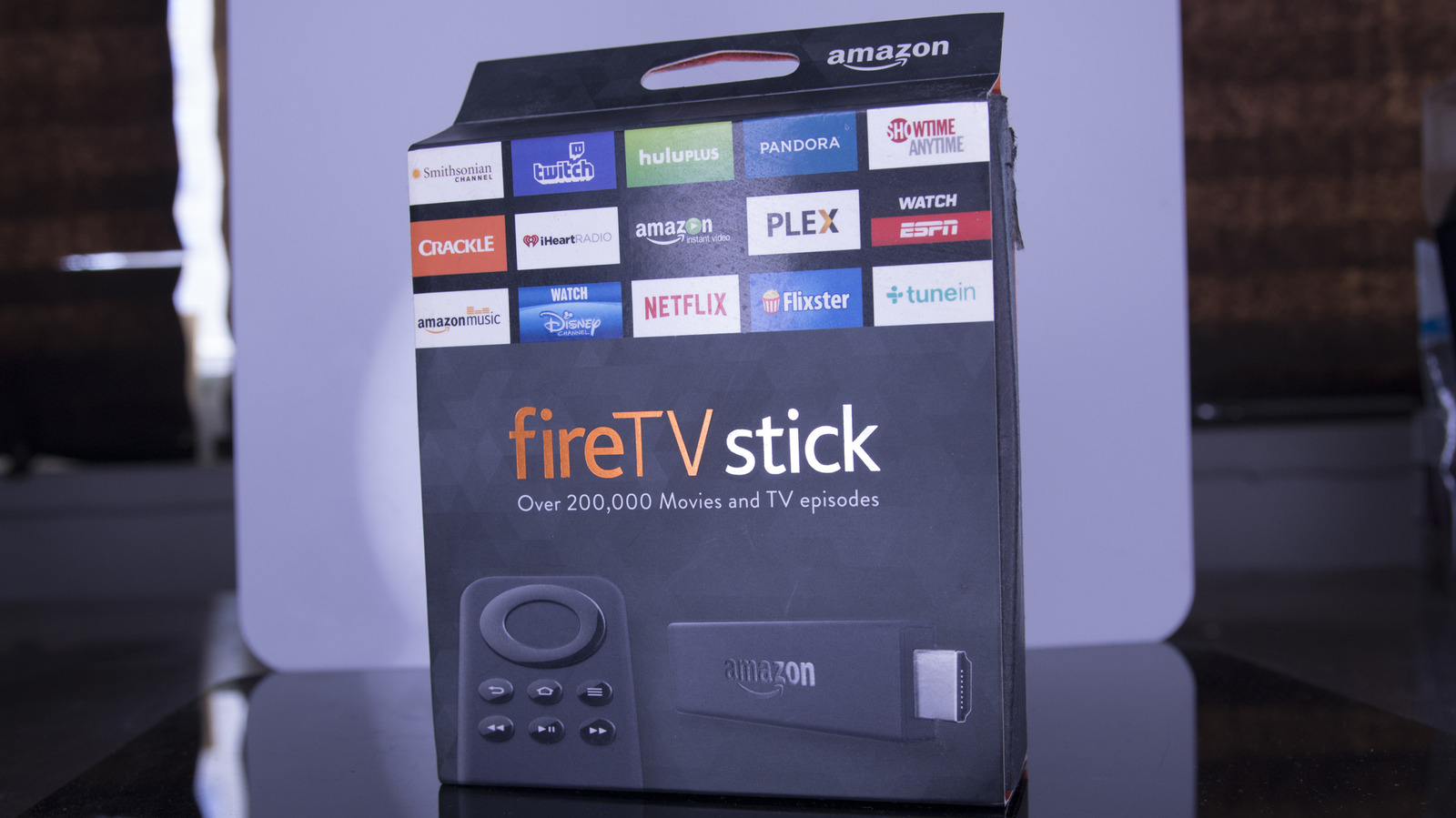
Your Amazon Fire TV Stick has a variable lifespan. Some Fire TV Sticks last five years, while others could last up to ten years. The longevity depends on the software and hardware. Old Amazon Fire TV Sticks have weaker processors and sometimes unsupported software. But how old is too old?

When your streaming stick is nearing the end of its lifespan, the installed software stops working, or you experience technical hiccups such as freezing, application crashing, or update errors. Plus, there’s a chance your Fire TV Stick’s firmware could stop receiving updates, as Amazon normally guarantees at least four years of software security support.

Amazon Fire TV Sticks are a bit niche, but upgrading one is much cheaper than buying a new Fire TV if your TV OS has aged poorly. However, knowing when your streaming device is ready to kick the bucket can help with budgeting. Even if you pick up the latest Fire TV Stick, you’re still spending well under $80. Keep in mind that even if you’re gaining some savings compared to buying a new Fire TV, you’ll still want to know how long they last and if it’s worth shelling out extra for the newest model.

Your Amazon Fire TV Stick is decently sturdy

mundissima/Shutterstock

Your Amazon Fire TV Stick plugs directly into your TV’s micro-USB port. But lots of unplugging and re-plug it back in causes the device to wear and tear. However, these streaming devices are built for durability, so as long as you aren’t trying to submerge your Fire TV Stick in liquid or stomp on it with your foot, the device should be fine for a while, at least long after Amazon ceases to update its OS.

Besides the physical condition, another factor that can affect your Fire TV Stick is overheating. According to Amazon, the Fire TV Stick 4K is made from 22% recycled materials, composing 28% post-consumer recycled plastic and 80% recycled aluminum. These materials are suitable for handling natural heat and moderately warm environments.

Even though these devices don’t have cooling fans, Amazon’s Fire TV Sticks have a built-in heat sensor that issues an on-screen warning if it gets too warm. But that’s only if the temperatures spike too high while in use. Your Fire TV Stick won’t suddenly melt if it gets too hot, but the internal components may eventually get damaged if it gets exposed to continuous heating in a poorly-ventilated area (plastics can degrade over time even if they’re heat resistant). Amazon also lists the operating temperature range as 32 to 95 degrees Fahrenheit, so if your Fire TV Stick exceeds or falls below that range, it could be damaged, making it age faster than it should.

Amazon’s supported OS on a Fire TV Stick determines it all

mundissima/Shutterstock

Amazon’s OS can sometimes feel a bit dated, though that’s changing with Amazon’s Fire OS redesign and Vega OS coming in the future. If you’re already a lucky owner of the Fire TV Stick 4K Plus and the Fire TV Stick 4K Max (2nd-gen), you get a first-hand preview of Amazon’s Fire OS redesign. The redesign is cleaner, but more importantly, it should also feel much faster than the old one.

But as a general rule of thumb, how the Fire TV Stick’s software performs with your installed apps is likely the main deciding factor in whether it’s time to deem it too old and get an upgrade. Sluggish apps that freeze or take a while to load might mean your Fire TV Stick is nearing end of life. Plus, if the OS is too old, app developers may stop supporting older OSes (becoming incompatible), meaning you may no longer find or receive updates for those apps in the app store.

That could then force you to sideload to find apps, but doing so could also expose you to buggier apps with security flaws. It becomes a messy ordeal, and isn’t always worth the hassle, especially if you’re not used to it. At that point, you’re almost better off trading your old Fire TV Stick in to gain up to 20% off eligible upgrades with Amazon’s Trade-In program.

Source

Posted on

Microsoft CEO opens London AI Tour with Copilot push

Thousands gathered at London’s Excel to hear Microsoft CEO Satya Nadella deliver a keynote presentation for the company’s AI Tour.

Those who made it to the start, given the length of the queue to go through security and get a visitor’s badge, heard from Nadella on the artificial intelligence (AI) opportunity that is available in Microsoft productivity tools and its technology stack. In particular, he spoke about the opportunity to harness information in Microsoft 365 to build powerful knowledge apps and applications that work alongside humans in agentic AI workflows.

Nadella discussed the power of an AI agent that acts as a data scientist, using Agent Mode in Excel and PowerPoint to find insights. Referring to how the adoption of Excel macros in the early 1990s lowered the entry point for software development, he said: “Excel is a great example of what happened with software development. Now, people who are using Excel can generate code using a single prompt.” This prompt is able to work with sophisticated models in Excel, creating an AI-generated artefact. In effect, a user can chat with Excel to generate new functionality.

He believes these artefacts require “precision augmentation”, where people have the ability to understand them. Rather than purely looking at AI’s ability to create, he stressed the importance of ensuring that anyone who receives the AI-generated artefact understands how it works, which makes it more explainable and allows people to see where they fit in a particular workflow.

Nadella positioned the data held in Microsoft 365 as a key foundation of agentic AI, providing a representation of “your people”, from their relationships to other people inside the organisation, to their work artefacts, projects, files, calendars and communications.

“This is massive information, and to have what is essentially a stateful system with AI reasoning that can then translate all of that information into what we describe as Work IQ can bootstrap any agent you build.”

Nadella also discussed Microsoft Fabric, which is used to ingest data in Excel spreadsheets, Power BI dashboards and the rest of Microsoft 365, and then expose this information to enterprise AI agents.

He then spoke about Microsoft Foundry, the company’s cloud-native platform for building agentic AI systems. “Once you have data, the next thing is a classic middle-tier application platform. Microsoft Foundry comes with frameworks for you to build agents or multi-agent systems, guardrails for AI safety and all of the run-time services that are required to build full production-ready AI systems,” he said. Microsoft Foundry also supports 11,000 AI models, according to Nadella.

One area in which AI agents are seeing momentum is code generation. According to Nadella, by having access to numerous models and enterprise data, developers are able to start building AI agents and creating agentic AI workflows. He urged developers to look at how to boost productivity in enterprise tools, such as Microsoft 365. “Where we want to start is in our own everyday use of information for knowledge worker tools,” he said.

Beyond simple agentic AI apps developed in Agent Builder, which are analogous to software development in Excel, he said IT teams are building powerful applications grounded in knowledge using AI models.

Source

Posted on

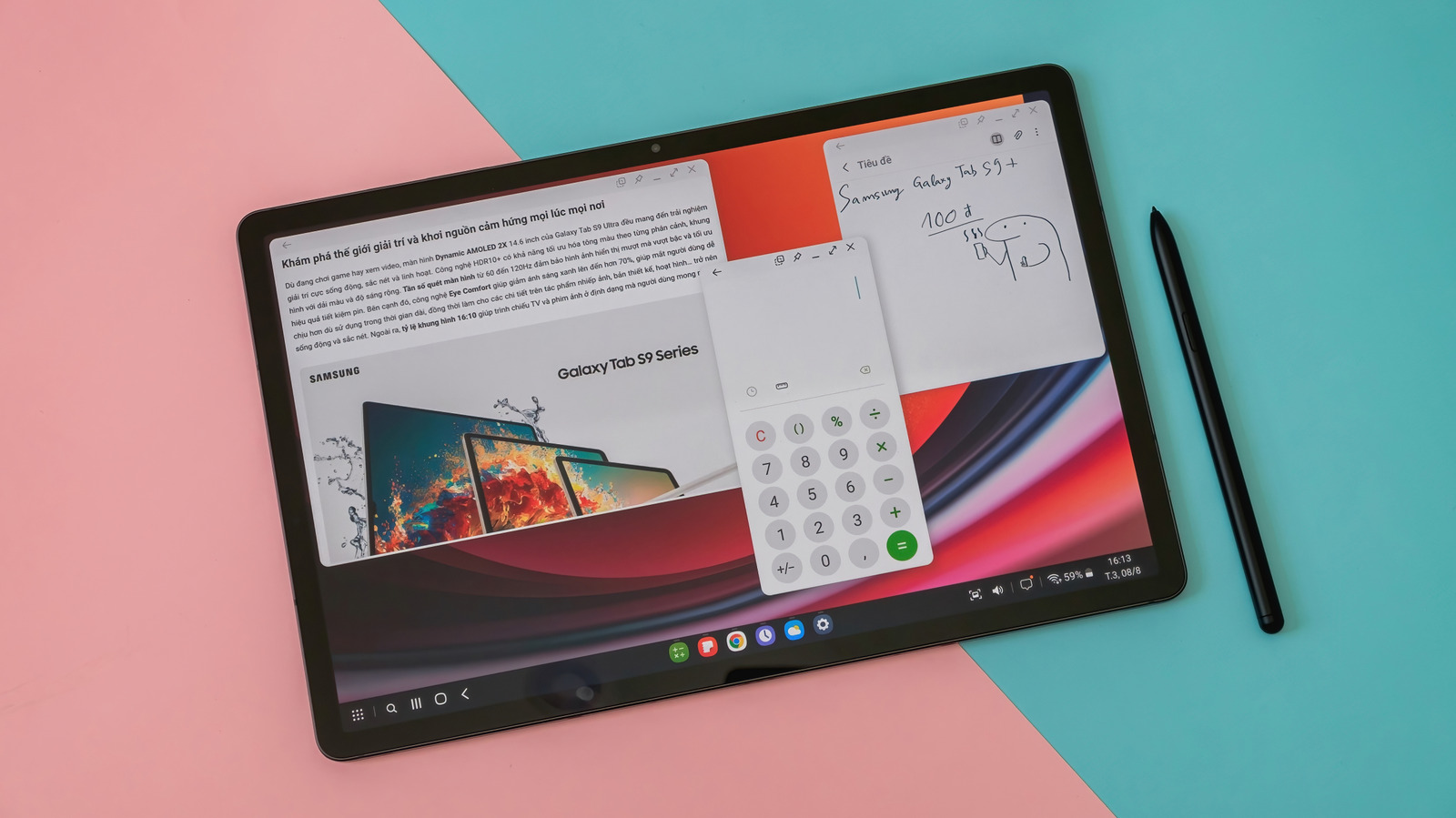
Why There’s Simply No Need For The Cheapest Android Tablets

Tinhkhuong/Shutterstock

We may receive a commission on purchases made from links.

When you need more screen real estate than what a standard Android smartphone provides, a tablet is an obvious alternative. While they’re not as portable as phones, Android tablets have their own importance. Due to their larger footprint, they give you a bigger screen for playing your favorite games, reading, or, for students, keeping up with online classes. But just like Android smartphones, the market has different options at different price points. 

You can find entry-level models extremely cheap, but there are more premium options available. And as such, it might be tempting to grab a brand-new, cheap Android tablet from Amazon or Best Buy if you have less cash. But just because your budget is tight and cheap options exist, it doesn’t mean that you should automatically settle for them. As the saying goes, you get what you pay for, and for the cheapest Android tablets, that couldn’t be truer. 

These Android tablets commonly come with a barrage of issues, such as poor software support and security issues. It’s so bad that in the grand scheme of things, there’s no point in buying a cheap Android tablet. You’re better off considering alternatives before wasting your money on cheap, off-brand Android tablets that are going for less than $150 or even $100, but will disappoint you not long after unboxing.

The hidden cost of cheap Android tablets

Cheap Android tablets come with disadvantages. Because companies that make these devices need to cut costs as much as possible in order to sell the tablets cheaply, some for as low as $50, the result is that you’re getting a device that’s inferior in various ways. One major issue with cheap Android tablets is security. For example, cybersecurity firm Kaspersky recently discovered malware, which it named Keenadu, integrated into the firmware of some Android tablets. 

According to the team, the malware was a “fully functional backdoor” through which attackers could gain unlimited control of a device, including installing APKs and granting necessary permissions. These types of malware are hard to detect and remove, and a 2023 blog post from Kaspersky says that even if the cheapest tablets might not have malware pre-installed, they’re more vulnerable to security issues than models from well-known manufacturers. Part of the reason why they’re more vulnerable is that these unknown brands usually use older versions of Android and are either slow to update their devices or never provide updates. 

Another catch with cheap tablets is that they typically come with many preinstalled apps, some of which can’t be uninstalled easily. These devices might also show you ads, as the manufacturer tries to further maximize profits. They also use low-quality components, which impact the day-to-day use of the tablet with issues like sluggish performance.

Smarter alternatives that don’t break the bank

Framesira/Shutterstock

We’ve made a case for why cheap Android tablets are a waste of money. But while it would be perfect if every company improved the quality of entry-level tablets, with better quality hardware, better software support, and more stringent security measures, all we can do is wish, since we have no control over that. Saving a bit more money to have enough to snag the best Android tablets is an option. However, it might not be for you if you need a new tablet right now, and don’t have enough cash to get one from established brands. 

The answer is to buy used or refurbished tablets from reputable brands on the market, such as Samsung, Google, and Lenovo. Buying used tech can save you a good amount of cash, as they’re typically discounted. Don’t confuse the terms used and refurbished, as they have different meanings. Devices categorized as used or secondhand are sold as-is, like when you buy from someone else. Secondhand ones are typically cheaper than refurbished ones and don’t come with any warranty. Refurbished tablets might be given a slight makeover (like replacing the battery or any other damaged or worn-out components) to ensure they’re in stellar condition. 

You can find refurbished tablets on mainstream e-commerce platforms like Amazon, Best Buy, and Walmart. Secondhand tablets can be found on marketplaces like eBay, Back Market, Gazelle, and Swappa. But since you won’t be buying a brand new device, you should exercise the same caution you would when buying a used or refurbished Android phone. If you’re against buying used or refurbished tech, then you should consider these recommended cheaper Android tablets.

Source

Posted on

One Of The Most Popular Macs Will Now Be Made

During Trump’s second term, the company’s CEO Tim Cook promised it would invest up to $600 billion in the U.S. economy in the next four years. He also signaled Apple would, in some capacity, move its production to the United States. While the dream of making the iPhone in the U.S. might never come true, Tim Cook confirmed in an Apple press release that Mac Mini production will start in Houston, Texas, by the end of 2026.

That means Apple will start making, in the United States, one of its most popular computers. Since the company revealed the Mac Mini with the M4 chip, which we have reviewed, this computer has become a success due to its price tag and powerful processor. Scientists, developers, and other professionals have been buying and stacking up Mac Minis to run their own local AI models. Besides that, the Mac Mini is also a great product for those wanting a powerful Mac device at a budget.

Apple’s focus shift to the U.S. had been announced years ago. During the first term of U.S. President Donald Trump, Apple committed to start manufacturing some of its products in the United States. At that moment, in September 2019, the chosen product was the Mac Pro. Apple started manufacturing the computer in Austin, Texas, due to a lower demand and higher price tag than its other products.

Apple’s partner TSMC continues to expand on manufacturing Apple chips

With Apple focusing on manufacturing the Mac Mini in Houston, the company is also expecting its chip partner, TSMC, to continue to expand its plants in the country. So far, TSMC can produce Apple’s A16 and Apple Watch processors, which power several devices like the HomePod, Apple Watch, Studio Display, and older iPhone models.

However, TSMC has plans to start manufacturing 3-nanometer chips, which could include a wider range of Apple products eventually being made in the country. The 3 nm technology is used for Apple’s A17, A18, A19, M3, M4, and M5 chips, which includes all the current products the company sells, like the M4 Mac Mini — but it could also include a future M5 Mac Mini as well.

Even though Apple will likely continue to manufacture most of its Mac Minis outside of the U.S., it will give American users the opportunity to get a Mac “Made in America.” This is not only good for the company’s public reputation but also helps it navigate the political and economical turbulences that big tech firms that rely on China have been suffering under Trump’s tariffs. Other reports also suggested that TSMC will produce in the future 2 nm chips in the U.S., which could lead the way to more powerful A20 and M6 chips being made in the country andbringing cutting-edge technology.

Apple explains more about its efforts in the U.S.

In a press release, Tim Cook wrote that “Apple is deeply committed to the future of American manufacturing, and we’re proud to significantly expand our footprint in Houston with the production of Mac mini starting later this year.” He also explained that the Houston facility is already delivering AI severs earlier than expected.

In addition to that, Apple is creating a 20,000-square-foot Advanced Manufacturing Center that should provide Americans all the expertise required to help Apple build its products in the country. It also wants to improve the general high-end manufacturing capabilities of the United States. The company says that it will teach advanced manufacturing techniques to students, supplier employees, and American businesses in general.

Even though Apple is planning to bring the Mac Mini production to the U.S., this could also indicate that the Mac Studio could come next. The computer’s form factor is similar to the Mac Mini, but it uses more premium internals, including Max and Ultra processors. As Apple currently doesn’t have plans to release a new Mac Pro, it would make sense if Foxconn started to manufacture these two Macs in the U.S.; so far, it’s unclear if the company could bring its MacBook or other productions to the United States.

Source

Posted on

Taara unveils photonics platform for wireless comms

Looking to transcend the physical constraint of every generation of connectivity to date – copper’s speed, fibre’s time to deploy and the scarcity of radio spectrum – Taara has revealed a “breakthrough approach” to commercial communications and connectivity infrastructure in the form of the “world’s first” wireless communication platform based on optical phased arrays.

Designed for operators, enterprises and next-generation data infrastructure, Taara Beam is attributed with bringing fibre-like speeds to environments where traditional infrastructure is too slow, costly or impractical to build, marking a shift from fixed, physical networks to infrastructure that can evolve at the pace of demand.

The new developments build on existing Taara work using beams of light to extend high-speed internet to places where traditional infrastructure is difficult to deploy. Its first system Taara Lightbridge is now deployed in more than 20 countries, with operators including Airtel, Digicel, T-Mobile, SoftBank and Liquid.

Taara Beam is described as being designed for the next phase, shrinking Taara’s wireless optics technology into a form factor around the size of a shoe-box to “radically” increase network density and flexibility. It is intended to see use in enabling high-throughput, low-latency connectivity across urban environments, enterprise campuses, datacentre clusters and event venues without the delays and costs associated with building physical infrastructure.

Taara sees Beam as being deployed on rooftops, poles or existing structures within hours, forming high-bandwidth mesh networks that support applications ranging from small-cell backhaul mounted on street furniture to fronthaul networks and AI-driven, real-time systems. By operating in the unlicensed optical spectrum, it avoids congestion and recurring spectrum costs while delivering performance at the speed modern networks require.

Explaining the rationale for the launch and the fundamental technology foundations, Google’s Moonshot Factory said that by moving the core functionality of high-speed wireless optical communication into an integrated circuit that controls light electronically, comms networks that can be deployed quickly, scaled more flexibly and improved over time, without the constraints of trenching fibre or securing scarce spectrum.

The proprietary optical phased arrays were developed at X and Taara labs over the past several years. The first product built on the photonic platform will be Taara Beam, engineered to deliver up to 25 Gbps of high-speed, low latency connectivity over distances up to 10 kilometres in a compact, deployable form factor.

Traditional free-space optical systems steer beams of light using mirrors, sensors and mechanical hardware. According to Taara, this is an approach that works but is physically constrained at scale. Taara Beam is said to represent a new architecture, shifting from mechanical control to increasingly solid-state control of light.

At Taara Beam’s core is an integrated photonic module containing over a thousand miniature light emitters arranged in an optical phased array, a solid-state steering device. This phased array allows the platform to track, shape and steer light with greater precision, improving reliability and latency while significantly reducing size and mechanical complexity.

“With light transmitted through the air, those constraints begin to disappear. Taara Beam is the first commercial product built on our photonics platform, and it’s just the beginning,” said Taara founder and CEO Mahesh Krishnaswamy. “We’re not just improving networks, we’re removing the limits that have defined them. We’re…building toward a future where connectivity feels less like infrastructure and more like the air we breathe – essential, abundant and almost invisible to the people who rely on it.”

Devin Brinkley, senior vice-president of engineering at Taara, added: “Silicon photonics allows us to integrate the core functionalities of wireless optical communication into a single module. We’ve compressed most of the functionality of our previous systems into a photonic module the size of a finger. As the technology matures, it can scale across performance, cost and size – similar to the exponential pace at which semiconductor platforms evolve.”

Taara Beam will make its official industry debut at the forthcoming Mobile World Congress (MWC) Barcelona 2026. Operators, infrastructure providers and partners can now request early access to the technology.

Source

Posted on

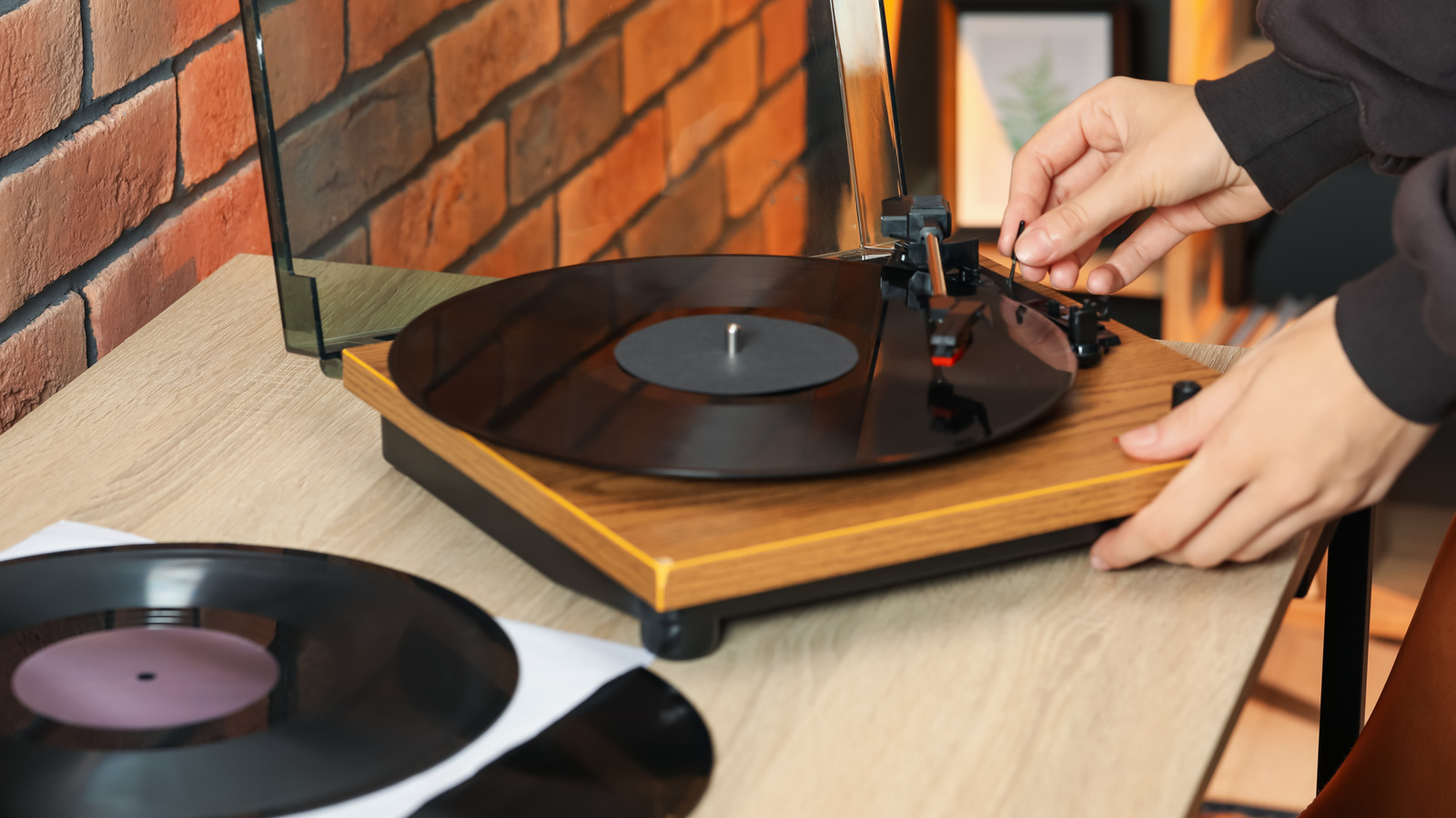
8 Major Vinyl Player Brands Ranked From Best To Worst

New Africa/Shutterstock

We may receive a commission on purchases made from links.

Vinyl’s comeback is often framed as a nostalgic blip, but that explanation collapses when you look at who is actually driving sales. According to Luminate’s 2025 year-end data, vinyl sales rose for the 19th consecutive year in 2025, with Taylor Swift leading the U.S. vinyl albums list and selling over 1.6 million units of her album “The Life of a Showgirl.” This helps to retire the assumption that physical media is a niche hobby sustained mainly by older collectors.

Renewed interest in physical records isn’t limited to pop fandom or retro aesthetics. As Rolling Stone notes, collecting physical media has become a conscious choice, especially among people immersed in digital culture. Vinyl is an alternative music trend to streaming services for some listeners, and even CDs are making a comeback. 

Once vinyl becomes part of how you actually listen, the turntable behind it begins to matter. And that’s where things get tricky. Today’s market is full of record players that make a great first impression, but not all age well. For this article, we looked beyond early hype to how turntables hold up over time, considering build quality, upgrade potential, and what owners say after years of use. The brands below are examined through that long-term lens, drawing on user experience and community reputation. A detailed breakdown of our rankings is available at the end of the piece. 

Technics – Tanks of turntables

Spend enough time in vinyl forums, Reddit threads, or audiophile groups and a pattern becomes hard to ignore: When the conversation gets serious, Technics shows up. In most discussions, the brand is considered legendary, especially the SL-1200 series. Much of that reputation comes from its long-standing dominance in DJ culture. DJs relied on Technics for its direct-drive design that delivered high torque, rock-solid speed stability, and the ability to hold pitch under demanding conditions. That same engineering rigor is why its turntables continue to be respected among home listeners. 

Owners routinely describe their Technics decks as “tanks,” and not in a romantic, retro way. They mean machines that keep working, year after year, with minimal servicing, even as everything around them is upgraded or replaced. What’s striking is how often Technics shows up in years-later discussions. Many users talk about buying a Technics turntable decades ago, or picking up a used one from the ’70s or ’80s, and still using it today. The reputation extends beyond vintage nostalgia too. Modern Technics models are discussed with the same seriousness. 

In upgrade themes, it’s common to see users moving from respected belt-drive decks — often from Pro-Ject, or Audio-Technica to models like the SL-1200GR or SL-1500C — and describing the switch as worth it. Professional coverage mirrors this sentiment. What Hi-Fi? consistently places Technics models in specialist categories, including premium turntable suggestions. Perhaps the strongest argument for Technics at number one is how rarely it’s described as a stepping stone. Plenty of people upgrade to Technics. Few feel the need to upgrade from it. Technics earns its top ranking as it remains respected over time.

Pro-Ject – Perfect for clear upgrade paths

Pro-Ject is the brand many people lean towards when they need high quality at affordable prices. In vinyl conversations, Pro-Ject is rarely framed as your final turntable, and that’s okay. Its potential to evolve its setup is actually the reason the brand is ranked so high. In user discussions, Pro-Ject comes up as an enthusiast-driven brand that offers upgrade paths. Pro-Ject turntables support cartridge swaps and integrate easily with external phono stages. Platter upgrades on several models are also available. Many users on Reddit highlight the brand’s attention to essentials like proper tonearm adjustments and a sound motor, without pushing prices into high-end territory. 

HiFi Daydreaming positions Pro-Ject’s X1 as a strong long-term investment due to the model’s possible incremental upgrades, allowing listeners to progress further without changing the core turntable. What Hi-Fi? has recognized Pro-Ject across multiple categories. The Primary E won best budget turntable for getting the sonic fundamentals right at an accessible price. The Debut EVO 2 earned best mid-range turntable, and the T1 EVO BT placed as the best Bluetooth turntable. Few brands manage to span entry-level to mid-range so convincingly without diluting identity. Pro-Ject positions itself as an adaptable, modular turntable brand that helps listeners enjoy the process of learning about vinyls and gradually improving their vinyl setup.

Rega – Highly regarded for sound, but selective in appeal

Rega is mentioned a little later than brands like Technics or Pro-Ject, in debates between vinyl enthusiasts centered on direct-drive designs, built-in features, or expansive upgrade ecosystems. What consistently defines the brand, however, is its emphasis on musicality and fundamental sound performance. Rega built its reputation on musical, engaging playback. Vinyl Revival refers to the Planar lineup as exemplifying Rega’s “signature musicality,” highlighting its analogue warmth, dynamic scale, and cohesive presentation. What Hi-Fi? named the Rega Planar 3 RS Edition the best 2026 turntable overall. 

However, Rega’s minimalist design comes with trade-offs — one of the reasons we kept it at number three. On models like the Planar 2, changing speeds requires lifting the platter and moving the belt manually. Some users accept this part of the analog experience. Others find it to be unnecessary friction, especially when similarly priced alternatives offer electronic speed switching. Many experienced users suggest skipping the Planar 2 entirely and stepping straight to the Planar 3 for its ability to add an external speed control switch. The Planar 3 also has a superior tonearm and offers better upgrade potential. At its price point, however, Technics might offer more practical, long-term options.

Owners who buy into Rega’s philosophy stay content for years. Those who move on usually do so without disappointment, realizing they want more control or flexibility than Rega offers. It’s not trying to compete on flexibility or ease of use. Its strength lies in musical presentation, and that decision continues to resonate with experienced listeners.

Fluance – A safe setup

Fluance builds its reputation on sound quality that punches above its price point. Its dense plinths have robust quality, and it’s a safe step-up choice for listeners who have moved past entry-level gear. Most Fluance models prioritize ease of setup, with factory-mounted and pre-aligned cartridges, including Ortofon models on higher-tier units. Forbes describes the brand’s setup process as “straightforward” and beginner-friendly. This ease makes Fluance a natural fit with listeners building a simple system before moving deeper into traditional hi-fi. 

Models like the RT85N maintain strong ratings on Amazon and are considered great value for money. Many people prefer Fluance for its high upgradability. A drawback is that it doesn’t offer extensive features like Bluetooth connectivity. Perhaps the brand has calculated that serious vinyl listeners care more about how music sounds than about peripheral features. Although it has great sonic capabilities, it lacks a strong long-term ecosystem. 

Fluance caters to listeners who have spent enough time with records to care deeply about sound quality, but also who are not looking to invest four figures in a turntable. The brand doesn’t offer the long-term ecosystem of Pro-Ject or the sophisticated identity of Rega. However, it also avoids the compromises and inconsistencies common at lower price points. That balance makes Fluance a safe, sensible choice for anyone stepping up from entry-level turntables.

Audio-Technica – A practical compromise for new enthusiasts

Audio-Technica strikes an interesting paradox in the turntable world. It’s one of the most recommended brands for newcomers, but also criticized by experienced audiophiles. The split exists because the brand’s strength lies in its affordability rather than sonic ambition. Its turntables are designed to remove points of friction for users. The built-in preamps eliminate the need for additional equipment, USB connectivity lets you digitize records without buying separate hardware, and multiple speed support makes setup and operation easy. The brand’s most popular turntables sit in the AT-LP60 and AT-LP120 ranges, dominating first-time vinyl purchases. Dapper & Groomed describes the AT-LP60X as a fully automatic, “easy-to-use” turntable aimed at making vinyl accessible for beginners. 

That approach, however, also explains the brand’s ceiling. Among audiophiles, Audio-Technica rarely earns long-term loyalty. In discussion threads, it’s sometimes described as a brand more respected for its cartridges than its turntables. Despite that, user satisfaction remains high. Most of its turntables, like the AT-LP60X, hold strong Amazon ratings, often averaging around 4.5 stars. That reputation extends to other categories, including Audio-Technica’s high-quality headphones. Owners rarely regret buying an Audio-Technica turntable; they simply outgrow it as their expectations evolve. It remains a solid recommendation for beginners, especially at its cost, and suits anyone unsure whether vinyl will be a long-term hobby. 

U-Turn Audio – Easy to own but often outgrown

U-Turn Audio has built a brand around simplicity, aesthetics, servicing, and American manufacturing — qualities that resonate with certain buyers but leave others questioning the value proposition. The appeal is obvious when you look at an Orbit turntable: clean lines, attractive wood plinths, and color customization. U-Turn has successfully marketed itself as the choice for people who care mainly about how their turntable looks in their living space.

The criticism comes when you compare what you get for the price. Many users mention persistent grounding issues. Entry-level Orbit models lack features that competitors include as standard: no electronic speed switching, no cue lever on basic configurations, no adjustable anti-skate, no detachable headshell. TechGearLab’s review captures the tension: the Orbit Plus delivers decent sound quality and looks great, but the price makes it hard to recommend when Fluance or Audio-Technica offer more features or better performance for similar or less money. However, U-Turn earns respect through the customer support it provides. 

U-Turn’s value proposition is highly preference-driven. If you love the aesthetic and appreciate the customization, you will probably be happy. If you are strictly optimizing for sound quality per dollar, you might choose something else. A turntable is the kind of audiophile gadget that should level up your music experience, and for users who are looking for qualities beyond pure performance this brand can deliver. 

Denon – Living on past glory

Denon’s story is one of dramatic divergence between past and present. Vintage Denon turntables from the 1970s and early 1980s are highly respected and actively sought by older users. Modern Denon turntables? Not so much. The reception toward contemporary models is far more reserved. Expert users instead look to brands like Rega or Fluance. So, while the vintage second-hand Denon gear is often recommended, new models are hardly discussed or preferred.

TechRadar’s review of the DP-300F shows the modern Denon dilemma. It’s positioned as a great turntable because of its fully automatic operation and built-in preamp, features that make it easy to use. But the review also notes the model’s average sound quality and limited advanced features, acknowledging it won’t satisfy listeners seeking high-end performance. It’s a contrast to the older Denons that would receive nothing but praise from owners. Outside of turntables, Denon is ranked among major Bluetooth speaker brands, however, its products in that space also come at a higher price point.

Users say that once you factor in cartridge upgrades and other improvements needed to get decent performance from modern Denon models, you have spent enough that alternatives simply make more sense. Fluance and Audio-Technica provide better bang for your buck. And vintage Technics models are clearly superior at similar prices. For buyers interested in vintage gear, Denon from the right era is absolutely worth considering. For anyone looking at new models, the vinyl community’s message is clear: there are better options at every price point.

Crosley – The brand everyone warns you about

The most common type of comment around Crosley’s turntables reads something like: “Whatever you do, don’t buy a Crosley.” Experienced listeners warn that starting your vinyl journey with a Crosley can sour the vinyl experience entirely, leaving newcomers with a skewed impression of how vinyls are supposed to sound. The issue goes beyond subjective taste. Many Crosley-style players rely on higher tracking force and lack proper tonearm geometry, which audio reviewers have noted can accelerate record wear and compress musical detail. Wirecutter, for instance, has explained that excessive tracking force, used to prevent skipping on cheaper mechanisms, comes at the cost of long-term record health. Even on Crosley’s own website, some models hover around 3.5 stars.

For serious users, vinyl is often about slowing down and creating a good listening experience. That’s where Crosley’s design priorities start to show its limits. Inconsistent speed, audible distortion, and mechanical noise interrupt longer listening sessions, pulling attention back to the equipment instead of letting the music recede into the background. Its vintage suitcase designs attract beginners, who often end up disappointed and blame vinyl itself. The Daily Illini cautioned first time buyers to “beware” of Crosley turntables and not to purchase them solely for their “cute, retro designs.”

To Crosley’s credit, the company has attempted to address some of these criticisms with a handful of higher-end models. But its reputation with users is largely set. In the vinyl community, Crosley is a cautionary example. If someone wants to get into vinyl, any other brand in this ranking will serve them better.

How we ranked these turntable brands

Rabizo Anatolii/Shutterstock

We ranked vinyl turntable brands based on long-term ownership experience and sustained reputation within the vinyl community. Our research drew from extended user discussions across vinyl forums, Reddit threads, and audiophile communities, alongside coverage from established audio publications. We looked for long-term trust: whether owners stick with a brand, upgrade around it rather than away from it, and how experienced listeners discuss it. 

These rankings are meant to help readers understand which brands tend to suit different listening priorities and levels of commitment. As with other vintage tech products value is proven over time — longevity matters more than hype. That’s why brands like Technics and Rega make sense despite the higher cost. Pro-Ject appeals to enthusiasts who want room to upgrade and experiment as their setup grows. Fluance fits listeners who value strong sound performance without moving into higher price tiers, while Audio-Technica works well for newcomers who want a reliable, approachable entry point. Brands that struggle fail to answer one key question: why choose this over something else? 

Nevertheless, the best turntable for you isn’t necessarily from the highest-ranked brand. It’s the one that matches your priorities, budget, and how seriously you take this hobby. Now you know which brands have earned respect, which ride on aesthetics or convenience, and which to skip entirely.

Source

Posted on

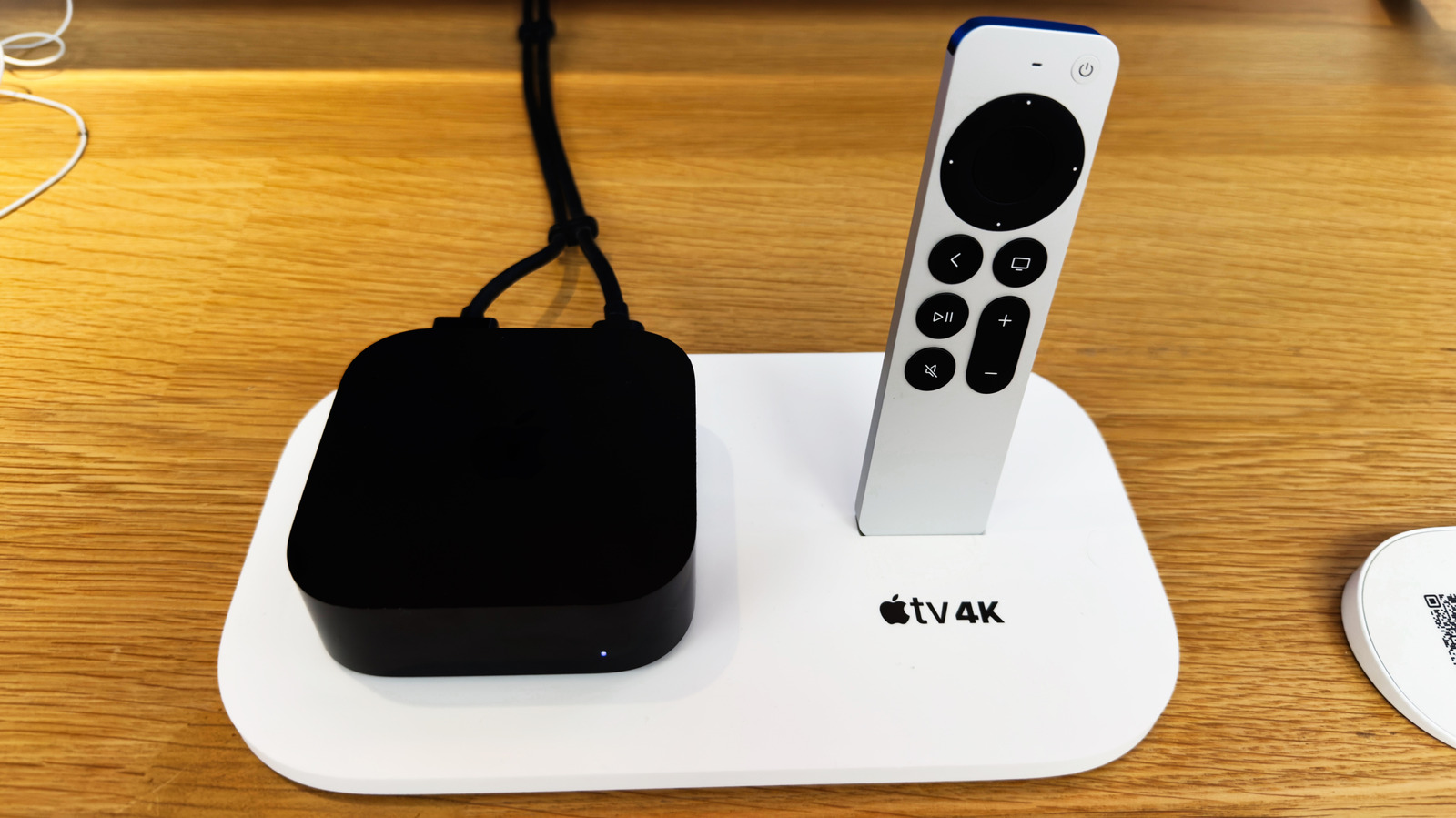
How To Prevent Your Apple TV From Spying On Your

AS photo family/Shutterstock

Smart TVs can spy on you by tracking what you watch, what you search, and a whole lot more. Some smart TV manufacturers have even been sued for these spying allegations. One of the most prominent ways a smart TV operating system tracks you is by using something called Automatic Content Recognition (ACR). ACR is pretty invasive and is built into TVs from some of the biggest smart TV brands, including Samsung, LG, and Sony. Fortunately, Apple TV devices, which rely on the company’s tvOS platform, don’t include ACR and have a relatively better privacy track record than other platforms.

However, that doesn’t mean Apple TVs lack any sort of tracking, and you can keep using them without worrying about your privacy. Depending on the options selected when you set up your Apple TV device or run an app for the first time, the company or the developers of the app installed on your Apple TV could be getting information about your location, analytics data, what you are searching, and more. So, if you care about your online privacy and would rather not have your information being fed to Apple or app developers, here are some privacy settings you should adjust.

Changing Apple TV app tracking and analytics data sharing settings

Gaurav Shukla/BGR

Apple TV makes it pretty easy to change most of its privacy-related settings, even if you skipped them when you were setting up your device. You can find all the relevant options under the Privacy and Security section in the General menu of Apple TV settings. tvOS versions 17 and older have the Privacy section instead of Privacy and Security. The first notable setting you’ll find in Apple TV’s privacy settings is Tracking. It includes an option to allow or deny apps to track you and lists apps for which you have requested permission to track you. This permission allows them to track your activity across other apps and websites. For example, you might have allowed Crunchyroll, which is a popular anime streaming service from Sony, to track your activities.

You can select Crunchyroll and remove that permission. You can also deny all apps from asking to track by disabling the Allow Apps to Request to Track option. Additionally, you can stop sharing analytics data with Apple or app developers. The option to stop analytics data sharing is also found under Privacy and Security. Scroll down to the Analytics and Improvements section and turn off Share Apple TV Analytics. Below this option, you’ll also see the setting to allow Apple to use your Siri interactions to improve Siri and dictation. You can also turn it off if you don’t want Apple to use your voice data.

Restricting access to location, Bluetooth devices, and more

Gaurav Shukla/BGR

Besides app tracking permissions, you get the option to check and restrict permissions to access your location, photos, Bluetooth, microphone, camera (if available), Apple Home data, and your activity in Apple Music and media library. Simply navigate to Settings > General > Privacy & Security, and you’ll find each of these options listed. You can go into each option to check if any of your installed apps have access, and if you think that access is unnecessary, you can revoke it.

If you also use the company’s Apple TV streaming service, the app tracks what you’re watching, downloading, browsing, etc., to give you personalized content recommendations, among other purposes. If you don’t want to get these recommendations, you can go to Settings > Apps > TV > Use Play History and turn off the option. However, there is no way to turn off the data collection, as it’s used by the company to figure out how many people are watching its shows, pay royalties to content owners, etc. Once you have updated the privacy settings on your Apple TV, here’s how you can also prevent smart Android TVs from spying on you.

Source

Posted on

Aeris, Verizon Business aim to simplify global IoT expansion

Looking to transform how multinational enterprises manage and scale international internet of things (IoT) deployments, wireless management platform firm Aeris has announced a partnership with Verizon Business.

The Aeris IoT Accelerator (IoTA) Services is designed to enable multinational enterprises to localise US devices in weeks instead of months using Verizon Business’ IoT connectivity and ThingSpace platform, all through a single global architecture.

Industry analysts have highlighted the necessity of this unified approach. John Gole, research director of IoT and mobility at IDC, noted that while organisations see IoT as a key part of strategic digitisation, deploying these solutions remains challenging for those with ambitious plans to incorporate AI and automation. IDC further projects that the overall investment in the global IoT ecosystem is expected to surpass $1tn in 2026 as industries such as manufacturing, utilities and retail ramp up digital business investments.

The solution is based on the new SGP.32 eSIM standard and supports 5G-enabled, mission-critical use cases across automotive, industrial automation and smart cities, while extending security through the Aeris IoT Watchtower platform for unified monitoring and zero-trust control.

Created by the GSMA, the industry body responsible for mobile communication standards, SGP.32 is a global, next-generation eSIM standard for remote SIM provisioning in IoT devices – especially those with no user interface. It is designed to enable the large-scale, hands-off management of eSIM profiles, making it easier to deploy and operate IoT without physical access.

While eSIM technology has been available for consumer devices, managing these digital SIM profiles in IoT devices comes with unique challenges. For example, many IoT devices lack a user interface, making manual SIM management impractical.

SGP.32 has been designed to address such limitations and builds on existing eSIM technology, introducing a more efficient way to remotely manage IoT connectivity. It allows SIM profiles to be managed remotely through a centralised platform, enabling automated updates and provisioning – even for devices without user interfaces or located in hard-to-reach areas.

The Aeris and Verizon Business integration will use the latest SGP.32 eSIM standard to facilitate remote provisioning and centralised management, allowing businesses to activate devices in multiple countries. The system is designed to support 5G capabilities, including low latency and high bandwidth, which Aeris regards as essential for mission-critical applications in automotive, industrial automation and smart cities.

The collaboration directly addresses the primary challenge – the friction caused by fragmented platforms and complex domestic connectivity stacks – for global IoT carriers attempting to localise in the United States. By combining Verizon’s massive U.S. network and ThingSpace platform with the Aeris IoTA platform, enterprises can now manage US and global deployments through a single pane of glass, ensuring consistent commercial terms and unified SIM management.

The collaboration also introduces Aeris IoTA Inbound Services, a solution that integrates the IoTA Connectivity Management Platform directly with Verizon ThingSpace platform to simplify multi-region operations. The collaboration has already enabled US-based enterprises with outbound connectivity for international IoT deployments using Aeris IoTA, and the extension is intended to broaden those capabilities by opening up the US market for global device fleets.

“Global enterprises require a strategic shift away from the inefficiency of juggling numerous connectivity contracts and disparate platforms,” said Mark Cratsenburg, chief commercial officer of IoT business unit at Aeris. “Through this integration with Verizon, Aeris is delivering a unified solution that allows our tier one global partners to expand their IoT customer solutions into the US market with speed and simplicity while continuing to enable a seamless experience for Verizon customers deploying devices outside of the US.”

Shamik Basu, vice-president of strategic connectivity and IoT at Verizon Business, added: “Our collaboration with Aeris allows us to enrich the IoT experience for global customers by providing them access to our top-class connectivity and platforms in the critical US market. As IoT becomes increasingly mobile and global, collaborations like this one provide customers unprecedented reach and seamlessness without compromising on reliability and value, which is critical for meaningful international expansion.”

Source

Posted on

Cyber association launches code of conduct for security pros

ISC2, the non-profit membership association for cyber security professionals, has launched a code of conduct to spread more ethical, principled practices across the global cyber security trade.

The ISC2 Professional Code of Conduct builds on the association’s existing Code of Ethics, and has been developed with input from ISC2 members from all over the world.

It sets out to codify professional obligations and responsibilities, and reaffirms the importance of ethical behaviour, and offers guidance in areas such as sound decision-making, establishing and fostering trust, and upholding their professional integrity.

All this is set against the context of the rapidly evolving digital world, as the security profession works out how to navigate ethical challenges posed by artificial intelligence (AI), disinformation, and other threats. ISC2 said the code would help them navigate such challenges with confidence.

“Cyber security professionals have a profound responsibility not only to protect and secure individuals, organisations and systems around the world but also to uphold the integrity, accountability and trust that the profession depends on,” said ISC2 CEO Scott Beale.

“The Code provides a shared foundation for guiding ethical decision-making and professional conduct, especially as emerging technologies like AI reshape how organisations operate and how security decisions are made.

“Leveraging the collective input and decades of experience from ISC2 volunteers, the Code provides comprehensive guidance for everyone working in the cyber security field,” said Beale.

The code itself is organised around two core pillars – Ethics and Professional Conduct. The first of these sections covers topics such as integrity, client (or victim) confidentiality, respect for laws and regulations, and wider public safety and societal impact. The second section addresses areas such as accountability and responsibility, collaboration and teamwork, competence and continuous improvement, and reporting concerns and other issues.

Living document

The code was developed by a diverse taskforce of almost 1,400 ISC2 member volunteers, who have been meeting regularly to discuss the issues they face in their day-to-day work, and the opportunities that such a code could present.

Some of the key stages in its development included a major feedback-gathering exercise from ISC2 members, and external sources from the world of academia and industry. The volunteers themselves represented a diverse spread of ISC2 membership, with contributors ranging from the organisation’s basic Certified in Cybersecurity (CC) badge holders through to more advanced Certified Information Systems Security Professional (CISSP) practitioners, helping ensure and validate that the code is suitable for cyber pros at all stages of their careers.

Going forward, it will serve as a ‘living document’ subject to further amendment and refinement as the profession evolves in the coming years, and as-yet-unforeseen challenges emerge.

Panos Vlachos, an ISC2 member and code volunteer, said: “As emerging technologies, particularly AI, become more integrated into cyber security and organisational workflows, we created guidelines on ethical implementation and integration.

“Our goal with the global code is to ensure that AI and other transformative innovations align with ethical best practices, fostering responsible adoption while mitigating potential risks,” added Vlachos.

ISC2 member Srija Reddy Allam, who also sat on the panel, said they hoped both ISC2 members and non-affiliated security pros would use the code as a guide and mirror to inform their work, and reflect on their role in shaping a safer digital environment.

“In a field like cyber security, where not every situation has a clear rulebook, the Code can serve to navigate grey areas with integrity,” said Allam. “I also hope it becomes a shared foundation across the profession, encouraging accountability, fostering trust and reinforcing that how we work is just as important as what we do.”

Source