Posted on

What Makes The Kindle Colorsoft Signature Edition Different?

We may receive a commission on purchases made from links.

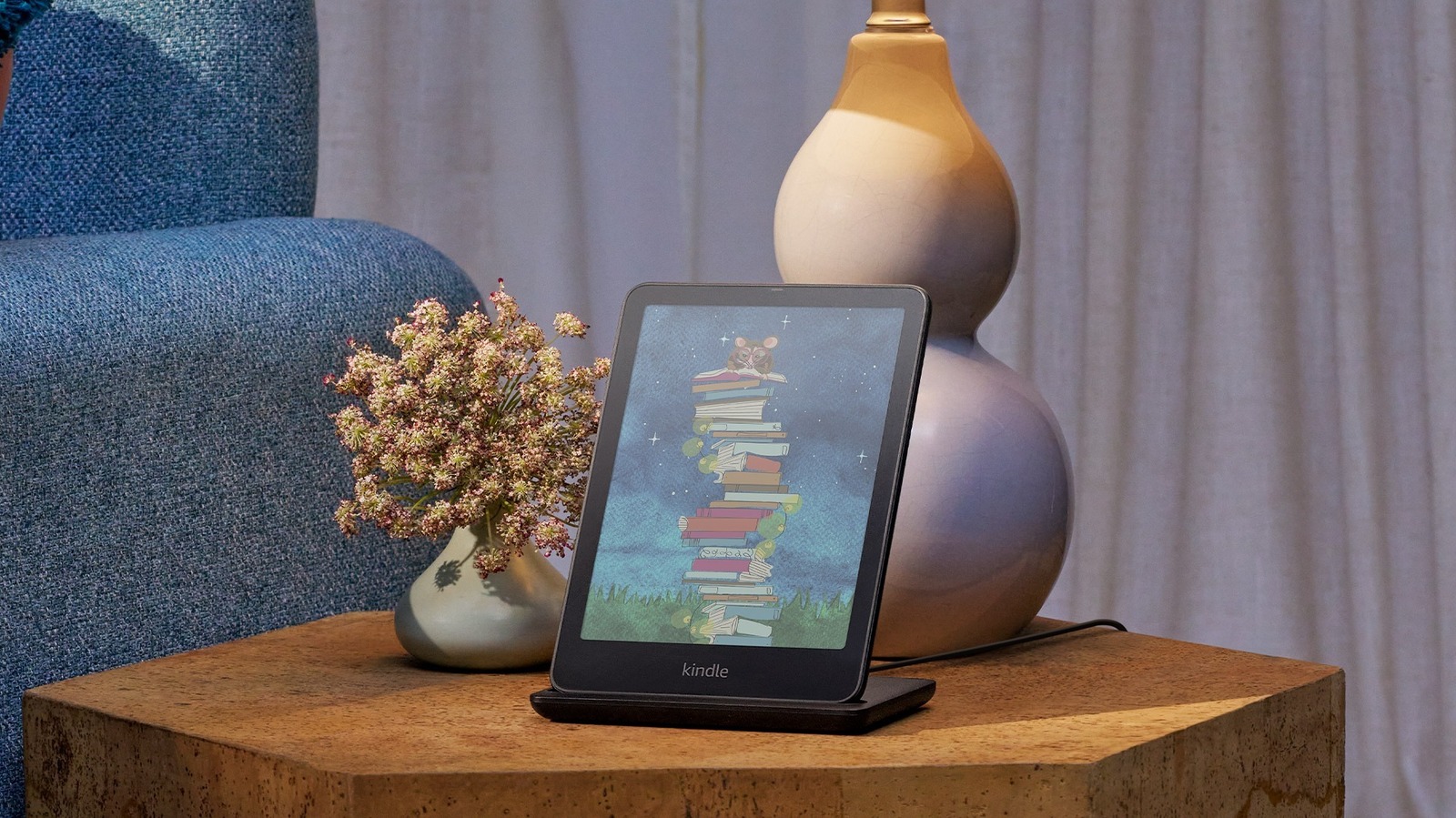
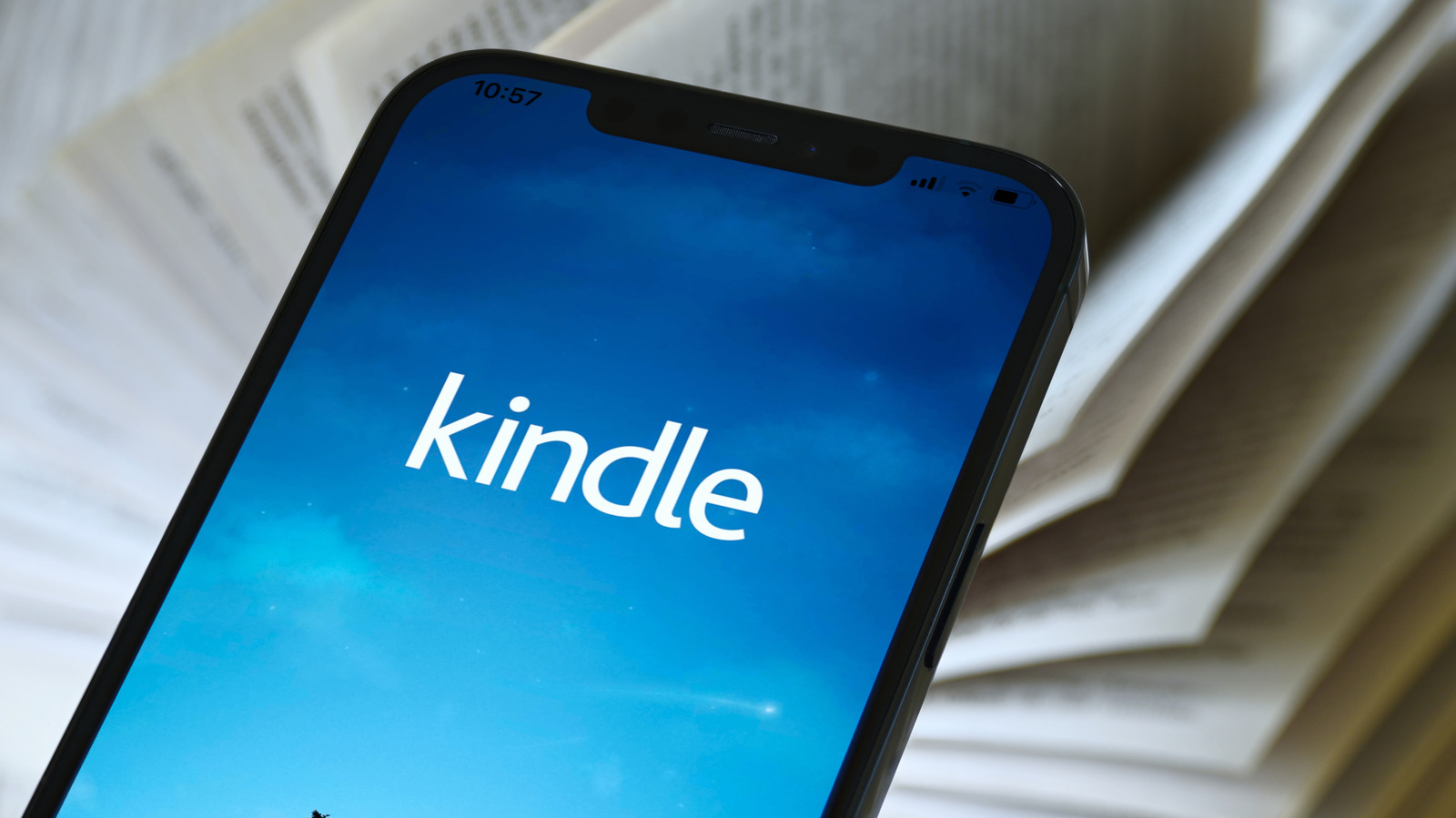
When you think of a Kindle, the first thing that comes to mind is the grayscale display that makes the pages look like printed paper. It’s easily one of the reasons why reading on a Kindle beats your smartphone, and for over a decade, it has stayed that way for all the different Kindle models that hit the market. Come 2024, though, Amazon redefined the monochrome Kindle line with the introduction of its first color e-reader, the Kindle Colorsoft Signature Edition. It works just like any Kindle, but with a colored interface instead of the traditional black-and-white display. That means your book covers, highlights, and comics and manga content now appear in their original color.

Following the release of the Colorsoft Signature Edition, Amazon came up with the basic Kindle Colorsoft in July 2025. It’s $30 cheaper than the first Colorsoft model, which might make you wonder what makes the Colorsoft Signature Edition different and worth looking into. Well, the Colorsoft Signature Edition actually includes more premium features, specifically larger storage capacity, wireless charging, and an auto-adjusting front light sensor. Let’s go through a more detailed breakdown of those extras.

Kindle Colorsoft vs. Kindle Colorsoft Signature Edition

The Kindle Colorsoft and Kindle Colorsoft Signature Edition are two models that look exactly the same but function a bit differently under the hood. Both come in the same dimensions, but the Signature Edition is slightly heavier, by 0.1 ounce. They both feature the same seven-inch glare-free color screen, with a resolution of 300 pixels per inch (ppi) in black and white and 150 ppi in color. However, what makes the Signature Edition’s display different is the integrated sensor that automatically adjusts the brightness of the front light depending on the ambient lighting. The basic Colorsoft, on the other hand, needs manual adjustment.

Like any other Kindle, both devices have storage built in, but the difference in capacity is massive. While the Colorsoft includes 16 gigabytes (GB) of storage, the Signature Edition offers twice as much, at 32 gigabytes. Battery life is similar with either Kindle model, usually lasting for as long as eight weeks on a single charge, if you read 30 minutes a day with airplane mode on and the light setting at level 13. Once drained, both Kindles take under 2.5 hours to charge with a 9-watt USB charger. The Signature Edition also offers wireless charging, though. You can simply place it in the Made for Amazon Wireless Charging Dock and leave it for 2.5 hours until it fully charges, something you can’t do with the basic Colorsoft.

If you like reading by the pool or in your bathtub, the Kindle Colorsoft is no different from the Colorsoft Signature Edition. They’re both rated at IPX8, meaning they’re waterproof and can be submerged in fresh water up to 6.5 feet (two meters) deep for an hour without running into issues — not that you should be reading underwater!

When to choose the Colorsoft Signature Edition

The Kindle Colorsoft Signature Edition might look more appealing because of its premium features, but that doesn’t automatically mean it’s always the better buy between the two. If you read lots of comics and manga or prefer audiobooks over regular books, then going with the Colorsoft Signature Edition does make sense since you won’t use up its 32 GB storage as quickly as the Colorsoft’s 16 GB. If you mainly read regular books, though, that 16GB would be more than enough to accommodate thousands of titles.

If you hate the hassle of dealing with charging cables, you’d appreciate the Kindle Colorsoft Signature Edition’s wireless charging capability. But that also means spending more, as you have to buy the charging dock, which is sold separately. And that doesn’t even take into account the difference between the prices for the two models: $249.99 for the Colorsoft, $279.99 for the Colorsoft Signature Edition.

Another thing to consider when deciding which model to go for is how much you prefer auto-brightness over manual adjustment. Unlike with the Colorsoft, you won’t have to change the brightness on the Colorsoft Signature Edition every time you move from the bright outdoors to your dark bedroom. It adjusts on its own, so it’s one less Kindle setting to change and worry about. If you’re on a budget and can live without the convenience of wireless charging and auto-brightness, the Kindle Colorsoft is likely enough for your needs.

Source

Posted on

Why Is Google Getting Rid Of Assistant?

In March 2025, Google announced that Gemini AI would be replacing Google Assistant on most Android phones, with the exception of those running Android 9 or earlier or with less than 2 GB of RAM. Months later, it revealed Gemini integration would come to Google Home, replacing the older Assistant software over time. None of this news was shocking, as it became clear that Google Assistant’s time was short the previous year when Gemini began taking over tasks for Android apps like Google Messages and Spotify. In the announcement, Google executive Brian Marquardt cited a desire to bring Gemini to as many of the company’s users as possible.

This may be frustrating to Assistant users who prefer it to Gemini for its simplicity, but it makes sense why it’s being phased out. Google’s first two-way virtual assistant was released in 2016, a very different time for artificial intelligence. Back then, Assistant was praised for being able to answer questions more reliably than its competitors, but a decade later, those virtual assistants and board game champions are quaint compared to the likes of ChatGPT and Claude.

Gemini is taking over for Assistant

The Google Gemini logo on a laptop, with a smartphone sitting on the keyboard arda savasciogullari/Shutterstock

It’s undeniable that Google Gemini is far more powerful than Google Assistant. As a large language model (LLM), it’s designed to understand more natural speech and complete more varied and complex tasks, like managing your inbox or comparing options for things like car rentals and flights. That said, the added complexity and greater language capabilities open up the door for mistakes and misinterpretations.

Reddit users who have made the switch have voiced frustration with Gemini, with complaints including missing features and the chatbot giving overly complicated answers to simple questions. There are even a few on Google’s own support forum who say they might switch to iPhone over their dislike for Gemini. As with other tech, there are also concerns about using Google Gemini, including uncertainty over privacy issues and how AI biases might impact responses. Many AI experts don’t trust AI chatbots, which have been known to hallucinate, and Google’s own AI Overviews have made truly outlandish mistakes like telling users to put glue on pizza.

For those who aren’t ready to say goodbye to Google Assistant just yet, the good news is that Google is taking longer to retire the software than expected. Though the company previously announced that Assistant would become unavailable by the end of 2025, a December 2025 update noted that it was pushing its transition into 2026. For the time being, Android users can still switch between Assistant and Gemini, but note that once you switch to Gemini on Google Home, there’s no going back.

Source

Posted on

5 Of The Most Popular Apps In China

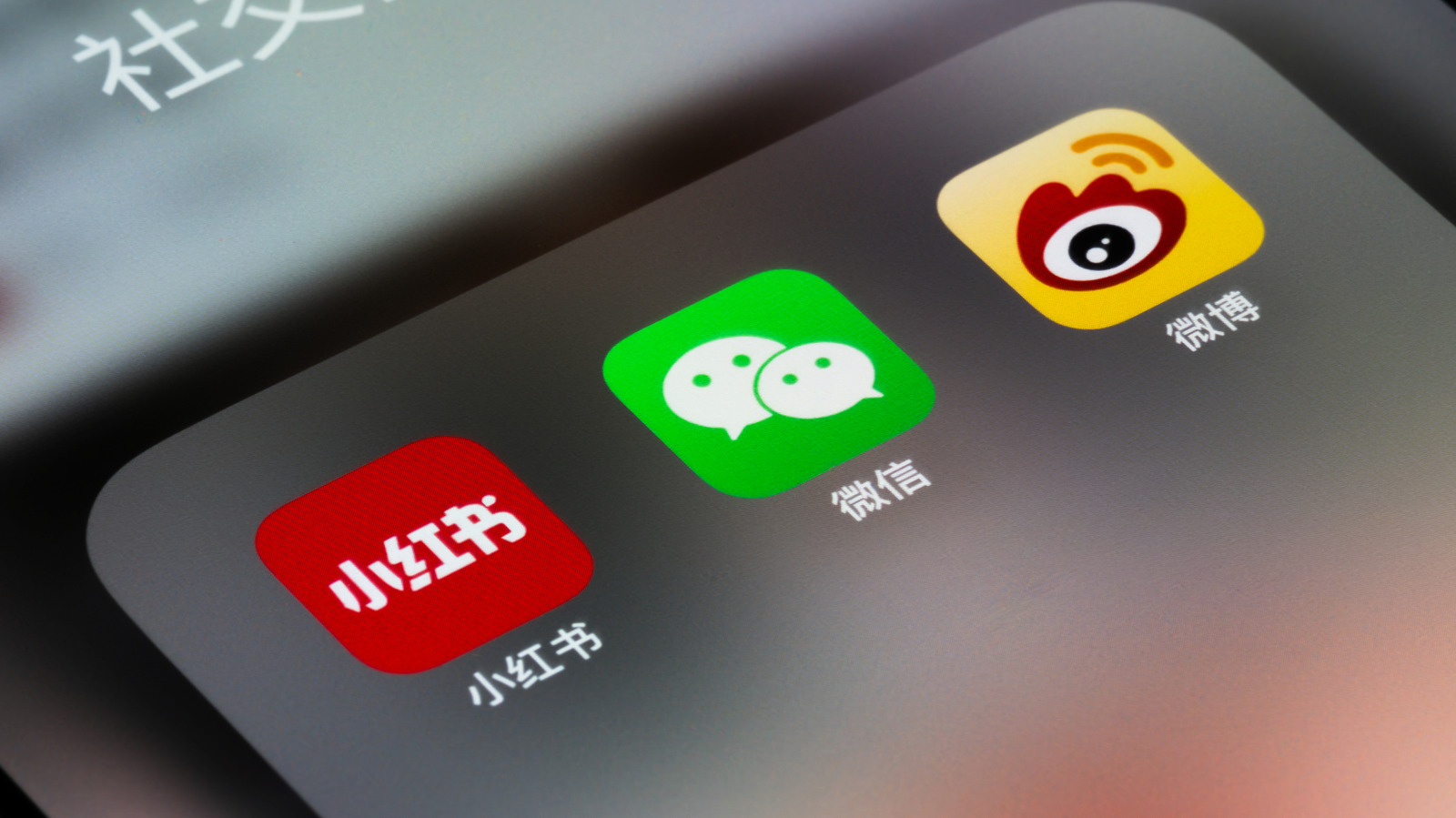
Close-up of three popular chinese social media apps Tao Wang/Getty Images

In China, the most popular apps aren’t the giants you’d expect from Google and Meta, and, in fact, there’s a good change you’ve probably never heard of any of them. The FBI warns Android and iPhone users to avoid certain apps that could give the Chinese government access to user data, but using the “Great Firewall of China,” it also engages in internet censorship, which includes smartphone apps. This has resulted in ubiquitous Western apps such as Instagram, DoorDash, and YouTube being replaced by Chinese apps Rednote, Bilibili, and Meituan, respectively, as the most popular options among users.

Besides that, China has a unique structure of apps where some of them are known as “super apps,” which is the case of Wechat and Alipay. In these platforms, you not only communicate with your family and friends, but you can use it to pay for goodies, watch videos, get train tickets, and more. We’ve already put together a list of the 14 best apps you should download, but here’s everything you need to know about some of the most popular apps in China and how they compare to the options available in the West. 

Rednote

An iPad displaying the rednote app against a judge's gavel and dark keyboard background. Bangla press/Shutterstock

Rednote, which is also known as Xiaohongshu, evolved from a niche travel PDF into a global lifestyle app. It was founded in 2013, and, at the time, was used as a guide for Chinese shoppers traveling abroad. Quickly, it changed its business to blend community reviews with a seamless marketplace. With around 350 million monthly active users, its features focus on multi-image and video posts that have long-form captions making it a visual search engine, similar to Instagram.

The app works as a “utility-driven” platform as it has found success for users trying to get their latest skincare routines, travel itineraries, or other fashion trends before making a purchase. The app itself calls its users as “villagers,” as it sees the world as a “global village,” where people can connect and communicate. When compared to Instagram, it’s possible to see that Rednote is far ahead with its social shopping features, while Meta’s app is still exploring these capabilities. After all, Instagram is all about scrolling and seeing what friends and celebrities are doing. Rednote, on the other hand, takes a bit of that to focus on how users can discover new products, places to travel and eat, and share experiences in a single platform.

Meituan

Meituan logo on phone screen stock image. Mamun_Sheikh/Shutterstock

A super-app for local services, Meituan was founded in 2010 as a group-buying site and quickly became a lifestyle titan. As of 2024, the app had close to 800 million annual transacting users and more than 14 million active merchants, and it combines a mix of local commerce, like Meituan Waimai, which is the largest food delivery service in the country, and Meituan Instashopping, offering on-demand grocery and pharmacy delivery. As a super app, though, it also includes other products such as bike-sharing, power bank rentals, and hotel/travel bookings, and generative AI to help travel itineraries and local discovery among users.

The app could be thought of as a combination of several Western apps like DoorDash, Uber Eats, Yelp, Expedia, Groupon, and Lime, as the Chinese app’s greatest strength is its all-in-one integration. That said, someone could read reviews of a restaurant, book a table, order a taxi to get there, and even pay for the meal all within the same application. The app is essential for buying local products online and getting nice-to-have experiences in the cities whenever you need to transport, get some power on your phone, and more.

Bilibili

A close up of an iPad screen displaying the bilibili app. Bangla press/Shutterstock

Bilibili is China’s leading video-sharing platform, which combines professional user-generated content, and animation, comics, and games community. Launched in June 2009, it started as a sanctuary for anime fans, but it has now achieved a broader demography becoming a mainstream cultural hub for Gen Z users. By early 2026, the platform had around 376 million monthly active users.

Besides consuming video, the platform features Danmu, which is a system where users’ comments scroll horizontally across the video in real-time, synchronized to specific moments. The idea behind this feature is to give a sense of companionship, as viewers can feel as if they were watching content with several other people simultaneously. What’s interesting about this function is that users need to pass a 100-question membership exam to ensure they can also comment on these videos.

For Western counterparts, Bilibili would be described as a hybrid of YouTube, Twitch, and Netflix, as it’s a creator-first platform. It has a massive live-streaming ecosystem rooted in gaming and esports, but Bilibili also acts as a major production house and distributor for professional anime and documentaries.

WeChat

On the screen, the logo of the WeChat application is visible. miss.cabul/Shutterstock

WeChat might be “the” Chinese app. Launched in 2011 by Tencent, it began as a mobile messaging service designed to disrupt traditional SMS. Fast forward to 2026, WeChat features 1.41 billion monthly active users, and it’s practically mandatory for anyone in China to talk with friends, coworkers, and family members. Besides the chat abilities, WeChat also features Moments, a social feed with Instagram Reels-like videos, WeChat Pay, which is a mobile wallet, and Mini Programs, which are sub-apps that run within WeChat and can let users order taxis, book medical appointments, or play games without a separate download.

Of the Chinese apps mentioned above, WeChat is the only one I actually use as it’s the best way to communicate with my Chinese-based friends, public relations, and more. To compare this platform with a Western option, we would be talking about something like WhatsApp, even though the platform offers a lot more features than WhatsApp. While Mark Zuckerberg continues to make WhatsApp into a super app, as you can pay inside the app, watch Status, create communities, and more, WeChat is also a mix of Paypal, Amazon, and Yelp, as it integrates all these apps’ key features into its own software. Not only that, but WeChat isn’t just a social media, but even your digital ID and utility bills can be managed inside the platform.

Alipay

Alipay application on phone screen Ployker/Shutterstock

Alipay is another giant Chinese app. It’s the world’s leading digital payment and lifestyle platform, and it was established in February 2003 by the Alibaba group. At the time, it was designed to solve the issue between buyers and sellers on the e-commerce site Taobao. However, the app quickly evolved and as of 2026, Alipay connects more than 1 billion active users to over 80 million merchants within China. When considering Alipay+, which integrates with international e-wallets, we’re talking about 2 billion user accounts worldwide.

With Alipay, users can chat, make payments, use Mini Programs for local services like insurance and utility bills, and even use the new AI Pay feature, which is an agentic commerce that allows users to authorize payments via voice and AI agents for a hands-free experience.

The most similar experience for Western users would be combining PayPal and Apple Pay, but none of these services embrace the enormous platform Alipay has become, as it’s not just a digital wallet, but an all-in-one app for everyday needs, communicating with friends, paying bills, and anything in between.

Source

Posted on

How Long Do Smart Plugs Last On Average?

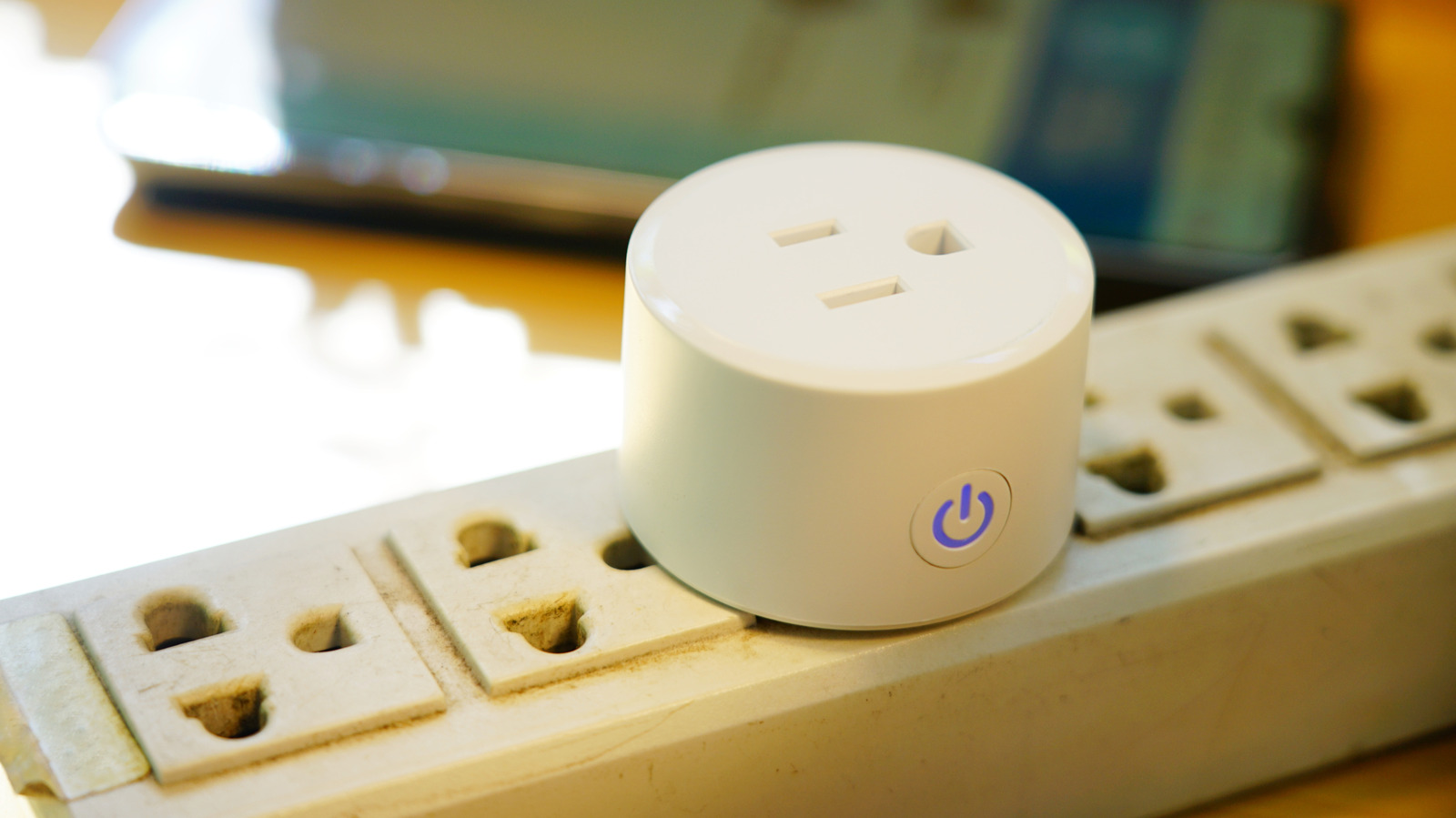
Close-up of a smart plug on a surge protector Supersmario/Getty Images

The smart home market has been exploding during the past several years. One of the simplest ways to join this revolution is through smart plugs. Among the cool things that smart plugs can do, they’re highly versatile for simple electronics, lamps, and fans. They’re often significantly cheaper than buying a dedicated smart device, such as a smart thermostat, and they allow you to sync up to a smart assistant like Google Nest or Alexa for voice control.

However, like all electronics, smart plugs come with an expiration date. On average, you can expect a smart plug to last for three to five years, potentially longer if you properly care for it. Since one of the primary benefits of a smart plug is the opportunity to save power and money, a longer lifespan naturally incurs more savings.

Another major advantage of a smart plug is the sustainability angle. However, for a smart plug to justify its green argument, it needs to save more energy over its life than what’s used in its embodied or total manufacturing. You can support this requirement by being gentle and strategic with how you make use of your smart plug to ensure its longevity.

How to extend your smart plug’s lifespan

A collection of loose smart plugs Simpson33/Getty Images

The main enemies of a smart plug are heat, electrical stress, moisture, and mechanical wear. With these threats in mind, avoid running your plug at its maximum load when possible. You can begin this process by looking at the plug’s wattage/amperage rating. If you’re approaching that rating with high load devices like space heaters or air fryers, the internal circuitry can heat up more and wear out faster. You should also avoid devices that require continuous, uninterrupted power or manual control, like medical equipment and certain power strips, as highlighted in BGR’s guide on devices you should never use with a smart plug. 

Also, try to avoid high-inrush (startup surge) devices, unless your plug is explicitly designed for them. Devices like refrigerators or pumps pull a ton of current on startup, ultimately stressing and wearing the plug. You’ll also want to keep a smart plug as cool as possible by placing it in a well-ventilated space. For example, try to avoid stashing it in a cramped area behind your desk, and ensure it remains free of dust.

More life-extending tips and signs your smart plug is struggling

A woman controlling a smart plug with her smartphone Daisy-daisy/Getty Images

Another way to keep your plug performing optimally is to ensure it always has the latest manufacturer firmware. You don’t need to check daily, but scheduling a monthly check-in is a good idea. Updated firmware can improve thermal management, connectivity stability, and fix bugs.

You’ll also want to reserve smart plugs for dry, clean environments. Unless the plug is specifically rated for outdoor use, you should avoid using it in places like bathrooms, kitchens, or near steam sources. Moisture means corrosion, and corrosion can lead to short circuits, which can be a fire hazard along with shortening your device’s lifespan.

Primary signs that your smart plug may be reaching the end of its lifespan include discoloration or yellowing around the prongs or the outlet, unusual sounds (crackling, buzzing), or an ionized, electrical smell. Additionally, any intermittent shutoffs or an increase in heat output are signs it’s time to retire your plug. If you need a replacement, check out our expert-tested recommendations.

Source

Posted on

4 Cool Kindle App Features You Won’t Find On An

Amazon Kindle app on a smartphone K I Photography/Shutterstock

There are several reasons why reading e-books on Kindle beats reading on your phone, including Kindles being better for your eyes than phones or tablets. Anecdotal evidence also suggests that the Kindle e-readers have a long lifespan, with some folks managing to run them successfully for nearly a decade. However, the Kindle reading apps that many use on their smartphones, tablets, and desktops have a series of benefits and features that you don’t get on the e-reader. The benefits can come in handy for someone who prefers using their phone for reading or uses both the e-reader and their mobile device, depending on the situation and need.

These Kindle app-exclusive features range from offering you a nice recap of the part of the book that you have read so far to a nifty reading ruler for better focus. Remember that the availability of these features can vary across platforms, and one platform, such as Kindle for iOS, typically gets the features first, before they roll out to the other platforms. If you have access to them, though, they’re worth at least checking out.

Story So Far

Although both Kindles released since 2018 and Kindle apps can recap most books you’ve already completed, in case you want a more current refresher, only the Kindle app has the Story So Far feature to refresh your memory of a book you’re still reading. As the name suggests, Story So Far recounts the gist of the part of the book that you’ve read so far, helping you remember in case you’re returning to a read after a long period away. The feature only tells you the spoiler-free version to avoid any accidental reveals.

Story So Far is unfortunately limited to Kindle for iOS in the U.S. as of May 2026. To access, press and hold the book in your Kindle library and look for the “Read recap” button. Alternatively, when you have the book open, use the three-dot menu to navigate to Recap and then select Story So Far. It’s unclear when the feature might reach the Android version of the Kindle or the desktop apps.

Ask this Book

Ask this Book is another app feature that’s currently limited to the iOS version of the Kindle in the U.S. It’s easy to use and essentially works as your book assistant, answering your questions about various aspects of books, including characters, plot, and themes. According to Amazon, the responses are contextual and immediate, and they won’t spoil anything that you haven’t read already. You can use it to ask questions about a selected paragraph, what you’ve read until now, or the complete book.

You can access the feature via the in-book menu or select the paragraph you want to talk about, and you’ll get the Ask option in the context menu. The feature also supports follow-up questions and even suggests its own follow-ups. The company says it plans to bring the feature to the Kindle for Android app, as well as the Kindle e-reader itself, later in 2026.

Reading Ruler

A series of screenshots showing the Reading Ruler feature on Kindle for iOS Gaurav Shukla/BGR

The Reading Ruler is an accessibility feature that you can enjoy on Kindle apps. Although designed to help folks with dyslexia, ADHD, or visual stress focus on one line of text at a time and make it easier to read, it can help anyone. It also comes in handy to mark where you left off when you put away your phone or tablet for a few minutes. The Reading Ruler essentially creates a colored overlay bar on the part of the text you’re reading.

The Reading Ruler on the Kindle app also gives you the option to change the bar’s color, opacity, style, and size to suit your needs. You simply move the Reading Ruler with your fingers as you continue reading. To use the feature when you’re reading a book in the Kindle app, simply tap the center of the screen to get the reading toolbar. Then, navigate to Aa, select More, and then Reading Ruler.

Continuous Scrolling

A pair of screenshots showing the Continuous Scrolling feature on Kindle for iOS Gaurav Shukla/BGR

If you don’t like constantly swiping to the next page in an e-book, the Kindle app-exclusive Continuous Scrolling feature will be most useful to you and will probably help in reading the book faster. As is evident from its name, the feature tweaks the layout of the e-book and essentially removes the pages, making the whole book a continuous scroll. However, Continuous Scrolling may not be available on all titles, particularly e-books not purchased from the Amazon store, because of different formats. More importantly, the feature is limited to the Android and iOS versions of the Kindle app and cannot be used on desktop apps or Kindle e-readers.

To enable Continuous Scrolling, open any e-book in your Kindle library and tap in the center of the screen. Then open the Aa option in the menu and navigate to Layout, where you will get the option to toggle the feature on or off. Once the feature is turned on, you can simply scroll up or down to read the e-book, and save a bit of time.

Source

Posted on

14 Cool Mini Gadgets You Can Find On Amazon

We may receive a commission on purchases made from links.

Amazon is home to tons of cool gadgets for practical use and entertainment. If you are looking to shop on the site for products that are unique but useful, go no further. We handpicked some of the coolest mini gadgets on Amazon that won’t disappoint you.

There is a mini arcade machine that will instantly take you back to the ’80s with all the old-school games it has to offer, a mini air pump to inflate your pool toys, and a lot more gadgets that will all fit into your travel purse or even pocket, so you can take them anywhere you want. To ensure quality, we only selected devices with a minimum four-star rating from at least 1,000 customers. Please see our methodology below. 

Jisulife 3-in-1 Handheld Mini Fan

Beat the summer heat with the Jisulife Handheld Mini Fan, which can provide up to 19 hours of refreshing breeze in a single charge. What’s interesting is that it is not only a fan but can also recharge your devices on the go via a USB port. There’s also an integrated LED light that activates by long-pressing the power button.

Moreover, the three-stage foldable design makes it super easy to carry, while also allowing for a stable placement on any flat surface. You can switch between two speeds by short-pressing the power button. The fan blades are made of soft plastic that bends upon touch to stop the fan’s operation instantly, thereby avoiding any accidents. Additionally, it works with minimal noise output — 60 decibels — which isn’t too bothersome to your ears. 

The gadget is listed on Amazon for $17.99 and has garnered a score of 4.6 from 76,554 reviewers, who applauded its usefulness across multiple situations, such as an outdoor travel gadget.

Etenwolf Air 3 Air Pump for Inflatables

The Etenwolf Air 3 Air Pump is a tiny pump created with a 2,600 mAh battery that can generate a maximum pressure of 0.65 pounds per square inch (PSI) to quickly inflate pillows, pool floats, vacuum bags, and air mattresses in a few minutes. However, you should not try to use it to inflate car tires, as it is not powerful enough.

The hand-sized design makes it convenient to carry, plus there’s also a hook you can use to attach the gadget to your backpack. It has an LED light with three working modes: 60 lumens, 200 lumens, and 600 lumens. For $18.69 (after a 38% discount), you also receive five different nozzles to make the air pump compatible for a variety of tasks. 

The product is not only useful for inflating but also deflating objects. 3,941 customers gave it an average of 4.5 on the product page, praising its build and the fact that it can be used as a power bank too. 

Odistar Desktop Vacuum Cleaner

With the Odistar Desktop Vacuum Cleaner, you can always enjoy a tidy work desk. The cordless and compact design makes it capable of sliding between different objects and narrow spaces for efficient cleaning, while the 360-degree rotatable design allows it to clean corners and crevices with ease. It works on two AA batteries that can generate up to 90 minutes of cleaning performance.

This vacuum cleaner produces enough suction power to pull out tough dust and debris from the keyboard, monitor, and any flat surface. All the collected dust is stored in the trash compartment with a holding capacity of 6.8 fl oz (200 mL), so make sure to empty it after each cleaning spree. 

While working, it produces five decibels, which can be annoying at times, according to some Amazon customers. Available at a reduced price of $12.98, it has received 4.2 stars from 10,314 customers, making it a useful gadget to make cleaning easier.

Niimbot Mini Label Maker

The labels are useful all over the home and especially in the kitchen, where container labels eliminate the guessing time when picking the ingredients. The Niimbot Mini Label Maker has a rechargeable 1,500 mAh battery that can execute non-stop printing for up to four hours. 

Downloading the Niimbot app on your smartphone will let you customize the labels by selecting from an array of fonts, borders, logos, and more. And the best part is you don’t even require ink or toners with this label maker, so there’s no stress of purchasing regular refills. The device also has an indicator light where a red light indicates a problem with the printing job, while a green light is a positive signal. Moreover, the label paper is resistant to damage caused by water splashes, oil, and dust.

You can get the Niimbot Label Maker along with one pack of tape for $29.99 on Amazon, where it sits at a 4.6-star score from over 3,300 reviewers.

Talker Emergency Self-Defense Keychain

Having the Talker Emergency Self-Defense Keychain will give you a sense of security when traveling alone. This battery-powered gadget produces a loud, 140-decibel sound by pulling out the contact pin, which can be heard as far as 606 feet away. It will ring for 30 minutes before automatically turning off or until you reinsert the contact pin. The security device also has an LED light to help you see in the dark.

In addition, it is made from ABS materials that are durable but not waterproof. It is super easy to carry, as you can mount it on your keychain, backpack, or other personal belongings, thanks to the hook and lanyard design. With over 7,800 reviews on Amazon, it has collected a good 4.5-star rating, and you can grab a pack of two for $6.99, making it a relatively cheap gadget.

Dash Mini Waffle Maker

The Dash Mini Waffle Maker is among the smallest waffle makers you can get your hands on. It can fit easily into compact drawers or on the kitchen countertops, while also allowing you to enjoy freshly made waffles whenever you crave them. The 4-inch Teflon surface heats up evenly across the plate to ensure the waffles are cooked on all sides. Plus, there is a nonstick coating that aids in quick and easy cleanup without leaving tough residues.

All you have to do is plug in the waffle maker and wait for the indicator light to come on, signaling that the machine has preheated successfully. Next, grease both sides of the pan, add a small amount of batter, and let it cook. 

This waffle maker is currently on Amazon at a 10% discount, with the new price being just $9.89. Holding almost 127,000 reviews on the platform, it has an average rating of 4.6. Customers love its compact design and how perfectly it cooks the waffles in about three to four minutes without leaving any raw spots.

Thumbs Up Mini Arcade Machine

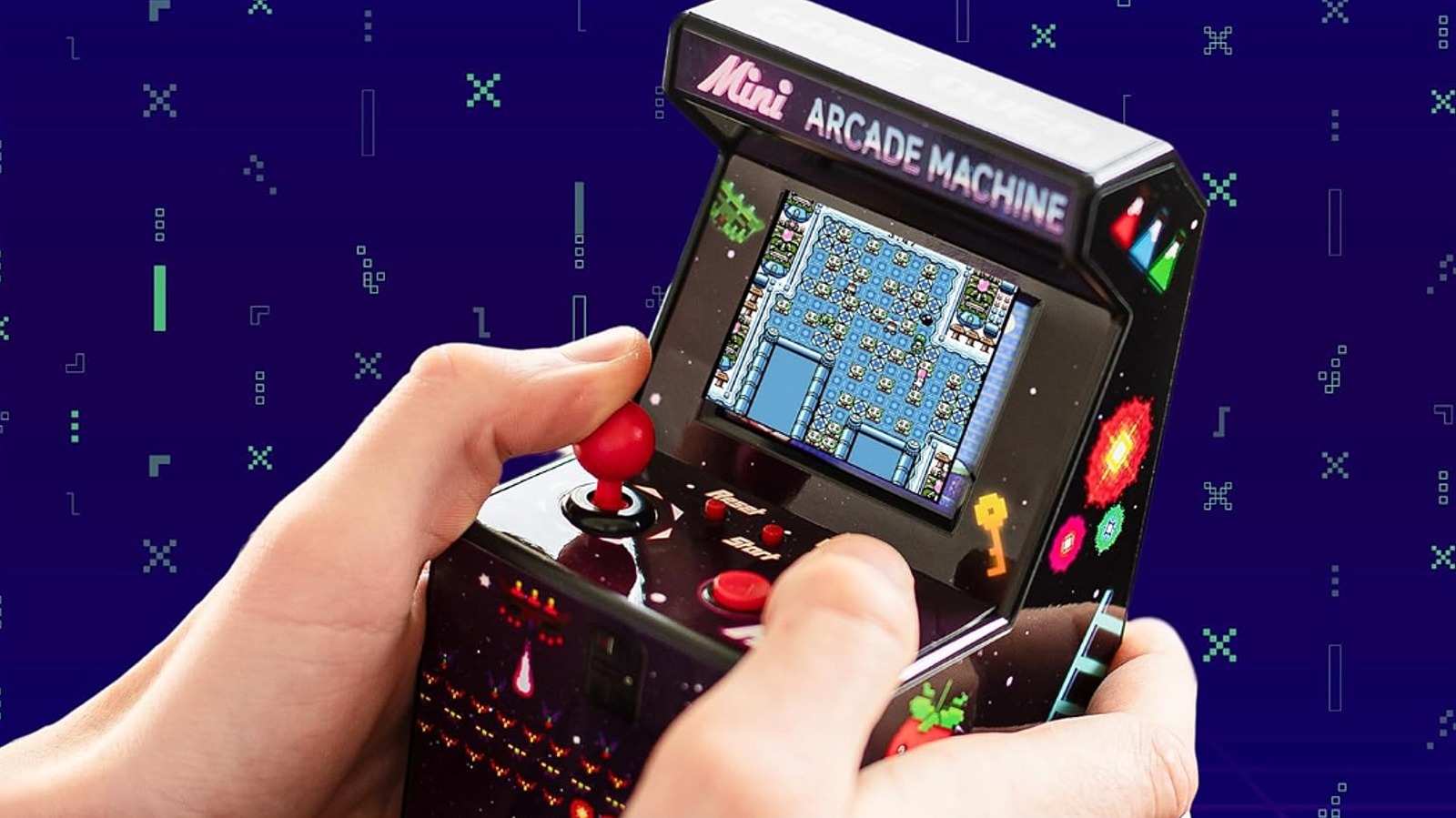
The Thumbs Up Mini Arcade Machine comes loaded with 240 retro arcade games, such as “Hit-Mouse,” “Space Invaders,” “Pac Mania,” and more. This cool retro gadget has an eight-way joystick and A/B buttons to control in-game movements, while the games are displayed on the full-color 2.5-inch LCD screen. Plus, the built-in speakers make the experience much more enjoyable by delivering the game sounds.

The best part is that you do not need a Wi-Fi connection to load or play these games; they’re already installed, so you can dig into the action no matter where you are. Currently, the mini arcade is on Amazon for just $26.99. With a score of 4.4 from 2,466 customers, the gadget has received praise from parents for the wide variety of games, which keep their children occupied for hours.

Visspl Mini Projector

The Visspl Mini Projector is compatible with many devices, be it Android, iOS, Windows, TV Stick, HDMI, or a USB. This projector delivers bright, colorful 1080p images from 35 inches to 160 inches. Moreover, there are built-in speakers to make the watching experience much more immersive. 

Buying this for a reduced price of $51.99 (with the original being $79.99), the package also brings a tripod to mount the projector for stable positioning at an ideal height. The lamp has a lifespan of around 55,000 hours with careful usage, while the high-efficiency cooling technology keeps it safe against overheating.

Users of this product loved its projection quality in dark rooms, along with the seamless setup and portable design. Consequently, it has an average of 4.3 stars, followed by 2,836 global ratings. However, one limitation with the Visspl Mini Projector is that you cannot project shows directly from renowned streaming platforms, like Netflix, Hulu, or Disney+, due to copyright issues — you will have to use a TV stick or other gadgets for watching content through these platforms.

Fosmon Mini Bluetooth Keyboard

Forget the hassle of having to repeatedly press remote keys in order to navigate through apps and screens on your TV. The Fosmon Mini Bluetooth Keyboard makes navigation much quicker and easier with a well-spaced keyboard and a dedicated touchpad through which you can control the cursor on the big screen with your thumb’s movements. It is compatible with various smart TVs, smartphones, laptops, and other devices through a working Bluetooth connection and can cover a range of up to 33 feet.

In addition, the device has a built-in rechargeable battery that can last for around 10 days with continuous use and up to 50 days on standby on a single charge. Four indicator lights keep you updated on the current battery levels while also showing whether the cap mode is activated or not, and if the device is connected successfully to the keyboard. For more convenient use in dark rooms, it comes with a backlight. With four stars from 13,223 buyers, this wireless keyboard can be bought for $29.99.

Htvront Heat Press

The Htvront Heat Press is a small and cute gadget that you can use for small DIY projects, such as pressing vinyl on T-shirts, tote bags, and more. It has an ergonomic handle for controlled application and a slider to adjust the temperature levels among three settings: 284 degrees Fahrenheit, 320 degrees Fahrenheit, and 356 degrees Fahrenheit, depending on the requirements of the task.

Moreover, this compact heat press comes with an aluminum alloy base that ensures even heating across the surface for an efficient press on all edges. Also, you get an insulated base with the gadget, where you can keep the heat press when not in use to avoid damaging the work surface. The overall heating time is pretty low, and it is resistant to high temperatures, ensuring longevity. 

Listed on Amazon for $21.99, the machine gathered a 4.6-star score via 4,440 reviews. Customers find it to be super useful for use in small projects, like applying patches or designs to shirts, as well as pressing pieces for quilting. They also praise the gadget’s quick heat and consistent results.

Olight Imini 2 EDC Rechargeable Keychain Flashlight

Boasting a 4.7-star rating from 8,750 customers, the Olight Imini Keychain Flashlight is one of the top-rated gadgets on Amazon. The ultra-portable flashlight produces 50 lumens, reaching 21 meters. The sturdy battery can last up to 60 minutes of continuous use. There is a magnetic base that allows it to stick to any ferrous surface for times when your hands are occupied in another task.

Furthermore, you can insert the keychain into any USB-A port for quick charging, such as on laptops. The aluminum alloy body makes it durable, while the IPX6 waterproof rating makes it safe against water splashes. The keychain is $19.99, but buyers find it worth the price due to its powerful performance and the magnetic mechanism that allows for a quick activation.

EWA A106 Pro Bluetooth Speaker

The EWA A106 Pro Bluetooth Speaker is designed with an IP67 waterproof rating, which makes it suitable for use in picnic settings alongside pools and beaches, as well as in the kitchen to keep yourself entertained while you cook. There’s a Hi-Fi passive radiator that helps mimic the rich bass and deep lows of your favorite music, while the high-performance drivers ensure loud and clear sound delivery.

In addition, the battery time is sufficient — around five hours at full volume and eight hours at 50% volume in one charge. Plus, a quick 30-minute charge via a one-ampere charger can bring you another three hours of play time, making it a perfect speaker to use while on the go. Also, the speaker has a buttonless design, except for the power button, pressing which in different ways lets you manage different functions. For instance, a single tap pauses/plays the music, and double and triple taps switch the track to the next or previous, respectively. 

If you head to Amazon right now, you can grab the speaker for $18.99 at a 24% discount, making it a cheap but high-quality speaker. This gadget has around 51,000 reviews that took it to an average of 4.4 for its travel-friendly size and an impressive sound output given the price and size.

Bebang 1000X Handheld Microscope

The Bebang Handheld Microscope has a five-level zoom range, between 200x and 1,000x, that provides a clear magnified image of the object at hand in 4K HD resolution on a two-inch screen to fulfill your curiosity. There are buttons to control the amount of zoom and a slider wheel to maintain a precise focus on the target area. Its portable design lets you carry it anywhere on your outdoor adventures and exploration trips, while the battery can perform well for up to 2.5 hours on one charge.

For a currently reduced price of $38.49 (with the actual cost being $54.99), you get one 32GB SD card, five microscopic glass slides, one Type-C charging cable, a neck strap for easy handling, and an EVA case to store it all in one place. Thanks to the memory card, you can record your favorite captures to view later. 

The microscope holds a 4.5-star score on Amazon, followed by 1,791 reviews. Parents of little kids especially found it to be a great gadget that sparks interest and curiosity in the children around them toward nature. Plus, the design is made well to fit into small hands for easy use.

Coslus T40 Mini Water Flosser

Flossing your teeth becomes much easier with the Coslus T40 Mini Water Flosser. You can adjust the water pressure between 30 and 140 PSI by selecting one of the four modes: soft, normal, power, and pulse, depending on the intensity of the cleaning you are expecting. Furthermore, there are four detachable jet tips — two standard, one orthodontic, and one tongue cleaning — for a full mouth cleaning.

People with braces and orthodontic sensitivities can use this water flosser without any worries, as all aspects are customizable. The case is designed with an IPX7 waterproof rating, which makes it durable, while the wide-mouth water tank allows for easy filling, and its spill-free structure protects the internal components against water seeping through. Plus, you can remove the tank whenever you think it is time to clean it for safe use.

The gadget can deliver up to a month-long performance on a full battery. On a side note, do not use it with hot water. It is on Amazon for $22.99. Moreover, this water flosser has scored 4.4 from 3,085 reviewers on the platform who appreciated its power and all the modes it offers to make flossing comfortable for a range of gum types and sensitivities.

Methodology

Holographic images of customer feedback and review boxes with different emojis. bixstock/Shutterstock

All the products in this list are rated at four and above with at least 1,000 reviews. We prioritized compact gadgets that are genuinely useful in the home and easy to carry while traveling. Purchasing them won’t be just another useless addition to your home. For instance, the mini Bluetooth keyboard makes typing easier on the big screens, while the heat press helps you with DIY projects and more. Consequently, they will come in handy on one occasion or another.

Source

Posted on

Anne Hathaway And Jared Leto’s Chaotic Apple TV Miniseries Is

Summer is swiftly approaching. A new slate of TV shows will soon premiere, but viewers are advised to look back into Apple’s catalog, where they’ll find a true story that continues to haunt the corporate world. “WeCrashed,” which debuted on Apple TV in 2022, chronicles the Icarian rise and fall of Adam Neumann, the famed WeWork executive whose reckless ambition saw him go from helming a $47 billion startup to unemployed in a matter of weeks.

Based on the eponymous Wondery podcast, the show harnesses the collective powers of its all-star cast to deliver a dramatic tale that, while potentially constrained by its subject matter, delivers more than the run of the mill startup drama. Instead, “WeCrashed” is a toxic romance as poisonous as WeWork’s financial statements.

The story follows Neumann, played by Jared Leto, as he builds himself into a messianic corporate ideologue, composed of equal parts spiritual guru, party animal, and snake oil salesman. Buoying his rise is his wife Rebekah, an actress-turned-kingmaker who serves as the spiritual backbone of both WeWork and its lead executive’s ambitions. Brilliantly depicted by Anne Hathaway, Rebekah Neumann brings an energy more suited for a cult compound than a boardroom. Somehow a larger personality than the Kaiju she plays in “Colossal,” Hathaway elevates “WeCrashed” into a Bonnie and Clyde tale of corporate malfeasance that strikes at the center of the grow-at-any-cost paradigm plaguing our social, political, and economic institutions. Somehow, when Rebekah tells Adam “you’re a supernova,” you can’t help but believe her. Unfortunately, you’re also left wondering if she understands the destructive power the dying stars wield. 

Romeo and Juliet go corporate

On its surface, “WeCrashed” is another in a line of startup-disaster tales. Created by Lee Eisenberg and Drew Crevello, the converted podcast tells the familiar story of an ambitious CEO building a glass empire on a pile of runaway spending and uncontrolled debt. It’s a formula that lends itself to great storytelling, giving rise to a host of adapted series, including Hulu’s “The Dropout,” in which Amanda Seyfried portrays the infamous downfall of Theranos executive Elizabeth Holmes. Despite “WeCrashed’s” predictable story structure, however, the magnetism of its protagonists makes it an entrancing car crash you can’t look away from.

Leto’s version of Adam Neumann is strangely compelling. Played like the lovechild of infamous director Tommy Wiseau, Steve Jobs, and Charles Manson, Leto uncannily renders Neumann’s messianic persona. Complete with unblinking eyes and a geographically-obscure accent, Leto bottles Neumann’s unique brand of charismatic fairy dust as he pitches WeWork as a tech venture seeking “to elevate the world’s consciousness.” “WeCrashed” confronts viewers with an unfortunate truth: a man who demands the world be served to him to the tune of Katy Perry’s “Roar,” is a compelling watch.

What sets the series apart is Hathaway’s searing portrayal of Rebekah. Its emotional touchstone, WeWork’s Chief Branding Officer reminds viewers that these corporate disaster tales are defined by their characters’ insecurities. In following the relationship between Adam and Rebekah, “WeCrashed” transforms from a story of runaway spending into a tragedy about two deeply flawed people urgently trying to force the world to endorse their own wishful views of themselves. Inspiring incredulity, embarrassment, and pathos with equal measure, the couple spends eight episodes attempting to actualize their own mythologies. As such, the show’s greatest strength is in portraying the deep emotional fractures beneath this veneer of social and economic invincibility.

A modern robbery

Watching “WeCrashed” is an exercise in schadenfreude perfect for the summer streaming slate. Much akin to the thrills of reality television, viewers are awestruck by the brazenness of the Neumann’s lies, parties, and platitudes. Those allergic to secondhand embarrassment are forewarned: “WeCrashed” is ripe with it. Often, the series feels like watching the class clown attempting to bluff their way through a school project, all while knowing that the evaluators aren’t buying it.

Of course, eventually, the bill comes due. From the opening scenes, we’re aware of the end costs of Adam’s scheming. As such, the tension of the show isn’t whether WeWork will succeed, but rather, whether the Neumanns are actually buying their own snake-oil. Like many scammers before them, Adam and Rebekah eventually discover the fragility of a world founded solely on the grandiosity of their own ambition. The duo exemplify the consequences of Silicon Valley’s runaway growth-at-all-costs culture. 

Unfortunately, the show also illustrates how the powerful are insulated from their own recklessness. Adam left WeWork a billionaire. He continues to helm a $2.5 billion real estate venture, lives in a lavish Miami mansion, and regularly waxes poetic about his business empire. Likewise, Rebekah recently announced that she would expand her private school SOLFL. Meanwhile, thousands of employees were fired, investors lost billions, and WeWork filed for bankruptcy.  Ultimately, “WeCrashed” is less a horror story than a tequila-fueled heist. The iniquity of this conclusion is paralleled in the show’s ending, which sports potentially the most absurd final scene in television history. Like Rebekah in its waning moments, viewers are likely to leave “WeCrashed” weeping for “The money! The money!” lost by the Neumanns’ unchecked audacity.

Source

Posted on

5 Nintendo Switch 2 Controllers Cheaper Than A New Set

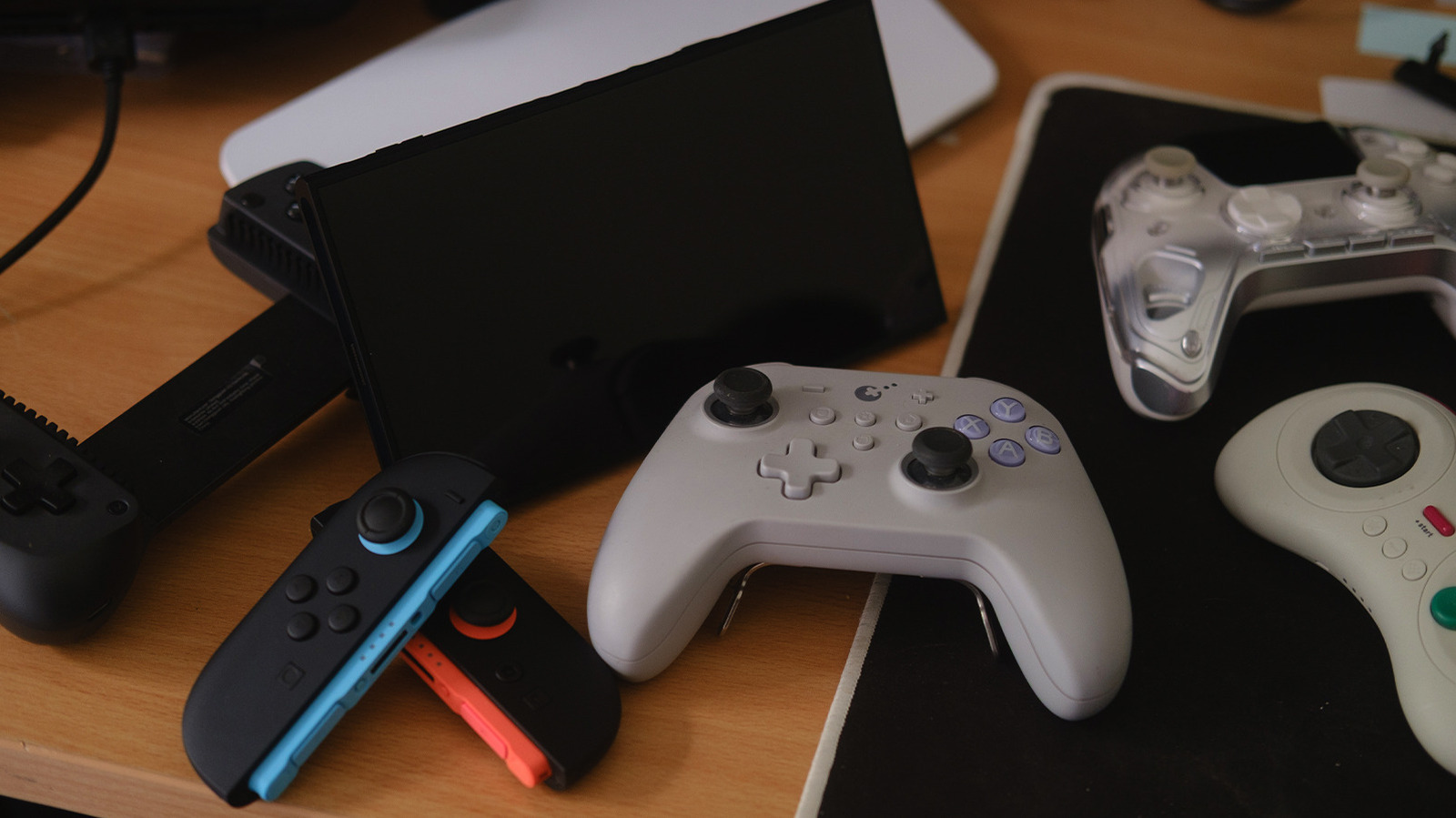
Controllers surrounding Switch 2 on desk Joel Loynds/BGR

We may receive a commission on purchases made from links.

The Nintendo Switch 2’s Joy-Cons are incredibly expensive. At $99 for a pair, it’s just par for the course now with official, first-party controllers. At the moment, though, unless you’re going to pay essentially the same amount for third-party Joy-Cons from companies like Nyxi and Mobapad, save a few dollars, you might as well grab a far better controller for less. There are plenty of solid options available, and they all neatly come in under Nintendo’s $99 price tag.

Some terms will appear, like Hall Effect and TMR, so let’s quickly run that down now. Hall Effect sticks and the relatively new alternative, Tunnel Magnetoresistance (TMR), reduce or eliminate stick drift by keeping the joystick in line via magnets. TMR’s advantage over Hall Effect is that it can’t be interfered with too much due to being lower power and using smaller magnets. For most players, this is a relatively minor difference.

Thankfully, almost every controller made for the original Nintendo Switch functions as expected on the Switch 2. Listings for these controllers have all been updated and verified by BGR to ensure they work as intended. Of course, by going to alternate brands, you will lose some functionality. These controllers won’t come with the ability to scan Amiibo through NFC, and there’s no dedicated GameChat button. However, you will get far more flexibility, and in almost every case, a controller that can be used across consoles, PC, and mobile.

GuliKit KK3 Max (or TT Pro/Max)

GuliKit KK3 Max on desk Joel Loynds/BGR

Debuting in 2020, GuliKit began providing replacement Hall Effect modules for original Joy-Cons, which had been plagued by “stick drift.” Since then, the company has moved into producing controllers, with the $79.99 King Kong Max 3 being our top recommendation. But we’re equally enthused by the $59.99 GuliKit TT Pro and the $69.99 GuliKit TT Max because, for a vast majority of players, the minor differences won’t be notable, much like the sticks included.

The KK3 Max and TT controllers are sublime to use, with a definitive weight and flexibility behind them. These also have “pro controller” features, like removable back paddles for additional ways to press buttons. GuliKit’s KK3 and TT controllers have a dedicated Switch mode (along with iOS, Android, and PC), and with the adjustable triggers, they can match the non-analog ones found on Joy-Cons, so there’s no delay between pressing the trigger and action on screen.

The TT Max’s major advantage is that it comes with a few more options. These include a ten-minute macro recording function, a switchable four- or eight-way direction pad, adjustable sensitivity, additional joystick caps, and software to swap between Switch and Xbox layouts. However, both the Pro and Max function the same outside of these additional features.

8Bitdo M30

8Bitdo M30 on desk Joel Loynds/BGR

8BitDo makes two appearances on this list, and there’s good reason — it’s ranked as one of the best controller brands you can buy. One of the major alternative controller brands at the moment, it provides decent pricing with excellent controllers. The $29.99 8BitDo M30 is no different, making it an excellent all-round option for retro or non-joystick needing games. Based on the Sega Genesis six-button controller, it makes playing classic games so much easier.

On the Switch 2, it hooks up over Bluetooth or can be wired in. The D-pad feels great under the thumb, providing great accuracy in games like “Super Mario Wonder” or some of the retro games included in the Nintendo Online subscription. In addition, those six buttons make the M30 into a stupendous budget fighting game pad for the various collections on the Switch.

There are multiple modes too, with the Switch just being one of them, including XInput and DInput for PC, and even a dedicated macOS setting. If you do pick up this controller, be sure to update the firmware to get access to the Switch 2.

GameSir X5s

GameSir X5s connected to Switch 2 on desk Joel Loynds/BGR

A little left-field, but the $68 GameSir X5s controller — from a brand that mostly makes controllers intended for phones — works great on the Switch 2. If you’re interested in a replacement for the Switch 2’s Joy-Cons that works well when using the console in handheld mode, the GameSir X5s makes for an excellent stand-in.

This is a great option with a relatively lower cost for a controller that can pilot multiple devices, including a PC, over Bluetooth or USB-C. The GameSir X5s is comfortable, light, and extremely portable, snapping back into position when you need to toss it into your bag. Its included gyroscope should also work with the Switch 2 as well.

Packed into the stretching controller are Hall Effect sticks, so drift won’t be an issue. While a little useless on Switch 2 due to the digital triggers, analog triggers on the X5s are also Hall Effect. Battery life is also not an issue, as the USB-C port is available on the bottom, unlike the Joy-Cons, which require a separate holder to play and charge.

ManbaOne Interactive Screen Controller

ManbaOne on desk Joel Loynds/BGR

A controller with an embedded screen? Whatever will they think of next? At $69.99, the ManbaOne Interactive Screen Controller is $30 cheaper than a set of Switch 2 Joy-Cons, and while the screen doesn’t provide direct interactions with your games, it does make it incredibly easy to pair with the Switch 2 and alter any settings without having to rely on an app. It even comes with a pair of back buttons for additional control over your controller.

Packing Hall Effect sticks, it is one controller that won’t begin to drift on you. Different from the other controllers on this list, the ManbaOne has these particularly clicky buttons that feel quite satisfying to play on. Bundled into the package is a charging dock, too, so you can leave it to power itself back up overnight in a neat fashion.

The all-white edition is also see-through, bringing that classic Nintendo Game Boy Color and Advance energy to the mix. Also, don’t let the “viral” marketing campaigns that ran through 2025, directing you to purchase via budget stores like Temu, dissuade you — this is a genuinely solid controller. For fans of RGB, it even has customizable lights on the side.

8BitDo Ultimate 2C

8BitDo’s Ultimate and Ultimate 2 controllers might be some of the best on the market, but what about the budget option? At just $29.99, the 8BitDo Ultimate 2C cuts down on the premium features like back paddles and a charging dock in favor of bringing a solid, under-$30 option. Despite the low price, it still houses Hall Effect sticks, so drift won’t be a concern.

There are two additional buttons next to the triggers and bumpers in place of the back paddles, which can be altered to suit your needs. The Ultimate 2C is possibly the best option at this price point, with solid build quality and Hall Effect. It might be a bit basic in terms of features compared to others on this list, but remember, it’s quite often under $30.

If you need a controller that’s just that — a controller — you can’t go wrong with the 8BitDo Ultimate 2C. Above that is the Ultimate 2, which is one of the best third-party Switch 2 controllers out there, but sometimes player two doesn’t need everything to be as fancy.

Source

Posted on

This Cool AirPods Health Feature Works Like A $3,000 Device

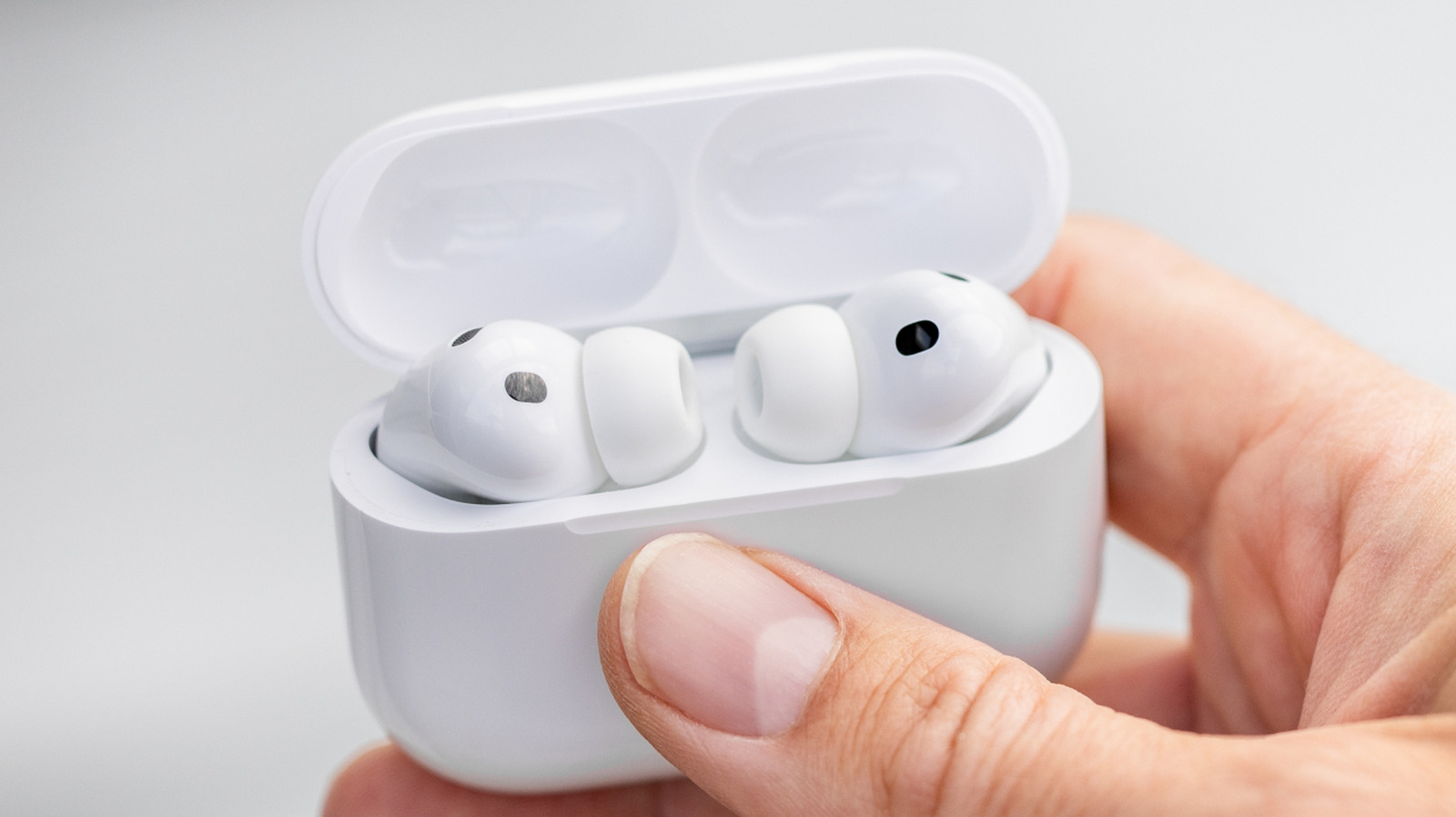
AirPods Pro 3 inside the charging case, held in hand. photoschmidt/Shutterstock

We may receive a commission on purchases made from links.

The average price of a pair of hearing aids is $2,694, according to a January 2026 survey from HearingTracker, a significant drop from $4,672 in 2018. Over-the-counter (OTC) hearing aids, priced at an average of $502 per pair, may be one factor behind this decrease. But people with mild to moderate hearing loss can pay about $160 for refurbished Apple AirPods Pro 2 or $249 for a new set of AirPods Pro 3, and use a U.S. Food and Drug Administration (FDA)-approved Apple hearing aid solution that can be set up at home. 

Interestingly, the AirPods Pro models do not appear in HearingTracker’s report, even though Apple’s Hearing Aid Feature (HAF) was authorized in 2024. The authorization came about two years after the FDA announced a new OTC hearing aid category, which is intended to make hearing devices more accessible. According to the agency, some 30 million American adults have various degrees of hearing loss, but only about a fifth of them may use hearing aids. This AirPods Pro health feature was the first FDA-authorized OTC hearing aid software when it was released.

The AirPods Pro retain features such as Active Noise Cancellation (ANC) and media playback while working as hearing aids. They offer a customizable fit thanks to various included ear tip sizes, and ANC can isolate background noise when listening to content or when the earphones are used as hearing aids. Comparatively, background noise reduction isn’t a guaranteed feature for medical-grade hearing aid models, which tend to be more expensive than the AirPods Pro.

Testing your hearing with AirPods

Apple’s Hearing Aid Feature is intended for people over 18 who have mild to moderate hearing loss, and requires an iPhone or iPad paired with the AirPods Pro 2 or AirPods Pro 3. Users have to wear their AirPods Pro to perform the hearing test, which requires going into Settings on the iPhone or iPad, tapping the AirPods Pro model, and selecting Hearing Assistance. There is a Take a Hearing Test option in here, or users can upload an audiogram from a previous test via the Use a Prior Test Result option. 

The AirPods hearing test can be performed at home, without medical supervision, and repeated as needed. Medical-grade hearing aid products, on the other hand, typically require an appointment with a medical professional for this test. Then, hearing aid providers will perform fittings for the affected ears. The devices may need adjustments and tuning in the future. As for estimated costs, HearingLife notes that the average price of its professional hearing aids ranges between $1,500 and $4,350 over the course of three years, a period that matches the product’s warranty. 

Apple recommends performing the AirPods Pro Hearing Test in a quiet environment to reduce external noise. The iPhone or iPad display uses moving visuals to indicate that the test is in progress even if you don’t hear sound. Users are asked to tap the screen when they do hear tones, and at the end, will receive hearing scores for each ear, an audiogram, and suggested next steps.

How to use the AirPods Pro as hearing aids

A person using AirPods earphones. Stas Malyarevsky/Shutterstock

Once enabled as hearing aids, users can adjust the audio parameters on their AirPods to improve the listening experience, including amplification, tone, and balance, in the AirPods Pro settings or Control Center on other Apple devices. Conversation Boost is another AirPods health feature that helps detect face-to-face conversations and focus on the person speaking to you. It can found in the Settings menu on iPhones, iPads, and Macs under AirPods Pro. 

There is also a Media Assist feature that leverages your hearing test results to improve listening experiences with music, video, calls, and FaceTime. With the Hearing Aid Feature, you can expect up to 10 hours of battery life in Transparency mode on the AirPods Pro 3. Apple does note that people with more severe hearing loss should see a doctor, and if the AirPods Pro can’t improve hearing, you may need to buy more expensive hardware. 

Medical hearing aids may not be as easy to set up as AirPods, but they do have a few advantages, like all-day battery life, behind-the-ear designs — versus the in-ear style of the AirPods Pro — and the ability to work with Android phones. In addition to improving hearing, professional hearing aids are often setup to assist with tinnitus. The iPhone’s Background Noise feature minimizes distractions to help with tinnitus, but it’s unrelated to the AirPods hearing aid functionality.

Source

Posted on

4 Underrated Soundbar Brands That Can Compete With Sonos

We may receive a commission on purchases made from links.

Immersive home theater sound doesn’t have to mean you’ve outfitted your living room with a massive armada of speakers and subwoofers. Many of the best soundbars on the market are fully capable of delivering an engulfing 5.1 experience or better, and one of the go-to brands for this level of power and sonic details is Sonos. Since the release of the Sonos Playbar in 2013, the prolific audio company has revolutionized the way we watch our favorite movies and shows, and that was after it revolutionized how we listen to wireless music.

Nowadays, Sonos’ soundbar lineup includes heavy hitters like the Sonos Arc Ultra for the biggest home theater footprints. There’s also the Sonos Beam (Gen 2) for small to medium-sized rooms, and even the Sonos Ray if you’re interested in giving your guest room TV a boost in sound quality. But as you may have guessed, Sonos isn’t the only celebrated soundbar maker on the market. There’s plenty of competition, and many of the best options tend to dip under the radar.

We’re talking audio titans like Nakamichi and JBL, along with a couple of other names in the premium AV sector. For your research purposes, we went ahead and picked out four underrated soundbar brands that can give Sonos a run for its money.

Nakamichi

While soundbars may not deliver the same level of immersion as a proper surround sound, Sonos gets pretty close, and so does Nakamichi. The latter may actually be a stronger option when it comes to cinematic details and pure power, and systems like the Nakamichi Shockwafe Ultra 9.2 eARC Soundbar are a testament to the brand’s home theater prowess. Delivering up to 1,300 watts, this monster soundbar bundle comes with two 10-inch subwoofers and four surround speakers.

It’s the kind of 360-degree audio that a bar like the Sonos Arc Ultra does a decent job with, but the Shockwafe has more discrete channels and increased speaker separation. In most rooms, this should translate to a wider soundstage with convincing rear and spatial effects. It also costs more to purchase a comparable Sonos Arc Ultra bundle with a Sonos Sub 4 and just two Era 100 speakers ($2,311 versus $1,900 for the Shockwafe). Unfortunately, $1,900 is toward the lower end of Nakamichi’s pricing, and there are a few tradeoffs, too.

While the Shockwafe Ultra 9.2 has three HDMI 2.0 inputs, digital optical, and a few other physical ports you won’t find on the Arc Ultra, it doesn’t support Wi-Fi. You’ll still have access to Qualcomm aptX HD via Bluetooth, but you’ll be missing out on features like multi-room audio, AirPlay, and ecosystem controls (e.g., Alexa, Google Home). Still, we’d be hard-pressed not to mention Nakamichi in a Sonos competitor roundup.

Sennheiser

While Sennheiser may best be known for its premium microphones and headphones, the German manufacturer also makes a handful of soundbars that can go toe to toe with the Sonos arsenal. Unlike Nakamichi, Sennheiser soundbars focus a bit more on surround virtualization, leaning on up-firing and side-firing drivers built into the bar to create a three-dimensional audio experience.

Systems like the Sennheiser Ambeo Soundbar Plus are more expensive than Sonos’ cinematic Arc Ultra ($1,800 vs. $1,100), but the former has more physical connectivity, including two HDMI inputs, an LFE output for a dedicated subwoofer, and stereo L/R audio out. Not only are these inputs and outputs that can be hard to come by on a home theater soundbar, but the entire Ambeo lineup can be connected to the internet, too. That means native support for platforms like AirPlay, Spotify Connect, and Google Chromecast, as well as built-in Alexa support.

There’s also the sub-$1,000 Ambeo Soundbar Mini, a smaller version of the Plus with fewer speakers and connections, but still enough room for two built-in woofers. Similar to the Sonos app, Sennheiser’s Ambeo OS software also gives you access to expanded features and settings, including a room calibration tool for shaping the bar’s performance to best match your theater space.

Klipsch

Klipsch has maintained a consistent presence in the home theater sector for decades. Revered for its signature horn drivers that double down on treble clarity, Klipsch carries this engineering over to many of its soundbars, making these systems particularly great for crisp, clear dialogue and vocals. But soundbars like the Sonos Arc Ultra and Sonos Beam (Gen 2) are just as good at spoken-word articulation, so what else can Klipsch soundbars do that Sonos should be worried about?

For starters, the Klipsch Flexus Core 300 5.1.2 Sound System (the Arc Ultra competitor) is the only soundbar on the market to feature Onkyo’s Dirac Live room correction software. Using sound-correcting algorithms to analyze speaker placement and theater footprint, Dirac Live ensures your Flexus Core theater is as immersive as possible. Every bar in the Flexus Core lineup supports Dolby Atmos, too, and the Core 300 also supports DTS:X.

The Klipsch Connect Plus app is robust companion software that gives you access to music-streaming platforms like Spotify Connect, Tidal Connect, AirPlay, and more. You’ll even gain access to EQ presets, Night Mode, Dialogue Boost, and other advanced customizations. And should you want to build out your Klipsch soundbar experience, you can add Flexus Surr 100 speakers and a Flexus Sub down the line.

JBL

Portable audio has always been a strong point for JBL, an audio brand perhaps best known for its wide range of Bluetooth speakers. Over the last several years, JBL has been experimenting more with home theater gear, including soundbars and AV receivers. Our focus will be on the former, as systems like the JBL Bar 1300XMK2 are exceptional in more ways than one, while challenging Sonos in several key categories.

For $1,700, the XMK2 features JBL’s PureVoice 2.0 and MultiBeam 3.0 audio tech for enhanced dialogue clarity and a wide, immersive soundstage. The system supports Dolby Atmos and DTS:X, whereas the Sonos Arc Ultra only supports Atmos, and the bar comes bundled with a powerful 12-inch subwoofer. While not as multi-room-friendly as the Sonos family, the XMK2 has a unique portability feature: Its battery-powered surround speakers are removable and can be connected to a Bluetooth device for music playback.

The XMK2 also has Wi-Fi support for access to services like AirPlay, Spotify, and Tidal, as well as room correction capabilities and built-in HDMI switching. If $1,700 is a bit too much, JBL sells lower-cost soundbars, too, including the $900 JBL Bar 700MK2, a 7.1 system that also has removable, battery-powered speakers.

How we chose these underrated soundbar brands

A Sonos display at a retail outlet. Cristi Dangeorge/Shutterstock

Multi-room audio is one of the main perks of a Sonos system, whether you’re buying one of the brand’s flagship soundbars or a single Era 100 speaker. We knew right off the bat that it would be a challenge to find competitors that could do whole-home audio better than Sonos, so we decided to focus on other important criteria, namely, price and overall performance.

We also stuck to reliable audio brands with proven track records. Each of the products we chose scored 4 stars or higher on Amazon or on the manufacturer’s site, and we made a point to compare them against recognizable Sonos products like the Sonos Arc Ultra and Sonos Beam (Gen 2).

Source