
Shop Loewe — $749
 MAYA LAB/Shutterstock
Any gamer knows the tech that fuels their hobby is constantly evolving and developing. As such, a graphics card (or GPU) that may have once served your needs might no longer be ideal. That’s not to say it’s always obvious when it’s time to replace this critical element of a gaming setup. Instead, you need to be on the lookout for signs indicating now’s the time to replace your graphics card.
When you do seek a replacement, be sure to do your research first. For example, you may check the rankings of major graphics card brands to see which are most reliable. Once you find a suitable replacement, you can also look into ways to repurpose your old graphics card. Just keep in mind that, even if your current GPU still seems good enough, making an upgrade once you become aware of any of these key red flags can make a major difference in how enjoyable your gaming experience is.
Your current graphics card is three years old
 RSplaneta/Shutterstock
Not all of the signs that a graphics card needs to be replaced consist of obvious performance or quality issues. Sometimes, you simply need to account for the age of a GPU to determine if replacing it now is your best bet. Technically, a graphics card may last about a decade before it fails completely. However, the rule of thumb is that a graphics card will typically only remain current and capable of playing modern games for about five years.
That’s not to say you should wait until your graphics card is five years old before replacing it. If it’s over three years old, now may be the right time to start exploring replacement options. Naturally, this gives you more time to look into what’s currently available, as well as what is likely to be available in the near future.
It also addresses the common iteration rhythm of many graphics card brands, in which a new version every two years is the norm. Replacing a graphics card after three years is thus a smart way to ensure you can accommodate the technological and hardware demands of the most recent games on the market.
The fans are making excessive noise
 Krakenimages.com/Shutterstock
You should expect your graphics card’s fans to make some noise when gaming. However, it’s best to pay attention to any changes in the amount of noise they make. You may need to start looking into a replacement graphics card if the sound from the fans is getting significantly louder than you’re used to hearing.
First, you need to confirm that the graphics card’s fans are what’s generating the noise in the first place. Start by checking inside to confirm all the fans are running properly. If they are, unplug the graphics card and clean off any dust that may be affecting the performance. Then, try running the PC without using the graphics card to see if you still notice the noise. If so, you may have another issue that needs to be addressed. On the other hand, if you only notice the excessive noise when the GPU is in operation, that’s usually a sign that you’re due for a replacement.
Various display issues are becoming more common
 Andreypopov/Getty Images
As you may have guessed, given the function and purpose of a graphics card, signs that it’s time for a new GPU often involve display problems. These can take a range of forms, including strange or unexpected color dynamics, pixelation issues, relatively frequent blue-screen or back-screen errors, screen flashing or flickering, and, of course, the inability to reliably maintain a high frame rate.
Keep in mind that these issues aren’t merely annoying. During gaming, they can genuinely detract from your own performance. That’s frustrating during a single-player game, but if you’re competing with others, inconsistent visuals due to an old or failing GPU can mean the difference between pwning noobs or being pwned. Again, this example highlights just one of the ways making an upgrade when your graphics card no longer supports your gaming can make the overall hobby much more fun. No one likes losing because their hardware is a little outdated.
The PC crashes during gaming or GPU-intensive tasks
 Thidarat Kwangten/Shutterstock
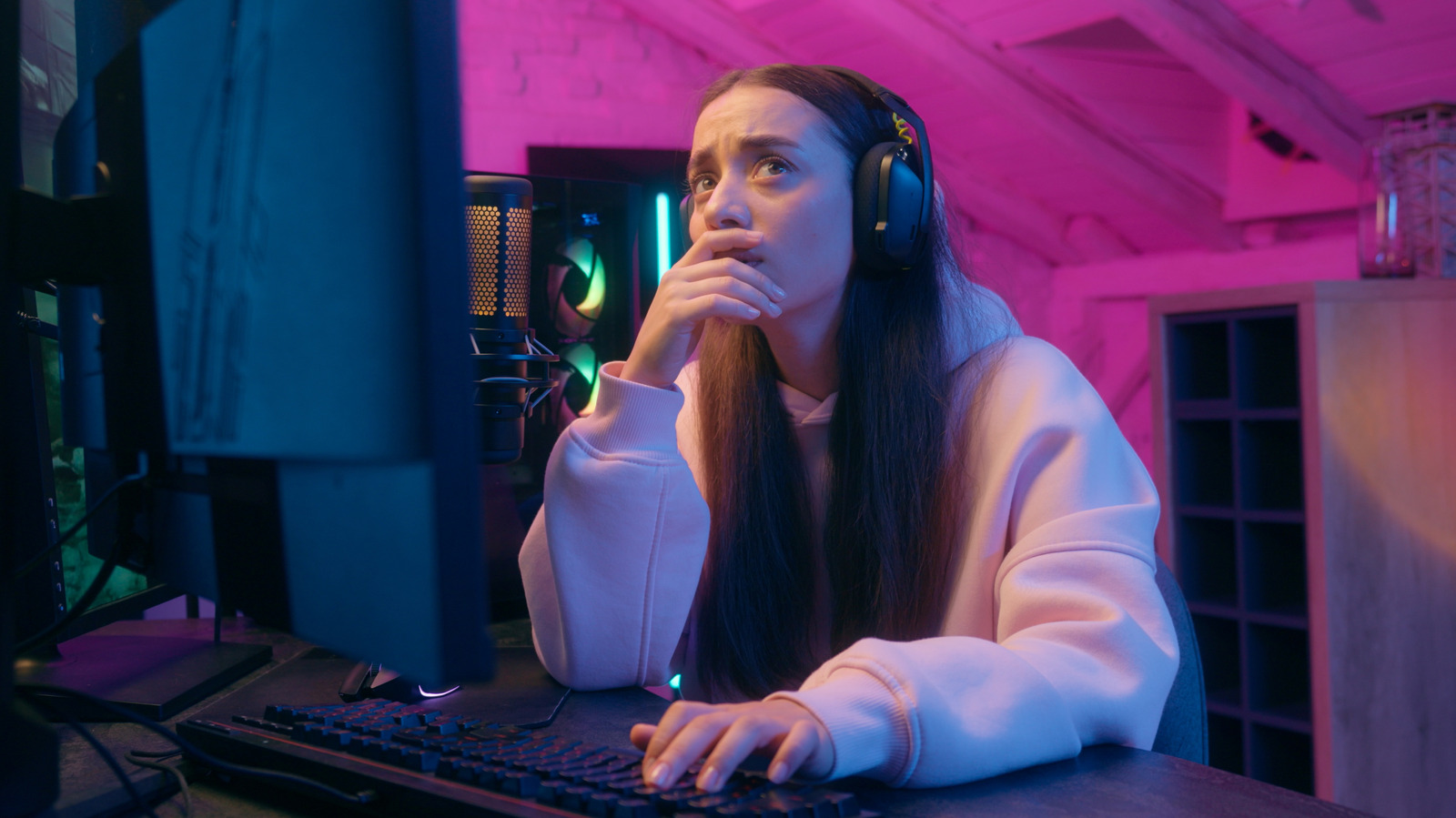
Has your PC started to crash more often in the middle of gaming sessions? Or, does it crash when you’re using it for other tasks that might theoretically be graphics-intensive? This could indicate the burden placed on your graphics card is too great for it to handle. Replacing it may be key to avoiding these types of crashes going forward.
It’s also worth noting that certain popular Nvidia GPUs should now be upgraded even if they’re otherwise performing reliably. The company has made updates that will render these cards obsolete in the coming years. It’s best to get ahead of these shifts and make an upgrade sooner rather than later.
Yes, a new GPU requires making an investment, but just remember the benefits of replacing a GPU that’s no longer serving its purpose. If you’re a dedicated gamer, your GPU plays a vital role in your sessions. Paying attention to these signs can help you clearly identify when you should swap yours out for a new one.






