
Shop Loewe — $749
 Serebryannikov/Getty Images
The fact that consumer technology has advanced enough for 3D printers to even exist is an undeniable sign of how far we’ve come. Unfortunately, no matter how capable our hardware becomes, we still haven’t figured out how to make it last forever. The same is sadly true for 3D printers — sooner or later, they will begin to exhibit signs of inevitable failure, from consistently low-quality prints to constant freezes and failures.
While they are increasingly common, 3D printers are extremely complicated pieces of equipment with numerous moving parts and programmed routines. Much like an elaborate watch, the moment one of those elements falls out of step, it can have a ripple effect on the rest of the device’s operation. You may be able to prolong your 3D printer’s lifespan with some replacement parts and sensible upkeep, like cleaning the bed, but if it starts exhibiting one of these symptoms consistently — and especially if it’s exhibiting more than one — it might be time to start shopping around for a replacement.
Prints are coming out low-quality, even with adjustments
 Wissawa Chamaboon/Shutterstock
If a 3D printer consistently fails to produce high-quality prints, that’s a pretty good sign things aren’t working properly. Granted, failed or low-quality prints aren’t a sign of imminent failure in themselves — if you’re printing a new design for the first time, there’s always a chance it’ll come out a little weird — but after one or two rounds of adjustments, you should get what you’re looking for. There are plenty of quick tips you can use to improve your print quality, like leveling the bed and testing the nozzle.
It’s specifically when your printer can’t seem to make what you want, even after those adjustments, that it might be time to start investigating the hardware. If you’re still having issues, no matter how much you adjust the elements of the print or the process, including the printer’s temperature, the speed of the nozzle movement, and replacing standard consumables like worn belts or clogged nozzles, that may be a sign that a critical part within the printer has suffered an irreversible failure. If you’re concerned, try printing a different design, particularly one you already know that your printer can handle. If it comes out fine, there might just be a problem with the design you were trying to print before. However, if that standby design is also flawed, and especially if it’s flawed in the same way that the new one is, this may not be a problem you can adjust your way out of.
The printing process is unusually slow
 Reflexpixel/Getty Images
Generally speaking, 3D printers are not particularly fast — you are creating elaborate shapes and patterns out of nothing but liquified plastic, after all. In fact, 3D printing pros generally agree that deliberately slowing the process yields higher quality prints. That said, there’s a fine line between “taking time” and “taking entirely too much time.” A 3D printer may be slow, but if it seems to be noticeably slower than usual, something may be wearing out.
There’s no single standard for how long a 3D printing job takes. It all depends on the size and complexity of what you’re printing, with small, simple objects taking around an hour and more elaborate constructions taking as long as several days. If your prints are taking even longer than that, though, it could be a sign that your printer’s components are clogged, damaged, or otherwise wearing out. If you think a print is taking longer than it realistically should, try switching to a simpler shape or using a less elaborate infill pattern to speed things up. If it’s still taking too long, there could be an internal problem that’s hampering the process.
The printer is constantly stopping and freezing
 Cyano66/Getty Images
More so than the printer running slowly, it’s particularly concerning if the printing process is constantly freezing or failing. Even if there’s a little filament clog or the nozzle is moving somewhat slowly, as long as it’s still actually moving and dispensing, you can hopefully fix the problem. Even if it does just stop, in the best-case scenario, it may have just run out of filament while you weren’t looking. On the other hand, if the printer is completely locking up and not responding, that’s almost definitely a signal that something has gone very wrong.
Constant failures and stopping in the middle of a printing job are often a sign of severe internal component degradation, to the point that the printer can’t just power through anymore. There are various potential mechanical culprits of this circumstance, such as a motor overheating or the extruder getting clogged. These kinds of problems can rarely happen on their own and can be remedied with some quick tune-ups. If they keep happening despite your efforts, though, the internal parts may be degraded and on the verge of breaking down.
You’re replacing parts unusually often
 Lost_in_the_Midwest/Shutterstock
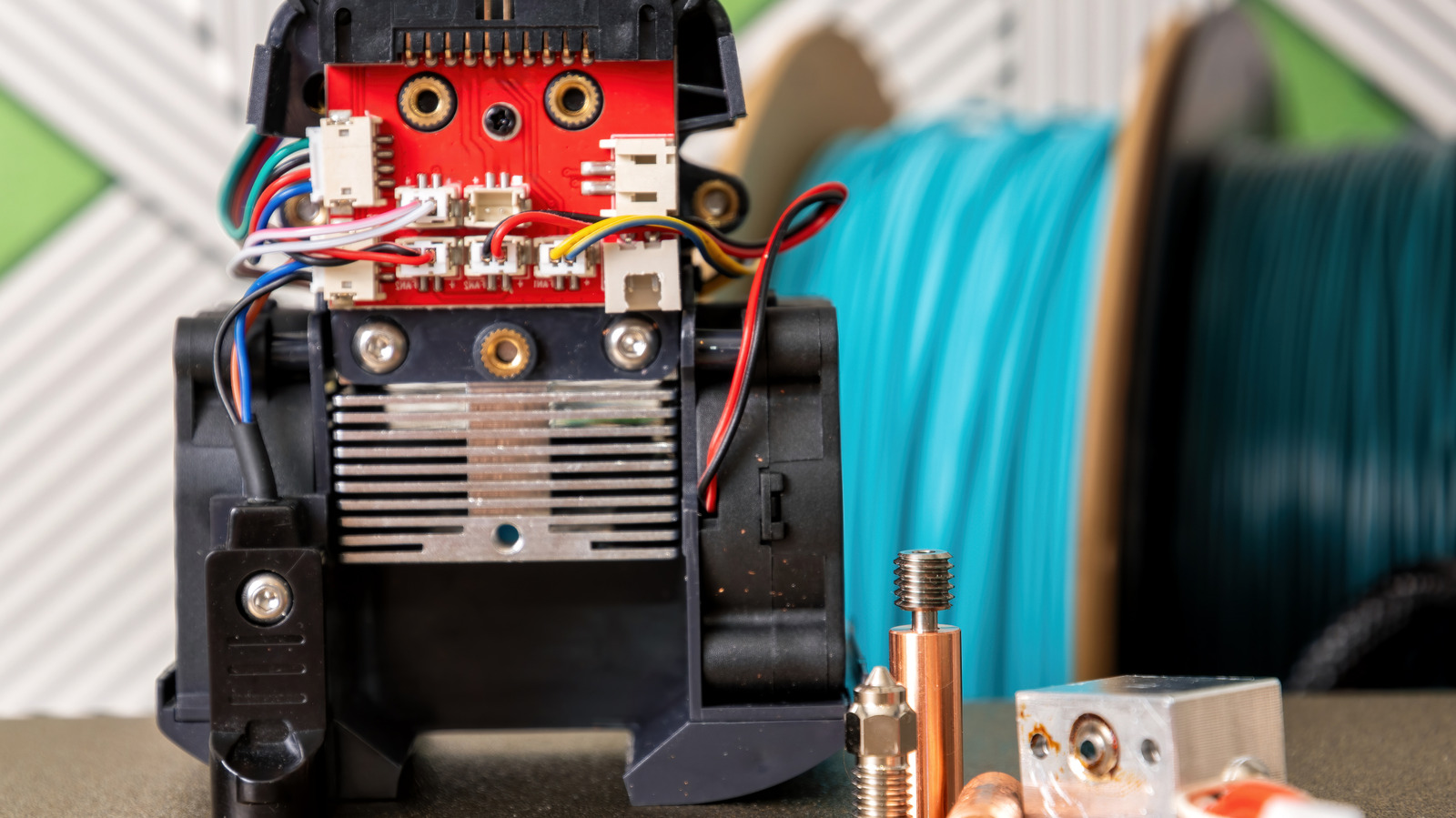
All of the previous problems could, ideally, be remedied by replacing the relevant parts with fresh ones. Whether it’s the nozzle, the internal belts, the extruder motor, the drive gear, or whatever else, if there’s a single part of your 3D printer that’s on the fritz, swapping it out is usually the definitive solution, if not the most affordable one. However, there’s a certain point in replacements and repairs where you need to consider whether you’ve fallen into a sunk-cost fallacy.
One part in your 3D printer failing every now and then is unfortunate, but not unreasonable to deal with. If you find yourself having to replace parts on a semi-regular basis, though, that could be a sign that the device’s critical, irreplaceable components are what’s going wrong, with their problems causing faster degradation in whatever new parts you add. After a certain point, replacing parts will become more expensive than buying an entirely new printer; if you’ve reached that point, it’s probably a safe bet that your current printer is a lost cause and should be replaced entirely.
The printer itself is outdated and struggling
 James Leynse/Getty Images
Speaking of replacing the printer, even if there’s nothing catastrophically wrong with it in the short term, the sad fact is that even the fanciest, most elaborate printer will eventually become obsolete. The older your printer gets, the more miscellaneous struggles it will begin to exhibit, and those struggles will start to add up.
As 3D printing is still a relatively new technology, new advancements and standards are constantly rolling out, from new equipment to software updates. If your current printer is too old, it might not be able to properly process new filaments, utilize new slicers, or parse changes in software and design files. If you try to force your printer into using materials or components it’s too old to handle, it might struggle, with the mechanical wear and tear from years of use potentially leading to odd noises and vibrations as it tries to power through. There’s no hard cutoff point for a 3D printer to age out, but if your current printer is more than 10 years old and exhibits these types of problems, it’s probably time to put it out of its misery.






