
Shop Loewe — $749
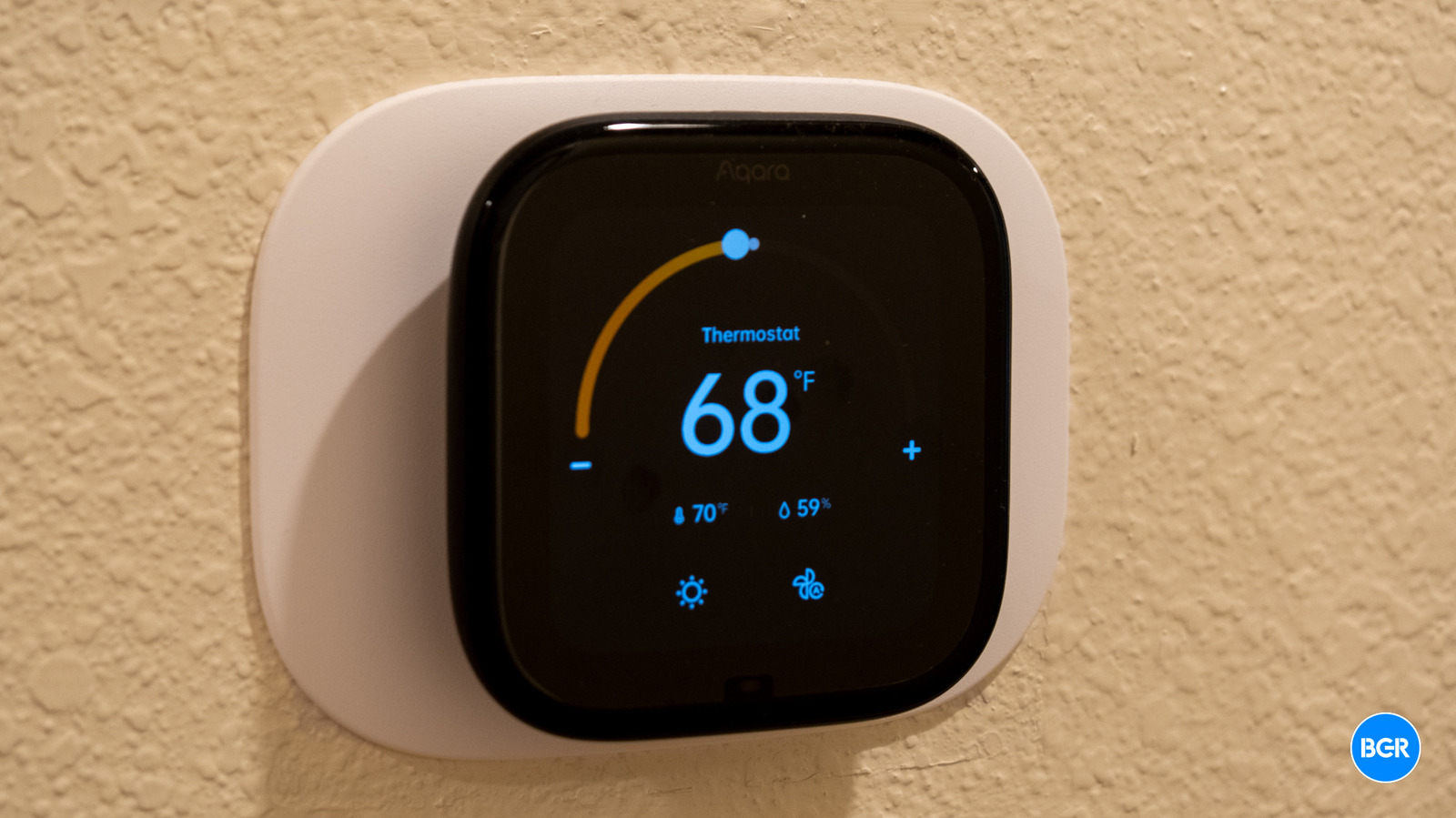
The headline feature, and the reason a lot of people will be looking at the W200 in the first place, is native support for Apple’s Adaptive Temperature. Instead of building out a traditional 7-day schedule, Adaptive Temperature leans on your iPhone and Apple Watch location data to figure out when you’re home, away, or asleep, and adjusts the thermostat accordingly. If you turn on Predict Arrival, it’ll start pre-heating or pre-cooling the house before you usually get back from work. Extended Away mode widens the setpoint range when you leave town for a few days.
In practice, this works well, and if your schedule isn’t particularly volatile, it’s arguably a better approach than manual scheduling. It just quietly keeps the house comfortable without you thinking about it. The trade-off is that Apple Home’s scheduling system has some gaps. You can’t, for example, set night mode to kick in later on weekends than on weekdays. That means you’ll probably end up back in the app to fill in the blanks or control the thermostat manually as needed.
Clean Energy Guidance is the other iOS 26 feature, and it’s more regional. It makes small, automatic adjustments when the grid is cleaner or when dynamic pricing is favorable. Rate optimization currently works with PG&E if you connect your utility account, so if you’re in California like I am, this is useful — but again, keep in mind that the adjustments will be small. Elsewhere, it’s more of a carbon-aware nudge than a bill-saving tool, for now.
Compatibility-wise, the W200 supports most 24 VAC systems, including furnaces, ACs, heat pumps up to 2H/2C with 2-stage auxiliary, boilers, and PTACs. It should work with a large portion of HVAC systems. What it doesn’t work with is high-voltage systems (110V, 120V, 240V) or proprietary communicating setups. A C-wire is required, which, again, means you’ll need the $29.99 adapter if your system doesn’t have one.
The integrated mmWave radar is a smart addition. It uses tech that Aqara has built for other devices, like its dedicated presence sensor. It detects extremely precise movements, not just obvious motion, with a range of about three meters and a 120-degree field of view. That means it knows you’re there even if you’re sitting still on the couch, because you’ll at least be moving a little.
Beyond waking the display, you can use that presence data for automations across the rest of your smart home, like turning on lights when you walk by, for example. It’s not as sophisticated as Aqara’s dedicated FP2 sensor, which can distinguish zones within a room, but it’s a nice bonus for a thermostat — and I hope we get more features and sensors in smart home devices like switches and thermostats. It just makes sense.
The core thermostat features work well. Heat, Cool, Auto, and Away modes all behave exactly as you’d expect. There are also some nice advanced touches, like a minimum compressor runtime setting to prevent short-cycling.
There are two notable omissions, though. First, there’s no way to set hardware temperature lock boundaries — meaning you can’t restrict how high or low someone can crank the setpoint. Second, the W200 only supports one external temperature sensor at a time. No multi-room averaging or the ability to select different sensors for different times of day.






