
Shop Loewe — $749
 Cunaplus_m.faba/Getty Images
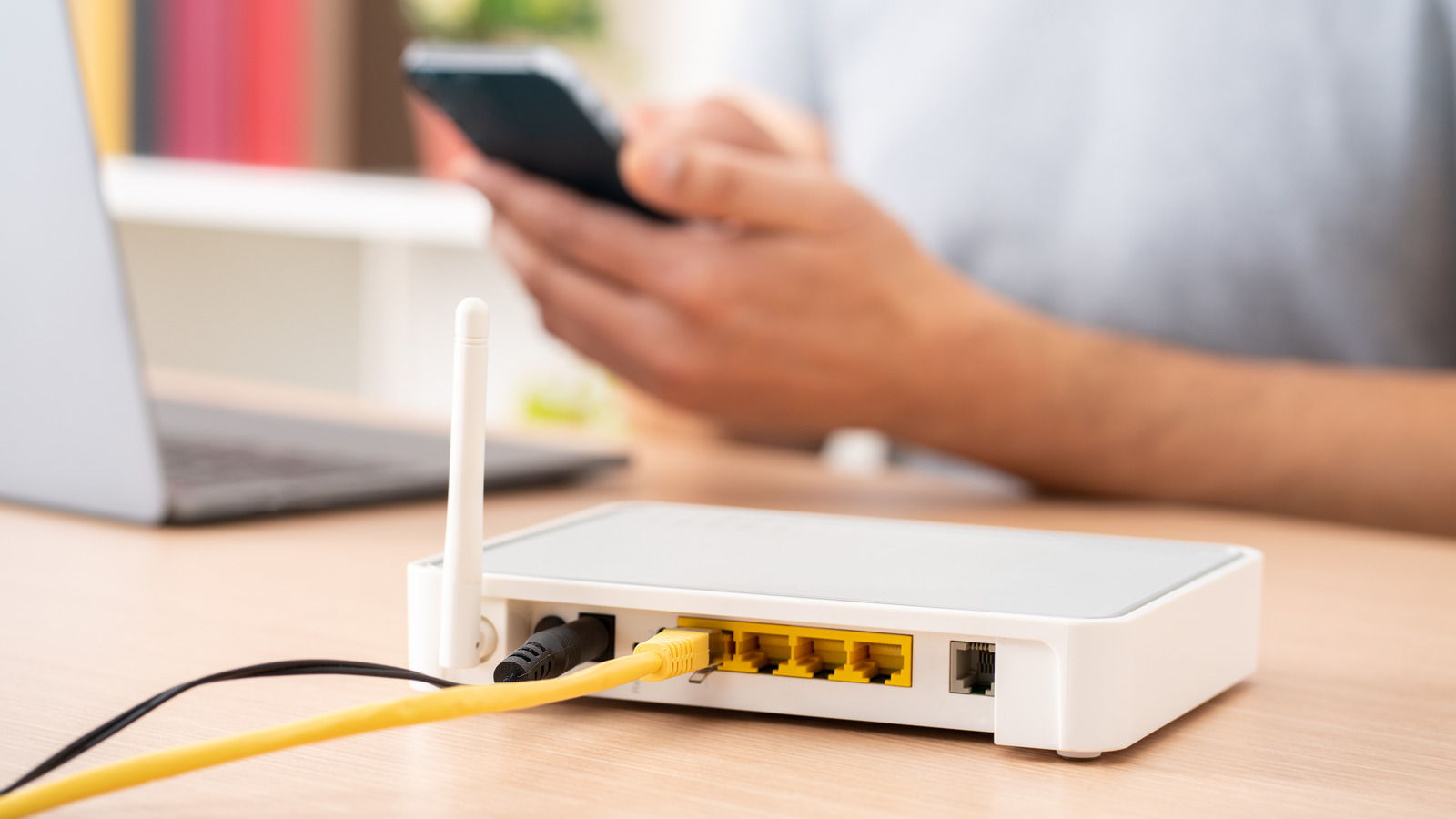
As long as your router has not reached its end of life (EOL), the manufacturer will push firmware updates to it regularly. If you don’t update it, the network may begin to behave poorly over time. Issues you will notice include slower internet speeds, devices randomly disconnecting (or not connecting at all), reduced compatibility with devices using newer Wi-Fi standards, or the router starting to overheat. But probably the worst thing about not updating your router is that it becomes a sitting duck for hackers who know how to exploit vulnerabilities in old firmware.
For instance, in April 2026, the FBI issued a warning that a group of Russian military hackers called GRU (also known as APT28, Fancy Bear, and Forest Blizzard) had been taking over vulnerable routers, including EOL TP-Link routers, and changing their DNS and DHCP settings to allow them to steal sensitive information from individuals and organizations. In 2025, SecurityScorecard released a report about Operation WrtHug, a wide-scale hacking operation where over 50,000 EOL ASUS routers in the U.S., Taiwan, and Russia were used to spy on people and organizations worldwide.
The FBI advised that updating your router’s firmware is one of the best defenses against these hacks. On top of that, don’t use the router’s default username and password, and if your router has reached EOL status, you should upgrade it. The Bureau also advised that you disable the remote management interfaces on your router to prevent access from someone outside your home network.
The security risk of a router that never updates
 nialowwa/Shutterstock
Hackers will always find new ways to bypass router security, which is why manufacturers are staying on top of it by pushing firmware updates to their routers on a regular basis. A common security vulnerability that is patched with firmware updates is remote code execution (RCE), where the hacker takes control of the router and runs malicious code on it. This code can often steal sensitive information, install malware, or add the router to a botnet. An example is CVE-2025-9377, which is a type of RCE that exploited a vulnerability in the Parental Control page of two EOL TP-Link routers: Archer C7 and TL-WR841N/D.
Another common one is an authentication bypass attack, which exploits a flaw in the router’s firmware to circumvent the need for login credentials. Netgear issued a warning in 2024 that some of its routers, such as RAX35, RAX38, and RAX40, were affected by this vulnerability. Users were at risk when a hacker obtained their Wi-Fi password or connected to a device on their network using an Ethernet cable.
These are just two examples, but in both instances, the manufacturer had to release a firmware update to address them. TP-Link was forced to do it even though they had stopped supporting the routers. They then advised their customers to upgrade to supported routers afterward. Generally, it’s good practice to upgrade your router every three to five years.
Should you turn on automatic updates or update your router manually?
 SOLDATOOFF/Shutterstock
Modern routers usually come with automatic updates enabled. This works by downloading the update during the day and then installing it sometime during the night when you’re asleep, so you don’t experience any downtime. Perhaps the biggest advantage of automatic updates is that they ensure you don’t forget to update your router, meaning it will always have the latest firmware when it’s available. The biggest disadvantage is that you can experience bugs on day one if the manufacturer pushes a broken update. But if you’re a set-it-and-forget-it type of person, keep automatic updates on or enable them if they’re off.
Manual updates, on the other hand, ensure that you have full control over the firmware update process. You can effectively eliminate inconveniences caused by downtime (e.g., if you’re working or online gaming late at night, and the router decides to update). It also means that you have time to see how an update performs in the wild before you apply it to your router, avoiding frustrating bugs it may introduce. Manual updates are ideal if you’re a remote worker, gamer, or power user who can keep up with the updates by, for example, checking for notifications in the router’s app or admin panel and installing them when available. But you run the risk of forgetting or getting update fatigue, missing a critical update that patches a vulnerability in response to a new threat.






