Posted on

How to take an AirPods Pro 2 hearing test

With iOS 18.2 now available, Apple expanded the AirPods Pro 2 hearing test feature to more countries and regions, including Cyprus, Czechia, France, Italy, Luxembourg, Romania, Spain, the United Arab Emirates, and the United Kingdom.

With this feature, you can identify if you have hearing loss by testing your hearing at different frequencies of sound, which are measured in decibels hearing level (dBHL). In addition, some regions already have the ability to use AirPods Pro 2 as a hearing aid device. I recently did Apple’s AirPods Pro 2 hearing test, and I wasn’t happy with what I discovered.

Here’s everything you need to know about Apple’s AirPods Pro 2 hearing test feature and how to take the most out of it.

What do you need to take the AirPods Pro 2 hearing test?

There are a few requirements to take the hearing test:

Tech. Entertainment. Science. Your inbox.

Sign up for the most interesting tech & entertainment news out there.

By signing up, I agree to the Terms of Use and have reviewed the Privacy Notice.

  • AirPods Pro 2
  • Update them to the latest firmware
  • Have an iPhone or iPad running iOS 18.1/iPadOS 18.1 or later

Preparing for the test

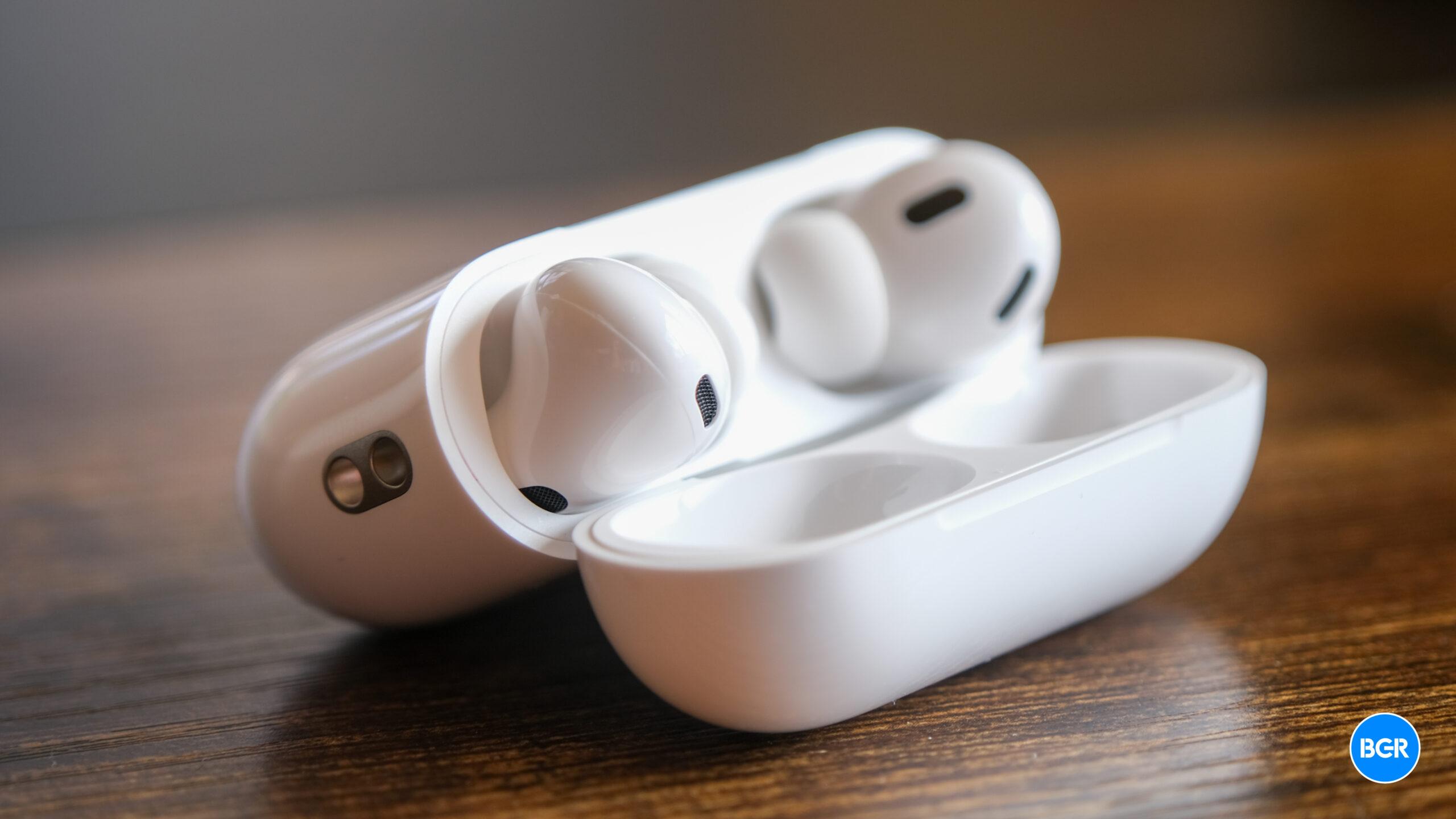
AirPods Pro 2 Adaptative Audio on iPhone 14 Pro Max running iOS 17AirPods Pro 2 next to an iPhone 14 Pro Max. Image source: José Adorno for BGR

If you match the requirements above, you need to prepare for your test. To make sure your AirPods have the proper fit, you can take the Ear Tip Fit Test (iPhone or iPad only). The Hearing Test also tests the fit of your AirPods.

Your test results might be affected if any of these apply to you:

  • If you’ve had a cold, a sinus infection, or an ear infection within the last 24 hours.
  • If you’re currently suffering from allergies.
  • If you’ve been in a loud environment, like a concert, within the last 24 hours.

Once you found a quiet place to take the hearing test, here’s what you need to do

It’s time to take the hearing test

The hearing test feature is intended for people 18 years and older and takes approximately five minutes.

  1. Make sure that your AirPods are sufficiently charged and that you are in a quiet room.
  2. With your AirPods in your ears and connected to your paired iPhone or iPad, go to Settings > your AirPods. You can also start the Hearing Test from the Health app.
  3. Tap Take a Hearing Test, then follow the instructions:
    • If the app asks to run a check, put your AirPods back in their case, close the lid, then tap OK. Tap Take Hearing Test when the check is finished.
    • If prompted to find a quieter space, turn off air conditioning or fans that might be creating noise in your environment, or wait until night when there’s less ambient noise, like traffic noise. The test monitors ambient noise and will let you know when it’s quiet enough for the test.
    • If the test recommends that you adjust the fit of your AirPods, try a different size of ear tips.
    • If the test recommends that your AirPods Pro needs cleaning, follow AirPods Pro cleaning instructions.
  4. When the Hearing Test starts, tap the screen when you hear a tone. During the test, tones are pulsed three times to give you time to respond to the tone played. You only need to tap one time when you hear a tone. It’s OK if you miss a tone.
  5. If you remove or adjust your AirPods (or if the environmental noise around you becomes loud), the Hearing Test may pause. The test resumes when you put the AirPods back in your ear or when the environmental noise is quiet again.

How to see your results

When the test is complete, you can see the results on your device. The results show your overall hearing loss in decibels of hearing level (dBHL), your hearing loss classification, and recommended next steps.

To see a detailed audiogram, tap Show Details. Your audiogram is securely stored in the Health app on your device, so you can access the data at any time. Here’s what you need to know about the results:

  • Up to 25 dBHL indicates little to no hearing loss.
  • 26-40 dBHL indicates mild hearing loss, where you can hear words spoken in a normal voice from three feet away.
  • 41-60 dBHL indicates moderate hearing loss, where you can hear words spoken in a raised voice from three feet away.
  • 61-80 dBHL indicates severe hearing loss, where you can hear some words when they’re shouted into your ear.
Source

Posted on

How to take an AirPods Pro 2 hearing test

With iOS 18.2 now available, Apple expanded the AirPods Pro 2 hearing test feature to more countries and regions, including Cyprus, Czechia, France, Italy, Luxembourg, Romania, Spain, the United Arab Emirates, and the United Kingdom.

With this feature, you can identify if you have hearing loss by testing your hearing at different frequencies of sound, which are measured in decibels hearing level (dBHL). In addition, some regions already have the ability to use AirPods Pro 2 as a hearing aid device. I recently did Apple’s AirPods Pro 2 hearing test, and I wasn’t happy with what I discovered.

Here’s everything you need to know about Apple’s AirPods Pro 2 hearing test feature and how to take the most out of it.

What do you need to take the AirPods Pro 2 hearing test?

There are a few requirements to take the hearing test:

Tech. Entertainment. Science. Your inbox.

Sign up for the most interesting tech & entertainment news out there.

By signing up, I agree to the Terms of Use and have reviewed the Privacy Notice.

  • AirPods Pro 2
  • Update them to the latest firmware
  • Have an iPhone or iPad running iOS 18.1/iPadOS 18.1 or later

Preparing for the test

AirPods Pro 2 Adaptative Audio on iPhone 14 Pro Max running iOS 17AirPods Pro 2 next to an iPhone 14 Pro Max. Image source: José Adorno for BGR

If you match the requirements above, you need to prepare for your test. To make sure your AirPods have the proper fit, you can take the Ear Tip Fit Test (iPhone or iPad only). The Hearing Test also tests the fit of your AirPods.

Your test results might be affected if any of these apply to you:

  • If you’ve had a cold, a sinus infection, or an ear infection within the last 24 hours.
  • If you’re currently suffering from allergies.
  • If you’ve been in a loud environment, like a concert, within the last 24 hours.

Once you found a quiet place to take the hearing test, here’s what you need to do

It’s time to take the hearing test

The hearing test feature is intended for people 18 years and older and takes approximately five minutes.

  1. Make sure that your AirPods are sufficiently charged and that you are in a quiet room.
  2. With your AirPods in your ears and connected to your paired iPhone or iPad, go to Settings > your AirPods. You can also start the Hearing Test from the Health app.
  3. Tap Take a Hearing Test, then follow the instructions:
    • If the app asks to run a check, put your AirPods back in their case, close the lid, then tap OK. Tap Take Hearing Test when the check is finished.
    • If prompted to find a quieter space, turn off air conditioning or fans that might be creating noise in your environment, or wait until night when there’s less ambient noise, like traffic noise. The test monitors ambient noise and will let you know when it’s quiet enough for the test.
    • If the test recommends that you adjust the fit of your AirPods, try a different size of ear tips.
    • If the test recommends that your AirPods Pro needs cleaning, follow AirPods Pro cleaning instructions.
  4. When the Hearing Test starts, tap the screen when you hear a tone. During the test, tones are pulsed three times to give you time to respond to the tone played. You only need to tap one time when you hear a tone. It’s OK if you miss a tone.
  5. If you remove or adjust your AirPods (or if the environmental noise around you becomes loud), the Hearing Test may pause. The test resumes when you put the AirPods back in your ear or when the environmental noise is quiet again.

How to see your results

When the test is complete, you can see the results on your device. The results show your overall hearing loss in decibels of hearing level (dBHL), your hearing loss classification, and recommended next steps.

To see a detailed audiogram, tap Show Details. Your audiogram is securely stored in the Health app on your device, so you can access the data at any time. Here’s what you need to know about the results:

  • Up to 25 dBHL indicates little to no hearing loss.
  • 26-40 dBHL indicates mild hearing loss, where you can hear words spoken in a normal voice from three feet away.
  • 41-60 dBHL indicates moderate hearing loss, where you can hear words spoken in a raised voice from three feet away.
  • 61-80 dBHL indicates severe hearing loss, where you can hear some words when they’re shouted into your ear.

Source

Posted on

Apple may be forced discontinue these 3 iPhone models in Europe

In September, Apple released the new iPhone 16 lineup. With that, the company finally stopped selling the 2021 iPhone 13 and only offered customers the following options through its store:

  • iPhone SE 3 (2022)
  • iPhone 14 (2022)
  • iPhone 14 Plus (2022)
  • iPhone 15 (2023)
  • iPhone 15 Plus (2023)
  • iPhone 16 series

However, the French Apple blog iGeneration reports that Apple will discontinue all Lightning iPhone models in Europe at the start of 2025.

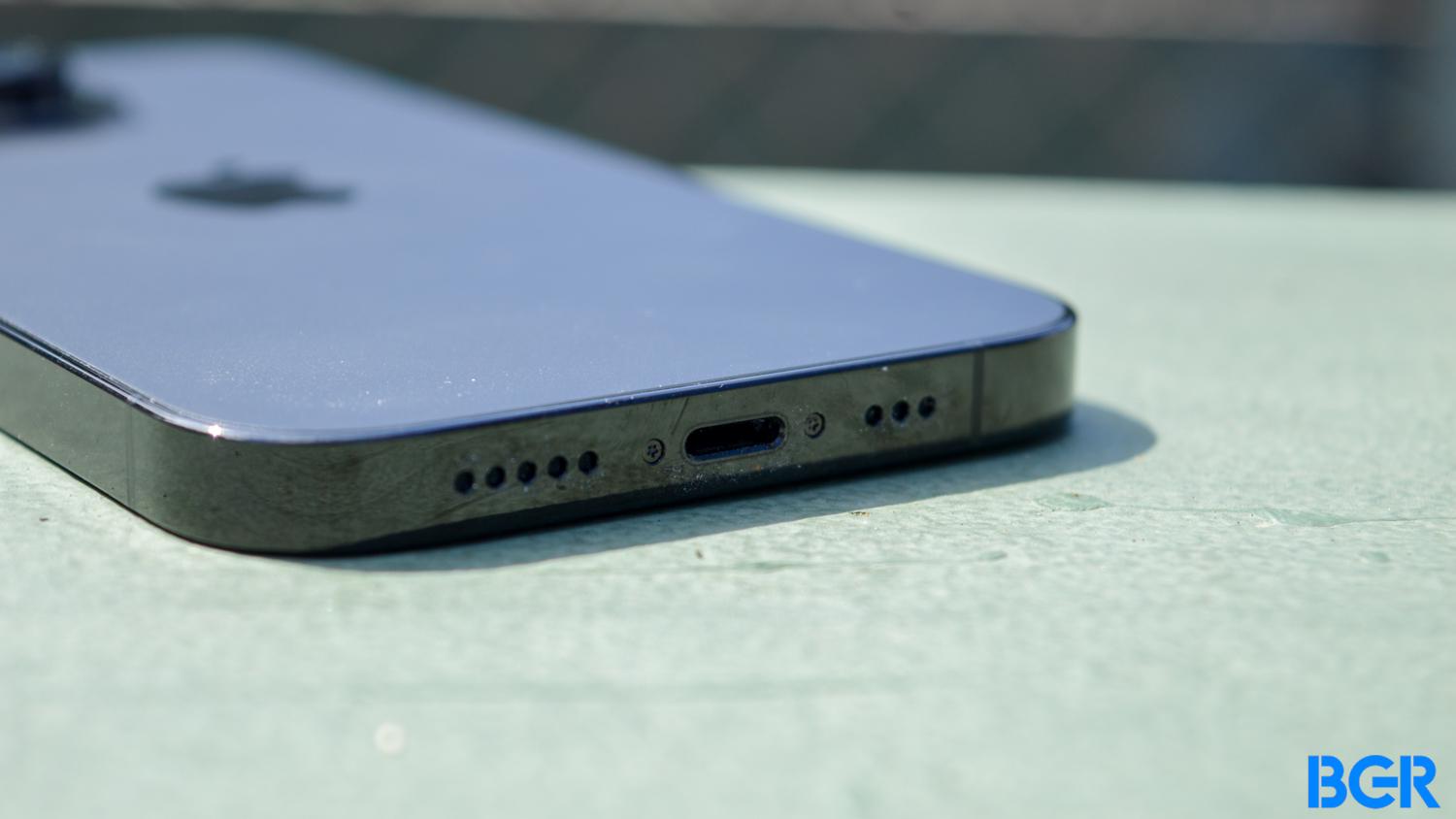
Since European legislation requires all smartphones to have a universal USB-C port, the iPhone 14, iPhone 14 Plus, and iPhone SE 3 won’t follow the rule, as they have a Lightning port.

There’s always the possibility that Apple could tweak those smartphones with a USB-C port, as the company has done with the AirPods Max. However, it doesn’t seem Cupertino will follow that path.

Tech. Entertainment. Science. Your inbox.

Sign up for the most interesting tech & entertainment news out there.

By signing up, I agree to the Terms of Use and have reviewed the Privacy Notice.

Of course, a fourth-generation iPhone SE is expected to launch early next year, which means the current generation will soon be discontinued anyway. Besides that, when Apple introduces the iPhone 17 line, it will also stop selling the iPhone 14 and iPhone 14 Plus.

In other words, Apple is set to discontinue all three of these old iPhone models anyway in 2025. Still, if you’re not in Europe, you don’t need to worry about any of this, as Apple will continue to sell them until new models are introduced over the course of the year.

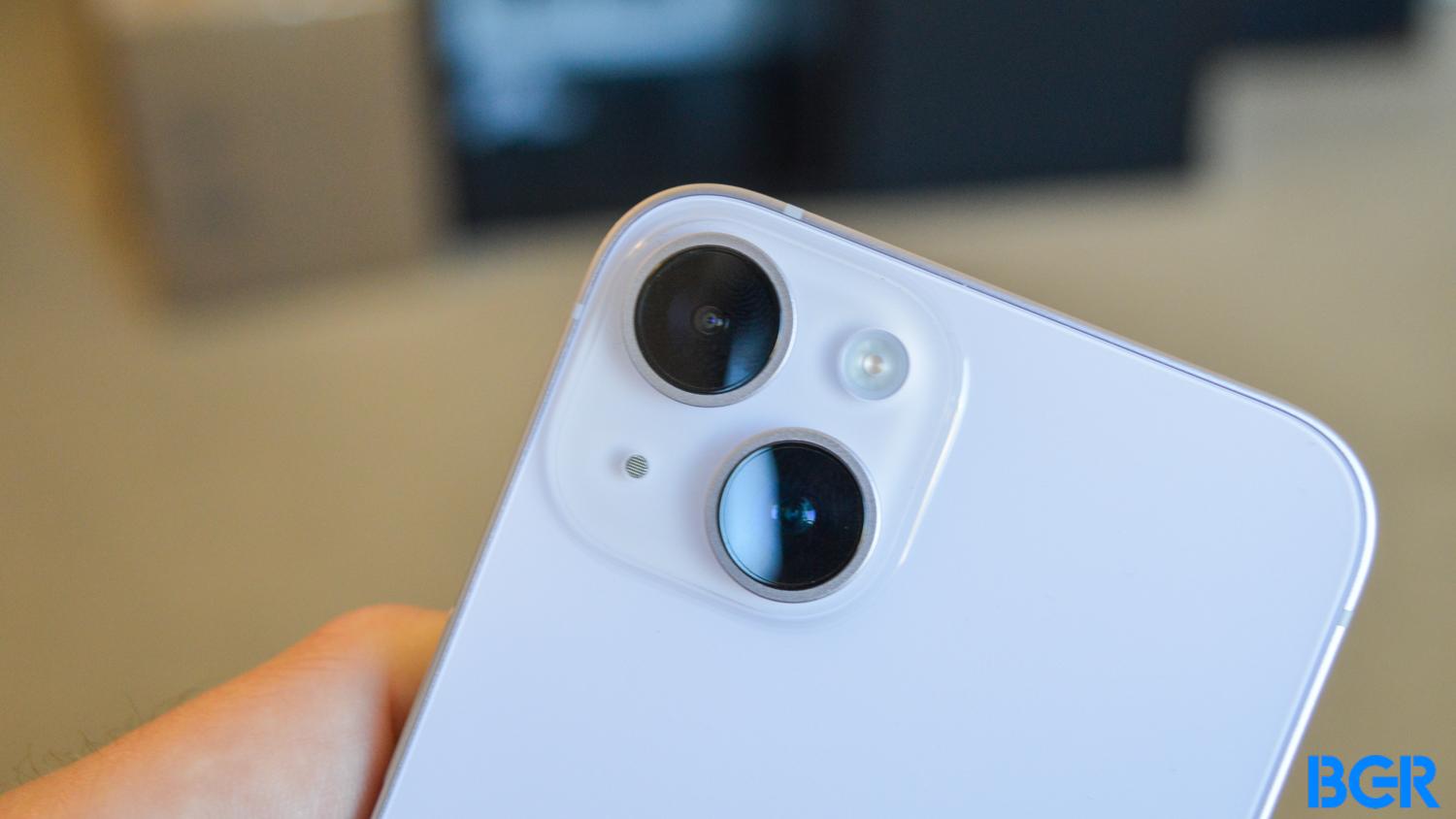
The new iPhone SE 4 is expected to feature a design like the iPhone 14 with a single camera, the A18 processor, and Apple’s new 5G modem. By the second half of 2025, Cupertino is rumored to launch the iPhone 17 lineup, including an all-new iPhone 17 Air, which will be the thinnest iPhone to date with some high-end features but hardware that’s not as good as an iPhone Pro.

BGR reached out to Apple but did not hear back at the time this story was published. We’ll update it if we hear from the company.

Source

Posted on

Here are all the devices Apple sells that still have Lightning ports

With Apple’s recent iPhone 16 event and M4 Macs release, the company followed an important path by eliminating the Lightning port from more devices. By opting for USB-C, not only is the company agreeing with the European Union’s Digital Markets Act, but it’s also showing a future where customers will be able to use the same cable for all their electronic devices.

That said, there are still some products that require a Lightning port and a few accessories that support this old standard. Here they are.

Apple still sells four iPhone models with Lightning port

iPhone 14 Plus salesImage source: Apple Inc.

Although the iPhone 16 series offers a USB-C port, Apple still has three other iPhone models that still rely on Lightning cables. The 2022 iPhone 14 and iPhone 14 Plus, and the 2022 iPhone SE 3.

While Apple is said to be planning a new iPhone SE 4 for 2025, this means the company will take another year to fully eliminate the Lightning port from all the iPhone models it sells. That means that only when the iPhone 17 is announced will we have a full lineup of USB-C phones.

Tech. Entertainment. Science. Your inbox.

Sign up for the most interesting tech & entertainment news out there.

By signing up, I agree to the Terms of Use and have reviewed the Privacy Notice.

Not only is there still a long way to go, but millions of customers will hold with their iPhone 14 – or older models – for years to come.

All iPad models sold by Apple are USB-C, but the first-gen Apple Pencil is still here

Apple iPad 9Apple iPad 9 with keyboard accessory. Image source: Apple Inc.

The 2021 iPad 9 was the last iPad model with a Lightning port. Earlier this year, Apple discontinued this product and lowered the price of the USB-C iPad 10.

While both iPads work with the first-gen Apple Pencil, Apple also released a USB-C accessory that’s perfect for the iPad 10. However, millions of people with a Lightning iPad still require that first-gen Apple Pencil, which is why the company still sells it.

There are other accessories Lightning-compatible still available

Apple EarPodsImage source: José Adorno for BGR

Apple recently revamped the AirPods lineup. With no more second and third generations available, the company also updated the AirPods Max with a USB-C port. With that, there are only a few Lightning accessories, which include:

  • Lightning EarPods
  • USB-C to Lightning cable
  • USB-A to Lightning cable

Wrap up

As you can see, in a year, Apple almost killed all the Lightning products it used to have. By 2025, we’ll likely only have those three accessories available alongside the first-gen Apple Pencil, as the company will continue to offer them for older devices.

Source

Posted on

CarPlay just got one of my favorite Apple apps

CarPlay just got even more useful, as one of my favorite Apple apps has been added. Starting today, CarPlay users can take advantage of Apple Music Classical, Apple’s music streaming service for classical songs.

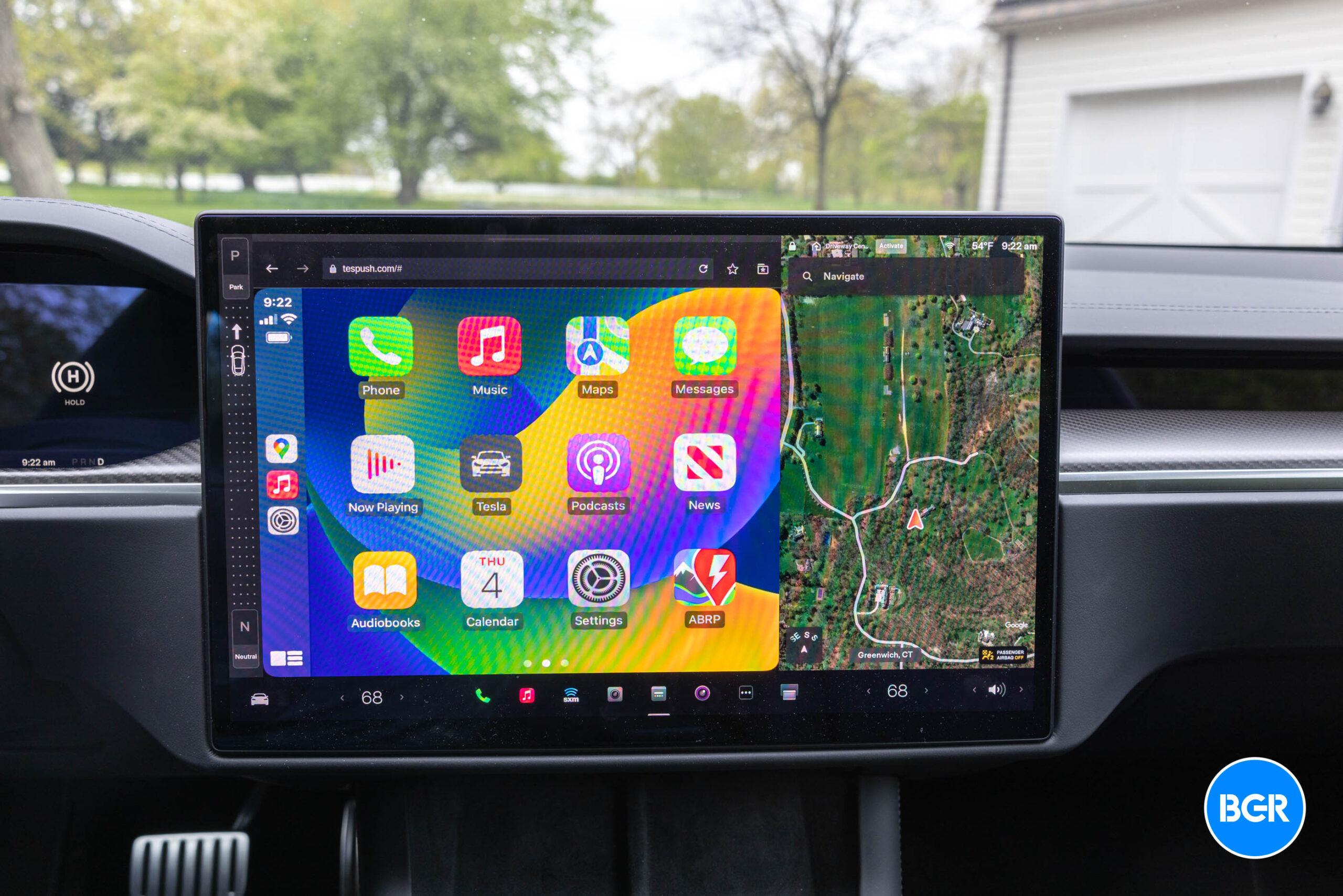
According to the app’s release notes, this update adds “support for CarPlay and Siri, plus stability and performance enhancements.” This is the first major expansion since Apple added support for Android on May 30.

Apple Music Classical is a service based on Primephonic, a classical music streaming service the company bought in 2021. After two years of development, the company released its own version of the app, which has a similar look to Apple Music but with new tweaks and a focus on this specific genre of music.

With it, you can access the world’s largest classical music catalog. Search by composer, work, conductor, and more to quickly find any recording. Explore composers, periods, instruments, and more through curated playlists and composer biographies. Get detailed information about what you are listening to.

Tech. Entertainment. Science. Your inbox.

Sign up for the most interesting tech & entertainment news out there.

By signing up, I agree to the Terms of Use and have reviewed the Privacy Notice.

Apple Music ClassicalImage source: Apple Inc.

The service has the largest classical library with over 100 million songs and the world’s largest catalog of classical music — more than 5 million tracks and 1.2 million recordings. It features:

  • 20K+ composers;
  • 115K+ unique classical workers listed;
  • 350+ movements available.

It is available in Lossless and Hi-Res Lossless up to 24 bits. Spatial Audio with Dolby Atmos is also supported. That said, CarPlay users can also take advantage of songs in Spatial Audio, thanks to the iOS 18 update. The latest version brought these three new features:

  • Spatial Audio: Drivers can now listen to Spatial Audio songs and albums available in Apple Music and third-party apps while connected to CarPlay. Vehicles with multichannel audio capabilities can enable an immersive sound experience. Spatial Audio with support for Dolby Atmos can also be implemented in compatible vehicles.
  • Announced Notifications support: Announce Notifications can read aloud your notification summaries when using AirPods or CarPlay.
  • Accessibility: Color Filters, Bold Text, Voice Control, and Sound Recognition accessibility settings are now available in CarPlay in IOS 18, providing a consistent experience between the iPhone and the vehicle.

Apple Music Classical is available as part of an active Apple Music subscription, whether it’s a standalone subscription or part of Apple One.

Source