
Shop Loewe — $749
The TV has been the de facto source of entertainment since the 1950s, and its associated technology has evolved faster than anyone could have imagined. However, one aspect of the TV set that has downright atrophied is the buttons. Many modern TVs — especially smart TVs Consumer Reports tested – have few buttons, buttons placed in awkward locations, or no buttons whatsoever. They were possibly sacrificed in the name of progress.
While TV manufacturers have never come out and admitted why they eschew buttons these days, the running theory is that they have been phasing out buttons due to the size of smart TVs, and you can control TVs with your phone. Plus, there are remotes. Why stand up and walk across the room to press plastic rectangles when you can carry them with you and leave them within arm’s reach on the sofa?
In the spirit of fairness, some companies have been replacing buttons with modern equivalents. Companies such as Samsung have installed capacitive touch buttons on the sides of some TV sets, while other models utilize limited touchscreen functionality for simple controls. However, even with those additions — and the occasional TV set that includes physical buttons — using a remote still provides superior controls. Heck, now that you can control smart TVs with phone apps, one day physical remotes might go the way of the TV buttons.
Slimming down leaves less room for buttons
 New Africa/Shutterstock
Arguably, the most important advances in TV technology shrunk their footprints. One of the largest screens commercially available is a positively behemoth 146-inch TV, but it still weighs less than older TVs because it is so thin and has tiny bezels (the frame around the TV screen). However, this design is a double-edged sword since without a big frame, where can designers place the buttons?
Again, manufacturers haven’t confirmed anything, but the general consensus is that modern TV sets don’t have as many buttons (if any) because there’s simply nowhere to stick them. This could explain why the few buttons that are left are often placed on the side or back. Designers have more space there and don’t have to worry about buttons getting in the way of the screen. But even that design has limits. While Samsung installed capacitive touch buttons on the sides of some smaller frames, the company had to discontinue that practice since progress demanded even smaller bezels, which left no room for even these small form factor components.
Modern TV setups are a bit too complex for TV buttons
TV buttons were invented when television setups were much simpler. Users could only access several channels, and speakers couldn’t control settings like treble and bass. It would be impossible to navigate all the modern settings and streaming platforms with just the buttons on a TV, which might explain why few manufacturers bother with buttons anymore.
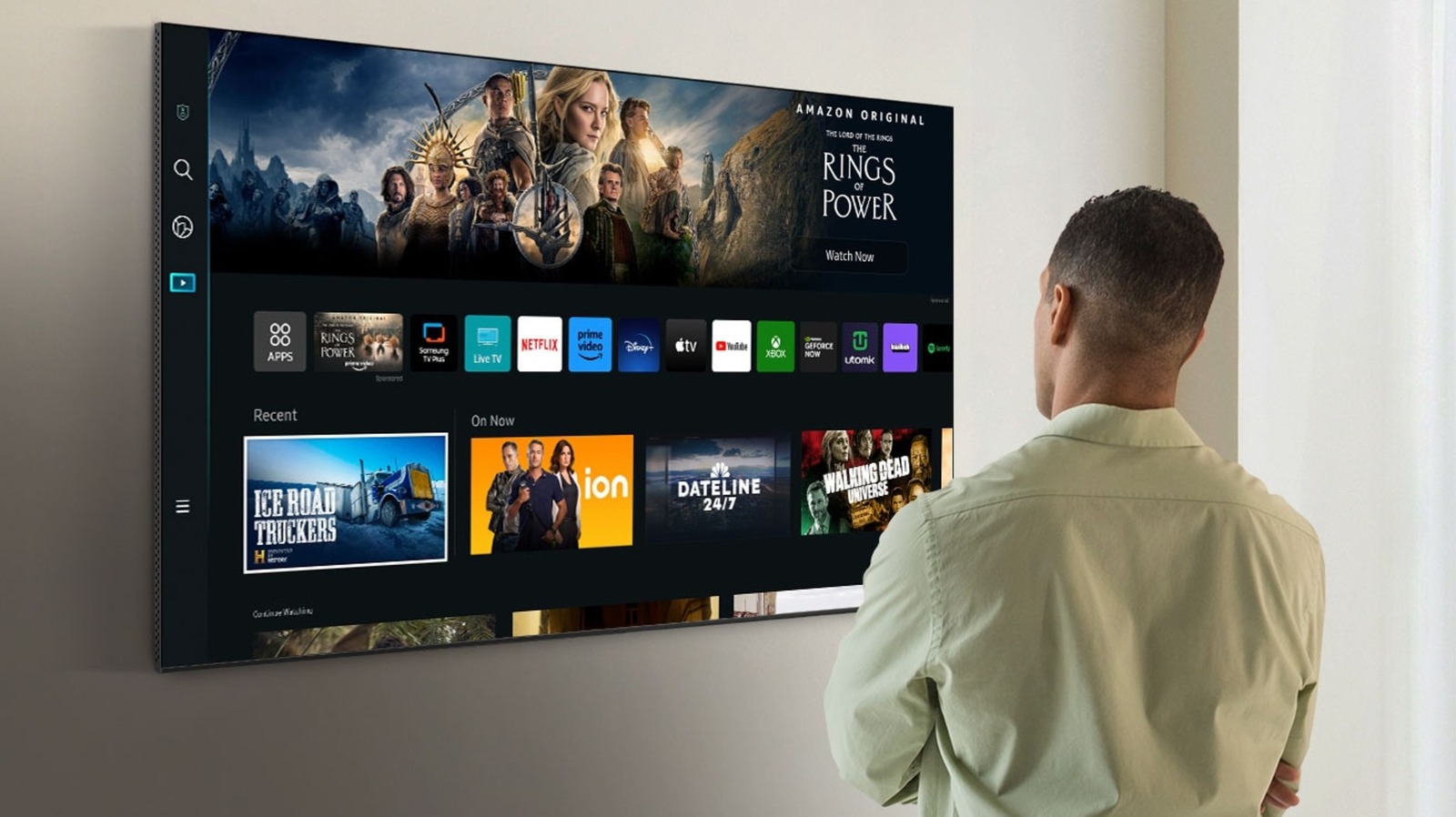
Modern television entertainment mostly runs on built-in apps and separate cable/satellite boxes, the latter of which requires its own remotes. Even if you stick to a smart TV’s apps, navigating menus takes time with a remote and would take longer with built-in TV buttons. But what if you don’t have a smart television or desire apps you can’t natively access with the set? Then you’d need an Amazon Fire TV Stick or a Roku, which are separate devices that require their own remotes. Reliance on these services basically disincentivizes the production of television sets with built-in buttons.
Sound systems are another potential factor in the ongoing sunsetting of TV buttons. While not everyone can afford a surround sound suite, a growing number of people use simple setups such as soundbars, which are generally superior to vanilla TV audio. You’re not going to bother adjusting its settings with TV buttons. At best, the process would be complicated, messy, and time-consuming; at worst, soundbars and similar devices are simply incompatible with TV buttons.






