
Shop Loewe — $749
 Tada Images/Shutterstock
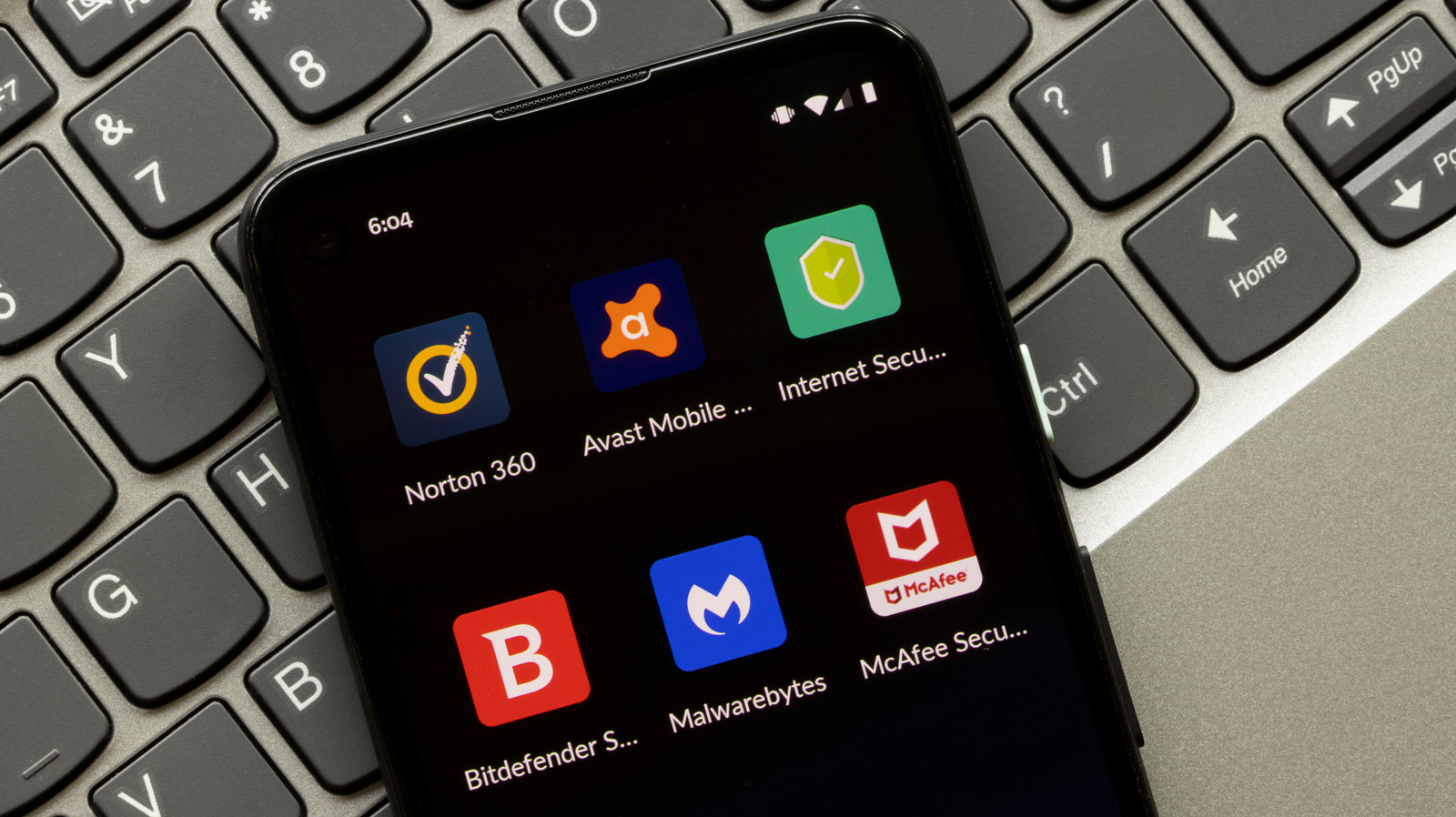
Antivirus software is the first app many people install on a new Android phone or tablet, even today. Most do it to protect their device from malware and web-based threats. As surprising as it may sound, while the fear is valid, an antivirus suite is no longer the best solution. Modern Android devices don’t benefit from antivirus apps, at least for the vast majority of users.
That’s because Android comes with built-in security features designed for a safer user experience. In 2014, Android’s Head of Security, Adrian Ludwig, said that people don’t need antivirus apps for Android devices. He underlined how apps on the Play Store undergo a series of checks before they are available for download. And in the years that have followed, things have improved significantly, making Android more secure than it ever was. That’s why you no longer need an antivirus on Android, as long as you only download apps from the Play Store, keep your operating system up to date, and practice basic Android safety measures like not clicking on random links or sideloading apps.
This doesn’t mean that threats have completely disappeared on Android, or any operating system for that matter. Risks like phishing scams, fake pop-ups, and malicious links still exist. But for most users, these risks can be significantly minimized with Android’s native protections and smart usage habits.
Android already offers built-in protection
 Eza_Nanda/Shutterstock
If you use a modern smartphone or tablet, you’ve surely noticed the wide array of built-in Android security features. The most important of all is Google Play Protect. It’s a security service that constantly scans apps installed on your Android device for malware, threats, and other potentially harmful behavior, like apps trying to reconfigure critical permissions. Play Protect then notifies you of detected threats, and may even reset permissions to protect your privacy. Keep in mind that Play Protect isn’t limited to apps installed from the Play Store and can also scan those from third-party sources. So, it delivers all-around protection against app-based threats.
Apart from that, you have Google Safe Browsing, which warns users when they try to visit potentially risky websites or download malicious files. This, in turn, minimizes the risks posed by web-based threats. Phishing links and fake websites are among the biggest risks, since that’s the most vulnerable area and one where even the most tech-savvy users can be fooled.
Additionally, Google releases security updates every month to patch vulnerabilities in Android devices. In the absence of these, threat actors can exploit unpatched vulnerabilities to install malware or steal data from your device. Remember, vulnerabilities are discovered from time to time and are usually patched promptly. But how long it takes for that security update to reach your device largely depends on the manufacturer. Google and Samsung phones are generally among the first to receive these updates.
Your habits matter more than antivirus apps
 wisely/Shutterstock
Even with all the recent security improvements, both in Android and antivirus apps, you still can’t be absolutely certain of complete privacy and security if you ignore safe usage habits. There are things you should never do on an Android phone, like downloading apps from unknown sources or failing to regularly review app permissions. Remember, modern threats are less about forcing malware and more about tricking people into making bad decisions.
First, you should avoid tapping on suspicious links. Scammers often share links through emails and messages that resemble popular services. Upon visiting these links, you are tricked into sharing sensitive details, whether it is login credentials or banking data. Similarly, threat actors can trick you into downloading malicious files through misleading claims. Make it a habit to never download such files, or any apps from outside the Play Store. Also, regularly review app permissions and make sure to deny any that don’t align with the app’s core functionality. Lastly, always install Android security updates as soon as they are released. These simple habits will do more good than most third-party antivirus apps on your Android phone or tablet.
All that said, if you install apps from other sources for testing, are seeing signs of malware infection, or are running an outdated version of Android, an antivirus app could still be useful. But always remember, no antivirus can guarantee complete security. It’s the smart usage habits that make all the difference.






