Posted on

How To Prevent Your PlayStation 5 From Overheating

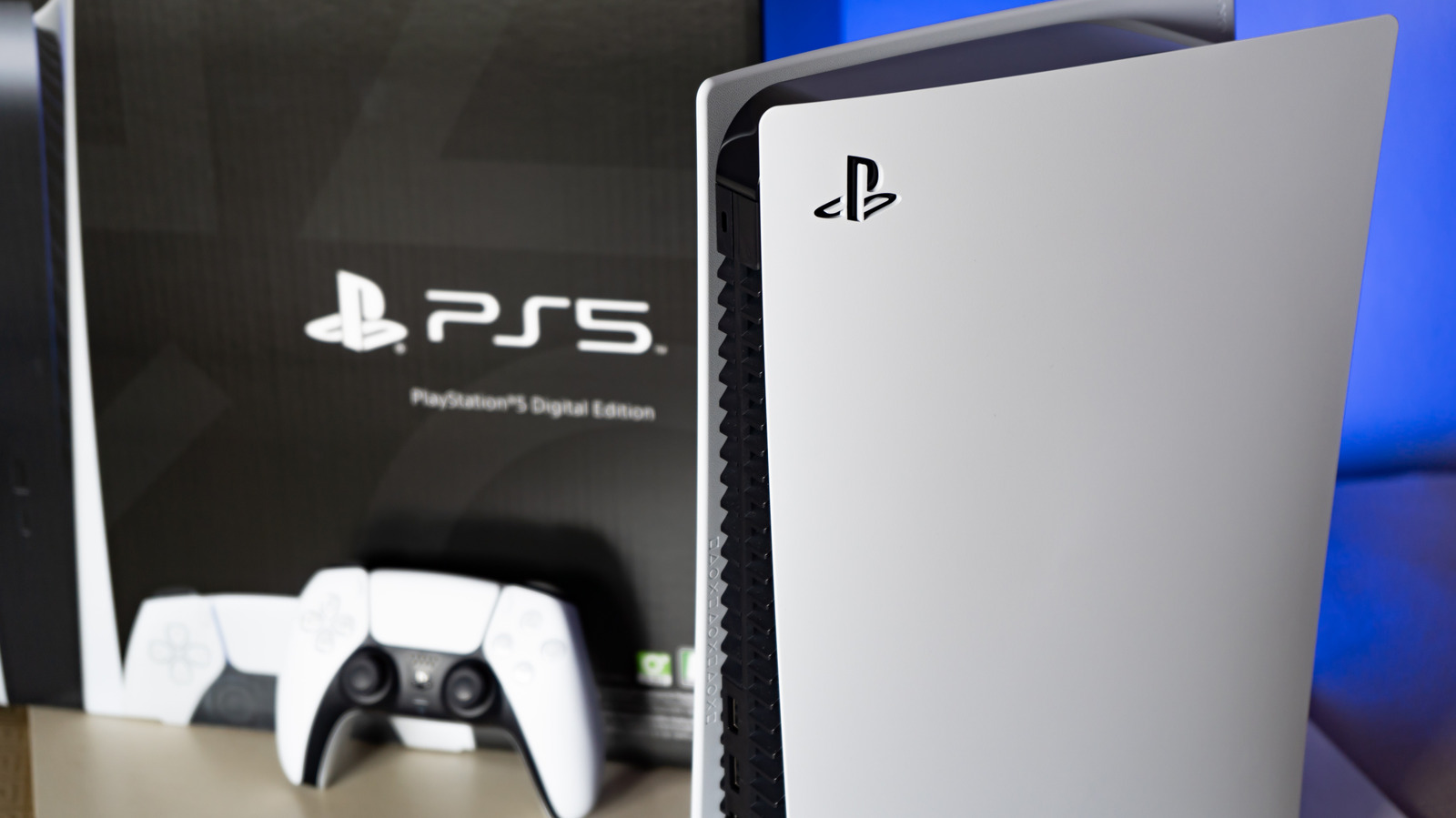
A side view of the PlayStation 5 Wachiwit/Getty Images

While the PlayStation 5 is largely considered a very reliable console, there have been a number of user complaints around fan noise and cooling issues, especially as the console gets more mature. While a loud fan in and of itself isn’t generally a major issue unless you’re particularly sensitive to noise, it can be indicative of underlying problems that can contribute to more serious issues (or exacerbate other common PS5 problems).

Failing fans or other cooling issues can eventually lead to critical overheating. At these levels, your PS5 may spontaneously shut off, which can lead to lost progress or even data corruption. In extreme cases, overheating can lead to warped or damaged components and potentially even a bricked console. Luckily, the most common culprits for overheating, like blocked vents or dust accumulation, are easy enough to address. We’ll address those below, as well as less-common gremlins, like adding third party storage that’s not properly cooled.

The most likely issues: dust and positioning

An image of the PS5 controller and console (horizontal) Skrypnykov Dmytro/Shutterstock

Like most complex electronics, the PlayStation 5 relies on the constant flow of air to cool its hottest components, like its Accelerated Processing Unit (APU). This becomes an issue in many setups where you’re stashing your console in an area with limited space, like the entertainment center of a cramped studio apartment or underneath a desk where other hot devices also live. To avoid this, always place your PS5 where it has plenty of fresh air (and never on a carpeted surface). Sony recommends at least 10 cm (about 4 inches) of space on each side of your console to ensure that there’s enough room for fresh air to enter and exhausted air to exit.

Another common issue is dust buildup, again often in part because of where a console’s placed. If your PS5 lives in a low area where dust settles or a nook where there’s rarely any air movement to displace that dust, it’s going to get caked in and on your console. Dust not only acts as an insulator, trapping heat in a system, but it also blocks exhaust vents and prevent airflow. An easy fix is blowing out the vents with canned air, although for more serious dust build up, you may need to open up your console and give it a proper deep cleaning. While you’re at it, you may also want to give your controller a thorough once over as well.

Less common cooling issues

A closeup of a PS5 fan Lightspruch/Shutterstock

If you’ve placed your console in a spot where it has free access to unlimited cool air and thoroughly cleaned it out and it’s still acting up, you may be dealing with a rarer cooling issue. Some users have reported that adding storage without appropriate attached cooling can also cause consistent overheating. If you’ve recently added an SSD that doesn’t have a built-in heat sink, it may be the root of your issue. You may have to remove it and/or replace it with a drive that has a radiator and vented aluminum and thermal pads underneath.

Another issue, particularly for older PS5s, can arise from the console’s use of liquid metal as a portion of its cooling strategy. The liquid metal is designed to help heat radiate out from components like the APU into heat sinks, but according to PCMag and independent technicians, it can sometimes drip out from between the heatsink and the system on a chip (SoC). This generally happens when the console is stored vertically, and it’s one of the key reasons your PS5 probably needs to be repaired soon. If you have an older version of the PS5 and suspect this may be an issue, try positioning it horizontally, but if the heating issue persists, you’ll need to have your console repaired.

Source

Posted on

5 Reasons Your AirPods’ Noise Cancellation Isn’t Working (And How

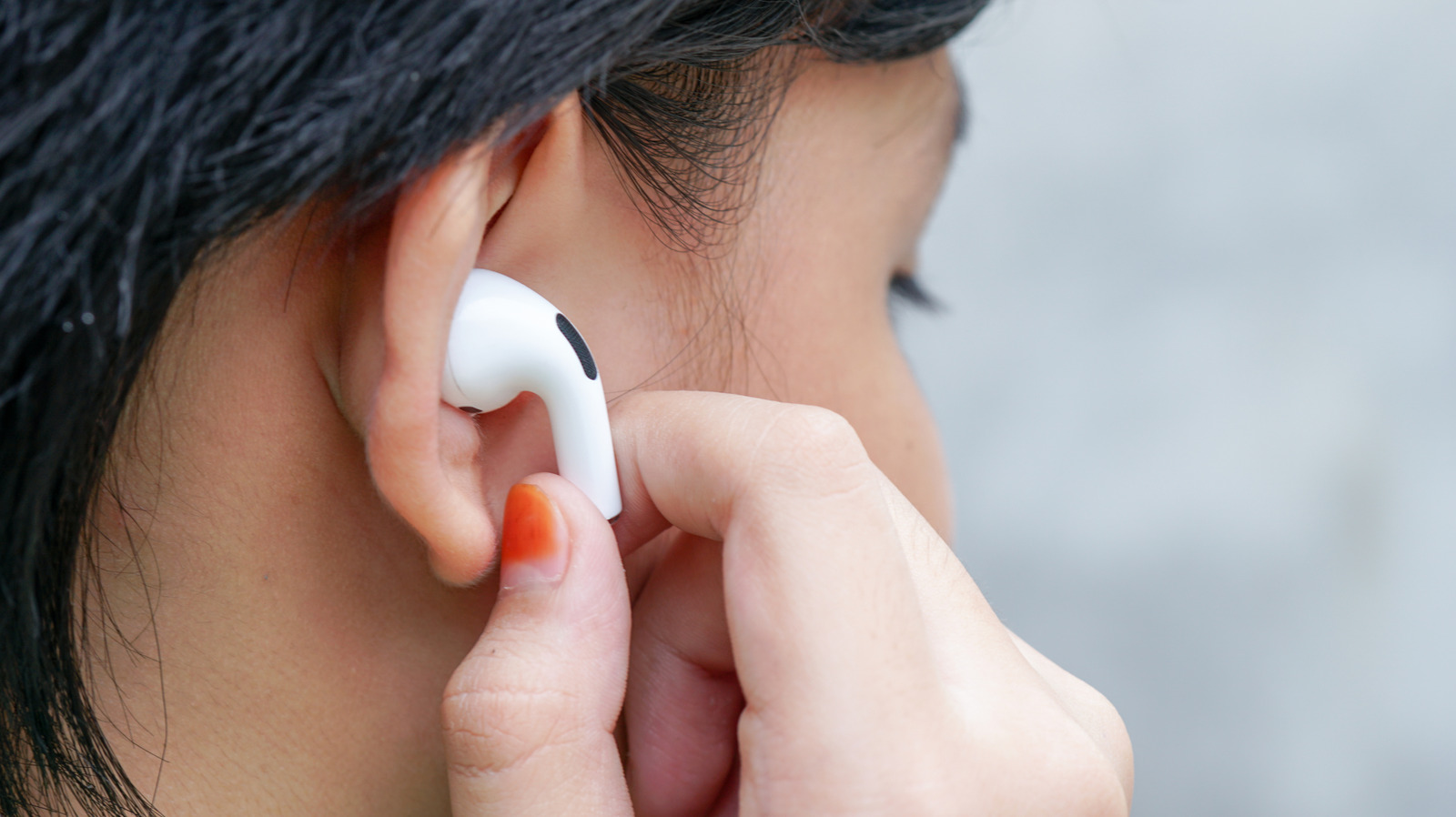
Person using their hands to adjust the Apple AirPods Pro in their right ear Moma okgo/Shutterstock

Active noise cancellation (ANC) is one of the major reasons people are drawn to AirPods. ANC is effective at blocking out background noise, whether it’s the traffic or people around you. So, when the feature stops working, the entire AirPods experience goes downhill. The noise that was blocked out earlier suddenly becomes audible, and your AirPods start to feel like any other wireless earbuds. The good news is that the problem isn’t usually tied to something big, but rather, a small misconfiguration or adjustment. And it’s almost always easily fixable.

Common reasons your AirPods’ active noise cancellation isn’t working include using ear tips that don’t fit, blocked microphones due to dust or earwax accumulation, running outdated firmware, not using both AirPods, and misconfigured settings. In some of these cases, ANC won’t feel as effective, and in other instances, the feature won’t work at all. But with the right set of fixes, you can get it working perfectly in minutes. Before you proceed, reboot your iPhone, as that alone can fix minor software glitches that may be causing the problem.

The ear tips are not a good fit

Person performing the ear tip fit test for AirPods Pro on an iPhone Hadrian/Shutterstock

If ANC has never felt quite right or you recently changed the ear tips, you might be wearing your AirPods wrong. Keep in mind that ANC isn’t simply a software-related feature — it also heavily relies on how well the ear tips seal to your ear canal. That’s why AirPods come with differently sized ear tips, allowing you to pick the one that delivers the best experience.

Your AirPods come with a feature to test the fit of ear tips, and it’s accessible on your iPhone. To run the test, make sure you’re wearing your AirPods and connect them to your iPhone. On your phone, open Settings, tap the AirPods entry, then scroll down and select Ear Tip Fit Test. Tap Continue to proceed, then play the sound and wait for the results. If it says “Good Seal” for both ears, you’re using the right ear tips. This means that something else is responsible for ANC not working on your AirPods.

In case you see “Adjust or Try a Different Ear Tip” for one or both ears, adjust the AirPods in your ears and try again. If you get the same results, try the test with one of the different ear tip sizes Apple included in the box. AirPods come with three sizes: Small, Medium, and Large. If the ear tips were indeed an improper fit, ANC should work fine now.

Noise Cancellation mode is turned off or set up incorrectly

AirPods Pro connected to an iPhone showing the transparency and noise cancellation modes Hadrian/Shutterstock

Most newer AirPods have three listening modes: Noise Cancellation, Adaptive, and Transparency. While Noise Cancellation blocks outside sounds, Transparency mode lets them in. Adaptive mode, on the other hand, combines both Noise Cancellation and Transparency — it automatically adjusts the outside sounds you hear based on the surrounding noise conditions. 

Often, when users complain of ANC not working properly on their AirPods, it’s because the feature is turned off or they’re using Transparency mode or Adaptive mode. To check that, start by wearing your AirPods and making sure they’re connected to your iPhone or iPad. On the mobile device, swipe down to open the Control Center. Now, press and hold the Volume bar, then select Listening Mode and choose Noise Cancellation. The feature should work now. You can also switch between modes by pressing the force sensor on your AirPods’ stem.

If the problem persists, make sure you are wearing both AirPods. Noise Cancellation mode is designed to work when AirPods are worn in both ears. If you can’t wear both for some reason, there’s a hidden setting to enable Noise Cancellation mode for a single AirPod. To do that, open Settings, go to Accessibility, select AirPods under Accessories, tap on your AirPods, then enable Noise Cancellation with One AirPod.

Your AirPods require cleaning

Apple AirPods pro outside the case against a blue background Wirestock/Getty Images

Your AirPods rely on built-in microphones to detect and block outside sounds. There are typically two sets of microphones, one facing outward to detect outside sounds, and another facing inward that listens to the audio you hear. Both help to deliver the best ANC experience. But when these microphones are clogged with dust or earwax, ANC won’t work as well on your AirPods. To fix this, you must clean the AirPods.

All you need are Q-tips, a brush, micellar water with PEG-6 Caprylic or Capric Glycerides, and a soft piece of cloth. Dip the swab or brush in micellar water and clean all the meshes on your AirPods. Once done, brush your AirPods with distilled water to remove traces of micellar water, then let your AirPods dry for a few hours. You can also use sticky tack or Blu Tack to remove dust and earwax clogging the mesh. Some users have fixed the issue by gently sucking on the AirPods, although that’s not the recommended approach. Keep in mind that cleaning may also help improve the sound quality on your AirPods.

Running outdated iOS or firmware

iPhone showing the iOS 26 update placed on a MacBook Ascannio/Shutterstock

If it’s a software-related bug behind your ANC not working properly, updating the device’s OS and the AirPods’ firmware should do the trick. For instance, if you have the AirPods connected to an iPhone, the iOS version must be up to date. To update your iPhone, open Settings, go to General, tap on Software Update, and if an update is available, install it. You can also turn on “Automatic Updates” from this same menu so that your iPhone automatically installs iOS updates when they are available.

As for updating AirPods firmware, you simply need to have the earbuds on a charger within Bluetooth range of an iPhone, iPad, or MacBook that’s connected to the internet, then the update will download and install automatically. If you feel that you might be running an outdated AirPods firmware version, there’s a quick way to verify that. Connect your AirPods to your iPhone, open Settings, tap on your AirPods, then scroll down and take note of what’s listed under “Version.” Now, go to Apple’s official website, check the latest firmware version for your model of AirPods, and verify whether you have it. If not, follow the steps outlined earlier to update them.

Your AirPods require a reset

Apple AirPods pro 3 with the case open placed on an iPhone 17 photoschmidt/Shutterstock

When all else fails, a reset can help get ANC working on your AirPods. That’s because, at this point, it’s likely a problem with the AirPods themselves. Factory resetting your AirPods is simple, but it differs by model. For the more recent AirPods 4 and AirPods Pro 3, put your AirPods back into their case, close the lid, wait for 30 seconds, and then reopen the lid. Now, double-tap three times on the front of the case, then wait for the light to flash amber and then white. On older AirPods that come with a dedicated button, simply put the AirPods into their case, open the lid, and hold the button on the back for 15 seconds. You should then see the status light flash amber followed by white.

If resetting also fails to fix your ANC issues, take your AirPods to an Apple Store or an authorized repair center, because a hardware issue could be to blame. In such cases, Apple should be able to identify the faulty component, and depending on your AirPods’ warranty status, offer free repairs or even a replacement.

Source

Posted on

What Wi-Fi 6 Actually Does For Your Nintendo Switch 2

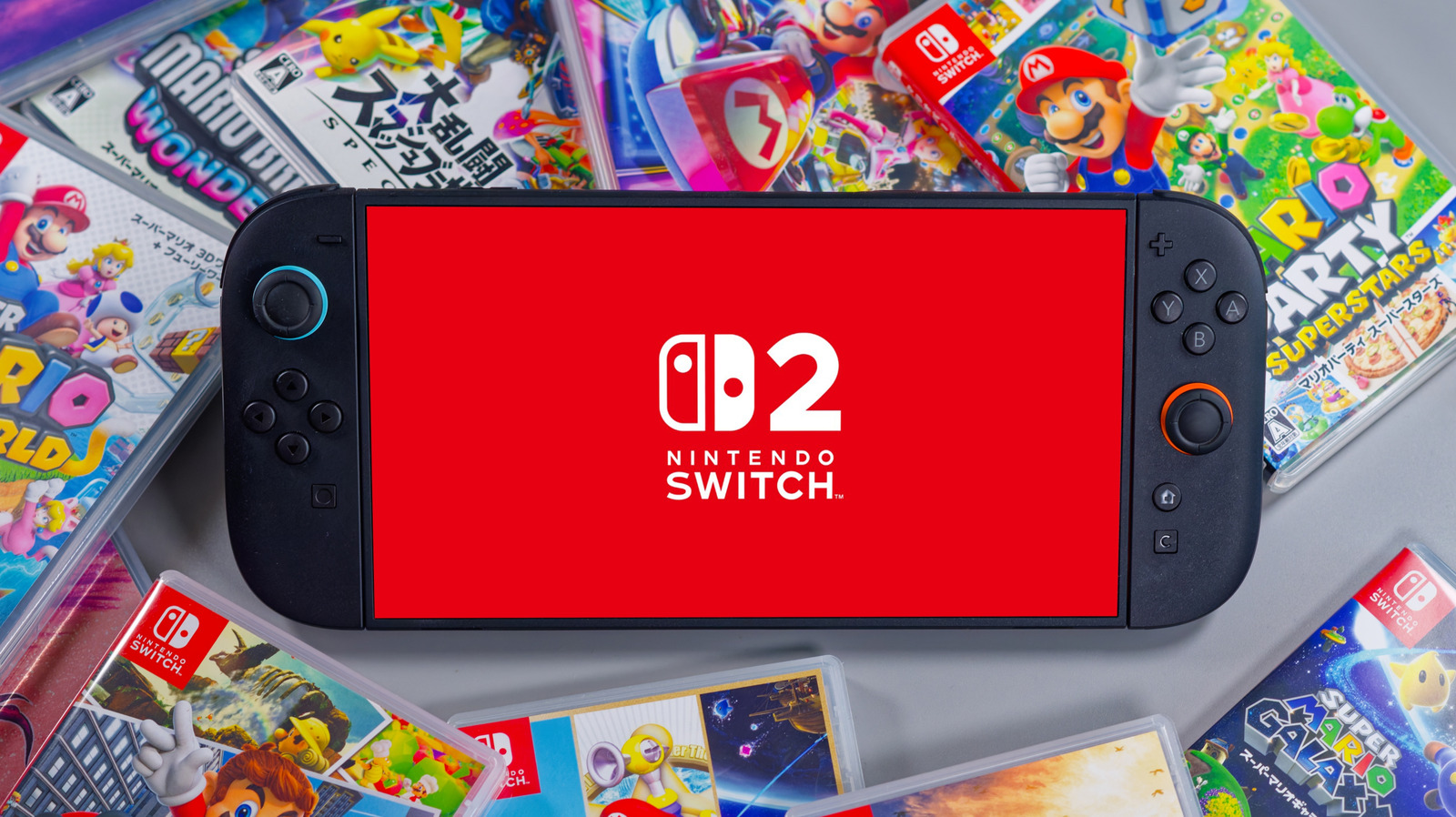
A Nintendo Switch 2 surrounded by Nintendo games Matthieu Tuffet/Shutterstock

For anyone playing video games online, a faster internet connection allows for a more streamlined experience. While some may be familiar with the term Wi-Fi and its ability to connect devices online without an Ethernet cable, there are different versions, including Wi-Fi 5 and Wi-Fi 6. They all function relatively the same way, but Wi-Fi 6 includes more enhanced features that allow it to produce less latency and more consistent speeds, support more connected devices, and perform a bit quicker overall.

The Nintendo Switch 2 uses your internet service to connect to the Nintendo eShop or play online using Nintendo Switch Online. These services are available through either a wireless or wired internet connection. This translates to improved download speeds and playing games over the internet. However, you don’t need to have a router with Wi-Fi 6 to make this hookup, as the Switch 2 is also capable of running on Wi-Fi 5.

In fact, the console can browse the Nintendo eShop and play online games through either a 5-gigahertz or 2.4-gigahertz frequency band, which is not obsolete, contrary to one of the Wi-Fi myths you need to stop believing. While the Switch 2 is compatible with Wi-Fi 6, don’t get Wi-Fi 6 confused with a 6-gigahertz frequency, which is only available on Wi-Fi 6E, a slightly newer standard that hasn’t yet been widely adopted. And if you do decide to jump in and use Wi-Fi 6 with your Switch 2, don’t expect miracles — maybe better download speeds and the chance for lower latency during online play, but probably nothing drastic. It still might be worth the upgrade, though.

Why Wi-Fi 6 matters for gaming on the Nintendo Switch 2

A Wi-Fi 6 icon Alano Design/Getty Images

The Nintendo Switch 2 is a powerful option for gaming. With a resolution of 4K at 60 frames per second when docked in TV mode, the system is capable of running games that look quite good online … but only if your setup can handle it. If, for instance, you want to play Mario Kart World online with up to 24 others, having a fast internet speed like Wi-Fi 6 can reduce any lag on busier networks. Compared to the original Nintendo Switch’s Wi-Fi, Wi-Fi 6 provides a snappier experience.

Wi-Fi 6 matters for gaming online on the Nintendo Switch 2 if you want the chance of less lag while playing with friends, quicker eShop downloads, and enhanced connection stability with multiple devices running on the same Wi-Fi. Wi-Fi 6 includes Orthogonal Frequency‑Division Multiple Access (OFDMA), which allows additional devices to be connected with fewer potential slowdowns. The consequences show up, among other places, in how many devices the average home router can connect to – Wi-Fi 6 wins this battle over Wi-Fi 5 pretty handily.

Note that if you want to play online on the Nintendo Switch 2, you’ll need to sign up for an additional service first. Nintendo doesn’t have a free online offering, but you can buy a membership for one Nintendo account at $19.99 per year or the Family membership plan, for up to eight Nintendo accounts, at $34.99 a year.

Is Wi-Fi 6 necessary for gaming?

Two people playing games on the Nintendo Switch 2 Emanuele Cremaschi/Getty Images

Wi-Fi 6 is a powerful option for online play, streaming your favorite TV show, or having several devices connected to your router at once. It’s fast, but may not be for everyone. If you live in a household where you only connect a few devices to the Wi-Fi, such as a phone or computer, Wi-Fi 6 may not be what you need. If you want to connect a lot of devices to your router, then opting for one with Wi-Fi 6 would be more beneficial.

For anyone who wants to connect multiple consoles to their router, Wi-Fi 6 is an attractive option, but it might not work in all circumstances. While the Nintendo Switch 2 is compatible with Wi-Fi 6, as is the PlayStation 5, some other consoles, such as the Xbox Series X/S, are not. 

The bottom line is that, for gaming on the Nintendo Switch 2, Wi-Fi 6 isn’t a necessity. Yes, the console is capable of running with Wi-Fi 6, but if you have a router that doesn’t support Wi-Fi 6, you’ll still be able to play online with your friends. You may have to accept a bit of latency and slower download speeds, though. For a better experience on your Switch 2, regardless of which Wi-Fi version you use, check out these 4 Nintendo Switch 2 settings that will instantly boost performance.

Source

Posted on

Do All Webcams Have Built-In Microphones?

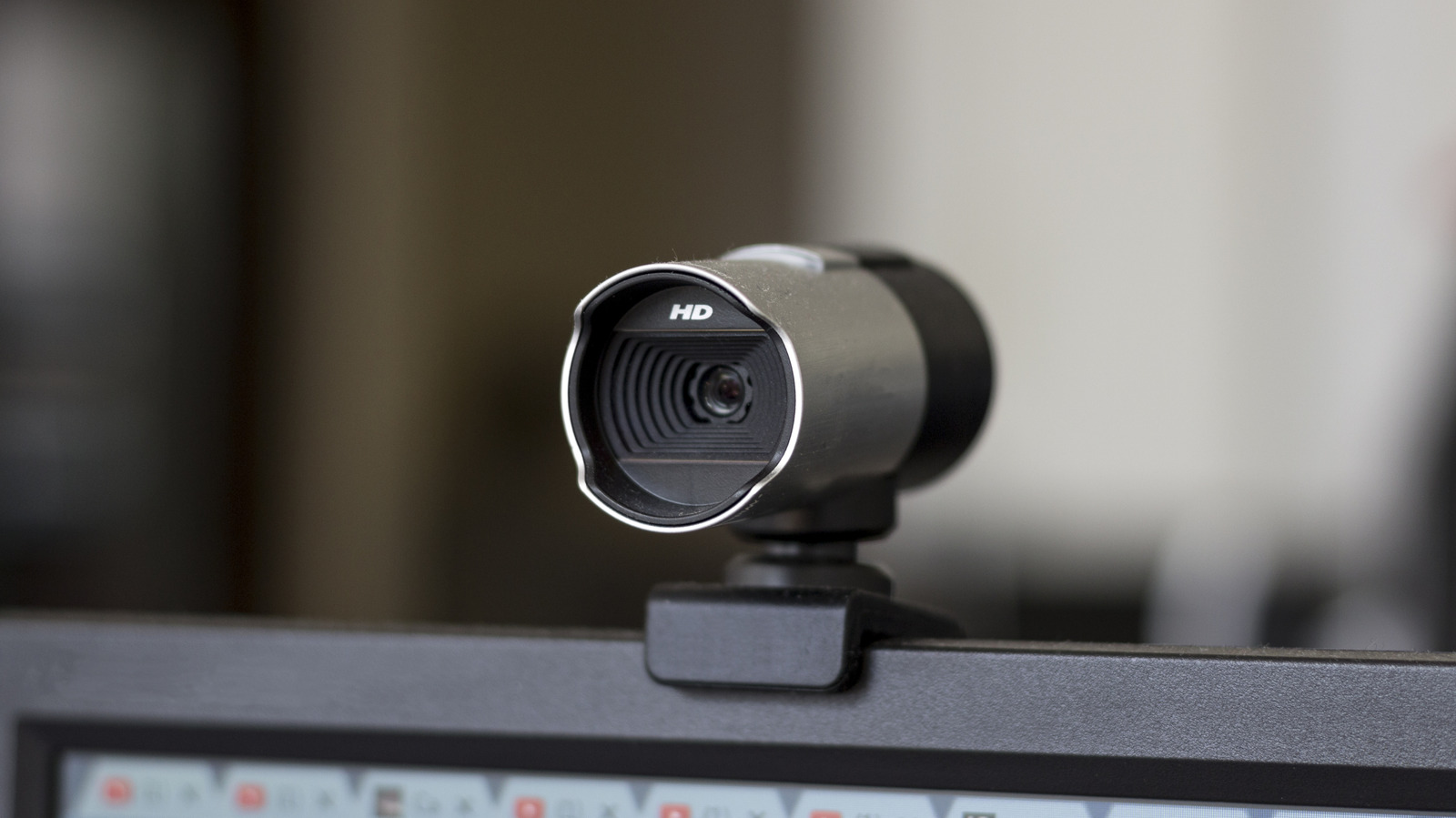
Webcam sitting on top of computer monitor Peter Horrox/Getty Images

We may receive a commission on purchases made from links.

My father was always ahead of the curve when it came to technology. He was always fascinated with anything new, so when the Connectix Corporation released the first consumer webcam for PC to the market in 1995, the Quickcam, he was first in line.

The camera shot in grayscale and at a 320-by-240-pixel resolution, so low that the Megapixel naming convention wouldn’t come into being until later models. What’s interesting is that the original Quickcam released for the Mac in 1994 and had a microphone built into it, while the following year’s PC release did not come with one, at first. Even in the earliest days of webcams, a built-in microphone wasn’t always a guarantee.

In modern times, just about all standard webcams will come with a microphone built into them, even cheaper webcams under $10, like the Estranst 2K Quad HD Webcam. If you don’t need a microphone, just ignore or disable it. While some say there’s simply no need for a traditional webcam anymore, there are real cases for when you might want or need a USB webcam without a microphone.

Some webcams highlight their lack of a microphone

Webcam mounted to top of computer monitor chanonnat srisura/Shutterstock

The AIRHUG 02 is a webcam that highlights its lack of microphone as a privacy feature, while the Aurolumiz 1080P FHD webcam does the same by including a physical mute button. Other models come with a privacy shield you can slide over the lens when not in use, which helps protect yourself from being seen if a hacker accesses your webcam. But what is often overlooked is that audio hacking also exists, with bad actors potentially gaining sensitive personal and business information by capturing your webcam’s audio.

Meta’s Mark Zuckerberg famously covers his webcam with tape, but this won’t prevent audio hacking. This is why webcams without microphones exist today, and are even fairly popular in many sectors. Sure, you’ll need a dedicated USB microphone with these webcams, but most standalone mics will provide better audio quality and more control than one in a webcam. 

In terms of video quality, webcams without microphones aren’t much different. The basic Airhug webcam features 2K UHD resolution, wide-angle support, and a 5-megapixel CMOS sensor, putting it in line with the very popular Logitech C920 webcam. These types of webcams, even their 4K models, also tend to be slightly cheaper than similar products from popular brands that include a mic. 

Source

Posted on

Every Sony PlayStation Controller, Ranked By Impact

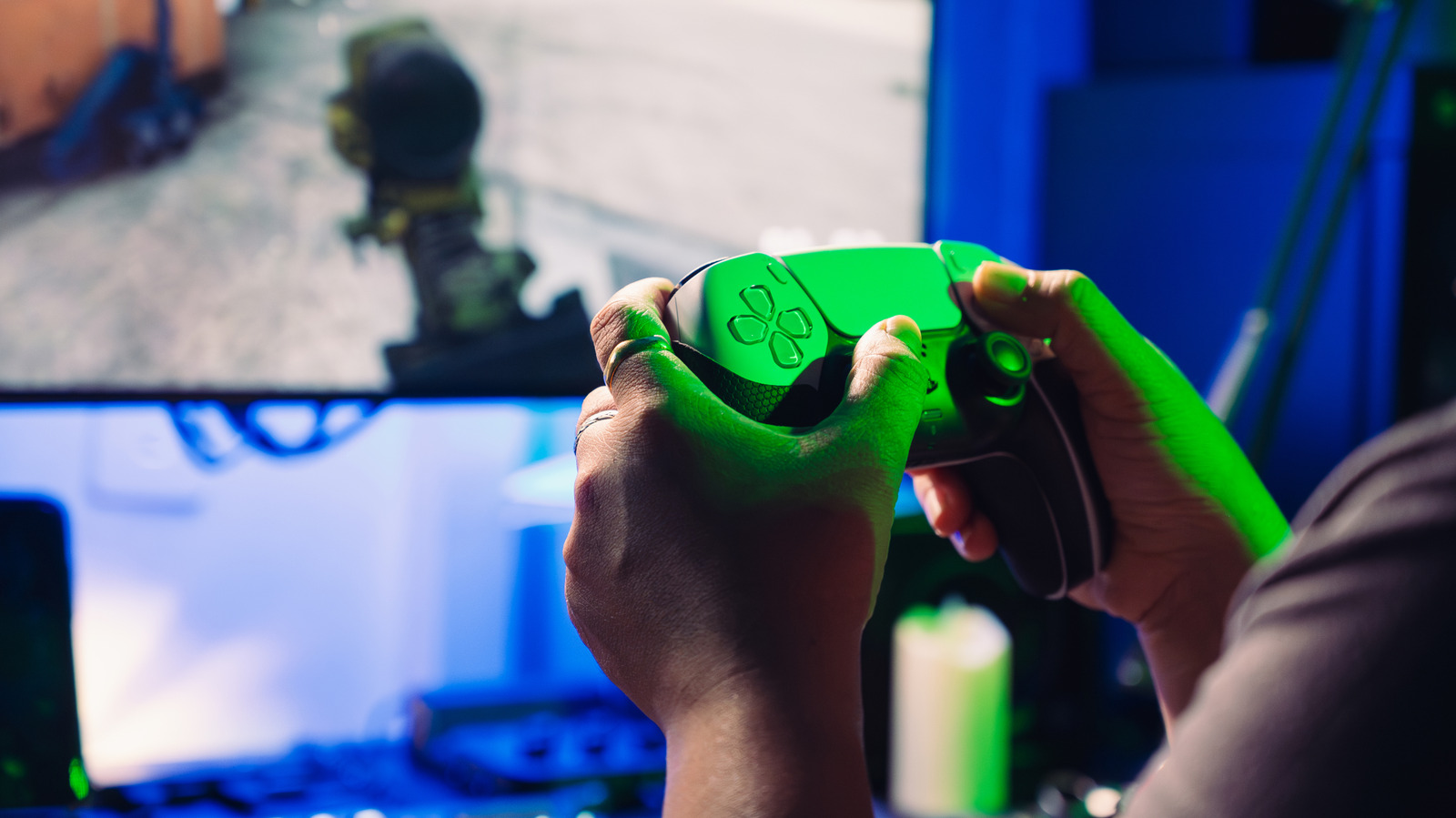
A person playing a game on their TV while holding a DualSense bathed in green light Narumon Bowonkitwanchai/Getty Images

We may receive a commission on purchases made from links.

Sony changed the landscape of the gaming industry once they came out with the original PlayStation in December 1994. All of a sudden, Nintendo found itself facing stiff competition in the market once again, after comfortably beating Sega in the previous console war. By outselling the Nintendo 64 and shipping more than a 100 million console units, Sony announced that it was here to stay for the long haul. It became an industry leader in terms of delivering cutting-edge graphics that people could enjoy in AAA blockbusters, with mature stories and action-packed gameplay loops.

As important as the home console itself was to solidify Sony’s dominance in the industry, all of these hardware achievements would’ve been for naught if the game feel itself wasn’t up to the mark. Thankfully, along with some of the most bizarre PlayStation gadgets ever made, the amazing designers and engineers behind the scenes at Sony crafted some of the most iconic gaming controllers of all time. They helped terms like DualShock and analog sticks become synonymous with the PlayStation brand. Every generation has seen Sony whip out amazing first-party controllers that are in a class of their own, although some of them have had a more lasting impact than others.

12. DualShock PS One Edition

The updated PS One console with its special DualShock next to it agencies/Shutterstock

Upgraded consoles don’t have as much of an impact as the base variant when they launch, so it’s only natural that any special controller that releases with said console will share the same fate — especially if it’s pretty much the same controller with a fresh coat of paint. Such was the case with DualShock PS one Edition, which made cosmetic changes to fit the theme of the PS One, but did little else. After all, this console had to maintain compatibility with games and controllers from the original PlayStation, so there was little wiggle room to change anything substantial.

This SCPH-110 controller model dropped the gray hues present in previous DualShock controllers in favor of pure white to match the color palette of the PS One. The term “PlayStation” under the console’s logo was switched to “PS One.” The sticks and buttons also took on a purple-ish shade to match the new console’s aesthetics. All in all, the DualShock PS One Edition was definitely a pretty controller, although it was far from a groundbreaking addition to Sony’s library of controllers.

11. DualShock 3

A blue DualShock 3 controller on a white surface Dion Chandra/Shutterstock

The PlayStation 3 faced so many challenges that it’s still hard to believe that Sony managed to mount a comeback and outsell the Xbox 360, despite being comfortably behind the curve for the longest time during the console war. The inclusion of a groundbreaking Blu-ray player that makes your old PlayStation 3 relevant to this day, along with a cell processor, made for expensive upgrades that forced Sony to sell this console at a premium. What made things worse was that a lawsuit from Immersion meant that the patented DualShock technology that made games super immersive was nowhere to be found.

That being said, in the long run, the SIXAXIS controller had far more of an impact on Sony’s future than the DualShock 3, which finally came out once the lawsuit was done and dusted. It’s pretty much a SIXAXIS controller with rumble support. Unlike the translucent body of its legally compliant predecessor, the DualShock 3 has a solid body that doesn’t let any light pass through. The addition of vibration feedback means that the controller is also slightly heavier, although it’s not a huge deal given the perks that come with what should’ve been the controller that the PS3 launched with in the first place.

10. PlayStation Move

Two PlayStation Move controllers, one with a red LED and another with a blue LED, on an orange surface Yalcin Sonat/Shutterstock

Despite the success of the Wii making it clear that players love motion-controlled games, Sony’s attempt to capitalize on this hype wasn’t successful. The PS Move worked in tandem with the PlayStation Eye, with the latter reading the input of the light orb at the end of this motion controller to detect player movement. The combination of a linear accelerometer, magnetometer, and angular rate sensor meant that the PS Move was very accurate at gauging the momentum of the player’s movements and understanding the orientation of their hand.

Despite this controller’s precise input, the company itself failed to support this hardware, with games that supported the PS Move being subpar at best. This could’ve marked the end of this controller, only for VR gaming to pick up steam and make the PS Move relevant again, becoming a mandatory accessory to pair with the PSVR headset to play some of the most immersive games you can get your hands on… even if they can be criminally short.

Yet, despite this second wind, the PS Move’s impact is nowhere near that of other motion-controlled devices. Multiplayer games were simply more fun on the Wii, and an argument can be made that Kinect’s amazing controller-free motion technology meant that Sony was coming third in a two-horse race. With the VR industry itself floundering because of a lack of third-party support, short gaming experiences, and the expensive barrier to entry, it doesn’t seem like the PS Move will enter the mainstream.

9. DualShock 4, 2nd Generation

A white 2nd Generation DualShock 4 on a gray surface ducu59us/Shutterstock

While the second generation DualShock 4 won’t recreate the impact of the former in any way, it still served up improvements that made it an unsung hero. The PS4’s announcement was miles better than its predecessor’s and left Xbox scrambling to do damage control after a disastrous E3 showing, but it would’ve been easy for Sony to rest on its laurels and ignore growing problems.

As ergonomic and well-designed as the first iteration of the DualShock 4 was, it had one major issue that affected its longevity. The rubber of the analog sticks was poor quality and prone to wearing down. It became such a widespread issue that Sony addressed it in a statement before launching the second version of the DualShock 4. As one would expect, the analog sticks were improved and didn’t face this problem of wearing down anymore.

The improvements didn’t stop there. Stick sensitivity was improved considerably, as were the trigger buttons and the controller’s battery life. The iconic light bar added in the original controller was extended to surround the touchpad for a cleaner look — a design choice seen in DualSense. People who want to eliminate any input lag with a wired connection were glad to know that the 2nd Generation DualShock 4 finally supported a proper USB connection, while the previous V1 controller just charged the battery while maintaining wireless connectivity if the device was plugged into the PS4. Despite improvements, the cherry on top was that this controller was lighter than before.

8. DualSense Edge

The DualSense Edge in its case on a white background agencies/Shutterstock

Is $199 for a controller excessive? Absolutely, but the DualSense Edge is a controller so ambitious and feature-rich that it’ll help you make the most of your PlayStation 5. It’s easily the most customizable PlayStation controller of all time, featuring two rear paddles that can be mapped to whatever action you want, along with removable and height-adjustable thumbstick caps.

The two function buttons help you switch between controller profiles on the fly, which is useful. If you’re playing a game and the regular controller input feels off, you can customize a different controller profile with varying dead zones, vibration intensity, stick sensitivity, and remapped button layouts. Enable it by pressing a function button with one of the face keys you’ve mapped a profile to; you can also press it with the Options button to set up a controller profile quickly. Meanwhile, the function button can be used with the Up and Down buttons on the D-Pad to adjust the volume of your headphones, while the Left and Right buttons govern audio balance.

The accessories are numerous and help justify its price. With the DualSense Edge, you’ll get a controller housing case, a connector housing to help the USB cable stay in place, three interchangeable stick caps, and two separate back buttons. This premium DualSense caters to the hardcore market, with gamers impressed with this revolutionary controller. But because of that, it didn’t have as widespread of an impact as others on this list.

7. DualShock 2

Holding the DualShock 2 controller Rado Gufran21/Shutterstock

The PlayStation 2 is currently the best-selling console in the world, with Sony reinforcing its focus on adult gaming experiences and including hardware that helped this console achieve a level of visual fidelity that was truly mind-blowing, back in the day. It helped that Sony had already experimented enough with the controllers for the original PlayStation, which is why the DualShock 2 had a pretty reliable template to follow. While the changes it brought to the table were pretty muted, PS2 veterans still have fond memories of this functional controller.

The sticks were firmer, and every button except for L3, R3, Start, and Select was pressure-sensitive and could be read as analog values. This was the first time a console manufacturer had experimented with such a feature, with the DualShock 2 being able to read 256 levels of pressure. Eventually, this would become a standard for future PlayStation controllers, albeit only for the trigger buttons. The rest of the changes are largely cosmetic. The black DualShock 2 became the new standard, moving away from the grays of the DualShock. A blue DualShock 2 logo could also be seen on top of the device.

6. DualShock 4, 1st Generation

The 1st Generation DualShock 4 on a white surface Oleg 08/Shutterstock

While the DualShock 2 and 3 are certainly competent controllers in their own right, one can argue the changes they brought to the table were minimal. The same can’t be said for the DualShock 4, which was a major step forward.

The first innovation stared everyone in the face: the clickable touchpad. On paper, this was a great way to enhance gameplay variety by letting games make the most of this additional input. However, only first-party Sony games made the effort to incorporate this touch bar into their games. “The Last of Us Part 2” lets you strum a guitar using the touchpad, while “Killzone Shadow Fall” lets you configure the behavior of your OWL drone with directional swipes. Even then, it feels like a gimmick at best, and an obligatory last-minute addition at worst.

Thankfully, the other design changes were better. The concave analog sticks and redesigned trigger buttons meant that this controller felt far more ergonomic than previous versions of the DualShock. The underside of the controller was textured for improved grip, and the Start and Select buttons were replaced with Options and Share. It’s the first PlayStation controller to feature a separate speaker and headphone jack, the former being used for immersive sounds and voice chat in specific games, and the latter a convenient way to plug in your gaming headsets, budget, or otherwise. The light bar, while somewhat inconvenient, was a new addition to the design language of Sony’s controllers that’s been improved upon ever since.

5. SIXAXIS Controller

A black SIXAXIS Controller on a white surface 2lttgamingroom/Shutterstock

The original PlayStation 3 controller was supposed to have rumble feedback from the get-go, but a 2002 lawsuit from Immersion Corporation meant that Sony had to avoid any legal ramifications before making more hardware with this technology. As a result, the SIXAXIS controller dropped the “DualShock” moniker for the first time since this technology was added to PlayStation controllers. While this might make it seem like the SIXAXIS was nothing more than a stopgap until the DualShock 3 would make its way into the market, this controller’s impact is two-fold and pretty monumental.

Firstly, as the name suggests, the SIXAXIS technology powering this controller meant that it supported motion controls, which would become commonplace in future PlayStation controllers. Secondly, this was the first-ever wireless controller made by Sony. Sure, you can call it a happy accident, what with wireless technology becoming more and more accepted around this time, but that takes nothing away from the groundbreaking technology powering the SIXAXIS controller that set the foundation for other PS controllers to build on.

4. DualShock

The first ever DualShock controller next to the original PlayStation Milton Buzon/Shutterstock

Even after adding dual analog sticks to the original PlayStation’s controller, Sony wasn’t done innovating just yet. The next and final version of this device included one of the most iconic pieces of tech that is present in every other PlayStation controller ever since, barring a brief blip that we’ve already discussed.

The moniker DualShock comes from the dual motors added to this PS1 controller, with one being larger and stronger than the other to allow for varying degrees of vibration. Along with this, the controller was also ergonomically optimized in subtle ways. The analog sticks were textured for better grip, the L2 and R2 buttons were larger, and the controller’s grips were also extended.

While the Nintendo Rumble Pak was the first time a video game company had incorporated vibration feedback in a controller, Sony’s in-built dual motors were far more elegant at getting the job done and established a brand that would persist for four console generations… before another next-gen controller came into the picture.

3. DualSense

The white DualSense controller resting on a table Leonardo Penuela Bernal/Getty Images

No other controller has truly felt as next-gen as the DualSense. The basic rumble motors were on the verge of being outdated, so Sony decided to replace them with dual actuators that provided localized haptic feedback, turning this controller into the perfect accessory to heighten a player’s immersion. It lets users feel the pitter-patter of raindrops and the weight of spoken dialogue.

Of course, Sony didn’t stop there. The adaptive triggers that come with this controller provide feedback whenever you press L2 or R2, simulating the recoil of gunfire with pulsing triggers or adding some tension to certain actions by letting players feel the weight of their button press. These two new pieces of tech did a lot of heavy lifting for the DualSense and made it the best gaming controller of the modern era.

As an added bonus, the gaudy DualShock 4 light bar was minimized so that it only envelops the DualSense’s touchpad, providing the intended visual feedback without being too in-your-face about it. The textured body of the controller features an array of crosses, circles, triangles, and squares, providing the grip you need while looking very cool in the process. Regardless of whether you connect your DualSense to your PlayStation 5 or any other device, you’ll be pleased by its performance.

2. Original PlayStation Controller

The first ever PlayStation controller on a white surface Erman Gunes/Shutterstock

At a glance, the first-ever PlayStation controller made by Sony can seem a bit too dated for its own good. The dual analog sticks that have become commonplace in modern gaming are a notable absence, and it wasn’t until three years later that this much-needed component was added to the controller. However, to say that this PS1 controller doesn’t have nearly the same impact as the other two that came after is a massive exaggeration.

This SCPH-1010 model used the SNES’ design as a starting point and added the four shoulder buttons we all know and love. In fact, the button layout of this controller was so apt from the get-go that it hasn’t changed at all for multiple generations. If there’s anything that personifies the “if it ain’t broke, don’t fix it” motto, it’s this controller’s amazing design.

Speaking of which, the addition of multiple buttons meant that the player’s other fingers would be occupied and wouldn’t hold the controller steady. To make up for this, the iconic grip handles were incorporated into this device’s design. They did a great job of keeping the controller stable in a player’s hands and have become a mainstay in modern controllers ever since.

1. Dual Analog Controller

The Dual Analog PlayStation controller on a wooden surface Zambri Zakaria/Shutterstock

As groundbreaking as all of Sony’s controllers are, none of them has a Guinness World Record for an industry-leading innovation… and what an innovation it is! The D-Pad of the original PlayStation controller got the job done, but Sony wanted to figure out a more elegant solution that would help players achieve greater control while playing 3D games, which were quickly becoming the norm. The end result was the Dual Analog controller, which — as the name suggests — added two analog sticks and would change the gaming landscape.

Every other gaming company was put on notice after this controller broke new ground in the gaming industry. The widespread adoption of this tech took some time, so much so that critics were still lambasting this then-experimental control scheme years after it came to be. Of course, reading these statements is hilarious in hindsight.

If a game supported analog input, players could press the Analog button to enable a red LED and enjoy omnidirectional movement. Pressing this button again would cause a green LED to pop up instead, indicating that this controller is emulating the input of the PlayStation Analog Joystick. It was a nice touch that let players enjoy games that supported this joystick without having to shell out more cash for another accessory. Unfortunately, the DualShock removed this support and stuck to regular analog input.

Methodology

The DualSense controller placed on a bag with the PlayStation logo Wachiwit/Getty Images

All of Sony’s PlayStation controllers have been ranked after carefully gauging their industry impact, groundbreaking features, iconic designs, notable improvements, and user reception — both contemporary and retrospective.

Source

Posted on

Why Back To The Future Was Banned In China

A DMC DeLorean styled after the car in Sue Thatcher/Getty Images

While moviegoers around the world are usually able to enjoy the blockbuster films produced by Hollywood, it’s not unprecedented for one of those films to be met with a proverbial stop sign. Films are banned from foreign cinemas and sales on occasion, usually due to differences in social, political, or governmental standards, as well as elements deemed offensive in other countries. Even high-profile films can receive this treatment, including “E.T.” being banned in Scandinavia, or non-American films like “Akira” being banned in Russia. While most of these bans are somewhat understandable, there are some unusual exceptions. For example, you probably didn’t know that “Back to the Future” was banned in China for being “frivolous” and “disrespectful” of history.

“Back to the Future” is, of course, the classic 1985 film about Emmett “Doc” Brown (Christopher Lloyd) creating a time machine from a DeLorean, which could’ve been an even more ridiculous vehicle, and Marty McFly (Michael J. Fox) accidentally traveling back to 1955 where he encounters his parents in their youth, inadvertently changing history in the process. This changing history part is why the Chinese government decided to ban films depicting time travel, on the grounds that one’s history should be considered sacrosanct and unalterable.

Time-travel movies were banned for being disrespectful of history

The back of a toy of the DeLorean from Back to the Future. Dudbrain/Getty Images

In 2011, the Chinese government ruled that science-fiction films specifically depicting the act of traveling through time and experiencing, examining, and altering past events would be banned from shows and sales in the country indefinitely. The cited reason for this ban was that, while time travel obviously isn’t real, hypothesizing about its use and, by extension, the critical examination of the past is “disrespectful of history.” More specifically, according to The Hollywood Reporter, China’s State Administration of Radio, Film and Television (SARFT) stated: “Producers and writers are treating serious history in a frivolous way, which should by no means be encouraged anymore.” 

In short, the concern was that these kinds of films would encourage people to observe real-life past events in a critical fashion and speculate on what the world would be like if the course of history were different. Coincidentally, this ruling was made during the 90th anniversary of China’s ruling political party. Since the ban in 2011, the China’s SARFT has not commented on the matter of time-travel, so in all likelihood, this genre of films is still prohibited. In addition to the “Back to the Future” trilogy, this ban presumably applies to other time-traveling, history-altering movies such as “The Terminator,” “Source Code,” “Frequency,” and, yes, even “Bill & Ted’s Excellent Adventure.”

Source

Posted on

Your Apple Watch Is Tracking A Health Metric You Didn’t

Your Apple Watch may be small, but it actually packs a whole lot of sensors inside. Probably the most popular one is the heart rate sensor, used to power the Apple Watch’s heart care features. Then, there’s the depth gauge and water temperature sensors, both of which come in handy when you’re out swimming or diving. But beyond these Apple Watch features you’re using every day, there’s one other valuable sensor you might have missed: the ambient light sensor.

For other Apple devices, this is designed to automatically adjust the screen brightness depending on how dark or bright your surroundings are. On an Apple Watch, though, it’s also meant to help with your health. Instead of only controlling the brightness level of your device, the ambient light sensor also tracks how much daylight you get.

As you might already know, sunlight is the cheapest and simplest way to get your health in better shape. It provides vitamin D, supports good eye health, regulates your circadian rhythm for a healthier sleep, and even helps with some psychological disorders. That’s why it’s important to know whether you’re getting enough of it on the daily — and your Apple Watch can help with exactly that thanks to its Time in Daylight feature.

How to check the time you’ve spent in daylight on your Apple Watch

The total time you spend in daylight is automatically synced from your Apple Watch to the Health app on your iPhone. Here’s how to view this data:

  1. Launch the Health app on your mobile device.
  2. Press the search icon in the bottom-right corner.
  3. Under “Health Categories,” go to Other Data.
  4. Choose Time in Daylight.

If you’re managing an Apple Watch for a family member like your kid, you can also check their hours of daylight exposure from your Health app. Just go to Sharing instead of the search icon. From here, you’ll then see how many minutes they’ve spent in daylight in total. Tap on the timeline at the top to check the total time for the day, week, month, past six months, or past year. Studies suggest that at least 10 minutes of sunlight a day can boost your health, so see whether you’re getting as much.

If you’re not a fan of this underrated Apple Watch feature, though, you can disable Time in Daylight from the Settings app on your Apple Watch. From the Apple Watch’s main Settings menu, navigate to Privacy & Security and choose Health. Then, select Time in Daylight and toggle off the feature.

Source

Posted on

China’s New ‘All-Iron’ Battery Might Beat Lithium At Only 1

A worker monitoring battery levels at an energy storage station Phonlamai Photo/Shutterstock

The Institute of Metal Research at the Chinese Academy of Sciences has unveiled an “all-iron” flow battery that can last for 16 years. Like other flow batteries, this new invention uses liquid electrolytes that release electricity when pumped over electrodes during charge or discharge. Because China’s new battery is “all-iron,” even going so far as to include a newly-engineered iron molecular complex, it is extremely inexpensive to manufacture — 80 times cheaper than a lithium battery, in fact.

China’s nuclear batteries proved that the country is a leader of energy innovation, and a Chinese thermal battery breakthrough involving high-efficiency cathodes recently made waves as well. What sets this latest discovery apart is that it may be put to use very soon. China’s all-iron flow battery has a reliable design that protects the core from chemical damage while its negative charge repels leaking particles. It already achieved a 99.4% leak-proof efficiency in practical testing.

Here’s the big question: How are these miracle batteries so much cheaper to make? Iron is extremely abundant and easy to source, whereas the components for lithium batteries are facing a global shortage. Lithium batteries are still sought-after for their ability to hold a significant charge, but all-iron flow batteries may replace them once manufacturers start cranking them out at just 1.25% of the cost.

Why China’s ‘all-iron’ battery may be the future

A man working to maintain the power grid Sumala Chidchoi/Shutterstock

There is a pressing need for cheap yet durable batteries that can address the problems with current energy storage solutions. The world’s electricity demands have reached a point where renewable grid-scale batteries are absolutely necessary. The ideal answer is something that is scalable and capable of supporting the grid even during seasons when solar or wind power is not readily available. The affordability and availability of China’s up-and-coming all-iron flow battery make it a viable solution.

Flow batteries are generally safer than lithium batteries, too. If someone isn’t actively monitoring for the warning signs of a failing lithium-ion battery, a fire can break out and cause significant damage. By comparison, flow batteries are non-flammable and present little risk even when used in cramped spaces where other batteries would overheat.

It remains to be seen whether all-iron batteries will be the go-to energy storage solution of the future. Some researchers already have their eyes on a new fast-charging quantum battery prototype that could change the world if mass-produced. For now, though, the main priority is to build a long-lasting renewable power grid — and that’s exactly what China’s all-iron batteries are promising.

Source

Posted on

iOS 27 Will Bring Custom Passes To Apple’s Wallet App

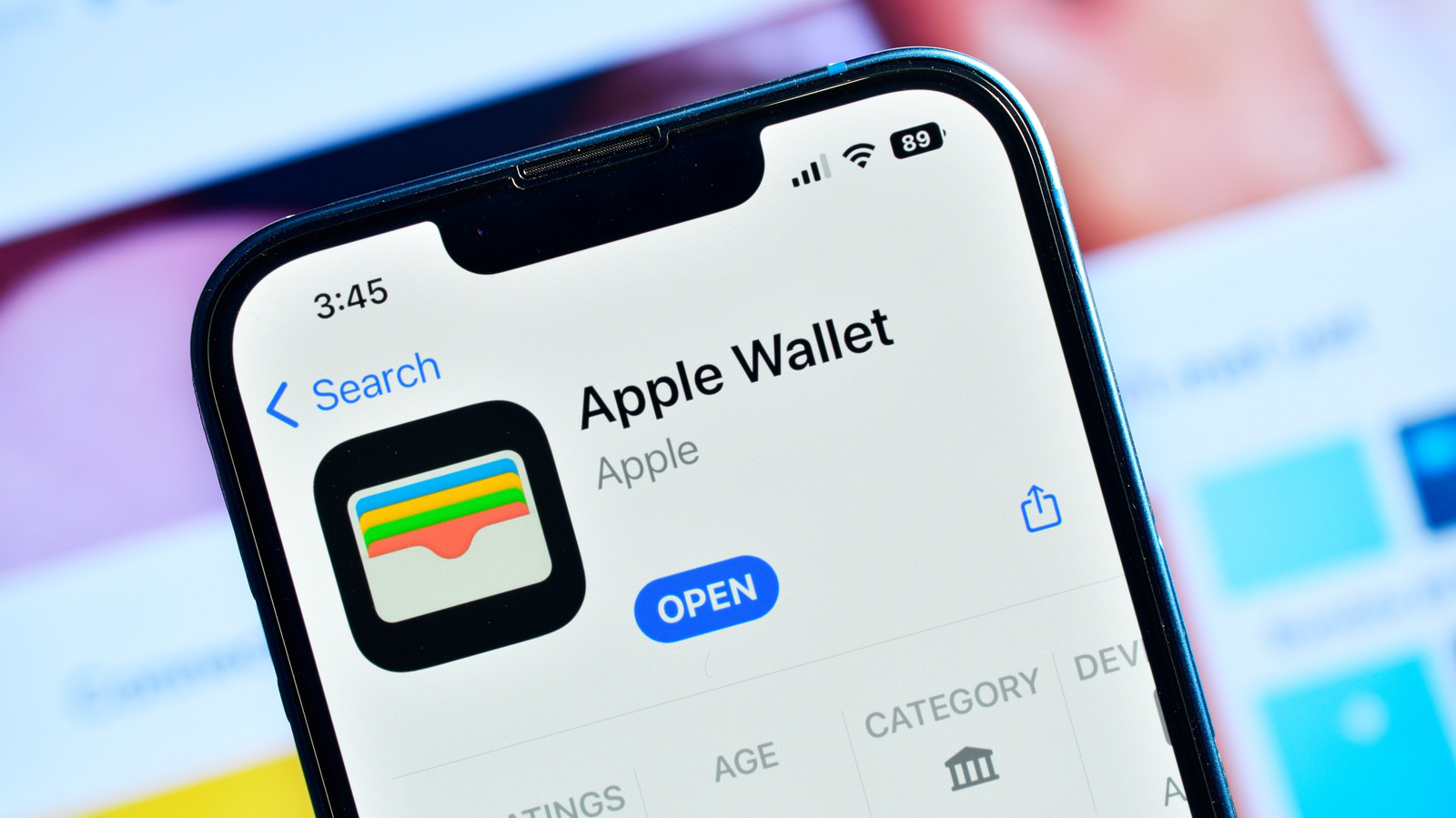
An iPhone displaying the Apple Wallet app within the Apple App Store, behind the device is a screen that is displaying information far too blurry to be read clearly Funstock/Shutterstock

Those with an iPhone may soon have a new way to enter certain events — or anything that requires a pass, for that matter. Apple Wallet can be incredibly useful when it comes to storing tickets, but one major drawback is that not every event or service allows for adding its tickets or passes to the app. Now, according to reports, Apple is changing things up by allowing users to create their own passes so they can add them directly to the Wallet app.

According to a report from Bloomberg’s Mark Gurman, a new “Create a Pass” feature is expected to arrive within iOS 27 that will allow users to create their own passes, tickets, and gift cards for Apple Wallet. No, it doesn’t involve bootlegging, but it will instead be used for instances where a company offers a QR code but does not support the Wallet app directly. Additionally, users will be able to customize these tickets, with Apple potentially providing some templates for specific events.

This news follows a string of rumors surrounding the next iteration of iOS, including a new feature that may change how users edit photos. If you want to learn more, we recently wrote about four features that are rumored to arrive in iOS 27, including a redesigned Siri. Users won’t have to wait too long for the announcement, as Apple is expected to unveil iOS 27 at WWDC this summer.

Custom tickets and passes in Apple Wallet

A Cosmic Orange iPhone 17 Pro sitting on top of a black iPhone 16, both phones are being held in a user's hand J.a. Dunbar/Getty Images

According to the Bloomberg report, the new feature will allow users “to build and customize their own digital tickets and gift cards” using Apple Wallet. This new feature essentially allowing users to make their own custom passes whenever a digital ticket is available.

Gurman’s sources claim that users will be able to hit the plus button within the Wallet app to access an interface that allows users to “create passes for tickets, membership, gift cards, and more.” Those using the new feature will be able to use the iPhone’s camera to transform a QR code into something for Apple Wallet or build a pass completely from scratch. Additionally, users will be able to customize the presentation of the pass.

Apple is testing three template options, the report notes. They includes event, membership, and standard. Standard passes will have an orange color and be a default option, memberships will be blue and work for gyms, and event passes will be purple and signify one-off events, like movies and concerts. We should learn more about the feature at this year’s WWDC 2026, where we expect Apple to show iOS 27 off to the public for the first time.

Source

Posted on

5 New Movies On Netflix To Watch In May 2026

Keke Palmer, Daniel  Daniel Kaluuya, and Steven Yeun looking up in Nope. Universal Pictures

May is finally here. The weather is warming up, and some highly anticipated movies are finally releasing. “Mortal Kombat II” will punch its way into theaters in a few days (and early reactions say it is a “flawless victory”), and “The Mandalorian and Grogu” is bound to be a must-watch at the tail end of the month. But if you want to watch movies without spending money on ticket prices and popcorn, Netflix has a new batch of films.

Admittedly, April was a bit of a tough month for Netflix subscribers. The streaming service lost its entire “James Bond” collection and “Train to Busan” (a action movie about a zombie outbreak on a train you need to watch). Plus, subscription plans saw increased fees. However, Netflix is still worth every penny, as multiple must-watch movies and shows are now (or soon will be) available through its website and app. Here are our top five recommendations for your viewing pleasure. Of course, these aren’t the only movies you should watch through Netflix, just the ones that you should binge first.

National Lampoon’s Animal House

John Belushi as Blutarsky drinking a bottle of whiskey in Animal House Universal Pictures

In 1982, the world lost one of the best comedians of the century: John Belushi. The man got his big break in comedy clubs and “Saturday Night Live,” and he eventually went on to star in several movies. While “The Blues Brothers” is probably his most iconic role, “National Lampoon’s Animal House” is one of his earliest and funniest. “Animal House” is the quintessential film about a college fraternity and the shenanigans they get up to, much to the chagrin of the college’s dean.

The movie stars Thomas Hulce and Stephen Furst as Lawrence “Pinto” Kroger and Kent “Flounder” Dorfman, two freshmen at the fictional Faber College who join Delta House. They, along with the rest of the fraternity (including Belushi as John “Bluto” Blutarsky), get into all sorts of trouble as they party and heavily drink, all while Dean Vernon Wormer (played by John Vernon) schemes to have them all expelled and Delta House dismantled. Hijinks ensue.

The legacy of “Animal House” cannot be understated. Countless organizations consider the film one of the funniest movies of all time, including Esquire, Bravo, and the BBC. Plus, the movie launched many of its younger stars into long and successful careers. Not John Belushi, though. He was already famous and got the role because the writers, including Harold Ramis (one of the minds behind “Ghostbusters” and its sequel), wrote the role specifically for Belushi. The movie is currently available on Netflix.

Schindler’s List

Jews captured in Schindler's List Universal Pictures

Between 1933 and 1945, the Nazi Party conducted the Holocaust, a state-funded program to mass murder all “undesirables.” While the Nazis slaughtered many groups, including homosexuals and the Roma people, Jews were their primary targets. However, some brave souls fought against the Nazi regime in secret to save as many lives as possible, including British stockbroker Nicholas Winton and German industrialist Oskar Schindler. “Schindler’s List” is a 1993 biographical drama directed by Steven Spielberg.

The movie follows Oskar Schindler (played by Liam Neeson) as he begins his career running an enamelware factory … and a card-carrying member of the Nazi party. He uses his status to “hire” as many Jewish workers as possible, thus keeping them out of concentration camps. As the war continues, Schindler eventually shifts to building weapons, but more importantly, he empathizes with the plight of the Jews under his employ. Thanks to his efforts and kindness, Schindler ends up saving the lives of over 1,000 people.

It probably goes without saying that “Schindler’s List” is a critically acclaimed film. Not only do critics and audiences alike hail “Shindler’s List” for its acting, writing, and cinematography, they also praise the movie for its uncompromising depiction of the barbarity that was the Holocaust and the Nazi party. “Schindler’s List” is widely considered one of the greatest U.S. movies of all time, and you can watch it now on Netflix.

The Land Before Time

Littlefoot's mother dies in The Land Before Time Universal Pictures

Studio Ghibli co-founder Hayao Miyazaki is one of the few animators and animated movie directors who receive the recognition they deserve. One of the only other exceptions to this disappointing rule is Don Bluth, best known for movies such as “The Secret of NIMH,” “An American Tail,” and “The Land Before Time.” This animated film is, if you’ll pardon the pun, a timeless story about young dinosaurs trying to find a mythical location that could potentially provide a source of sustenance during a famine. All the while, the plot explores themes of prejudice and found family.

Despite being an animated movie aimed towards children, “The Land Before Time” isn’t afraid to show character deaths that, while not explicit, stick with you for years. Unlike many modern animated films, “The Land Before Time” stars a cast of voice actors who aren’t super famous, but that isn’t a knock against their performances. These include Gabriel Damon as the main character, Littlefoot, and Candace Hutson as Littlefoot’s best friend, Cera.

While “The Land Before Time” isn’t the best movie on Netflix, it is a beloved childhood classic of many adult audiences and, therefore, a must-watch for a family movie night — assuming some audience members are younger children. It is worth noting that while “The Land Before Time” is currently available through Netflix, the movie is the first entry in what became a long-running franchise of direct-to-video films, none of which are on Netflix. Or worth watching, depending on who you ask.

Starship Troopers

Johnny Rico screaming in Starship Troopers Sony Pictures Entertainment

Many movies based on a novel or comic book (let’s not talk about video game adaptations) aren’t wholly faithful to the source material. Usually audiences see that as a flaw, but sometimes it works in the film’s favor. Just look at “Starship Troopers.” On the surface, “Starship Troopers” comes across as your standard sci-fi flick about humans vs. aliens. The film stars actors such as Casper Van Dien, Dina Meyer, and Jake Busey as infantry in the United Citizen Federation as they try to stop a potential invasion by insectoid aliens, colloquially known as “bugs.”

In some ways, the movie follows the path of a coming-of-age story from the lens of soldiers who have to come into their own on the battlefield. And if they don’t, they’ll die a horrible death ripped apart by extraterrestrial arthropods. While both the original novel and the movie portray the UCF as an authoritarian, militaristic government, the book is generally viewed as approving of such ideas almost to the point of propaganda. The movie, meanwhile, satirizes such concepts — a fact that went over the heads of critics at the time of release.

The “Starship Troopers” film pokes fun at philosophies such as jingoism and colonialism, and now that people see the movie for what it is, they welcome it with open arms. You cannot help but appreciate a movie with satire so over the top it circles back into subtlety and fools audiences into thinking it’s completely serious. While “Starship Troopers” is the beginning of a sci-fi franchise, only the first film is available on Netflix.

Nope

Steven Yeun as Ricky Park looking up at a rodeo in Nope Universal Pictures

Jordan Peele was once an accomplished actor. Most knew him from his work with Keegan-Michael Key in the sketch show “Key & Peele,” but he quit acting after starring and writing the film “Keanu.” Why? Because he was asked to play the Poop emoji in the film “Emoji.” This insulting offer convinced him to become a full-time producer, director, and writer. With two successful horror movies under his belt, Peele went on to make what many consider a must-watch alien invasion film.

The movie “Nope” revolves around Otis “OJ” Haywood Jr. (Daniel Kaluuya, who previously starred as Chris Washington in Key’s first horror movie “Get Out”) and his sister Emerald “Em” Haywood (Keke Palmer), and their attempts to save their late father’s horse ranch — both from insolvency and from a UFO that is abducting their horses. Like many of Peele’s films, themes of racism and profiteering (especially against black people) sit just below the surface of the plot.

Since “Nope” was released in 2022, it is the most recent film on this list of recommendations. However, that does not take away from its status as a must-watch movie, especially for fans of Peele’s filmography. Unlike the other entries in this article, “Nope” isn’t available to watch just yet; you will have to wait until May 18 before you can stream this movie on Netflix.

Source