Posted on

CarPlay just got one of my favorite Apple apps

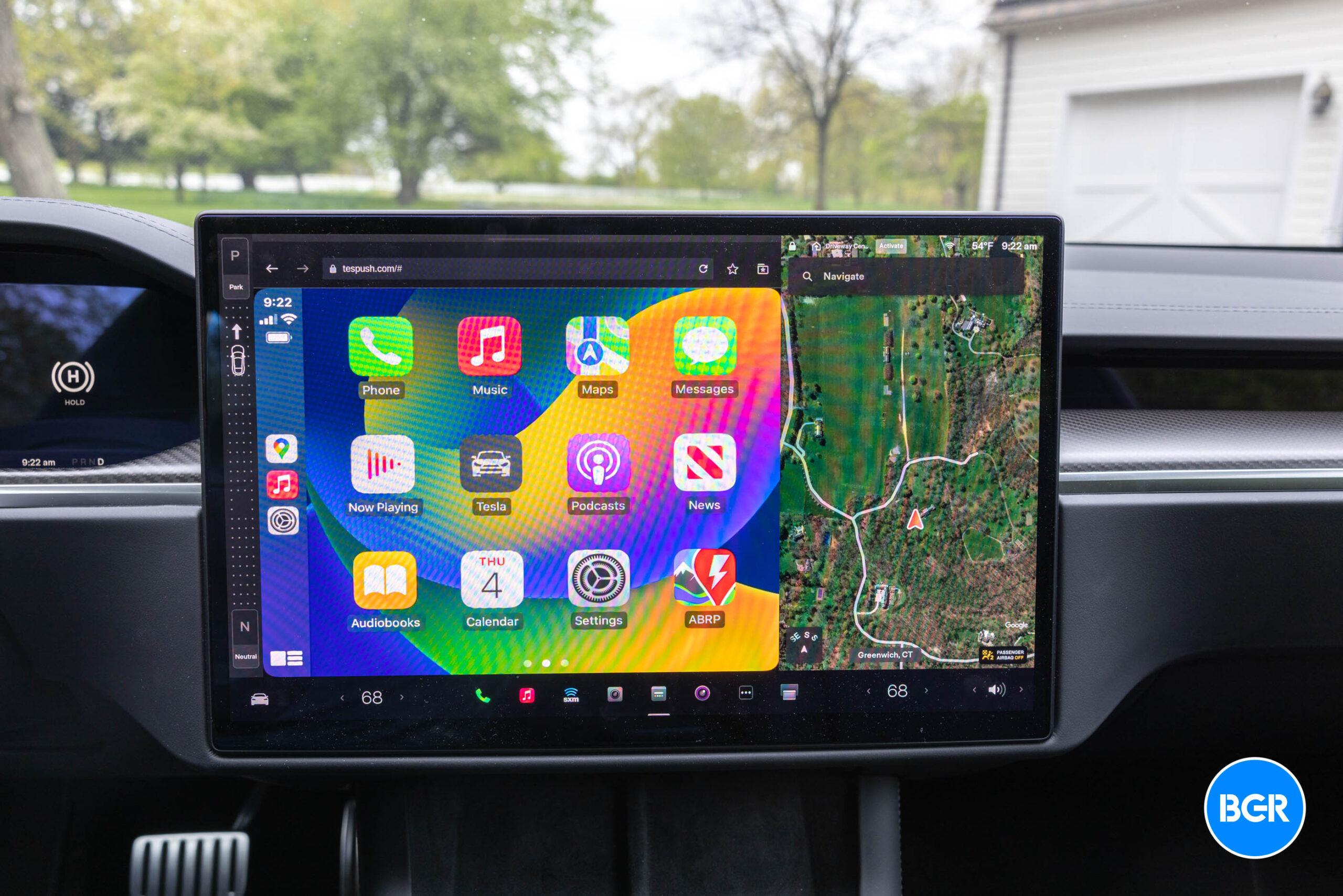
CarPlay just got even more useful, as one of my favorite Apple apps has been added. Starting today, CarPlay users can take advantage of Apple Music Classical, Apple’s music streaming service for classical songs.

According to the app’s release notes, this update adds “support for CarPlay and Siri, plus stability and performance enhancements.” This is the first major expansion since Apple added support for Android on May 30.

Apple Music Classical is a service based on Primephonic, a classical music streaming service the company bought in 2021. After two years of development, the company released its own version of the app, which has a similar look to Apple Music but with new tweaks and a focus on this specific genre of music.

With it, you can access the world’s largest classical music catalog. Search by composer, work, conductor, and more to quickly find any recording. Explore composers, periods, instruments, and more through curated playlists and composer biographies. Get detailed information about what you are listening to.

Tech. Entertainment. Science. Your inbox.

Sign up for the most interesting tech & entertainment news out there.

By signing up, I agree to the Terms of Use and have reviewed the Privacy Notice.

Apple Music ClassicalImage source: Apple Inc.

The service has the largest classical library with over 100 million songs and the world’s largest catalog of classical music — more than 5 million tracks and 1.2 million recordings. It features:

  • 20K+ composers;
  • 115K+ unique classical workers listed;
  • 350+ movements available.

It is available in Lossless and Hi-Res Lossless up to 24 bits. Spatial Audio with Dolby Atmos is also supported. That said, CarPlay users can also take advantage of songs in Spatial Audio, thanks to the iOS 18 update. The latest version brought these three new features:

  • Spatial Audio: Drivers can now listen to Spatial Audio songs and albums available in Apple Music and third-party apps while connected to CarPlay. Vehicles with multichannel audio capabilities can enable an immersive sound experience. Spatial Audio with support for Dolby Atmos can also be implemented in compatible vehicles.
  • Announced Notifications support: Announce Notifications can read aloud your notification summaries when using AirPods or CarPlay.
  • Accessibility: Color Filters, Bold Text, Voice Control, and Sound Recognition accessibility settings are now available in CarPlay in IOS 18, providing a consistent experience between the iPhone and the vehicle.

Apple Music Classical is available as part of an active Apple Music subscription, whether it’s a standalone subscription or part of Apple One.
Source

Posted on

visionOS 2.2 beta 2 now available with wider Mac Virtual Display

A week after releasing visionOS 2.2 beta 1 to developers, Apple has now seeded its second testing version. Unlike the tame visionOS 2.1 update, this new build brings a long-awaited feature: wider Mac Virtual Display options.

Mac Virtual Display is one of the OG features of Apple Vision Pro. However, with new wide and ultrawide modes, the spatial computer offers a more immersive experience.

Here’s what this feature is all about:

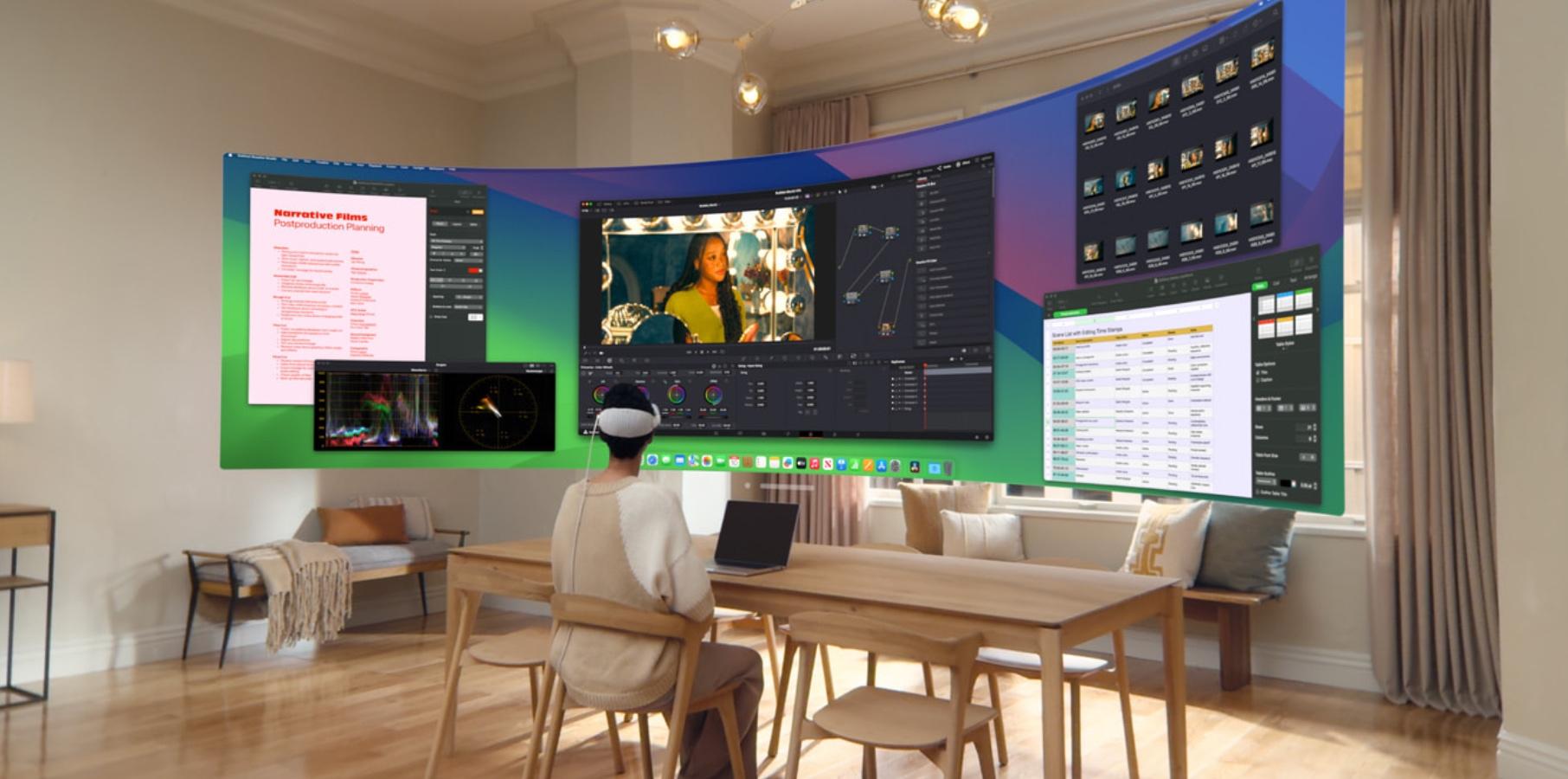
Using Mac Virtual Display is like having an expandable, ultrawide screen that wraps around you. It’s the equivalent of having two 4K displays sitting side by side — everything looks astoundingly sharp and incredibly detailed.

Now, with an ultrawide view, Apple says it feels like you have two physical 4K displays sitting side by side on a desk, except you don’t have something limiting the two displays. This Apple Vision Pro feature is perfect for anyone multitasking on a Mac, and it feels better than having several windows floating around.

Tech. Entertainment. Science. Your inbox.

Sign up for the most interesting tech & entertainment news out there.

By signing up, I agree to the Terms of Use and have reviewed the Privacy Notice.

With this feature, you can open several apps at once and visualize them before you with Vision Pro’s incredible displays. Not only will this boost productivity, but it will also make this spatial computer a more compelling upgrade than two Studio Displays, as you can use it for more than just mirroring your Mac once you finish working.

Apple is expected to expand Mac Visual Display in early December when visionOS 2.2 is expected to be released to all users. While rumors about a new Vision Pro are contradictory, the latest reports expect Apple to update this product next year with a more capable processor, most likely the M5.

However, a revamped interaction is still a few years away. Alongside visionOS 2.2 beta 2, Apple has seeded the second testing versions of watchOS 11.2 and tvOS 18.2.

Below, you can learn more about visionOS and other Vision Pro features.

Source

Posted on

iOS 18.2 just made the iPhone 16’s Camera Control even better

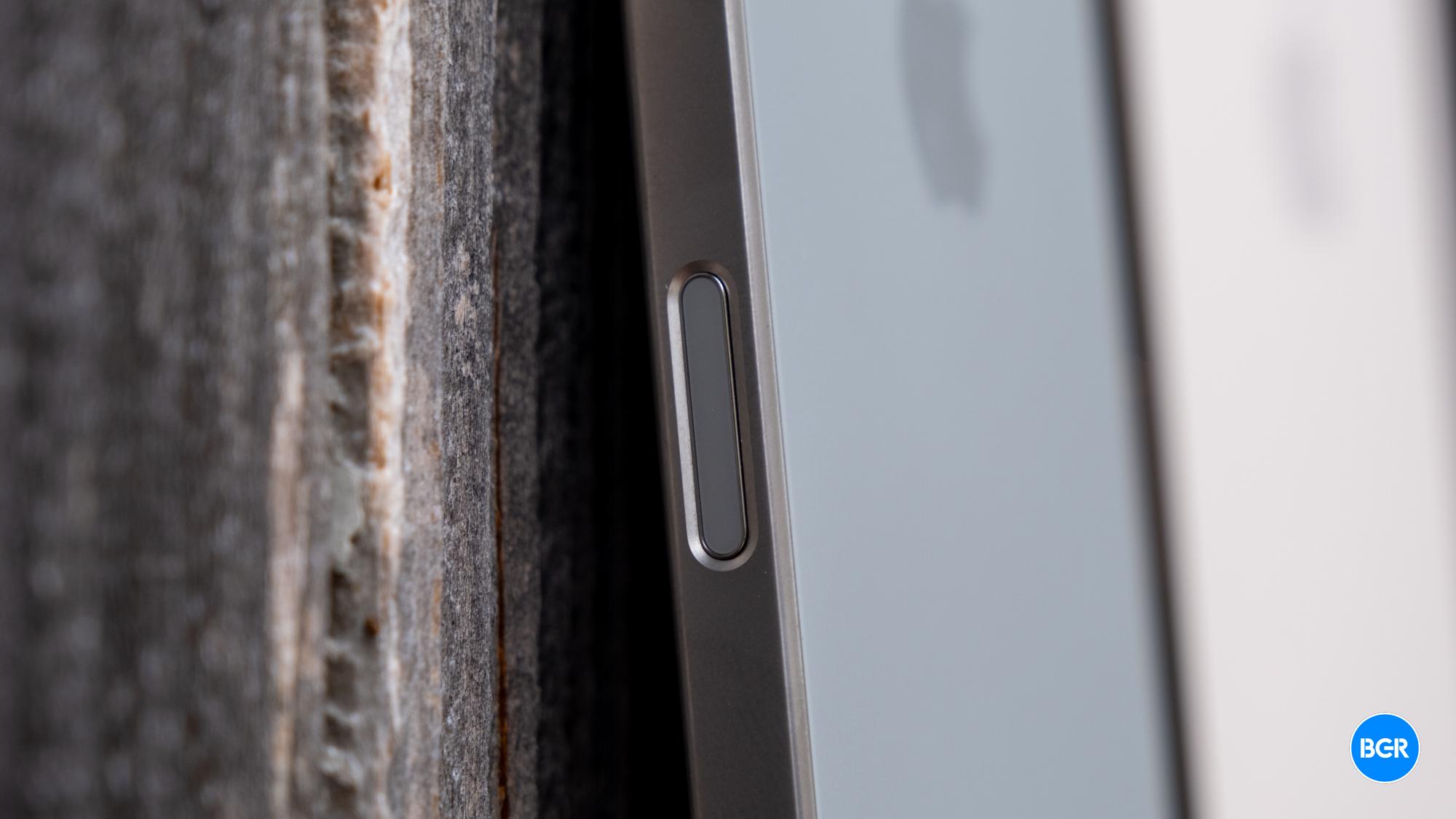
I had been looking forward to the iPhone 16’s Camera Control button ever since it first popped up in early rumors. After over a month with the iPhone 16 Plus, however, the Camera Control turned out to be a somewhat large disappointment for this longtime iPhone user. The button works as intended. It opens the camera app faster than before. It just doesn’t work well for me. I hold the iPhone in my left hand, so there’s no convenient way to reach the button. My protective case makes it even harder than it should be.

I’d love it if Apple made radical changes to the iPhone’s buttons that would let me swap the location of the Camera Control button with a unified Volume button. That’s not going to happen anytime soon, but Apple is working to make the Camera Control better in the meantime. A new “Require Screen On” option that just appeared in iOS 18.2 beta 3 is one way Apple is improving this feature.

Go to the iPhone 16’s Settings app, tap Display & Brightness, and look for the new Require Screen On toggle at the bottom. That is, after you install iOS 18.2 beta 3, of course.

The new toggle is enabled by default, which matches the current behavior of the Camera Control button. If the iPhone 16 screen is off and you press the button, the display will turn on. A second press will invoke the camera, and a third press will let you take photos.

Tech. Entertainment. Science. Your inbox.

Sign up for the most interesting tech & entertainment news out there.

By signing up, I agree to the Terms of Use and have reviewed the Privacy Notice.

If you disable the Require Screen On setting, you can open the camera even when your screen is off. This might be something some content creators want. They’d get even faster access to the camera, which will help them capture photos and videos immediately.

The obvious downside is that you might get accidental Control Center taps after disabling the feature, especially if you’re not using a case.

Using the Camera Control button to take a photo on the iPhone 16 and 16 Plus.Using the Camera Control button to take a photo on the iPhone 16 and 16 Plus. Image source: Apple Inc.



On the other hand, if you have Raise to Wake enabled from the same Display & Brightness menu, you don’t need to disable the new Require Screen On setting. Simply raising the phone to take a photo or record a video will turn on the screen, so your Camera Control press will bring up the camera on the first press. The next photo or video recording will then be just one tap away.

Separately, Require Screen On should also let you turn on Visual Intelligence faster than before. That’s Apple’s equivalent to Google Lens, which lets Apple Intelligence see what’s around you to provide contextual information.

If you’re not on the iOS 18.2 beta, you’ll have to wait a few weeks to see the Require Screen On appear in the iPhone 16’s Settings app. As for other iPhone versions that can run iOS 18.2, you won’t see the setting because your iPhone lacks a dedicated camera button.

Source
