Posted on

Podcast: SSD for high performance, but HDD suits ‘warm’ workloads

In this podcast, we talk to Axel Stoermann, Kioxia’s vice-president and chief technology officer for memory and solid-state disk (SSD) products in Europe, about energy efficiency in flash storage hard disk drives (HDDs).

Stoermann outlines why HDDs still rule the roost for data where access requirements aren’t so pressing, but how flash storage is king for low-latency workloads.

He talks about how PCIe 6 has pushed throughput to new heights and how future generations of SSDs can achieve greater performance and improved form factors.

How much more energy efficient is flash storage than spinning disk hard drives, and why is that?

I would say it depends. SSD is very efficient and sustainable, per se.

And focusing on scale, performance or power and endurance, it is really the future after HDD as the most popular storage subsystem.

SSD is growing and further developing. So after HDD and SATA, with around 300MBps throughput performance, we are now talking about PCIe 5 or 6 [throughput of 256GBps for the latter].

Coming back to the question – how energy efficient is SSD? – we can say this really depends on the use case. We have different categories of storage – cold storage, warm storage, hot storage – and here the requirements are very different.

Today, in datacentres or in hyperscalers, more than 80% of drives are HDD. So, SSD is nowhere near 100% replacing traditional technologies. However, we can see there is a need for higher performance, higher scale and better form factors, and more efficiency in terms of [space].

All this is driving new technologies, and there is definitely a need for efficiency and capabilities to create efficiency on SSD.

How much more energy efficient is flash storage than spinning disk?

Spinning disk consists of mechanical equipment, where we have a lot of mechanical [components] and also mechanical momentum. On the other hand, SSD is silicon. It is based on flash technology, and this is a big differentiator.

A hard disk can be spinning up or in sustained spin while reading and writing, or in hibernation or low power mode. Here we have a lot more power consumption than on SSDs. On SSDs, you don’t need to spin up or spin like rotating disks, so the efficiency can be handled in a different way.

Flash technology is creating efficiency in terms of better form factors and also integration of much higher scaling and better performance, as mentioned with PCIe 5 and 6.

Market requirements and system requirements can be covered by SSD much better than on HDDs, for example, operating or close to GPUs [graphics processing units] or AI [artificial intelligence] cores during training and inferencing.

And SSD can create a lot of efficiency. On the other hand, the HDD is definitely the technology of choice for warm storage, where it can bring the best cost performance.

Can flash storage become more efficient than it is now, and how would that happen?

As already mentioned, the big difference between HDDs and SSDs is the implementation of storage on silicon. We started in the mid-1980s with NAND flash, and now we are at a 3D NAND architecture, which is called BICS in [Kioxia].

It is moving through the generations, and now we are at generation 8, where we stack more than 200 layers on the silicon to get higher scaling, higher performance and better power efficiency. For example, if we talk about generation 6 and compare it with today’s generation 8, then we have around an 80% higher interface speed.

We also have improvements on latency. Latencies are lower by 10- 20% than the previous generation. We have higher write performance, which is more than 200MBps.

Then we also have better power efficiency, calculated in GBps per watt. So, here the technology is driving efficiency and our core technology is flash.

We have further developments in mind. We will do further stacking. We will improve power consumption in future. And we are already working on generations 9 and 10.

What’s coming in the next generations?

We see storage and storage efficiency as hybrid. So, we see still HDD as one of the big storage areas for keeping media data and stuff. On the other hand, SSD, as a fast, silent and sustainable technology, we see growing further in AI and AI datacentres. Also with the migration to high-performance endpoints in automation in industry.

We see that SSD technology is further developing, and here, the key parameters are high performance to support AI training and inferencing or better form factors. Also, support for better cooling capabilities with new form factors like EDSSF.

Source

Posted on

Nokia lands railway comms, optical networking wins across Asia

In regional Asian coups for the comms tech provider, Nokia has announced a partnership with ST Engineering and First One Systems to deploy Bangkok Expressway and Metro (BEM) railway communications network for enhanced safety and services .

Meanwhile, operator Gulf Bridge International (GBI) has selected Nokia’s optical networking solution to build a new high-capacity terrestrial network, also designed for subsea backhauling, enhancing connectivity between Europe, the Middle East and Asia.

Explaining the project taking place in Thailand’s capital, Nokia said that railway systems worldwide are undergoing digital transformation to enhance operational efficiency, reliability and safety. The new internet protocol/multi-protocol label switching (IP/MPLS)-based mission-critical backbone transmission network (BTN) will be deployed on BEM’s 35.9 km mass rapid transit (MRT) Orange Line, which is due to be completed by 2030. The line will connect the east and west sides of Bangkok, featuring both underground and elevated transit systems.

When deployed, the IP/MPLS solution is intended to enable BEM to have a high-capacity, low-latency, reliable and secure transmission backbone to support both vital and non-vital railway applications, including CCTV surveillance, public announcements, passenger information displays, radio communication, and supervisory control and data acquisition (SCADA).

As part of the project, Nokia will develop two BTNs, 10G and 40G, each to support network speeds for voice, data and video transmission between stations and operations control centre (OCC). Nokia’s solution includes the 7250 Interconnect Router, Nokia Service Platform Nokia, 7210 Service Access System and professional services. The solution is designed to help BEM to simplify operations and maintenance while providing real-time visibility into network performance.

“We are honoured to be part of this landmark project alongside Nokia and ST Engineering, contributing our local expertise and strong integration capabilities to support BEM’s vision for safer and smarter rail transport in Bangkok,” said First One Systems chief executive officer Terdsak Kijjatikankun. “Our deep understanding of the local landscape, combined with Nokia’s proven technology and ST Engineering’s system integration excellence, ensures that this mission-critical communication system will meet the highest international standards.”

Meanwhile, in the Middle East, Qatar-based GBI aims to establish an entirely new terrestrial route through Iraq, providing an alternative pathway that bypasses traditional subsea corridors, offering greater diversity and resilience for regional and international data traffic.

Once live, the network is seen as being able to deliver more than 50 Tbps of capacity to its customers, supporting the region’s growing digital economy and increasing demand for reliable, scalable bandwidth. Using the 1830 GX optical networking platform, GBI said its network will enable cloud and content providers, telecom operators and enterprises to deliver services with significantly lower latency, higher capacity and improved network availability.

“The award of Nokia for this new network represents a major step forward in delivering enhanced connectivity to our customers and partners,” said Gulf Bridge International CEO Ahmad Mohamed AL-Kuwari. “By collaborating with Nokia and leveraging the latest 1830 GX platform, we are creating a robust, high-capacity network that strengthens regional resilience and supports digital transformation across key markets. This project reinforces GBI’s commitment to enabling reliable, high-quality infrastructure that fuels economic growth and innovation.” 

Source

Posted on

Sketchy Rumor Claims iPhone 18 Pro Will Feature Under-Screen Face

DenPhotos/Shutterstock

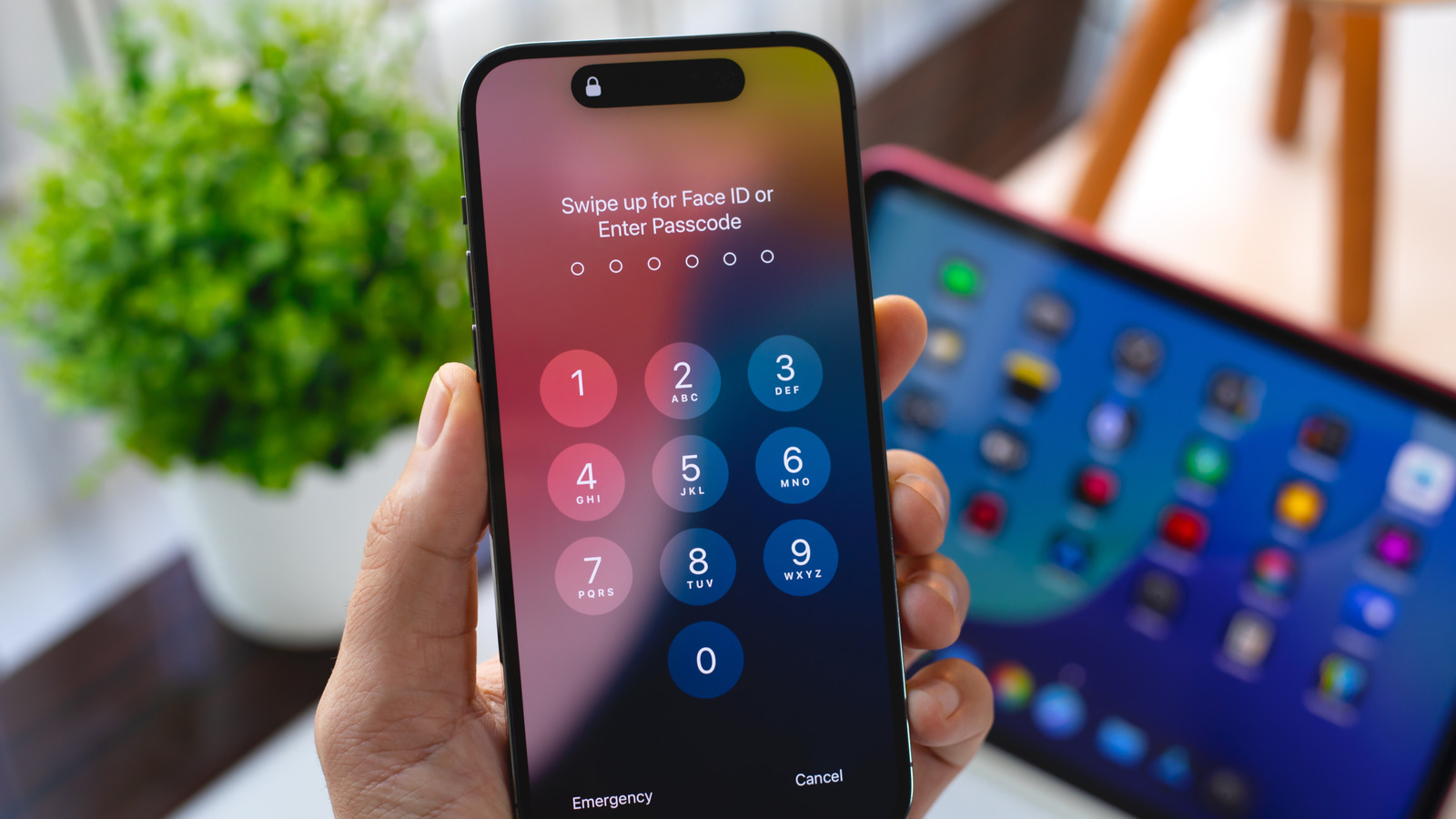
A sketchy rumor that appeared on Weibo this week claims that Apple’s next-gen iPhone 18 Pro will include a Face ID sensor embedded underneath the display. This would dramatically shrink the Dynamic Island and potentially leave the front-facing selfie camera as the only cutout. Of course, the Dynamic Island is a unique identifier for the iPhone, and it remains to be seen if Apple opts for a design similar to Android devices like the Samsung Galaxy S25.

Rumors of an iPhone with Face ID underneath the display have persisted for years, with some going all the way back to 2021. In other words, you’d be well-advised to take this particular rumor with a grain of salt. Apple is certainly exploring the possibility of bringing an iPhone with an embedded Face ID sensor to market, but whether it actually ships is another question entirely.

It’s worth noting that we’ve also seen reports suggesting that there won’t be a dramatic change in the iPhone 18 design. At most, some reports speculate that the iPhone 18 will feature a slightly smaller Dynamic Island.

Apple’s iPhone 18 lineup may include a foldable iPhone

Tang90246/Getty Images

The same source on Weibo relays that Apple’s 2026 iPhone lineup will include new iPhone 18 models, a refreshed iPhone Air, and the long-rumored iPhone Fold. Rumors of Apple releasing a foldable iPhone are nothing new, and have only picked up steam in recent months. Most recently, we’ve seen reports claiming that the foldable iPhone will look like two iPhone Air devices glued together in the middle. The device is said to boast a 5.5-inch display when closed and a 7.8-inch display when fully opened. Other rumored specs include Apple’s A20 processor, 12GB of RAM, and 256GB of storage on the entry-level model.

At the same time, Apple reportedly has big plans for its 20th anniversary iPhone design in 2027. To this end, some anticipate that this is when we’ll see Apple release a device with a full edge-to-edge display, with Face ID and camera components embedded beneath the display. Adding fuel to the fire is a report that Apple in 2027 will bypass the iPhone 19 name and instead jump from the iPhone 18 to the iPhone 20. 

There are also rumors that Apple’s foldable iPhone may be the first in a series of foldable devices. One particularly intriguing rumor claims that Apple is working on a flip-style iPhone, similar to Samsung’s Galaxy Z Flip 7 design.

Source

Posted on

This Cheap 4K Fire TV Is Almost Half Price At

We may receive a commission on purchases made from links.

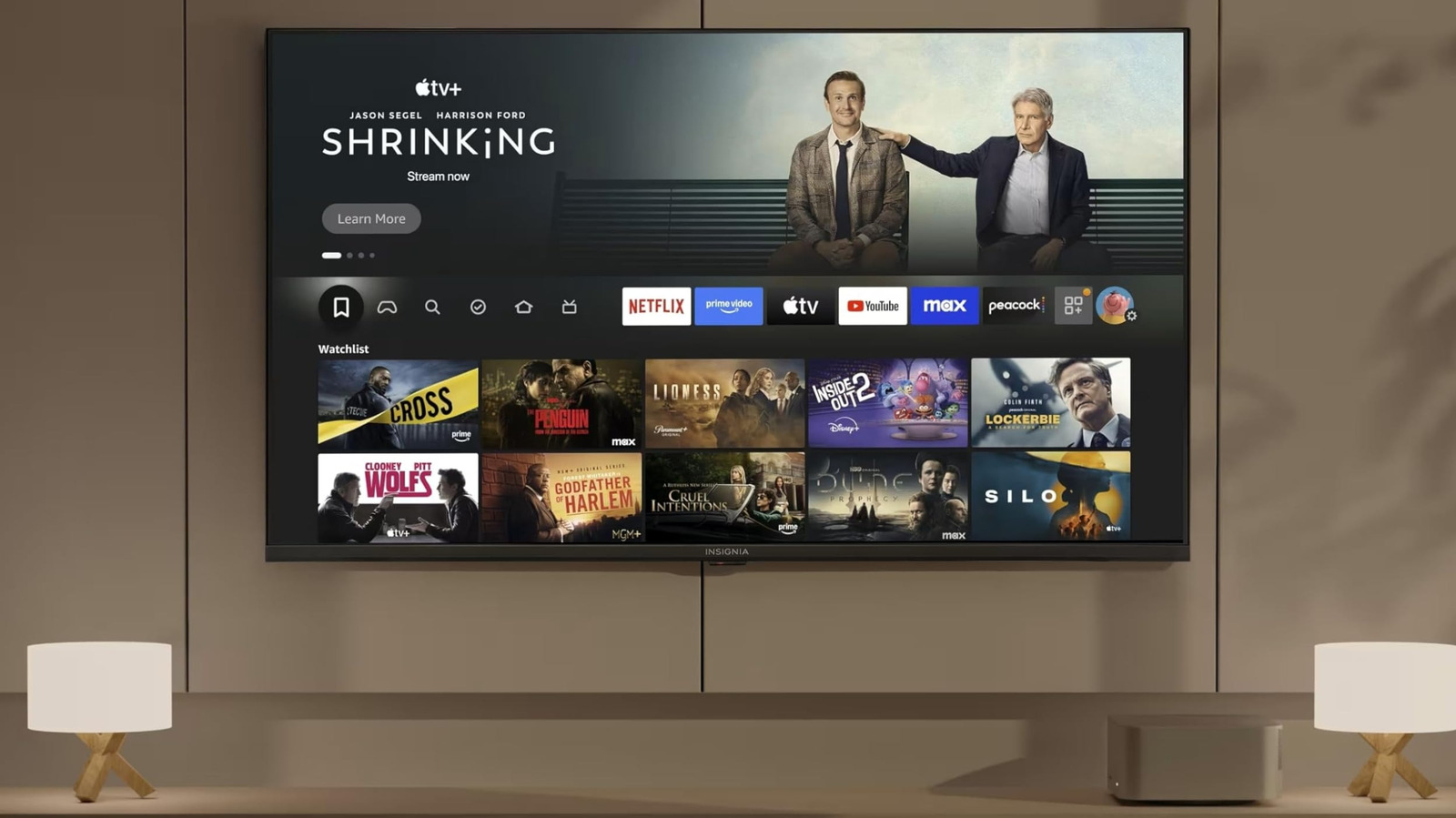
If you’re looking for a cheap smart TV on Amazon for your dorm or guest room, the latest deal on the 50-inch model of the Insignia F50 is hard to ignore. While the TV carries a list price of $300, you can buy it for just $180 right now. Despite this low price tag, the TV has all the essentials you want from a modern TV, including a smart TV operating system in the form of Amazon’s Fire OS, which brings access to all popular streaming services and the Alexa voice assistant to help you control the TV and compatible smart home devices.

AirPlay support is also present to stream content directly from your Apple devices. The Insignia F50 is pretty popular on Amazon and has accumulated a solid average rating of 4.3 out of 5, with reviews from thousands of verified buyers who praise the TV’s vibrant colors, sharp 4K visuals, and excellent value for the price.

Lots of exciting features

The F50 from Insignia, which is a Best Buy brand, is an LED TV with 4K resolution and a 60Hz refresh rate. While it lacks dynamic HDR formats, such as Dolby Vision and HDR10+, it supports HDR10, allowing you to enjoy compatible content in high-dynamic range for lifelike visuals. Additionally, the company has included DTS Virtual X support for a surround sound experience through the TV’s built-in speakers and a host of connectivity options, including Wi-Fi 5 and Ethernet. Among other highlights, you get three HDMI ports, out of which one port doubles as an eARC port to connect a soundbar. There is also an optical output and a 3.5mm audio jack for connecting non-HDMI audio devices.

Plus, you get a USB 2.0 Type-A port for plugging in your external storage drives and composite video RCA connectors for legacy devices. However, being a budget TV, the F50 has a fairly basic design with thin bezels on three sizes and a thick bottom bezel. That said, it houses VESA mounting holes for easy wall installation. Although there is much to like about the Insignia TV, we would be remiss not to mention that a small selection of Amazon buyers complain of receiving defective units that stopped working or malfunctioned after days or weeks.

Source

Posted on

Apple Watch Users Will Love This Hidden iOS 26 Fitness

Framesira/Shutterstock

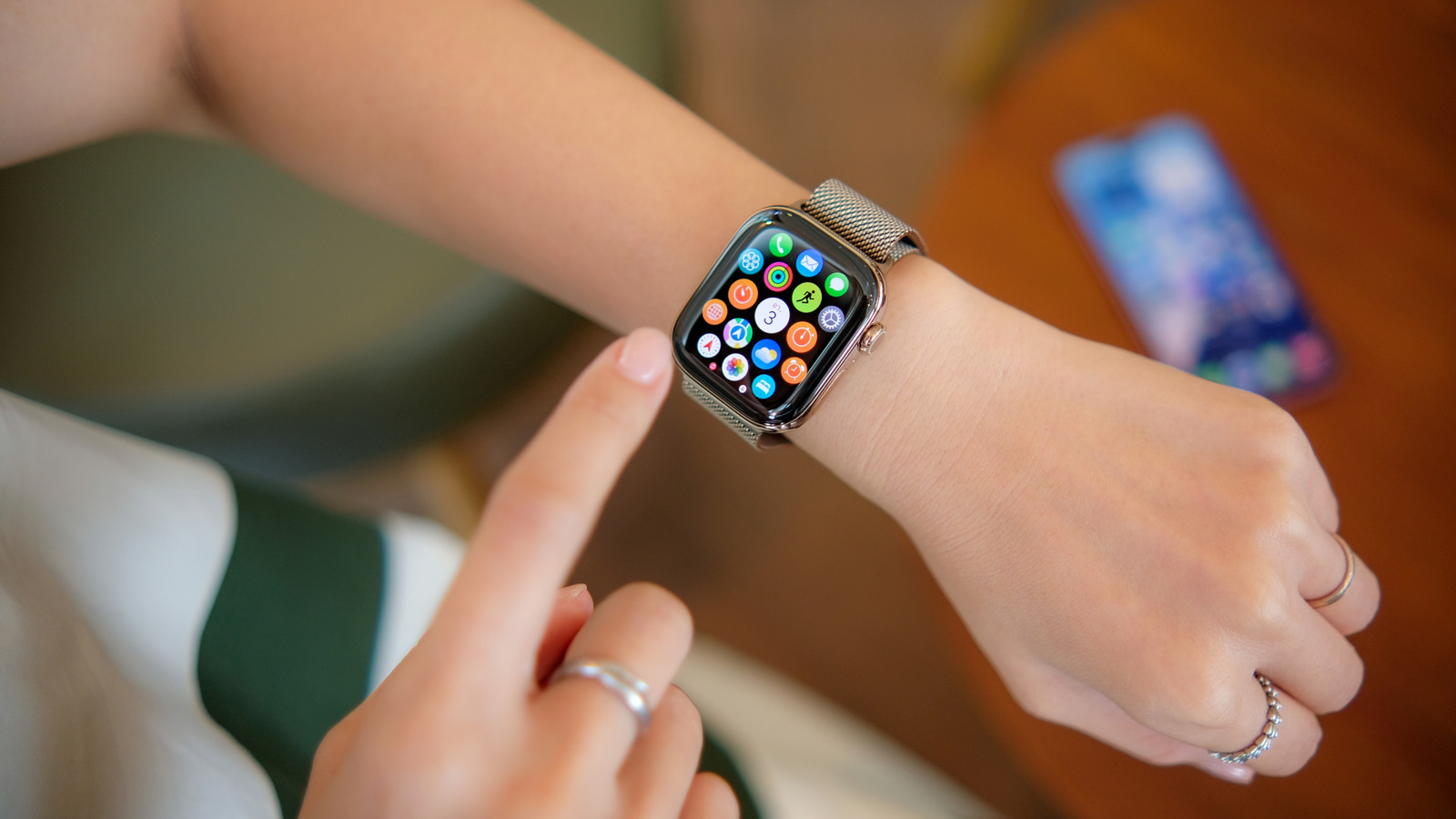
Longtime Apple Watch users who are used to creating custom workouts on the wearable know that it’s not an ideal experience. You have to rely on the relatively small Apple Watch screen to create and edit the custom workouts. One wrong tap, and you have to restart the process. You can mirror the Apple Watch to your iPhone, but that’s still not ideal. Thankfully, the iOS 26 update comes to the rescue via a handy new feature Apple added to the Fitness app. The new Workout menu lets you create custom training sessions directly on the iPhone.

Apple added the Workout menu to the Fitness app so iPhone users who own the AirPods Pro 3 but don’t have an Apple Watch can initiate training sessions from the handset. The AirPods Pro 3 feature heart rate sensors, which operate only during workouts. Meanwhile, Apple Watch owners accustomed to tracking workouts from the wrist might ignore the new menu, especially if they don’t take the iPhone with them while training. Therefore, the ability to create custom Apple Watch workouts on the iPhone might go unnoticed.

The customization feature isn’t immediately obvious, even if you use the Workout menu in the Fitness app. As a marathon runner, I use the Apple Watch to track and customize my runs. I ignored the Workout menu on the iPhone until recently. I needed a new custom session, and that’s how I discovered that Apple added support for creating custom workouts to the Fitness app in iOS 26. Not only is it extremely easy to set up custom workouts on the iPhone, but you can also share them with friends and family with ease.

How to use the workouts feature on the iPhone

Primakov/Shutterstock

To find the hidden customization feature, go to the Fitness app and tap the new Workouts button. Scroll to find your activity, like outdoor running, and tap the button that has a timer icon. Tap the “Custom” filter in the new menu to see all the preloaded custom workouts Apple includes in the app. You can tap an item to start (the play button) the activity or edit it.

Chris Smith/BGR

To create a brand-new custom workout, tap the plus sign. The next screen will let you name the workout and set up its rules. I made a run-walk workout where I want to run for five minutes and then walk for one minute. I needed to repeat these steps 15 times, and I also wanted warm-up and cooldown steps. As you can see in the next screenshots, it’s all easy to set up. You can further tweak the custom workout to add music and targets for the work and recovery phases.

Chris Smith/BGR

The example above covers outdoor running, but other activities support custom workouts. The process of setting them up should be similarly easy. Once you’re done customizing your workouts, you’ll find them on the Apple Watch. 

Deleting and sharing workouts is also possible; slide a workout to the left to see the share and delete buttons. Sharing a workout is similar to sharing a photo or a link. You can send it via your messaging app of choice. The recipient can add it to their Fitness and Workouts app on iPhone and Apple Watch, respectively.

Source

Posted on

iPhone 20 Could Feature Solid-State Buttons

onapalmtree/Shutterstock

Apple is widely expected to celebrate the 20th iPhone anniversary in 2027 by launching a special iPhone 20 design. Apple did the same thing with the iPhone X in 2017, which marked the iPhone’s 10th birthday. Like the iPhone X, the iPhone 20 should introduce a few design elements and features that Apple then might use across its iPhone lineup. The iPhone X introduced OLED panels with thin, uniform bezels and a notch at the top that housed the Face ID authentication system. All these features were then used in the iPhone generations that followed. Previous reports said the iPhone 20 would introduce an all-glass design with the screen curving along all four edges. The handset might not feature a Dynamic Island cutout at the top. Instead, the Face ID and selfie camera components will be placed under the display.

A new report on Tuesday reveals another key design detail for the iPhone 20 model. A leaker said on Weibo that Apple will move forward with solid-state button technology, planning to introduce it with the iPhone 20 in 2027. According to Instant Digital, Apple has completed tests for solid-state buttons and plans to use the technology for all the iPhone 20 buttons, including the power button and Camera Control button on the right side and the Action button and volume keys on the left side.

Speaking of the Camera Control button (seen below in use), the report also notes that Apple plans to simplify it for next year’s iPhone 18 series. Apple will reportedly eliminate the capacitive sensing layer but keep the pressure-sensitive tech that allows users to perform different actions depending on how they press the button.

What is solid-state button tech and why does the iPhone 20 need it?

Hadrian/Shutterstock

Apple fans who follow iPhone rumors closely might remember the various solid-state button rumors that appeared online in the past three years. In October 2022, almost a year before the iPhone 15 launched, analyst Ming-Chi Kuo said the Pro models would feature solid-state buttons with additional Taptic Engines providing the vibrations. By April 2023, Kuo revised his prediction, saying Apple had abandoned the plan due to unresolved technical issues. Some reports said the feature would be postponed until 2024, but the iPhone 16 series did not feature solid-state buttons.

The technology refers to buttons that don’t actually move when you press them. Solid-state buttons don’t make a click when tapped, with the Taptic Engine providing the sensory experience. Apple has already used this button technology in the iPhone. The Touch ID home button on the iPhone 7 and other models was a solid-state button. The MacBook’s trackpad features similar technology. The trackpad doesn’t travel when pressed, it just simulates clicks.

The advantages of having solid-state buttons on the iPhone mainly concern durability. Buttons that don’t travel when pressed require fewer parts. They might not break as easily. Moreover, solid-state buttons might help Apple improve water ingress protection. There are disadvantages as well. Solid-state buttons will require power to work. Also, the buttons need to work when the iPhone is placed in a case. If Instant Digital’s information is accurate, Apple might have already solved any issues that prevented it from shipping the technology before the iPhone 20.

Source

Posted on

Adobe Wants Firefly To Be The Only AI App Creators

Adobe

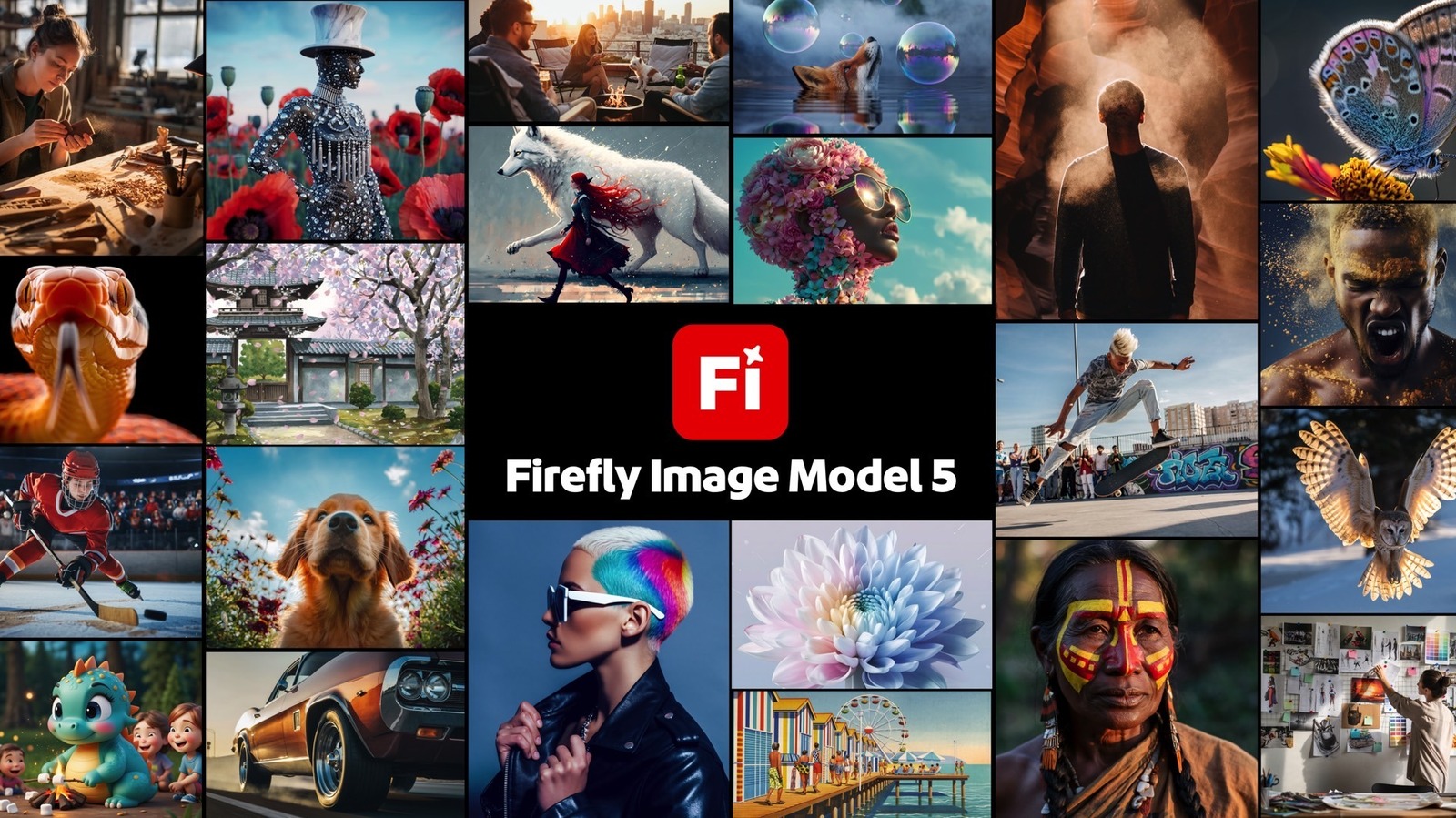
Adobe on Tuesday unveiled several new tools for its suite of apps at the Adobe Max conference, including new AI capabilities that should improve the workflow of creators, whether it’s images, video, or sound. The Adobe Firefly app received a significant update, including a new Firefly Image Model 5 AI tool that’s available in beta, and a few new features that can turn Firefly into the go-to app for video creation, from ideation to editing. The company also updated other popular products, including Creative Cloud, Adobe Photoshop, and Adobe Premiere, with new AI tools, and introduced a few AI agents (assistants) meant to help creators with repetitive tasks during the creative process.

Artificial intelligence has been the focus of the Firefly app, with Adobe updating it regularly in the past few years. Tuesday’s announcements make Firefly an even more powerful creation tool. Adobe describes the app as an all-in-one home for the entire creation process, from ideation to production, covering video, audio, images, and AI integration. Speaking of AI, Firefly will continue to offer users access to the latest generative AI tools from Adobe (Image Model 5) but also from various partners, including Google, OpenAI, ElevenLabs, Topaz Labs, and others.

Firefly Image Model 5 and new video-editing tools

Adobe

Firefly Image Model 5, now in public beta, lets you generate photorealistic 4-megapixel images. The new Firefly Custom Models (also in beta) let creators fine-tune the AI to create content in their own style. The new Prompt to Edit feature lets users describe edits in plain language, and the AI will handle the requests. The feature is generally available to users. An Image Model 5-powered Layered Image Editing feature is in development for a future release.

Adobe

Tuesday’s update gives Firefly users new tools for video editing, which are available in private beta before a wider rollout next month. Generate Soundtrack is an AI feature that lets users create studio-quality audio. Generate Speech generates high-quality voice for video. A new multitrack timeline-based AI video editor lets users edit and generate clips.

The new Project Moonlight (below) in Firefly provides users with a conversational interface featuring agentic AI features. Creators can describe via text what they want to create, and the AI assistant will help generate the desired content. Project Moonlight is available in private beta and will roll out to more users in the coming months. Separately, a Firefly Creative Production feature (in private beta) gives creators an AI-powered tool to edit thousands of images at once.

Adobe

While most of the new Firefly features announced at Adobe Max are launching in beta, Adobe said that Creative Cloud Pro and Firefly plan subscribers will get unlimited image generations with Firefly and partner models and unlimited video generations (Firefly Video model) through December 1.

The new AI assistants

Adobe

Project Moonlight isn’t the only agentic AI experience unveiled at Adobe Max. Adobe also unveiled AI assistants for other apps, including Photoshop and Express, to help creators save time by helping with repetitive tasks. Photoshop AI Assistant is a new tool that allows users to chat with an AI agent in Photoshop for the web. The feature is available in private beta and requires signing up on a waitlist. Adobe Express gets its own AI Assistant that supports creative workflows via natural conversation. The new Adobe agentic feature will be available in ChatGPT in the future.

Adobe

Adobe also updated various AI features in its Creative Cloud apps. Generative Fill now works with partner models, including Google’s Nano Banana. Generative Upscale enhances the resolution to 4K quality with the help of Topaz Labs’s AI in Photoshop. Harmonize is an AI feature that lets Photoshop users integrate people and objects into environments realistically, by matching the light, color, and tone.

Premiere supports a new AI Object Mask feature that can identify and isolate people and objects in video frames. The app will also support a few precision tools for isolating specific areas of a video, including Rectangle, Ellipse, and Pen Masking. All these features will be available in public beta initially. Lightroom gets a new Assisted Culling feature (also in public beta) that lets creators identify the best images in large collections, with filter support for different parameters.

Adobe

Finally, Adobe and YouTube announced a partnership that will let creators use the free Premiere mobile app to create content for YouTube Shorts and publish it directly to the platform.

Source

Posted on

5 Steam Deck Accessories On Amazon That Customers Swear By

David McQ/Shutterstock

We may receive a commission on purchases made from links.

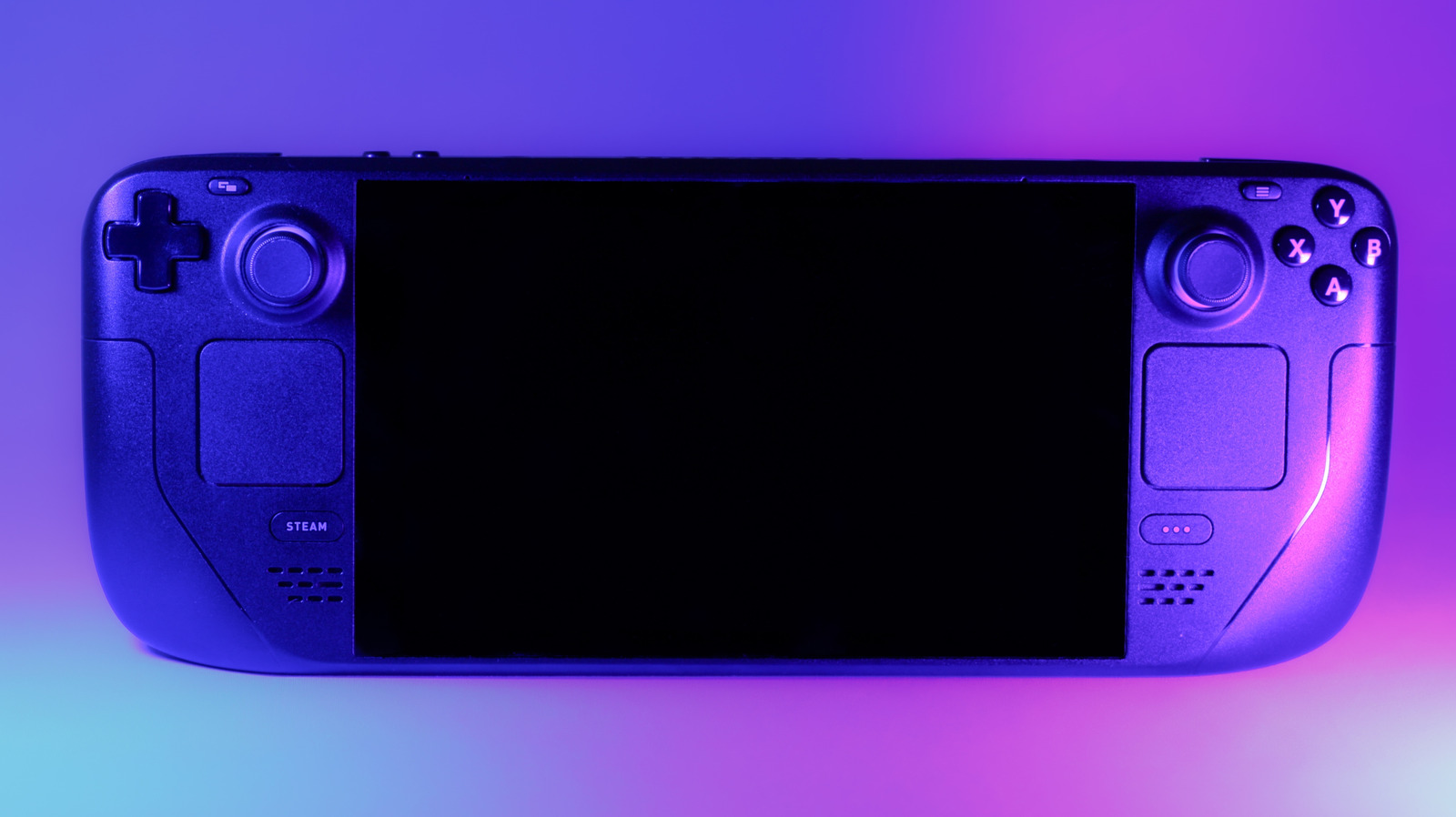
Valve’s Steam Deck has been the king of the castle in the portable handheld PC gaming space since its launch in 2022. The new and niche gaming market that the Steam Deck helped build has seen all manner of competitors enter the arena, but none has quite managed to crack Valve’s over 50% share.

With the Steam Deck being the top dog, those who purchased one get a lot of benefits that aren’t always available on other portable PC handhelds. From custom plugins that can improve your battery life to a larger userbase that provides tips, tricks, and support for each other, and even community mods and accessories that expand the Steam Deck’s capabilities, being popular comes with perks.

But this can also become a bit of a double-edged sword. Being popular also means more companies want in on the Steam Deck accessory market, but not all of them have the same focus on quality. Thankfully, we can look to Amazon to see what users are saying to help us find which Steam Deck accessories people swear by and have the highest average user reviews.

1. JSAUX 2-Pack Screen Protector

A screen protector is an essential accessory for any Steam Deck owner from day one. Nothing is more important than protecting your screen, and a good screen protector will help keep your investment safe from damage for years to come. JSAUX offers an impressive 4.6-star-rated screen protector kit on Amazon with over 8,000 positive reviews.

The JSAUX 2-Pack Screen Protector pack for the Steam Deck is not only highly rated but also incredibly affordable. With 99.99% transparency, you’ll be hard-pressed to even notice a screen protector is in use. With a 9H hardness rating, you’ll be assured that your Steam Deck’s screen is protected. JSAUX notes that their screens are five times more durable than competitors’.

One really nice feature is that the JSAUX 2-Pack Screen Protector kit comes with a guiding frame, which makes installing the screen much easier and ensures a perfect fit. The protectors also feature an anti-fingerprint oleophobic coating, keeping your device looking much cleaner. Picking up the JSAUX 2-Pack Screen Protector kit should probably be at the top of the list for any new Steam Deck owner.

2. Spigen Rugged Armor Case

Creating a case for any gaming handheld is a simple process. The difficult part is making a great case that disappears into the background, so the user doesn’t even know it’s there. Spigen, a maker of high-quality smartphone cases, has brought its expertise to craft one of the best cases for the Steam Deck. While it may lack a number of connectors and accessories like others, Spigen has created a case that looks like part of the Steam Deck itself.

The Spigen Rugged Armor Case features a 4.7-star rating, with over 2,000 reviews. Owners claim this case blends into the Steam Deck, making you forget that it’s even there while still offering high-end protection. Reviews state that it hugs the Steam Deck without getting in the way of any buttons or ports, making it an excellent option for those who don’t want to add bulk to their device.

You might assume that you would be paying an arm and a leg for such precise and quality craftsmanship, but the Spigen Rugged Armor Case will only set you back $30. This is a pretty small price to pay to help keep your Steam Deck safe from damage while also looking darn good in the process.

3. tomtoc Arccos-G47 Steam Deck Travel Bag

The Steam Deck is essentially a computer in your hands that’s meant to be used while on the go. This means that you are probably going to be throwing it in some sort of backpack when you aren’t getting in more time in Baldur’s Gate 3. A lot of people wouldn’t be comfortable simply tossing their Steam Deck into a standard backpack, risking damage as it bounces around.

This is where a good carrying case comes into the picture. The tomtoc Arccos-G47 Steam Deck Travel Bag is designed for the Steam Deck and other portable handheld consoles. This carrying case features a removable W-shaped EVA structure that helps keep your Steam Deck safe while keeping the case soft.

The soft case format makes the Arccos-G47 less bulky than a traditional hard case, and it weighs only 1.1lbs on average. It also features ample room for all of your Steam Deck accessories and still has room left over for bringing along a mouse and more. You’ll find many reviews that consistently highlight its high quality, spaciousness, and stylish design.

4. Antank Magnetic Power Bank

The Steam Deck makes PC-level gaming on the go a reality. But one thing that lets the device down is its battery life, with the Steam Deck LCD getting just over an hour of battery life when playing an AAA title. The OLED version of the Steam Deck fares better, but with less than two hours of game time, many will feel it’s not enough for most serious gamers.

This is where Antank comes into the picture with their Antank Magnetic Power Bank. This PD 45W battery pack features a large 20,000 mAh capacity and a removable magnetic mount that lets it clip to the back of your Steam Deck. The clip is specifically designed so as not to block the Steam Deck’s fan, making it the perfect companion to keep with you.

And because this is a USB-C battery pack, you can use it with more than just your Steam Deck. This makes it an invaluable accessory that can keep you gaming while also helping to keep your phone, tablet, and more charged. Reviews note that it can keep you gaming between 4-5 hours, much longer than on battery alone. Some reviewers even say that they get 15 hours of game time with less demanding titles before the battery pack dies.

5. PlayVital Back Button Enhancement Set

A lot of the Steam Deck’s accessories focus on protection and battery life, but what about one that enhances the gaming experience? The PlayVital Back Button Enhancement Set is intended to improve your grip while providing extra protection for the back buttons of the Steam Deck.

The set comes in two sizes, low-thickness and high-thickness, depending on your needs and personal preference. They add a tactile feel while providing an anti-slip covering to keep you in the game without your fingers slipping off during heated gameplay. The kit also shortens the interval between presses, making you quicker on the draw in fast-paced games.

The honeycomb hexagonal pattern is also aesthetically pleasing, and coming in several colors means that you can even customize the look of your Steam Deck. Reviews on Amazon highlight how good the Back Button Enhancement Set feels in use, while noting that it slightly enhances the ergonomics of the Steam Deck’s back buttons. Others note that the kit makes the back buttons more comfortable to use and easier to locate while gaming. Serious Steam Deck gamers may want to consider this kit to help get the most out of their device.

Source

Posted on

More openness on the cards for Apple and Google’s mobile

Following a nine-month investigation, the Competition and Markets Authority (CMA) has designated Google’s provision of its mobile platform with strategic market status (SMS). The CMA stated that Google’s substantial market power in the provision of its mobile platform is entrenched – Apple has also been designated with SMS.

Google’s business in the UK is estimated to be worth between $10bn and $20bn annually. Earlier this month, the CMA announced that Google search and search advertising had been categorised as SMS. The SMS categorisation for its mobile service means the regulator will now be looking closely at the openness of the company’s mobile platform. 

“Apple and Google’s mobile platforms are used by thousands of businesses right across the economy to market and sell products and services to millions of customers, but the platforms’ rules may be limiting innovation and competition,” said Will Hayter, executive director for digital markets at the CMA.

The CMA further stated in its final decision filing: “Given the important role Google’s mobile platform plays as an essential gateway for UK mobile users accessing digital content and services, and for UK businesses developing and distributing digital content and services for mobile, it is imperative that these groups are treated fairly and have trust and confidence in their ability to use it.”

By designating Google and Apple with SMS in relation to their mobile platforms, the CMA said it can now consider whether it is necessary and appropriate to introduce proportionate, targeted interventions to ensure that UK app developers and innovators developing and distributing content via Google and Apple’s mobile platforms are able to innovate and grow their businesses.

The CMA said that SMS designation is not a finding of wrongdoing and does not introduce any immediate requirements. However, it enables the CMA to consider actions to ensure that mobile platforms are open to effective competition.

Following the CMA’s decision, our mobile business in the UK faces a set of new – and, as of yet, uncertain – rules. The CMA’s next steps will be crucial if the UK’s digital markets regime is to meet its promise of being pro-growth and pro-innovation Oliver Bethell, Google

However, Oliver Bethell, senior competition director at Google, was critical of the CMA’s SMS designation for its mobile platform, given the Labour government’s appetite for pro-growth and pro-innovation regulation.

“Following the CMA’s decision today, our mobile business in the UK faces a set of new – and, as of yet, uncertain – rules. The CMA’s next steps will be crucial if the UK’s digital markets regime is to meet its promise of being pro-growth and pro-innovation,” he said.

“Android and Chrome were built on the idea of creating more choice, not less. Anyone, including our competitors, can customise and build devices with the open source Android operating system – for free. And while Google Play helps people download apps on their devices, if you don’t find the app you’re looking for, you can download apps from a rival store or directly from a developer’s website – something the majority of Android users actually do, and something other mobile platforms restrict.”

Bethell also noted the CMA’s acknowledgement that Google does not use its position as an operating system or mobile browser engine to favour Chrome.

He said Android generates over £9.9bn in revenue for UK developers and supports more than 457,000 UK jobs. However, the CMS noted that while developers can offer their software on third-party app stores and users have the ability to side-load apps directly onto their Android devices, these methods of app distribution only provide a limited competitive constraint on the Play Store.

It is unclear yet what steps the CMA will take to ensure competition, given the SMS designation of Google’s mobile platform, but it has already been looking into some possible ways to proceed.

In July, the CMA published a roadmap that calls for a fair and transparent app review process and app store rankings to give UK app developers certainty, which would enable users to make purchases outside of app stores. According to the CMA, this could potentially drive innovation and financial savings for developers.

Source

Posted on

Do You Still Need Physical ID For TSA If You

Scott Olson/Getty Images

Digital IDs in mobile wallets and apps are becoming more commonplace. You can add everything from your driver’s license to your school or work ID, or even a passport, to a mobile device. Pull it up on screen, scan it, or show it to an agent or guard to verify your identity and gain entry.

Does this mean you can leave your physical ID at home? Not necessarily. While you might not need to show it, it’s important that you still have it on you, just in case. If you’re asked for it and you don’t have it, this could lead to additional screenings, delays, and, in a worst-case scenario, denied entry into a state or onto a flight.

The ability to present digital IDs as a form of ID depends on location, but they are accepted in a growing number of places. This includes the Transportation Security Administration (TSA), which is now accepting digital IDs loaded onto an Apple Wallet, Google Wallet, Samsung Wallet, or other state-issued apps as a form of personal identification. These IDs are accepted at more than 250 airport checkpoints.

How to set up and use a digital ID

Pandpstock001/Getty Images

When using a digital ID on an Android phone or Apple iPhone, the TSA agent will only see the information that is necessary for them to identify that you are who you say you are. This can help speed up travel, reducing wait times and annoyingly long line-ups.

It’s easy to sign up and load the ID into a TSA-approved digital wallet on your mobile phone or tablet. This can include a state-issued REAL ID-compliant or Enhanced Driver’s License (EDL) or driver’s license or other accepted ID card, like an Enhanced ID (EID), U.S. passport or passport card, DHS trusted traveler card, U.S. Department of Defense ID, permanent resident card, border crossing card, Veteran Health Identification Card (VHIC), and a few other accepted forms of identification.

If you present this in digital form, the TSA agent may take a facial scan and compare it to the one on the digital ID. The photo is optional, and it is deleted once your identity is verified. The TSA confirms that your image is never used for law enforcement, surveillance, or shared with others.

Why you still need your physical ID

Joe Raedle/Getty Images

We’re well into a digital world, but physical back-ups are still necessary, and that includes your ID as well. Even with a digital ID, you still need your physical ID in case an agent requests it as a secondary form of verification. It’s also useful if your phone dies or becomes lost, or is damaged.

Further, not all states accept all forms of digital ID. If you don’t verify eligibility beforehand, you might have a digital ID that a state does not accept. For example, Arizona, Colorado, and Georgia all accept Apple Wallet, Google Wallet, and Samsung Wallet digital IDs, while Hawaii, Ohio, and Puerto Rico are only set up to accept Apple Wallet. 

Certain locations only accept a specific form of digital ID. In Utah, for example, you must use a digital ID in the GET Mobile app. Digital IDs will likely expand over time, but for now, use a digital ID as a primary method and a physical ID as a backup. You may never be asked to show your physical ID. But knowing you have it on you upon request, and that the TSA can ask for it as part of its ever-changing rules, will provide you peace of mind and hopefully a smoother trip.

Source