Posted on

5 Cool New Ways You Can Use Smart Plugs In

Smith Collection/gado/Getty Images

We may receive a commission on purchases made from links.

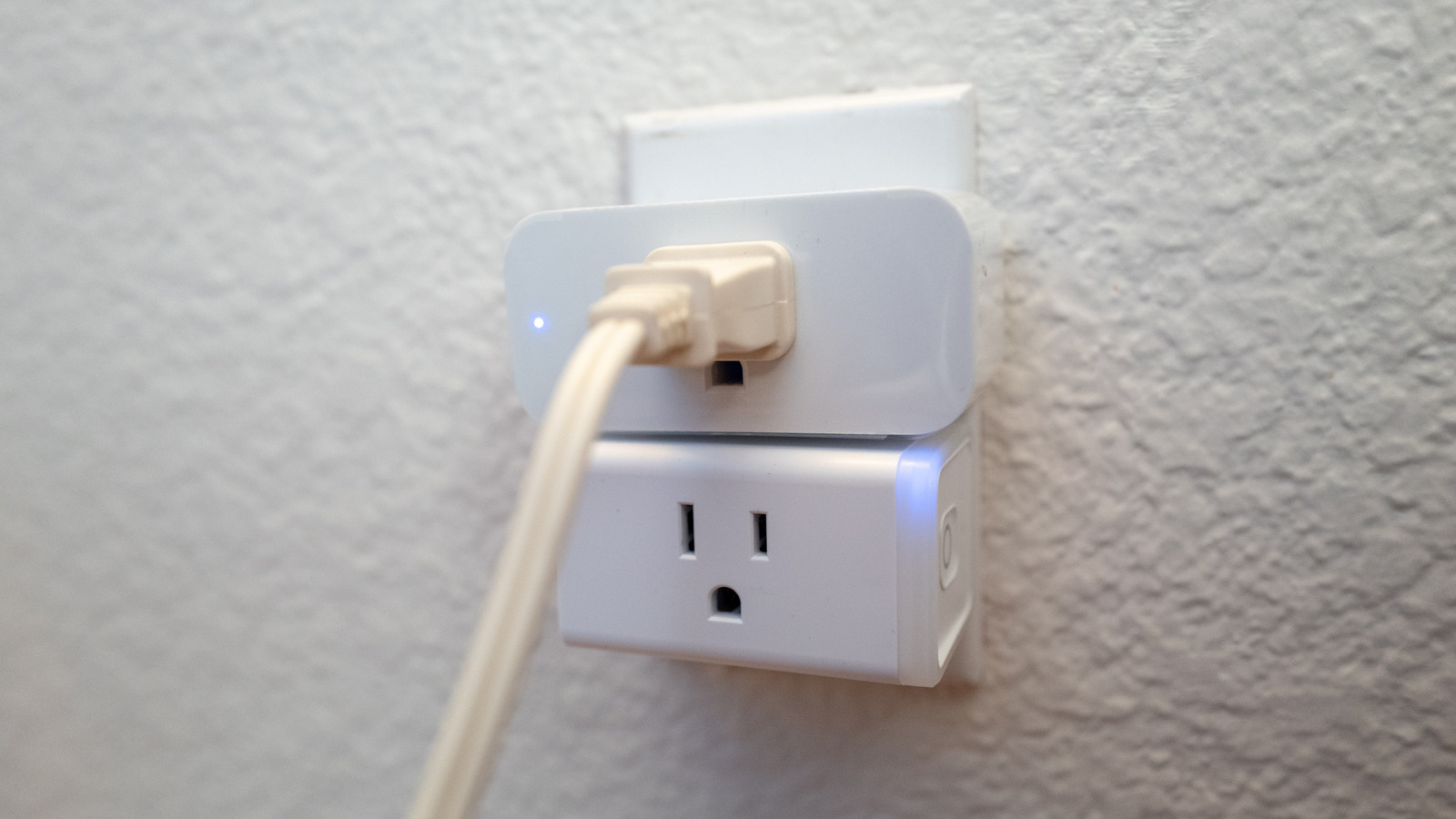
As far as smart and connected devices go, smart plugs are relatively simple. At their most basic, you can turn them on or off remotely, usually from a mobile app, or schedule times for that to happen. The idea is to take any standard outlet, into which you’d plug lights, appliances, and other electronics, and make it just a little bit smarter. Depending on the brand and model of your smart plug, you may also open up access to virtual assistants like Alexa or Google Home Assistant. They’re also one of the cheapest ways to turn your house into a smart home without installing expensive tech.

We’d forgive you for thinking that because smart plugs are so simple, there aren’t many creative ways to use them, but that’s actually far from the truth. In my house, for example, I have Arcade1Up cabinets organized and connected to smart plugs. When I tell Alexa to “turn on the arcade,” she automatically turns on all the cabinets (including a “Mortal Kombat” and “Teenage Mutant Ninja Turtle” cabinet), along with RGB lighting I have set up in my play room. There are a few other cool ways to use smart plugs around your home, so let’s explore some of them.

Make it look like you’re home when you’re not

Draganab/Getty Images

Some older readers out there may remember those mechanical light timers that cycled lights on and off to make it look like someone was home and busy. Those still exist today, but a smart plug can do exactly that (provided it supports smart scheduling) while also offering a host of additional controls, options, and triggers. You could simply schedule a lamp by your front door to turn on at a certain time every evening, or you could sync it to local sunset and sunrise times.

Alternatively, you could create an automation that triggers when something else happens, like turning on the lights in your living room when your garage door opens. This would allow you to walk into a fully illuminated home rather than a dark, scary dungeon. Now, imagine it’s time for your vacation or you’re out doing some late-night shopping. The lights can cycle on or off to make it look like someone’s home, potentially warding off would-be intruders. Certain Kasa Smart Plugs even have a dedicated “Away Mode” that does precisely this — they turn on and off at random times.

Set curfews for your kids’ electronics

Yalcin Sonat/Shutterstock

Kids — gotta love ’em, right? As parents, it makes a lot of sense to set screen-time limits, adjust console and gameplay hours, and potentially lock down access to personal TVs, computers, and other devices. Sometimes, kids need to be focusing on homework and studies, while other times, they unfortunately meet with necessary consequences. Who knows — maybe you’re simply building healthy habits. Regardless of your reasoning, you can connect those devices to a smart plug so they turn off and stay off at certain times. Yes, you can do this remotely, as intended, or you could, say, set them to turn off at your kids’ bedtime every night.

The beauty of smart plug scheduling is that you can configure different interaction times based on the day, like having the plugs turn off earlier on weekdays than on the weekends. Some smart plugs do have a built-in on-off button, so you’ll probably still want to make sure the gadgets stay off and that your kids didn’t sneakily turn them back on. Still, smart plugs are a fantastic way to remind everyone it’s time for a break, especially when doing activities like gaming where it’s easy to lose track of time or play for a few hours too long.

Conserve more energy when devices aren’t charging

alina_stor/Shutterstock

Plenty of people leave their power adapters plugged into the wall even when their devices, like their phones, aren’t plugged in and charging. What you may not realize (or maybe you do) is that those USB chargers are still wasting energy, albeit in small amounts. That can add up over time for a single charger, and if you and your family have multiple adapters plugged in, well, energy usage from that alone could be enough to raise your power bills. Fortunately, you can use some smart plugs to turn off power and sever the use of electricity altogether once your devices are charged, or when there’s no load detected. Select TP-Link plugs, for example, have a “Charge Guard” mode that stops power output when the device is estimated to be charged.

Think broader, though. Instead of using the cut-off feature for smartphones and smaller devices, you could use it for appliances like your washer and dryer, TVs, and other gear that might be eating up a lot more energy in standby. Even if not automated, some smart plugs monitor electricity usage and send alerts when it changes, which could allow you to remotely power off the related plugs when they’ve finished their regularly programmed tasks, like when your dryer finishes a cycle.

Automate lights or other devices outside your home

The most obvious use for smart plugs is to place them inside your home to automate lamps, electronics, and other gear. But there are also smart plugs, even weather-proof options, that you can use outdoors and in your backyard — these represent just one of several outdoor smart devices you didn’t know you wanted until now. Sure, you might still be automating and scheduling lights in this case, but it’s still creative and different. No more going outside to plug in or unplug holiday lights during the cold months, for instance.

You can also automate decorative lighting, permanent outdoor lights that don’t have built-in smart functions, blow-up decorations like a mini dancing inflatable tube guy or, in my case, pool lights and a pool pump. There are so many ways to use smart plugs with outdoor electronics, just like inside, that these examples are barely scratching the surface.

Coordinate dinner time with meal-prepping solutions

Kristen Prahl/Shutterstock

We’re all busy — it’s just the way of the world. Sometimes, you don’t have time to cook dinner when you get home, but you also don’t want to eat takeout or fast food. This can make a long night even longer, or turn a bad evening into a hangry one for the whole family. Instead, consider using a smart plug to turn on an appliance remotely, like a slow cooker or instant pot, to get your meal started before you even get home.

Now, the caveat here is that you still have to do some prep before you leave. Depending on the dish, though, it shouldn’t be too complicated. For example, try adding all of the ingredients to your slow cooker before you head out. If you’re making something like meat that needs to remain on the cold side, just add enough ice so that it will eventually melt and become part of the meal, like in a stew. This method won’t work for every type of dish, but when you really need it, it could save you a lot of time during those late-night arrivals.

Source

Posted on

Tech recruitment outlook: high demand for specialist skills will drive

As we move into 2026, some clear trends will crystallise in the UK tech recruitment and talent market. The seeds of this were sown in 2025 – against a subdued economic backdrop and rising labour and other costs, businesses took a cautious approach to hiring – but there were demand hotspots for specialist tech skills and roles including AI, data, enterprise applications and cyber security.

Tech is fundamental to modern enterprise, which insulates it more than other sectors from economic highs and lows. Gartner predicts that global IT spend will increase by nearly 10% in 2026 – far exceeding GDP growth in most major economies. This increased spend will fuel aspects of tech hiring too.

Data is key to the AI ‘iceberg’

AI will be top of the agenda. However, the success of AI relies on a number of other contributing skills and specialisms, which will therefore be critical. A useful analogy here is an iceberg. AI is the visible tip – but there is essential work going on below the waterline.

Most crucial of all is data. It used to be said that we are all technology companies, but it’s truer to say that we are all data companies now. You can’t make AI work without good data – the focus has to be on how businesses acquire, organise, structure and secure data so that AI can turn it into meaningful insights. For that reason, we expect to see strong and growing demand for data roles (architects, engineers, scientists) as well as related areas including cyber security (data security being critical) and platform engineering.

Meanwhile, the market for generalist tech skills and roles will most likely remain at flat or see very modest growth, similar to 2025. The traditional staples of the IT workforce – testers, Java developers, routine coders – essentially perform repeatable tasks that are increasingly being outsourced or offshored, or indeed replaced by AI itself (checked and supervised by members of the human team).

However, on the positive side, there are some encouraging signs from the US, where there has been a pick-up in tech hiring volumes in the second half of 2025. With the UK and other economies generally following the US trend on around a six-month time lag, this could bode well for the market in 2026.

Against all of this, there remain some significant unknowns. There will come a tipping point around AI, a pivotal moment when, in one or more sectors, an organisation makes a significant breakthrough that enables them to truly supercharge their business. This will spark a domino effect among competitors scrambling to keep up, galvanising the tech recruitment market across the piece – somewhat akin to the e-commerce boom of the 1990s and 2000s, perhaps.

When this will happen is impossible to know – it could be during 2026, or it could be later. But at some stage, the market will shift and shift quickly.

Upskilling and reskilling

A key part of an organisation’s AI journey is having the talent needed both to develop/deploy it and to actually use it effectively. The fundamental realisation here is that AI is not a whole skillset in itself – rather, it is an add-on to other existing skills, such as engineering, data, cloud, and so on.

Therefore, it isn’t a question of mass-recruitment of “AI professionals” – who largely don’t exist anyway – but rather a case of upskilling and reskilling all the good talent you already have. This can be done through encouraging staff to safely test and experiment themselves, making formal and informal AI-related training and learning resources available, and knowledge augmentation and skills transfer from contractors who come into the business.

This should be a case of pushing at an open door, with tech staff highly motivated to upskill themselves given AI’s key importance. I expect that many hiring processes will include testing for AI proficiency and certifications in the coming years.

However, this is an area where Harvey Nash research shows businesses need to do more. AI is the biggest area of skills shortage, but over half of respondents of our 2025 leadership report admitted they have no or only limited AI upskilling programmes in place.

Talent-sourcing models

With such rapid shifts in the tech industry, companies’ talent and resourcing models are changing too. Traditional permanent and contractor hiring of technology talent is still the backbone, but more strategic and flexible solutions are also coming into play – recruiting firms must rise to this challenge. Instead of reactive hiring programmes, there is significant growth in “statement of work” agreements where recruiting firms take a real stake in processes, and “hire-train-deploy” programmes that deliver workplace-ready talent.

Organisations’ tech skill needs are evolving faster than we have ever seen before – the speed of change is only going to increase. The challenge for businesses is how they keep pace and ensure they have the right skills in the right place at the right time. It’s going to be another fast-moving and exciting year.

Source

Posted on

14 Amazon Fire TV Stick Tricks That Can Make Your

Homesh Nasre/Getty Images

We may receive a commission on purchases made from links.

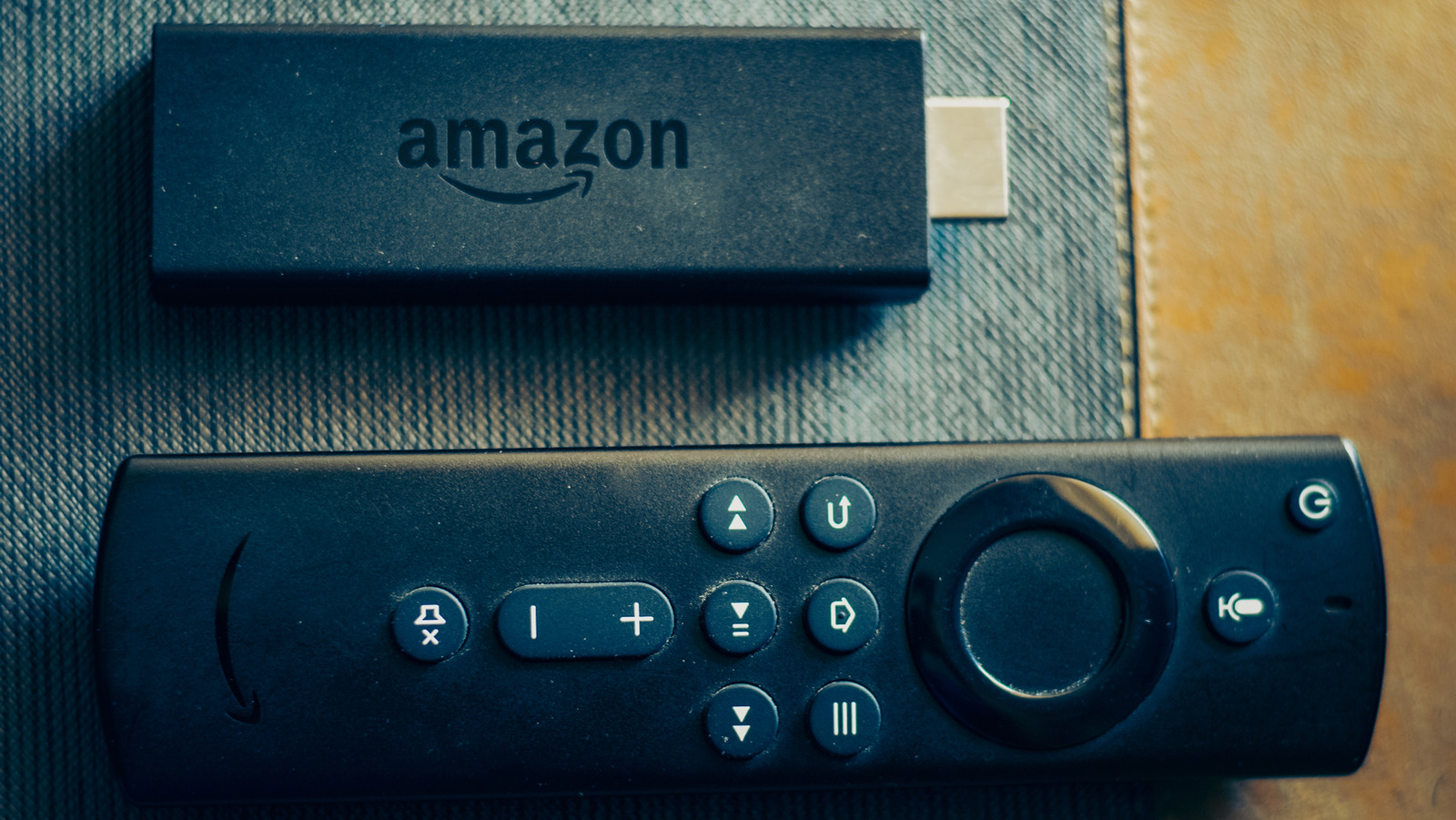
Buying an Amazon Fire TV Stick is a great accessory to turn your television into an entertainment hub that can stream the latest shows, play music, and even run games that support Fire OS. While it’s true that most modern TVs come equipped with smart functionalities, the Fire TV Stick is still a great purchase if your TV is old and lacks this support. It’s also perfect for cheaper TVs with a laggy or unresponsive smart user interface, ensuring that streaming TV shows and movies will never be a frustrating affair.

That being said, every piece of tech inevitably slows down over time, and the Fire TV Stick is no exception. With its limited storage and processor strength, your Fire Stick may not run as smoothly as it did when it was a new purchase. Thankfully, this issue can be mitigated by following a few steps to ensure that your Fire TV Stick feels as good as new every single time you use it.

A simple restart can take care of things

Martin Zubiria Kage/Getty Images

Just like a laptop or phone, the Fire TV Stick runs a ton of processes — both background and otherwise — from the moment it boots up. Eventually, as you open more and more apps, this eats into the Fire TV Stick’s limited RAM and causes your device to lag. Unlike your laptop, you won’t really shut down your streaming stick all the time, unless you have the habit of cutting off the main power source to your TV. This is why you should make it a point to restart it from time to time, helping to shake off these cobwebs and run faster than ever.

This isn’t the only way a restart can improve the speed and responsiveness of your Fire Stick. This media player also stores some temporary files in its cache that can eat into the device’s processing power. A simple restart can take care of this issue. If your device is glitching out and you don’t know how to fix it, then rebooting it could be the solution staring you in the face all along. Go to the My Fire TV tab from Settings to restart your device. Alternatively, you can use a cool but hidden Fire TV trick by holding down both the Select and Play/Pause buttons for around five seconds.

Make sure your Fire TV Stick has the latest update

Homesh Nasre/Getty Images

Once your Fire TV Stick is in your possession, there’s not a lot that can be done on the hardware side of things. However, software is a different story, and updating the Fire TV Stick from time to time is important to help it feel like a brand-new purchase. It’s a convenient process that will let you unlock new features and enjoy better performance from your device.

Another important reason for updating your Fire TV Stick is to improve the device’s security protocols. An outdated Fire TV Stick poses a security concern for your network, making it easier for cyberattacks to tamper with your device and, in more severe cases, target your personal information. At this point, a slow streaming stick would be the least of your problems, so always check for software updates if your device isn’t performing as well as you’d expect. 

For what it’s worth, your Fire TV Stick checks for updates regularly by default, so you won’t have to manually check for the same unless you feel that it’s been way too long since a firmware update. To check for an update, go to the Settings menu > select My Fire TV > About > Check for Update.

Turn off the Fire TV’s data tracking to improve performance

Andrei310/Getty Images

With the need for privacy being stronger than ever, most consumers want to turn off any settings that track their data and collect information. Even the Fire TV Stick doesn’t shy away from this, and the last thing you’d want to worry about is your privacy being compromised while you’re trying to binge the latest season of your favorite TV show. If your Fire Stick is lagging for no discernible reason, then turning off these tracking tools may help you out, and for what it’s worth, turning them off is pretty easy to do.

To disable the tracking, open the Preferences section in Settings. From there, go to Privacy Settings, and you’ll find three settings that should be turned off. Disable Device Usage Data, Collect App Usage Data, and Interest-Based Ads. Not only will this preserve your privacy, but you are also eliminating background processes that could potentially be slowing down your Fire TV Stick.

Don’t flood your Fire TV Stick with too many apps

Charles-McClintock Wilson/Shutterstock

It seems like only yesterday when Netflix broke new ground in the streaming landscape and became one of the biggest players in this industry. Now, it’s hard not to find a network that doesn’t have a streaming app you can download. The list is endless, with Netflix, Disney+, Apple TV, Hulu, Prime Video, Peacock, HBO Max, and Paramount+ being just a few of the many streaming apps you can download to access a wealth of quality content. However, while all these streaming apps may seem endless, your Fire TV Stick only has a limited amount of space to accommodate them.

With each app filling the storage of your device, it’s no secret why a Fire TV Stick that’s filled to the brim with apps will start slowing down at some point. Any OS requires a bit of breathing room in storage to operate properly, so make it a priority to delete any unnecessary apps from your device. Go to the Applications tab in Settings and head to Manage Installed Applications. From here, select any unwanted app and choose Uninstall. Chances are that you won’t be using every streaming service at the same time anyway, and you can always redownload an app later if one of its newest offerings catches your eye.

Turning off data monitoring can help

Ronstik/Getty Images

The Fire TV Stick provides a helpful service that lets you monitor the amount of data used by this device. It’s a great tracking tool if you have a limited internet connection and want to preserve your allocated bandwidth as much as you possibly can. However, most households have very generous internet plans provided by their service provider and don’t need to concern themselves with preserving their data. For them, all this feature does is eat into valuable processor power that is better off allocated somewhere else.

This feature is enabled by default, so you should go to your device’s settings and turn it off. Head to the Preferences section and select Data Monitoring. From there, all you need to do is disable the Data Monitoring option, helping your Fire Stick operate slightly faster. It may be a negligible difference, but every little bit helps your Fire TV Stick run as quickly as it possibly can.

Clear the cache of heavy-duty apps regularly

Anna Quelhas/Shutterstock

Over time, the apps on your Fire TV Stick build up a cache that stores data and helps it run smoothly. While this is great for apps that you use on a regular basis, there are times when the size of these caches reaches ridiculous levels and takes up too much space on your Fire Stick. In such an event, your best bet is to delete the unoptimized cache and start fresh.

To do this, go to the Applications tab in Settings. From here, select Manage Installed Applications. You could use the universal solution in the form of the Clear all Application Caches option. However, if you want to individually manage the Fire TV Stick’s apps and cherry-pick which caches you want to remove, then choose the app in question from this list and select Clear Cache. If you don’t use this app regularly but still want to keep it installed, then choose the Clear Data option as well to conserve even more space on your Fire Stick.

Turn off your Fire TV Stick’s notifications

Triloks/Getty Images

The more apps you download, the more notifications you’ll receive on your Fire Stick. Some of these pop-ups contain useful information, such as a new update you can download or that another season has gone live for your favorite TV series. However, there are also times when your Fire Stick provides notifications for information that doesn’t interest you. Messages for a new level in a game you forgot you had downloaded, or a reward that you don’t care about, are far from critical notifications. On top of this, they also end up using system resources, which can slow down a Fire Stick.

To change how notifications work on your Fire Stick, go to your device’s Preferences and select Notification settings. From here, just turning on Do Not Interrupt is enough to take care of any distracting pop-ups. You can take a more personalized approach here and go to App Notifications to individually select the apps that are allowed to show notifications. No matter what you decide to do, preventing even a few notifications from popping up will have a minor improvement on your Fire Stick’s performance, which is more than enough for some users.

Force stop apps to free up the Fire TV Stick’s RAM

mundissima/Shutterstock

2GB RAM is far from enough for any device, including a Fire TV Stick. With numerous streaming apps, video games, and music players on your system, it’s only a matter of time before your Fire Stick’s RAM starts struggling to run all these apps when left active for an extended period of time. If you’re not turning off your media stick all that frequently, these apps end up running in the background for a long time and eventually eat into your device’s available memory.

If your Fire Stick starts chugging at a snail’s pace after being used for a while, it’s time to head to the device’s Settings. From the Manage Installed Applications section, you can choose any active apps and force stop them. This frees up your device’s system resources, which will go a long way in making your device feel faster and more responsive than before. It’s a great alternative to deleting any apps outright, although you will have to repeat this process manually every single time your Fire TV Stick starts slowing down.

Turn off Audio and Video Autoplay

bella1105/Shutterstock

Promotional content is hard to escape nowadays, and your Fire TV Stick is prone to marketing any new show or movie to you from time to time. Most sponsored content plays automatically on the home screen, which can be pretty annoying if you don’t want your Fire Stick to start blaring the very moment you switch it on. This auto-played content is also taxing on your Fire Stick’s hardware, causing it to lag even more if it has already been slowing down for a while.

To speed up your Fire Stick and stop any promotional content from auto-playing, you can turn off these features in Settings. From Preferences, go to Featured Content. From here, you can see the options Allow Video Autoplay and Allow Audio Autoplay. If loud sounds that play without your approval are the major issue, then disable Audio Autoplay. However, for the best performance boost, disable both options in Settings.

Disable Amazon Photos if you don’t use it

Abdulkadir Arslan/Getty Images

Most Fire TV Sticks have additional features baked in that are ideally supposed to enhance the experience of using this device. One of these services, Whispersync, was a part of the Amazon GameCircle ecosystem that helped sync your progress on any game across all your Fire TV devices. However, it became clear to Amazon that media sticks weren’t being used to play games all that often, which is why this support was eventually removed for later Fire devices. Most people didn’t lament its absence, since Whispersync just ate into their system resources. However, there’s another similar service that continues to be a mainstay in most Fire TV Sticks and might not be something you’re interested in.

Amazon Photos is an app that comes pre-installed with your Fire Stick. While it can’t be deleted from your device, there’s still a way to prevent this app from using your device’s processing power. For starters, open Preferences and disable Amazon Photos in the Privacy Settings. After this, go to the Applications tab in Settings, select Amazon Photos, and disable it. This will ensure that your Fire Stick’s limited resources won’t be used to keep this service up and running.

Make sure your Fire TV Stick isn’t heating up too much

Backyardproduction/Getty Images

Overheating is a major reason why a Fire TV Stick slows down. Most people tend to plug their Fire Stick into the back of their TV and forget about it. Since televisions are known to heat up after extended use, some of this heat can transfer over to the Fire Stick. To avoid this, plug your device into the correct HDMI port, one that’s on the side or front of your TV. If this isn’t a viable option, then an HDMI extender can give your Fire TV Stick more breathing room. You can also plug in the Fire Stick to a USB port to prevent overheating, although it’s possible that port might not be able to transfer more power to your device and cause slowdown issues of its own.

If none of these steps work, then you can opt for some DIY solutions to solve the overheating problem instead. These aren’t recommended, especially since they involve fiddling around with your device’s physical components. One solution involves removing the Fire Stick’s internal parts and drilling holes into the plastic body itself. While this can help any excess heat escape from this device, you can cause permanent damage to the Fire Stick if you make a mistake. You can also place a heat sink on the processor to help remove heat more efficiently, which can work for older Fire TV Sticks. Again, only opt for these last-resort solutions if your device refuses to cool down and you don’t want to replace this Fire Stick with a current-gen version.

Double-check the Fire TV Stick’s power source

mundissima/Shutterstock

All Fire Sticks come bundled with a power cable and an adapter. These are optimized to provide the precise amount of power the device needs to operate without a hitch. While you may discard the adapter and use your TV’s USB port or something similar, this may not provide the amount of power needed to smoothly operate the Fire Stick. Not only will this cause slowdowns on your device and even lead to inconvenient reboots, but it’s also possible that your device may get bricked by this inadequate power supply during an update. Stick to what’s safe and use a trusted adapter and charging cable.

If, for some reason, you can’t use the cable or adapter that is bundled with the Fire Stick, then be careful about the third-party accessories you’ll use to power the device instead. Modern Fire Stick devices require a 5W, 1A adapter, so make sure that you use a compatible third-party adapter to facilitate this connection.

Get an ethernet adapter for faster internet speeds

Sometimes, buffering and slow loading speeds on your Fire TV Stick may not be the device’s fault. It’s entirely possible that your internet speed is too slow, hampering your multimedia experience. For the most part, users are aware of their ISP (Internet Service Provider) plans and whether they are affecting the Fire Stick’s efficiency. However, if your internet speeds are up to modern standards and your Wi-Fi router isn’t causing issues, then it may be time to use an Ethernet cable to facilitate this connection instead.

It’s no secret that Ethernet cables are faster than wireless signals, so using a wired connection for your Fire Stick can make your streaming experience smoother than ever before, especially if you choose the right type of Ethernet cables. You’ll need a separate Ethernet adapter for your Fire TV Stick, preferably one that’s provided by Amazon itself. Stick to this official accessory to connect an Ethernet cable to your device, and your buffering problems should be done away with.

If everything else fails, a factory reset can help you out

mundissima/Shutterstock

You can implement every trick under the sun to speed up your Fire TV Stick, but a particularly stubborn device may refuse to work even after all these fixes. At this point, it may be time for a factory reset. Go to My Fire TV in Settings and select the Reset to Factory Defaults option. Alternatively, you can hold the Back button and the right side of your remote’s navigation circle for 10 seconds to kickstart the factory reset process.

There’s no denying that restoring your device to its default factory settings and deleting any apps you’ve installed is a major inconvenience. However, all of this will be made worthwhile if this last-resort option works and your Fire TV Stick finally starts working as intended. Just ensure that you don’t make the same errors as before and use your device optimally to prevent these slowdown issues from hampering your Fire Stick once again.

Source

Posted on

Scotland gets AI growth zone boost in Lanarkshire

The UK government has unveiled the Lanarkshire AI growth zone, which promises to deliver more than 3,400 jobs in the coming years.

The Department for Science, Innovation and Technology (DSIT) said that 800 of these will be high-paying artificial intelligence (AI) roles covering researchers, programmers, and the permanent staff required to run and maintain datacentre facilities.

CoreWeave and DataVita have said they will be investing £1.5bn into delivering a production-grade AI cloud. Danny Quinn, managing director of DataVita, said: “Scotland has everything AI needs: the talent, the green energy, and now the infrastructure. But this goes beyond the physical buildings.

“We’re creating innovation parks, new energy infrastructure, and attracting inward investment from some of the world’s leading technology companies,” he said. “This is a massive opportunity for North Lanarkshire and Scotland, and we want to make sure local people share in it.” 

When completed, Lanarkshire will be one of the most advanced AI sites anywhere in the world, with DataVita planning to include the generation of more than 500MW of on-site power to drive AI breakthroughs in the next four years.

Scotland office minister Kirsty McNeill said: “The UK government’s AI growth zone will bring new industries, good jobs and fresh opportunities to North Lanarkshire, but also boost the economy of the whole of central Scotland.” 

The region is receiving over £8bn in private investment to drive economic renewal. It is also receiving a new community fund, which aims to inject £543m into support for a range of local programmes over the next 15 years.

UK prime minister Keir Starmer said: “By bringing billions of pounds of investment into Lanarkshire, we are creating good, well-paid jobs and funding support that directly helps families with the cost of living. 

“With strong progress made on our AI opportunities action plan over the past year, now is the time to put our foot on the accelerator and ensure working people feel the benefits in every corner of the UK.” 

This comes a year after the government unveiled its 50-point plan of action for AI. In a paper looking at its progress so far, the government said it has been positioning AI growth zones near renewable power, such as the Small Modular Reactors in North Wales, and a micro-grid in Lanarkshire.

The government’s action plan to drive public sector efficiency and economic growth by using the power of AI includes a commitment to unlock data assets in the public and private sector. As such, data is seen as a strategic national asset – which the government said will be curated, made more widely accessible and combined with compute resources. 

Chancellor Rachel Reeves said: “Seizing the opportunities of AI is vital for getting jobs and growth in every part of the country. 

“Our AI growth zones are doing just that – creating new opportunities for local communities and unlocking investment so businesses can grow and scale up, building an economy that works for working people.”

As part of its commitment to build out the UK’s AI capabilities, the government is expected to launch the next phase of the Sovereign AI Unit in April 2026. Backed by up to £500m, the unit aims to support UK artificial intelligence companies in becoming world-leading in critical parts of the AI value chain.

Source

Posted on

4 Uncomfortable Truths About Using Roku TV

PJ McDonnell/Shutterstock

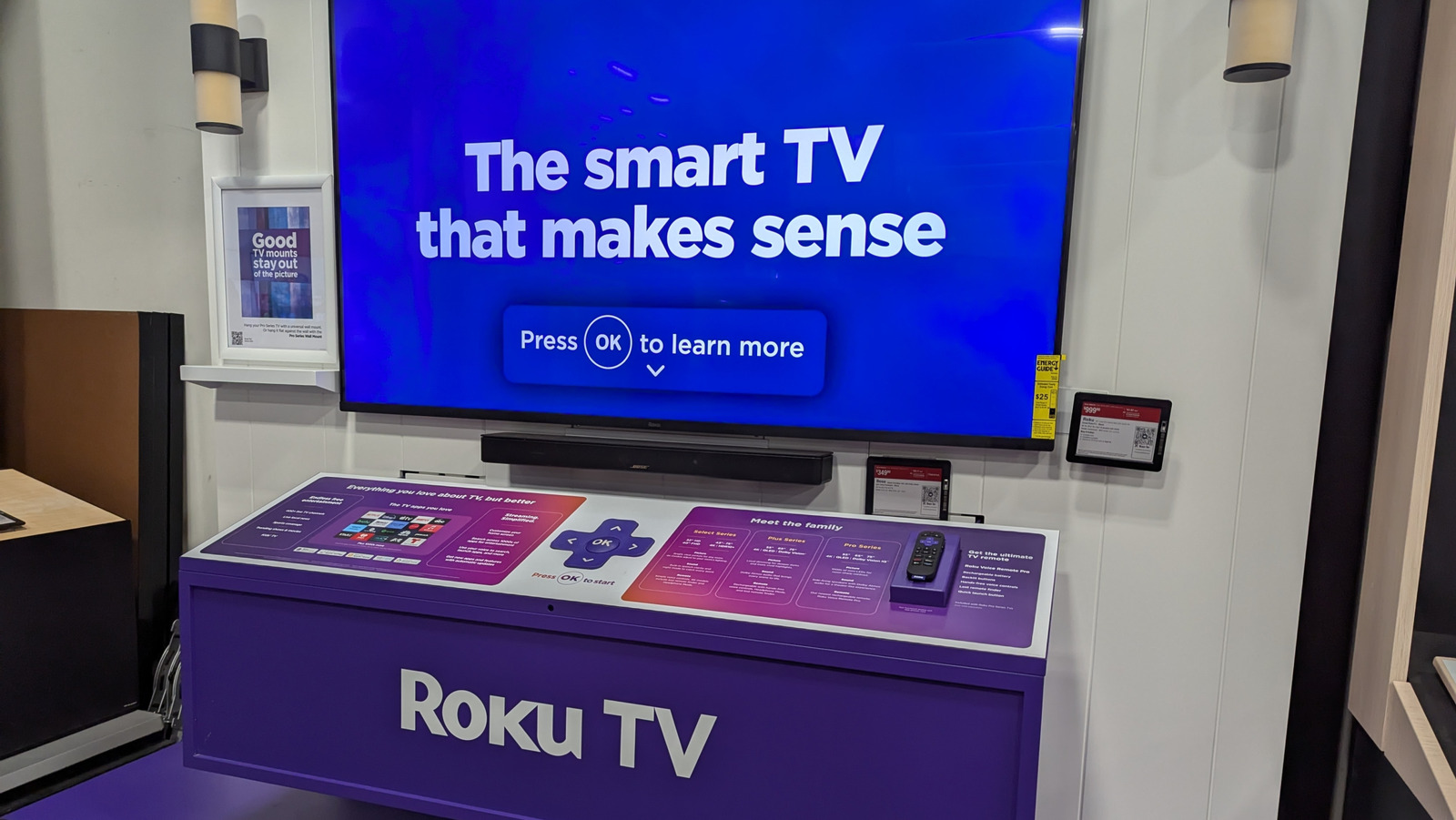
Smart TVs are gradually becoming a dominant piece of living-room tech as streaming apps continue to replace traditional cable packages. Many of the more popular smart TV brands feature Roku TV, which has risen to a place of prominence alongside the likes of Amazon Fire TV and Google TV thanks to some genuinely good features and benefits. For all of its popularity, however, Roku-enabled TVs do have some noteworthy drawbacks for the average user, from a lack of support for certain apps to some troubling data-gathering policies.

Choosing a smart TV for your home isn’t just about picking the cheapest model, or the one with the highest resolution: It’s also about selecting an operating system. While TVs playing host to Roku’s OS offer the same broad functions as many other TVs in the market, there are a few considerations you need to make before purchasing one over those put forth by competitors. If these elements concern you at all, you might want to consider using a TV with a different operating system.

Some apps and shows are not available on Roku TV

Charles-McClintock Wilson/Shutterstock

The primary streaming app or service that the Roku brand owns is the Roku Channel (including its Howdy product, nested within). Most other streaming services available on Roku TV, such as Netflix, Disney+, or Prime Video, are offered in conjunction with said services’ parent companies. Because the use of these streaming platforms specifically requires partnership, if Roku hasn’t fostered a partnership with a particular company, you won’t be able to watch that company’s streaming service on a Roku TV.

Roku TVs do have access to most of the major streaming services, though some smaller or regional apps may not be available. One user on the Roku forums reported that a movie-streaming app they liked, Movieland, was unceremoniously deleted from the Roku app store, which cost them access to a variety of movies. Some Roku TV users have also noted that, depending on where you live, your Roku TV may not be able to access even the popular streaming services. Another Roku forums user who originally made their Roku account in the EU found they couldn’t access any app besides Netflix on their Roku TV in the United States, and had to make an entirely new account to access everything.

Not all apps are consistently updated

renata colella/Shutterstock

Even if a Roku TV provides access to a particular app and streaming service, that doesn’t necessarily mean the app in question is being carefully maintained. Roku may have partnerships with most of the major streaming services to platform their respective apps, but some of these apps can go for long stretches without receiving substantial patches or stability updates. This can result in sub-optimal performance, including buggy menus and laggy video streaming.

For example, users on the Roku subreddit have complained about the lack of stability in the HBO Max app, which is rated lower than other major streaming apps in the Roku app store. These users report consistent problems with trying to navigate the app using their Roku remotes, as well as annoying glitches like skipping episodes in a series. As one user in this thread puts it, there is little Roku itself can do to remedy this problem. The burden is entirely on HBO Max, per that user’s claim, and if HBO doesn’t update or overhaul the app, users are unfortunately left without recourse.

Roku TV’s interface is ad-heavy

PJ McDonnell/Shutterstock

One of the major differentiating factors between Roku’s streaming business model and that of its contemporaries is that it doesn’t offer paid tiers for its services, whether on the Roku Channel streaming app or the Roku TV interface. This is, unfortunately, a bit of a double-edged sword for users. You don’t need to pay to use your Roku TV’s features or access the Roku Channel, but in exchange, you’re consistently bombarded with ads. Roku has to pay the bills somehow, and if it’s not through subscriptions, it’s going to be through ads.

Users on the Roku subreddit have reported a gradual increase in ad breaks while watching content on the Roku Channel, pegged at around 4-5 breaks per episode of TV. Additionally, there are banner ads present on the home screen, which means you’ll be seeing ads even before you select a streaming app to watch. Early in 2025, Roku actually ran a new test on its devices in which an ad was served to users as soon as they turned their Roku TV or streaming stick on, even before the Home menu loaded up. In a statement to Mashable on this matter, Roku said this test was its latest attempt to “explore new ways to showcase brands and programming while still providing a delightful and simple user experience.”

Roku TV collects and shares your data

II.studio/Shutterstock

In order to facilitate the aforementioned stream of ads on a Roku TV and the Roku Channel, the use of a Roku TV requires access to your personal information. When you first activate a Roku TV, you will be asked to make a Roku account if you don’t already have one. This means sharing identifying personal information with the Roku company, including your name, address, phone number, and geographical location. You cannot use the online functions of a Roku TV without a Roku account, which means if you’re uncomfortable with sharing these particulars, you will be locked out of much of the device’s functionality. In addition to basic account data, Roku also records your usage data, such as verbal commands made using the Roku Voice Remote and the kinds of streaming apps you regularly use.

Roku doesn’t just harvest this personal data, it also shares and sells it to third-party vendors and advertising partners. This results in targeted advertising on your home screen, as well as ads served by the Roku Channel. It is possible to stop your Roku device from tracking you, as well as limit how much of your data the company shares, but you cannot disable targeted advertising completely. Using a Roku TV effectively means nonverbally consenting to at least some degree of marketing observation by Roku and its partners.

Source

Posted on

Apple Reportedly Spent $2 Billion On An AI Company You’ve

LoveMetaverse/Shutterstock

Apple confirmed to Reuters on Thursday that it has acquired Q.ai, an Israeli company focused on AI imaging and audio technologies. In another report by the Financial Times, citing people familiar with the matter, the publication said that Apple spent close to $2 billion on this deal, making it the second most expensive acquisition in the company’s history, just behind the $3 billion Beats deal in 2014.

What’s interesting about this purchase is that rumors suggested Apple was considering buying a major AI player to boost its Apple Intelligence platform, with previous reports suggesting that the company could end up buying Anthropic. What Apple did instead was close a deal with Google to supercharge its Apple Intelligence features with Gemini models while still working on its own in-house LLMs.

To Reuters, Apple’s chipmaking chief Johny Srouji described Q.ai as “a remarkable company that is pioneering new and creative ways to use imaging and machine learning.” Apple is not only buying the startup, but also absorbing its founding team, as CEO Aviad Maizels along with co-founders Yonatan Wexler and Avi Barliya will now work at Apple.

What’s so special about Q.ai?

Justin Sullivan/Getty Images

Even though Apple never tells us ahead of time what it plans to do with the technologies it acquires, this isn’t the first time the company has bought a startup from Maizels. In 2013, Apple bought 3D sensing firm PrimeSense, which helped Apple develop the TrueDepth camera system and bring Face ID to the iPhone X in 2017.

According to Reuters, the latest patent application filed by Q.ai was related to “facial skin micro movements,” which could make a significant difference when it comes to detecting words, emotions, and even how the body reacts. This could be used in a future iPhone, or even upcoming AR headsets that Apple is currently developing. Besides these features, Q.ai also develops its own AI software which operates locally and could boost Apple’s offerings.

How Apple will end up utilizing Q.ai’s technologies is still a mystery for the time being, but it wouldn’t spend this much money if it wasn’t going to be a key pillar of the company’s AI future. That said, we’ll likely hear more about these innovations in the coming years, and they might end up being as game-changing as Face ID was for Apple almost a decade ago.

Source

Posted on

4 Popular iOS AI Features iPhone Users Can’t Get Enough

José Adorno/BGR

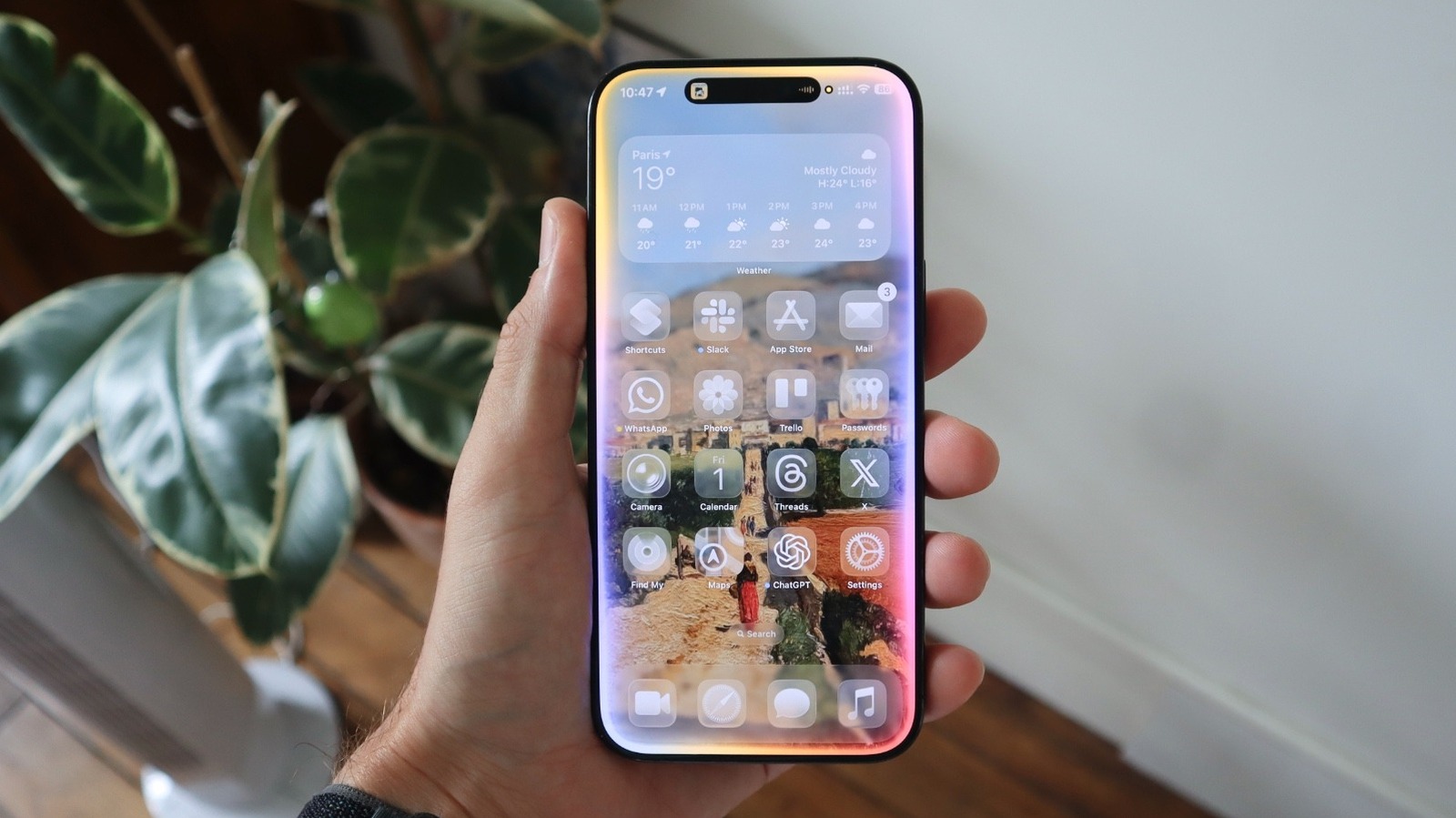
During Apple’s earnings call for the fiscal 2026 first quarter, the company’s CEO Tim Cook said iPhone users have been really taking advantage of Apple Intelligence, the company’s AI platform released in October 2024. According to Cook, the most popular AI features in this quarter have been Writing Tools, Clean Up, Visual Intelligence, and Live Translation.

While I’d have thought that Apple’s heavily promoted Genmoji would be a big Apple Intelligence feature, Tim Cook pointed out that Visual Intelligence is the main one, as it helps users learn more about what’s on their iPhone screen while taking action or answering questions about their apps.

Cook also said that most users opt to have Apple Intelligence on their iPhones. Currently, the main requirement to run Apple’s AI platform is having an iPhone 15 Pro or newer, as these devices have at least 8GB of RAM. With more changes expected at Apple’s Worldwide Developers Conference 2026, here’s how to take advantage of the current most popular Apple Intelligence features.

Writing Tools: the basic done locally

José Adorno/BGR

Writing Tools is one of the original Apple Intelligence features. With it, Apple’s models can help you improve your text, whether it’s a message to your boss, an essay you’re working on for college, changing the tone from what you wrote, or summarizing a text.

Writing Tools can proofread text, rewrite it, and make it friendlier, more professional, or concise. If you have a long message or need to organize what you’ve written, you can use Writing Tools to show key points, create a list, or make a table. Finally, Writing Tools also lets you describe the change you want Apple Intelligence to make to that text, all using Apple’s local models.

When you need more, you can use Compose, an Apple Intelligence feature that relies on ChatGPT, to improve your text. This way, you send that information to OpenAI’s servers to receive more options on how to write and improve your message according to what you need. No wonder it’s one of the most important Apple Intelligence features.

Clean Up tool: removing objects from your image

José Adorno/BGR

One of the most interesting yet controversial Apple Intelligence features is the Clean Up tool. More than once, Apple addressed why this functionality hasn’t been as good as what Google and Samsung offer. Basically, this feature allows users to remove objects from a picture, but it can’t recreate something from scratch. For example, if your face is half-covered in a photo, using the Clean Up tool won’t magically recreate the hidden part.

On the other hand, if you want to remove a vehicle, a person in the background, or even a water bottle, it’s possible. According to Apple’s top executive, Craig Federighi, in an interview with The Wall Street Journal, the company doesn’t want to fundamentally change the meaning of what was happening. “The demand for people to want to clean up what seem like extraneous details to the photo that don’t fundamentally change the meaning of what happened has been very, very high, so we’ve been willing to take that small step.”

What makes the Clean Up tool so interesting is that Apple uses local models to power the feature. Still, when you go to the Photos app, tap Edit, and select this feature, be aware that it’s only good for small tweaks, and it will probably mess up your photo with challenging objects.

Visual Intelligence: Apple’s take on Google’s Circle to Search

José Adorno/BGR

Visual Intelligence was, at first, an iPhone 16 exclusive feature. With the release of the iPhone 16e, Apple expanded Visual Intelligence to the iPhone 15 Pro and the 16e model by letting this feature be activated from the Action button instead of the Camera Control. According to Apple, this feature helps you learn about places and objects around you, as you can quickly add information from a flyer to your calendar, call a business, check a coffee shop website, and so on.

With iOS 26, Apple superpowered Visual Intelligence with a new screenshot search. Now, every time you take a screenshot, Apple Intelligence will suggest actions, like translating text, adding an event to your calendar, or reading text aloud. If you circle a part of that image, you’ll be able to see Google or Etsy search results, which can be very helpful if you’re trying to shop for something and don’t know where to start.

Besides that, you can also ask questions to Apple Intelligence or ChatGPT based on the object you have highlighted. It makes sense why Tim Cook said it was one of the most used Apple Intelligence features, as it’s really handy, and the process of using it is very straightforward.

Live Translation is also making a splash

José Adorno/BGR

During the earnings call, Tim Cook also mentioned that Live Translation is helping users “communicate seamlessly across languages.” With this feature available for AirPods 4, AirPods Pro 2, and AirPods Pro 3, I have also been using it more in Paris, as I’m still a long way from mastering the French language.

By pressing and holding the stem of my AirPods Pro 3, I automatically enter the Live Translation mode. After downloading the dictionaries of the languages I will speak or hear, everything works seamlessly.

At CES 2026, I wondered why most companies weren’t using their live translation devices to showcase their own technology, but I found Apple’s initiative very useful and precise. Almost instantly, I can hear translations in my ears and reply with an answer in another language on my iPhone screen. By using it on regular calls, I also get a translation fast enough, while the other person also gets my message in a language they understand. Even though it might require users to give it a shot, as it took me a while to get used to it, I’m still really impressed by this feature, and I’m sure it has been changing other people’s lives, too.

Source

Posted on

Meta’s latest results show diversification of datacentre capacity strategy

Meta, the owner of Facebook, Instagram and WhatsApp, has posted revenue of $58.9bn for the financial quarter to 31 December 2025, an increase of almost 24% compared with the same period the previous year.

The company reported that its expenses had been growing over the past year, and that it expected total expenses to be in the range of $162bn to $169bn in 2026. It stated that the majority of expense growth is being driven by infrastructure costs, which include third-party cloud spend, as well as higher depreciation and higher infrastructure operating expenses.

Meta anticipates that the second-largest contributor to its growing expenses will be employee compensation, driven by investments in technical talent.

In response to a question about the company’s reported capital expenditure (capex), chief financial officer Susan Li said Meta expects to make significant investments in its owned-and-operated and leased datacentre capacity. However, much of this capacity will not come online until 2027 or later. To address current capacity constraints, she said Meta has been signing cloud deals to bring capacity online more quickly in 2026.

“We still anticipate investing significantly in our own owned-and-operated and leased datacentre capacity. The capex guide clearly points to that. But a lot of that capex is for capacity that doesn’t come online until 2027 or beyond. So, we have been signing cloud deals to enable us to bring capacity online more quickly this year to alleviate our current capacity constraints,” she said.

Li noted that the capex range reflects the dynamic nature of infrastructure capacity planning, which was highly variable in 2025 and will remain so in 2026. It is tied to the availability and pricing of components such as servers, memory and storage, as well as the timing and magnitude of leases signed for future capacity.

“Infrastructure capacity was very dynamic last year, and it remains very dynamic this year. We are really trying to scale up our capacity significantly to support the range of capacity demand that we anticipate that we might have in 2027 and beyond,” she added.

Li said Meta invests in building out its own datacentre capacity to provide greater customisation and efficiency of a secure supply chain for the long term. “But [public] cloud has other advantages, including the ability to bring capacity online very rapidly, especially if cloud providers have pre-staged capacity available with shorter lead times,” she added.

The company is also expanding its Meta Training and Inference Accelerator (MTIA) custom silicon programme and has a long-term plan to identify potential supply bottlenecks and cost efficiencies. It aims to build better options for scaling compute needs over time. It is also exploring ways to reduce the cost of producing energy as compute scales over time.

“In terms of where we are focused right now on driving down the cost of scaling compute, on silicon, that’s obviously one of the big cost drivers. We’re working to do that today through a variety of means, including diversifying our chip strategy so we can get the greatest cost efficiency for the workloads that we need to support,” said Li.

Source

Posted on

The Costco Camera Bundle Every Photographer Should Know About

Arina P. Habich/Shutterstock

We may receive a commission on purchases made from links.

Whether you are into traveling, underwater exploration, extreme sports, or simply enjoy vlogging, it’s likely you’ve browsed cameras with an interest in improving your photography skills. But with so many action cam brands on the market like GoPro, Insta360, and DJI, it can be hard to choose only one. In comes Costco with a killer deal on an Insta360 Ace Pro 2 Xplorer Action Camera Bundle, ensuring that your choice is that much easier, not to mention cheaper.

Not only is Costco one of the best places to buy your tech thanks to perks like its generous 90-day return policy on electronics, but it also often runs deals on hidden gems. For example, the current Insta360 Ace Pro 2 Xplorer Action Camera Bundle on sale at Costco for $419.99 is the same price as the standard dual-battery bundle at competitors like Best Buy and Amazon, but with the Costco deal, you not only get two batteries, but you also get a grip kit and a 128GB microSD card, helping you hit the ground running. In fact, the Xplorer Pro Bundle on Amazon is nearly $100 more but doesn’t include a microSD card. So not only will you save money, but you’ll also get storage included with your purchase.

Beyond the savings and return policy, another good reason to choose the Insta360 Ace Pro 2 as your next action camera is its low-light performance and stabilization. The Leica lens and color profiles don’t hurt either, ultimately offering sharp, colorful video no matter where or when you choose to record.

Record at up to 8K resolution with the Insta360 Ace Pro 2

When researching which action camera best suits your needs, consider features like low-light shooting, stabilization, battery life, available accessories, and image quality. Much like the DJI Osmo Action, the Insta360 Ace Pro 2 features a large 1/1.3-inch sensor (that can shoot up to 8K/24fps), which is better for low-light shooting than the smaller sensors you’ll find in cheaper action cams. So right off the bat, the Insta360 Ace Pro 2 has a significant advantage over much of the competition.

You can also expect gimbal-like smoothness thanks to the Insta360’s FlowState stabilization, which combines software with physical gyroscopes to ensure smooth recording. You can even dial in how much stabilization you want, with choices that run from Low to High to Horizon Lock, which keeps the picture centered on the horizon even if the camera body spins (handy for recording heavy action with the camera attached to a participant or craft).

As far as battery life is concerned, it all depends on what you’re doing with the camera. If you’re shooting at 4K/60fps, the included 1800mAh battery should last a little over an hour before you need to swap to your second battery. That’s two hours of shooting thanks to this bundle, which packs an extra battery. Of course, accessories matter too, and the Ace Pro 2 has a packed stable with items like optional lenses, a screen hood, leather cases, waterproof charging port covers, a wide selection of mounts, and even a pocket printer. Ultimately, image quality is what matters most, and the Ace Pro 2 is known for its color and clarity since it offers a set of exclusive Leica color profiles along with a sensor that was co-engineered with Leica.

Source

Posted on

UK government signs more partners to boost AI skills across

The UK government has announced that over a million artificial intelligence (AI) training courses have been completed since the AI Skills Boost programme was introduced in June 2025.

The initiative is part of the government’s goal to ensure the UK workforce is adequately skilled, confident and ready to grasp the full opportunities of AI. A suite of industry-developed AI-focused courses is now available on the government’s AI Skills Hub.

The courses, which the Department for Science, Innovation and Technology (DSIT) said can be completed in under 20 minutes, are available online and open to all UK adults. These courses aim to provide people with the skills needed to use simple AI tools effectively in the workplace by teaching the use of AI for tasks such as drafting text, creating content and completing administrative duties to free up time to focus on other work.

The chair of Skills England and co-chair of the Digital Skills Council, Phil Smith, said: “AI is moving at an incredible pace and presents huge opportunity for productivity and growth. Skills England has worked rapidly with tech companies to make sure the courses chosen for the AI Skills Boost programme provide the quality and capability businesses need right now.

“It’s also a huge step forward that everyone who completes these short courses will get digital badges that properly recognise what they’ve learned. It’s a simple idea that will make a huge difference.”

When it was launched in June 2025, Accenture, Amazon, Barclays, BT, Google, IBM, Intuit, Microsoft, Sage and SAS were among the founding partners of the AI Skills Boost programme. These companies are committed to helping the government boost AI skills in the workforce.

They have now been joined by the British Chambers of Commerce, Cisco, Cognizant, the Confederation of British Industry, the Department for Education, the Department for Work and Pensions, the Federation of Small Businesses, the Institute of Directors, the Local Government Association, Multiverse, the NHS, Pax8 and TechUK.

The government is promoting the courses to NHS workers and local government employees as part of its goal to reach 10 million workers this decade. According to DSIT, this is equivalent to upskilling nearly a third of the UK workforce and would mean reaching at least two million employees in small and mid-sized organisations.

We want AI to work for Britain, and that means ensuring Britons can work with AI Liz Kendall, DSIT

The secretary of state for science, innovation and technology, Liz Kendall, said: “We want AI to work for Britain, and that means ensuring Britons can work with AI. Change is inevitable, but the consequences of change are not. We will protect people from the risks of AI while ensuring everyone can share in its benefits. That starts with giving people the skills and confidence they need to seize the opportunities AI brings, putting the power and control into their hands.”

As part of the government’s drive to promote the adoption of AI skills across the UK workforce, it has provided £27m of funding to connect people to tech jobs in local communities and create new professional practice courses and graduate traineeships.

Discussing the benefits of providing AI training to the workforce, Stephen Flaherty, chief technology officer at Barclays, said: “Having rolled out AI access to 100,000 Barclays colleagues globally, we are seeing first-hand the benefits the technology can unlock when it is used thoughtfully and responsibly. The potential of AI is transformative, and by supporting practical, accessible training at scale, this programme can help ensure innovation delivers real value for workers, businesses and the wider economy.”

Source