Posted on

Microsoft wants you to delete your password and no, it’s not a gimmick

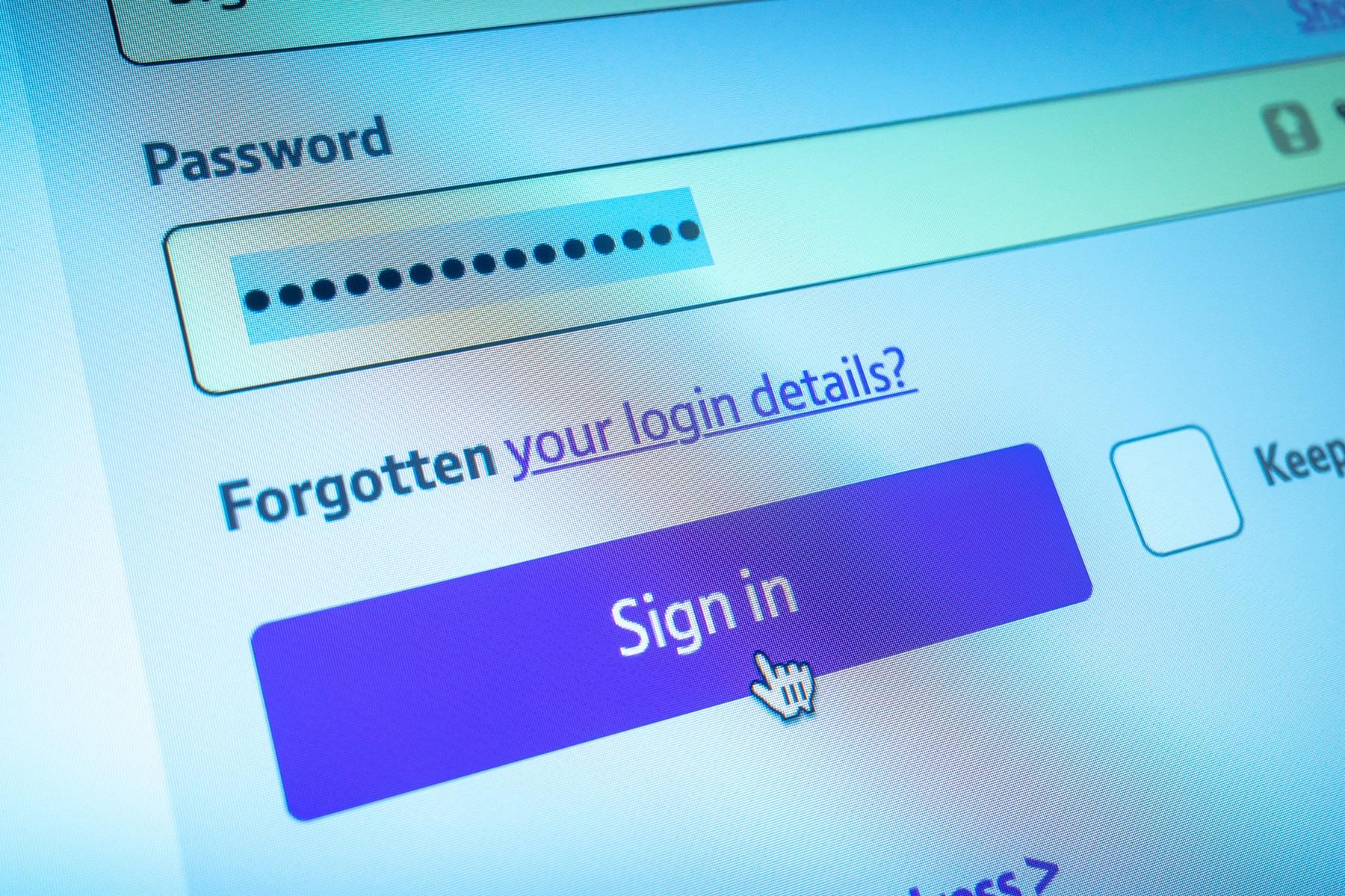
Microsoft has officially declared war on the password. In a sweeping update affecting more than a billion users, the company is making it clear—it’s time to ditch your Microsoft account password for good. This is just the latest move in Microsoft’s passkey update, which aims to move all users away from the security wyas of olden days.

Starting in April, Microsoft will begin rolling out a new sign-in and account creation experience that puts passkeys at the center. “Our ultimate goal is to remove passwords completely,” the company said in a security update posted in December.

Microsoft says it now blocks around 7,000 password-related attacks per second, nearly double the rate from last year. With AI-fueled phishing attempts and increasingly clever hacks, passwords—no matter how long or quirky—just aren’t holding up. Forcing a passkey on Microsoft users seems to be the easiest way to address the problem.

That’s where the passkey comes in. This credential is tied to your physical device and unlocked by something only you have—like a fingerprint, face scan, or device PIN. Unlike a password, a passkey can’t be phished, guessed, or intercepted. It’s stored securely on your device and never leaves it.

Tech. Entertainment. Science. Your inbox.

Sign up for the most interesting tech & entertainment news out there.

By signing up, I agree to the Terms of Use and have reviewed the Privacy Notice.

1Password lets you save passkeys for internet accounts.Password managers like Proton Pass and 1Password will let you save passkeys for internet accounts. Image source: 1Password

More importantly, it’s fast. Microsoft says passkeys are not only more secure but three times faster than typing in a traditional password. And the transition is already underway.

When creating a new Microsoft account, you won’t be asked to set a password. Instead, you’ll verify your email once and then create a passkey. For existing accounts, the sign-in experience is being redesigned to push passkeys as the default to nudge users toward a truly passwordless future.

That’s because having a passkey isn’t enough if you’re still keeping the old password around “just in case.” According to Microsoft, that’s like locking your front door but leaving the window wide open for anyone to enter.

The presence of a password—even as a backup—leaves your account open to phishing, brute-force attacks, and social engineering scams. That’s why the company says this isn’t just a shift in preference. Microsoft’s passkey update is a massive security imperative.

Millions of users have already deleted their passwords, according to Microsoft. And this change is about scaling that momentum across its entire user base.

Microsoft’s bold move sets a new bar—but not everyone is sprinting toward it. Google, for instance, still supports passwords as fallback credentials, which keeps that potential vulnerability alive.

Security researchers and privacy advocates argue that consistency across platforms will be key to making passwordless systems mainstream. For now, Microsoft is leading the charge, both in tech and in messaging clarity.

Source

Posted on

AirPods Max get lossless audio and ultra-low latency audio next month

Apple finally gave customers a good reason to buy the recently released AirPods Max with a USB-C port. According to the company, a software update will finally give these headphones the long-awaited lossless capabilities and ultra-low latency audio.

A press release shows AirPods Max with USB-C will unlock 24-bit, 48 kHz lossless audio, which preserves the integrity of original recordings. In addition, it will be possible to listen to lossless while still enjoying Personalized Spatial Audio.

Apple says users will be required to use the included AirPods Max’s USB-C cable with their iPhone, iPad, and Mac devices to take advantage of lossless. More interesting than that, gamers and live streamers can also take advantage of ultra-low latency audio to experience no response delay while playing or live streaming, which, according to Apple, becomes “reliably smooth and even more immersive for users.”

That said, it’s important to note that lossless support for AirPods Max is only included with the USB-C version. The original model with a Lightning port technically can’t stream in this higher quality. With that, the USB-C AirPods Max are Apple’s second headphones to support this feature, as the Beats Studio Pro was the first one.

Tech. Entertainment. Science. Your inbox.

Sign up for the most interesting tech & entertainment news out there.

By signing up, I agree to the Terms of Use and have reviewed the Privacy Notice.

When Apple announced the new AirPods Max last year, it was criticized for delivering virtually the same headphones but with new colors and fewer features, as wiring these headphones wouldn’t bring lossless support.

A few months later, the company revealed that this major feature will be part of the iOS 18.4, iPadOS 18.4, and macOS Sequoia 15.4 releases. The company will most likely also offer a firmware update for AirPods Max to unlock this experience.

While users might finally have a reason to upgrade to these headphones, it’s important to note that they still feature the same H1 chip and lack several functions available with AirPods Pro 2 because they don’t have the latest technologies.

It’s unclear if Apple will ever release a revamped version of its most expensive headphones.

Source

Posted on

Gemini just got live video AI features, while Siri can’t even tell me what month it is

Google has had a great month when it comes to Gemini AI announcements, beefing up its chatbot across the board. The new Gemini 2.0 Flash experimental model powers better Deep Research features, Personalization, and incredible photo editing features. Also, Gemini got Canvas for improved collaboration with the AI, and Audio Overview, a feature that turns document summaries into podcasts.

Google also confirmed at MWC 2025 that Gemini Live would get a couple of amazing new video features in March, and they’re now rolling out to users. Gemini Live can see the live video from your camera in real time and chat with you about it. It can also see the contents of your screen if you’re looking to talk to the AI about something on your phone. 

All of this happened while Apple has had a terrible month when it comes to Apple Intelligence. The company was forced to delay the smart Siri until next year, making us realize that the Siri AI vision demoed at WWDC 2024 was just vaporware. Also, while the Gemini Live assistant can talk to you about live video, Siri can’t even tell what month it is.

Gemini Live is the AI assistant Google built under Project Astra, a research project Google demoed at I/O, showing what an AI assistant with multimodal support would be able to do. That multimodality also included access to live video from the phone’s camera, and that functionality is rolling out to Gemini Live users who are also Gemini Advanced subscribers. That’s the premium Gemini tier which gets you access to the latest Gemini features.

Tech. Entertainment. Science. Your inbox.

Sign up for the most interesting tech & entertainment news out there.

By signing up, I agree to the Terms of Use and have reviewed the Privacy Notice.

A Reddit user discovered a new option to share the phone’s screen with Gemini Live. Tap it, and you’ll give the AI assistant access to the contents of your display. You’ll then be able to ask the AI questions about what’s on your screen.

The Redditor posted a clip to demo the Gemini Live capability that rolled out to their Xiaomi phone. That’s an indication the feature will not be restricted to Pixel phones at launch — here’s the short video:

Sharing the screen while talking to Gemini Live is even better than using Circle to Search to start a Google Search about the contents of your screen. You might be able to get answers even faster this way, as Gemini Live will look at what’s on your display and provide assistance when it can. As you can see in the clip above, Gemini Live can’t perform other tasks, like opening apps for the user.

More interesting to me is Gemini Live’s ability to see the world through the camera lens. That real-time video support should also be rolling out to Gemini Live users with Advanced subscriptions. It’s unclear if the Redditor above got the functionality, as they didn’t share a similar demo. I would expect users who are able to screen-share with Gemini Live also to be able to use live videos with the AI.

Google has Gemini Live demos that show a user interacting with the AI while showing Gemini Live their surroundings via live video. In this example, the user is asking the AI for paint suggestions for their home:

If you have a Gemini Advanced subscription, you’ll want to check if Gemini Live got the new live video features. It’s likely you’ll get them soon now that users have started spotting them in the wild.

Source

Posted on

ChatGPT now tells you its limits with Deep Research and GPT-4.5 chats

While ChatGPT is available for free and without an account, premium access gets you better features, fewer limitations, and the ability to try some of the company’s newest AI features before they roll out more widely. People can choose between the ChatGPT Plus ($20/month) and Pro ($200/month) models, with the latter offering the best perks. For example, ChatGPT Pro was the first tier to get ChatGPT Operator and Deep Research, OpenAI’s first AI agents. Since then, OpenAI has brought Deep Research to the cheaper subscription option, but with more limitations.

OpenAI also launched its newest model, GPT-4.5, which is fully available to premium users. However, again, ChatGPT Plus users have limits in place. Thankfully, now there’s an easy way to see some of these limits when using your ChatGPT Plus subscription to get Deep Research reports or chat with GPT-4.5.

I’ve been a ChatGPT Plus subscriber for over a year now, and I’ve generally been happy with the experience. I am willing to pay a subscription for better AI features rather than get an ad-based subscription. But I’m hardly ready to make the jump to the ChatGPT Pro tier. I’m yet to see a feature that would warrant spending $200/month to access all the AI tools OpenAI has to offer and increase limits significantly.

That said, I’m also aware of the limits on my Plus tier. I recently got Deep Research access in the EU, and I’ve already started using it. For example, I went to ChatGPT for a Deep Research report on visiting Tokyo, and it was an amazing decision.

Tech. Entertainment. Science. Your inbox.

Sign up for the most interesting tech & entertainment news out there.

By signing up, I agree to the Terms of Use and have reviewed the Privacy Notice.

Similarly, GPT-4.5 is available to ChatGPT Plus users, the model OpenAI is currently testing before a wider rollout and before the launch of GPT-5. But it also comes with limitations.

OpenAI gives ChatGPT Plus users 10 Deep Research reports a month, 12 times fewer than the Pro option. The GPT-4.5 limits for Plus aren’t clear, but Pro users have full access to all OpenAI models.

ChatGPT Plus now shows you Deep Research and GPT-4.5 limits.ChatGPT Plus now shows you Deep Research and GPT-4.5 limits. Image source: Chris Smith, BGR
When using these two features, I’ve noticed pop-ups appear above the ChatGPT composer. They informed me how many Deep Research reports I have left this month and how many GPT-4.5 chats I have.

The pop-ups have an upgrade option for ChatGPT Pro, not that I’m considering it. But they’re still great to see, allowing me to keep track of my current usage.

Even without the pop-ups, OpenAI developed a handy feature to let you quickly see the number of Deep Research reports left this month. Just hover the mouse over the Deep Research button, and you’ll see the number of reports left and the date the limits reset for your account. The screenshot above shows it in action. Pro users would also see how many Deep Research queries they have left this way.

I’ve also caught the GPT-4.5 limit warning in the screenshot above. As you can see, I have 5 responses from GPT-4.5 remaining until the limits reset later this week. I don’t care as much about this particular limit. I’ll just switch back to GPT-4o, which is good enough for most of my needs. 

However, there’s no other way to see your GPT-4.5 limits, at least not as easily as the Deep Research count. I’ll also say that the number of responses likely refers to distinct chats with the AI rather than independent responses across the AI experience. Or that seems to be the case right now.

Then again, this is the first month I’ve seen these limit counts in the ChatGPT user interface. I’ll have a better chance to explore them in April.

Source

Posted on

Siri needs its iCloud moment: A complete rebrand

Even without the current Apple Intelligence fiasco, we already realized that Apple needs to ditch Siri or rebrand it in favor of a new personal assistant. Long before Apple Intelligence or LLMs started taking over the internet, we already felt like Siri was lost in time.

In the past few years, reports suggested the issue with Cupertino’s personal assistant is bigger than it seems. In 2023, the New York Times reported about the rise and fall of the assistants, including why Siri struggles with what sounds like regular tasks. John Burkey, a former Apple engineer who worked on the virtual assistant, said it had a “cumbersome design that made it time-consuming to add new features.”

In 2014, he was given the job of improving Siri. But since its database contains a gigantic list of words in nearly two dozen languages, its vast knowledge bade it “one big snowball,” as if someone wants to add a word to Siri’s database, “it goes in one big pile.”

With that in mind, Burkey explained that what seemed like small updates, such as new phrases, would require rebuilding the entire database, which could take up to six weeks. More complex features like new search tools could take nearly a year, meaning Siri could never become a creative assistant like ChatGPT unless it’s completely rebuilt.

Tech. Entertainment. Science. Your inbox.

Sign up for the most interesting tech & entertainment news out there.

By signing up, I agree to the Terms of Use and have reviewed the Privacy Notice.

When looking back at this report, it makes sense why Apple decided to indefinitely delay Siri’s on-screen awareness capabilities, as it still doesn’t know which month we are. This is why I think Apple should rebrand Siri and do something similar to what the MobileMe-iCloud transition was.

Siri feels like MobileMe, but Apple was fast enough to address it

Before iCloud was a thing, Apple had MobileMe. The service was available from July 2008 until October 2011, when iCloud was introduced. However, this subscription-based service was very unstable and had several syncing issues.

This is why when Steve Jobs introduced iCloud and said the service “just worked,” he rhetorically asked: “Why should I believe them? They’re the ones that brought me MobileMe!” Still, iCloud was better than MobileMe, and even though it had a few issues over the years, it’s Apple’s main service.

With that in mind, I think Siri needed a similar approach. At this moment, Apple is focusing on reshaping the personal assistant’s command structure. However, I don’t think promoting executives is enough. If Apple wants to be serious about AI, it must catch up with major players and offer a different experience. Should it call the new assistant Newton, Siri 2.0, or Apple Assistant? It doesn’t matter.

Siri’s revamp is urgent, and Cupertino needs to offer a faster response and service to users.

Source

Posted on

iOS 18.4 RC now available ahead of official launch next month

Apple is likely almost done with the beta testing of iOS 18.4, as it has just released its RC. The Release Candidate version comes after Apple announced that AirPods Max will finally feature lossless support. Still, it’s unlikely this new build will bring this function.

This is the third beta since Apple announced the personalized Siri experience will take longer to arrive on the iPhone. Still, the company is including at least three new improvements for Apple Intelligence in iOS 18.4 RC:

  • New languages: Apple adds Chinese, French, German, Italian, Brazilian Portuguese, Spanish, Japanese, Korean, and localized English for Singapore and India.
  • Image Playground: The long-awaited Sketch style is now available alongside the Animation and Illustration options.
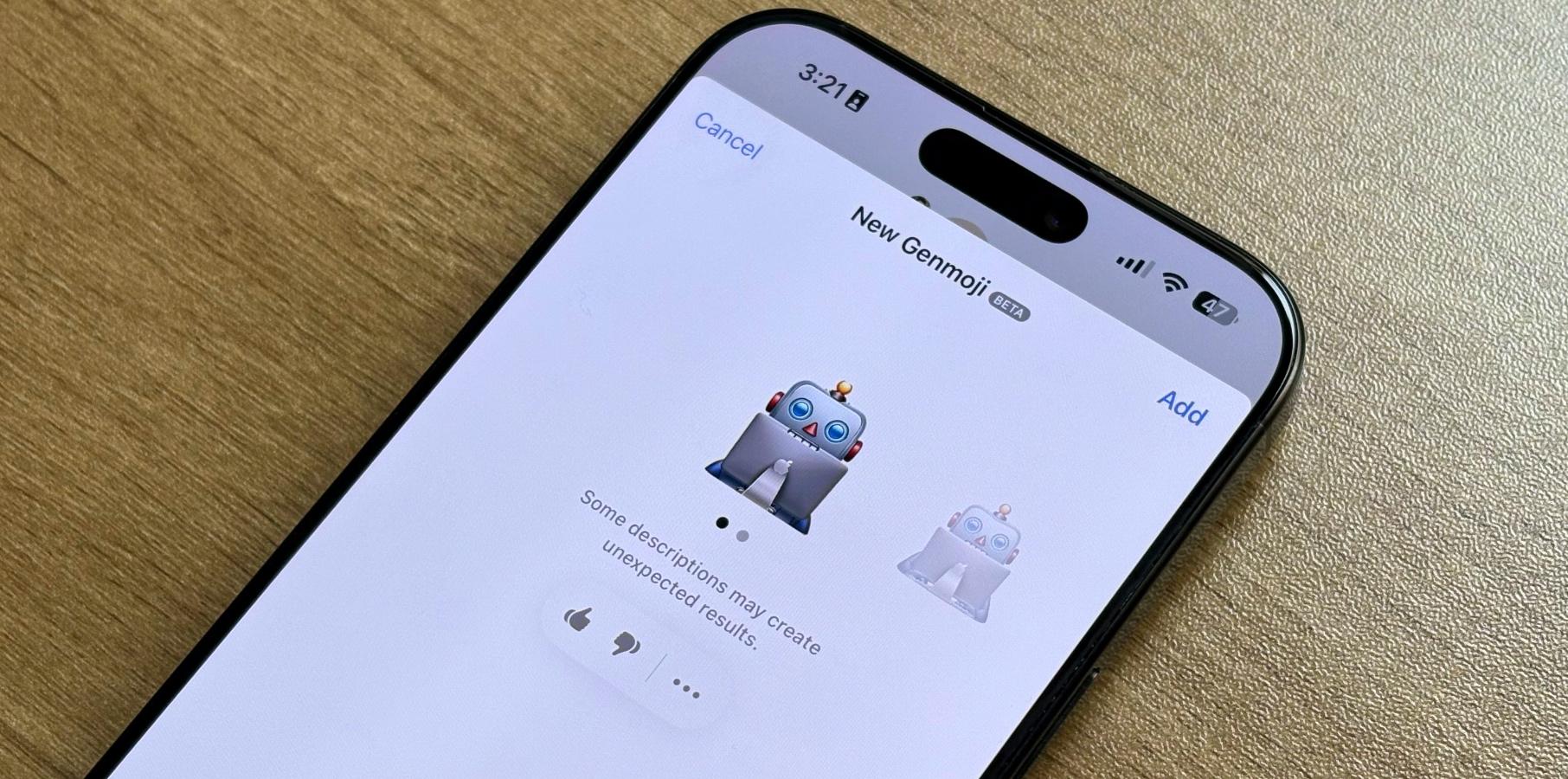
  • Genmoji: Apple tweaked the Genmoji icon on the keyboard, as it now reads “Genmoji.”

With iOS 18.4 RC, Apple added the seven emojis teased by the Unicode Consortium last year. The company also includes the following features:

Tech. Entertainment. Science. Your inbox.

Sign up for the most interesting tech & entertainment news out there.

By signing up, I agree to the Terms of Use and have reviewed the Privacy Notice.

  • Apple News+ Food: This update will bring a new Food section to Apple News. Subscribers can access recipes, tips for healthy eating, restaurants, and more.
  • Vision Pro app: With iOS 18.4, Apple Vision Pro will get its own iPhone app. It will help you download apps, visionOS content, tips, and information and even set up Guest Mode.
  • Apple Maps change: You can now set a Preferred Language to get directions instead of the one you use on your iPhone.
  • Ambient music: iOS 18.4 adds new Control Center toggles for Ambient Music, including Chill, Productivity, Sleep, and Wellbeing.
  • CarPlay update: Cars with bigger screens now get three rows of apps displayed.
  • Visual Intelligence: Apple added the Visual Intelligence feature to the Action Button while also adding support for the iPhone 15 Pro and iPhone 16e.
  • Control Center: The Control Center now displays an Apple Intelligence section with three options: Talk to Siri, Type to Siri, and Visual Intelligence.
  • Apple Vision Pro app: If you have an Apple Vision Pro, iOS 18.4 beta 2 added the already-announced Vision Pro app.

Source

Posted on

March Patch Tuesday brings 57 fixes, multiple zero-days

Microsoft has dropped a grand total of 57 fixes to mark the third Patch Tuesday update of 2025 – rising to closer to 70 when third-party vulns are taken into account – including six zero-days and six critical flaws needing urgent attention.

The zero-days comprise a security feature bypass in Microsoft Management Console, two remote code execution (RCE) issues in Windows Fast FAT File System Driver and Windows NTFS, two information disclosure vulnerabilities in Windows NTFS, and a privilege escalation flaw in Windows Win32 Kernel Subsystem.

All are listed as exploited by Microsoft, but have not yet been made public, and all are considered to be important in their severity, carrying CVSS scores that range from 4.6 to 7.8.

A seventh vulnerability, an RCE issue in Windows Access, has been listed as public but does not appear to be actively exploited at the time of writing.

The six critical vulnerabilities, carrying CVSS scores of 7.8 through 8.8, are all RCE flaws. Two of them affect Windows Remote Desktop Services, and the four others relate to Microsoft Office, Windows Domain Name Service, Remote Desktop Client, and Windows Subsystem for Linux Kernel.

“All six of the vulnerabilities that Microsoft has labelled as exploit detected are resolved with the monthly cumulative update,” said Tyler Reguly, Fortra associate director of security research and development.

“This means a single update to roll out to fix all of these at once. Thankfully, none of them require post-patch configuration steps. The same is true for five of the six critical severity vulnerabilities. A lot of our important fixes come from the same patch.

“The remaining critical vulnerability, CVE-2025-24057, and the publicly disclosed vulnerability, CVE-2025-26630, both require Office updates. For those running click-to-run, there’s not a lot to do, but for those running Office 2016, there are two patches to install, one for Office and one for Access,” he added.

Reguly said that fortunately, this limited the amount of patching needed to resolve the attention-grabbing flaws. “However,” he said, “they are big ticket items and with headlines likely to state, Microsoft patches six zero-day vulnerabilities, admins will likely have a lot of questions to answer about the state of their patching.”

Big ticket items: big impacts

Assessing these big ticket items in a little more depth, Immersive senior director of threat research, Kev Breen said the NTFS and FAT RCE flaws probably warrant the greatest attention. These flaws form part of a chain with the two NTFS information disclosure vulnerabilities.

“These four CVEs are all related to a remote code execution vulnerability that is associated with mounting Virtual Hard Disk (VHD) files. These are tracked separately as CVE-2025-24984, CVE-2025-24985, CVE-2025-24991, and CVE-2025-24993, so when it comes to patch management ensure all four are covered.

Breen explained that the exploit chain relies on the attacker convincing a user to open or mount a virtual hard disk (VHD) file. These are typically used to store operating systems for virtual machines and while more usually associated with VMs, there have been cases down through the years where such files have been used to smuggle malware payloads onto target systems.

“Depending on the configuration of Windows systems, simply double-clicking on a VHD file could be enough to mount the container and, therefore, execute any payloads contained within the malicious file,” said Breen. “Organisations should check their security tools for any VHD files being sent via email or downloaded from the internet and look to add security rules or blocks for these file types where they are not required.”

Meanwhile, Alex Vovk, CEO and co-founder of Action1, considered some of the implications of the Windows Win32 Kernel EoP flaw, tracked as CVE-2025-24984.

“CVE-2025-24983 provides a direct path from low privileges to SYSTEM access, making it an attractive target for attackers with initial access via phishing, malware, compromised credentials or insider threats,” said Vovk.

“Although classified as high complexity, well-resourced attackers – including state-sponsored groups and cyber criminal organisations – have historically overcome such constraints through automation and repeated attempts. Race-condition vulnerabilities in kernel subsystems have proven to be reliably exploitable, given sufficient attacker persistence and environment predictability.   

“Organisations heavily dependent on Windows infrastructure – including enterprises, governments, and critical infrastructure sectors – are at risk. Kernel-level privilege escalation vulnerabilities remain highly valuable to attackers, as they serve as a key pivot point in advanced cyber attacks, enabling deeper network infiltration and persistent access,” said Vovk.

Source

Posted on

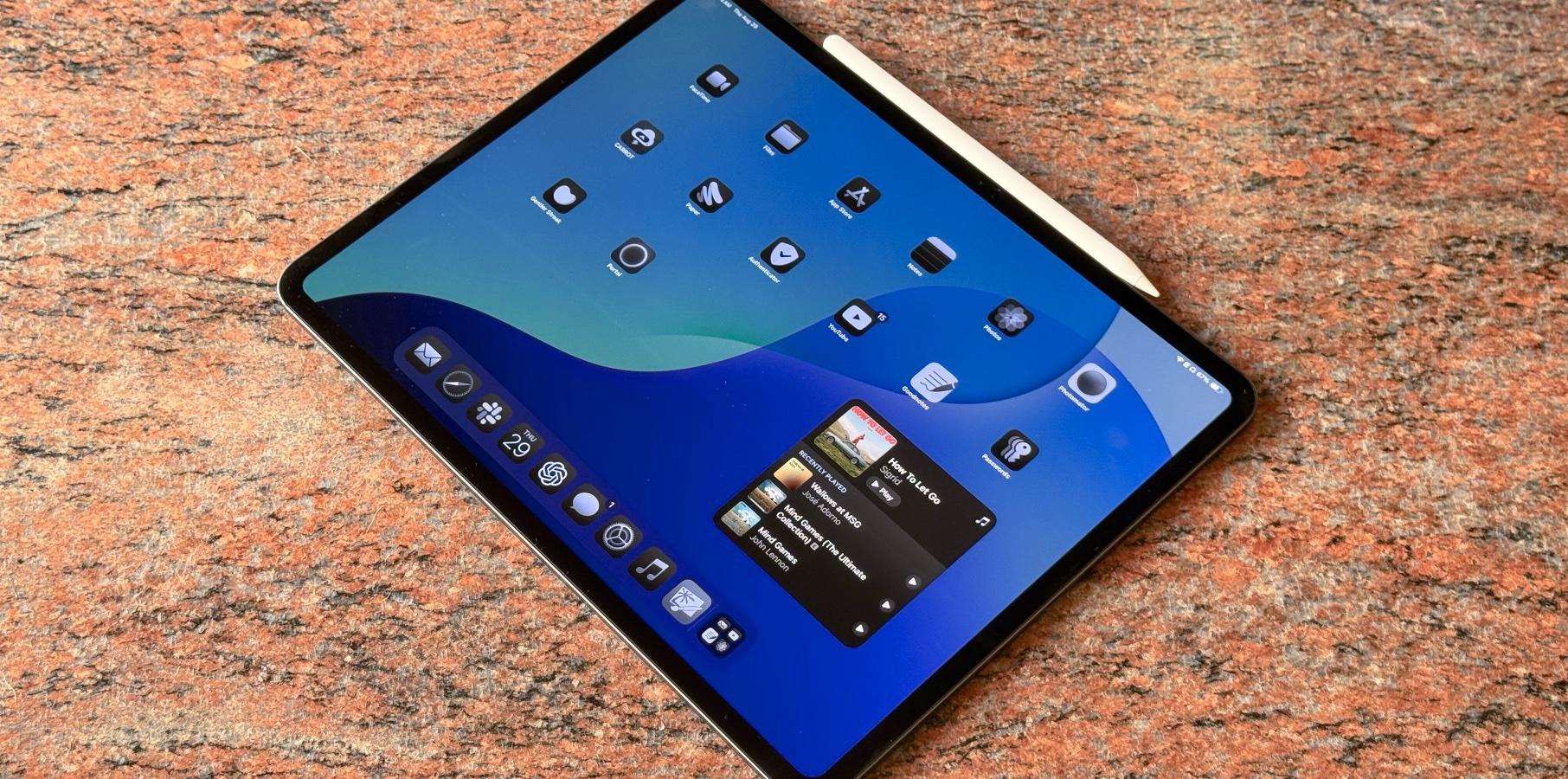
iPadOS 18.4 RC now available with these features

Apple nears the end of the iPadOS 18.4 testing with its RC version. After a mild iPadOS 18.3 update, Cupertino has much more to unveil for the company’s tablets. Here’s everything new with this upcoming software update, including new Apple Intelligence features.

The most important update coming with iPadOS 18.4 is the all-new Mail experience. This is what you can expect:

  • All-new Mail experience: After adding this new Mail to iOS 18.2, Apple is introducing new ways for users to manage their inboxes. On-device categorization organizes and sorts incoming emails into Primary for personal and time-sensitive emails, Transactions for confirmations and receipts, Updates for news and social notifications, and Promotions for marketing emails and coupons. Mail also features a new digest view that pulls together all of the relevant emails from a business, allowing users to quickly scan for what’s important at the moment.
  • New Apple Intelligence languages: Apple adds Chinese, French, German, Italian, Brazilian Portuguese, Spanish, Japanese, Korean, and localized English for Singapore and India.
  • Image Playground: The long-awaited Sketch style is now available alongside the Animation and Illustration options.
  • Genmoji: Apple tweaked the Genmoji icon on the keyboard, as it now reads “Genmoji.”

In addition to these Apple Intelligence features, iPadOS 18.4 RC adds the following functions and tweaks:

  • Apple News+ Food: This update will bring a new Food section to Apple News. Subscribers can access recipes, tips for healthy eating, restaurants, and more.
  • Ambient music: iPadOS 18.4 adds new Control Center toggles for Ambient Music, including Chill, Productivity, Sleep, and Wellbeing.
  • Apple Maps change: You can now set a Preferred Language to get directions instead of the one you use on your iPad.
  • New emoji: Apple finally added the seven emojis teased by the Unicode Consortium last year. Still, they’re not as fun as you’d expect.

Alongside this new build, Apple seeded the release candidate versions of iOS 18.4, macOS 15.4, watchOS 11.4, tvOS 18.4, and visionOS 2.4. We’ll let you know if we find anything new with it.

Tech. Entertainment. Science. Your inbox.

Sign up for the most interesting tech & entertainment news out there.

By signing up, I agree to the Terms of Use and have reviewed the Privacy Notice.

Source

Posted on

Report hails benefits of ‘socially integrating’ datacentres into local communities

Datacentre developers should be doing more to ensure local communities are reaping the full benefits that having a server farm on their doorstep can bring, according to a report by engineering firm Hoare Lea.

The company’s DC society: putting community into datacentre thinking report makes the case for developments to become more socially integrated with the communities around them because – as things stand – datacentres are something that is “often done to local communities, not by local communities”.

As detailed in the report: “This is because there is no agreed blueprint or roadmap on what a socially conscious datacentre looks like.” And this is wrong because datacentres have the potential to bring multiple benefits to local communities, beyond simply creating jobs for residents during the construction and operation phases of their development, the report stated.

To this point, datacentres have the “potential to improve health outcomes, create jobs, support research centres and draw in high-value industries” for the benefit of local residents, the report continued.

“This means that datacentre developers have a responsibility to work with other stakeholders to create a positive impact on society, beyond data buildings and campuses,” said Derek Main, director of datacentre and mission critical at Hoare Lea, in the introduction to the report.

At the same time, developers are likely to favour setting up shop in locations where the local community is supportive of what they are trying to do. However, securing that support will be difficult to achieve without spelling out the benefits to local citizens that a datacentre development can bring.

“Datacentres will locate elsewhere to countries and regions where there is less resistance and where they are more welcome,” the report stated. “The lack of a direct community dividend can make datacentre developments untenable.”

Examples shared in the report of local benefits that could be generated by encouraging developers to forge closer ties with the surrounding communities include schemes where the waste heat from datacentres are reused within neighbouring housing developments, community buildings or vertical farm setups.

The sites could also offer discounted data access for research institutions, such as universities or NHS organisations, or bring in economic benefits by acting as lure for other digitally minded businesses to move into the area, the report added.

“Datacentre developments can be beacons, catalysts and nodes for social and economic gains if fully realised,” the report stated. “This type of infrastructure can also supercharge communities that embrace them.”

The report features input from several datacentre industry market stakeholders, as well as sociology experts to establish how datacentres could be more socially integrated into local communities.

“Datacentres do not need to be pitted in competition with local people for access to resources – they can enable other opportunities for people instead,” said Main.

Paul Hanna, head of societal impacts at Hoare Lea, said the contents of the report champions the importance of large-scale infrastructure developers taking time to understand a communities’ needs, which he describes as a “crucial part” of the planning process such projects.

“Alongside the technology, security, and energy-efficiency, datacentres would benefit greatly by being designed with societal insight,” Hanna continued. “If datacentre developers and owners opt into a social contract with their neighbours all parties can benefit.”

Source

Posted on

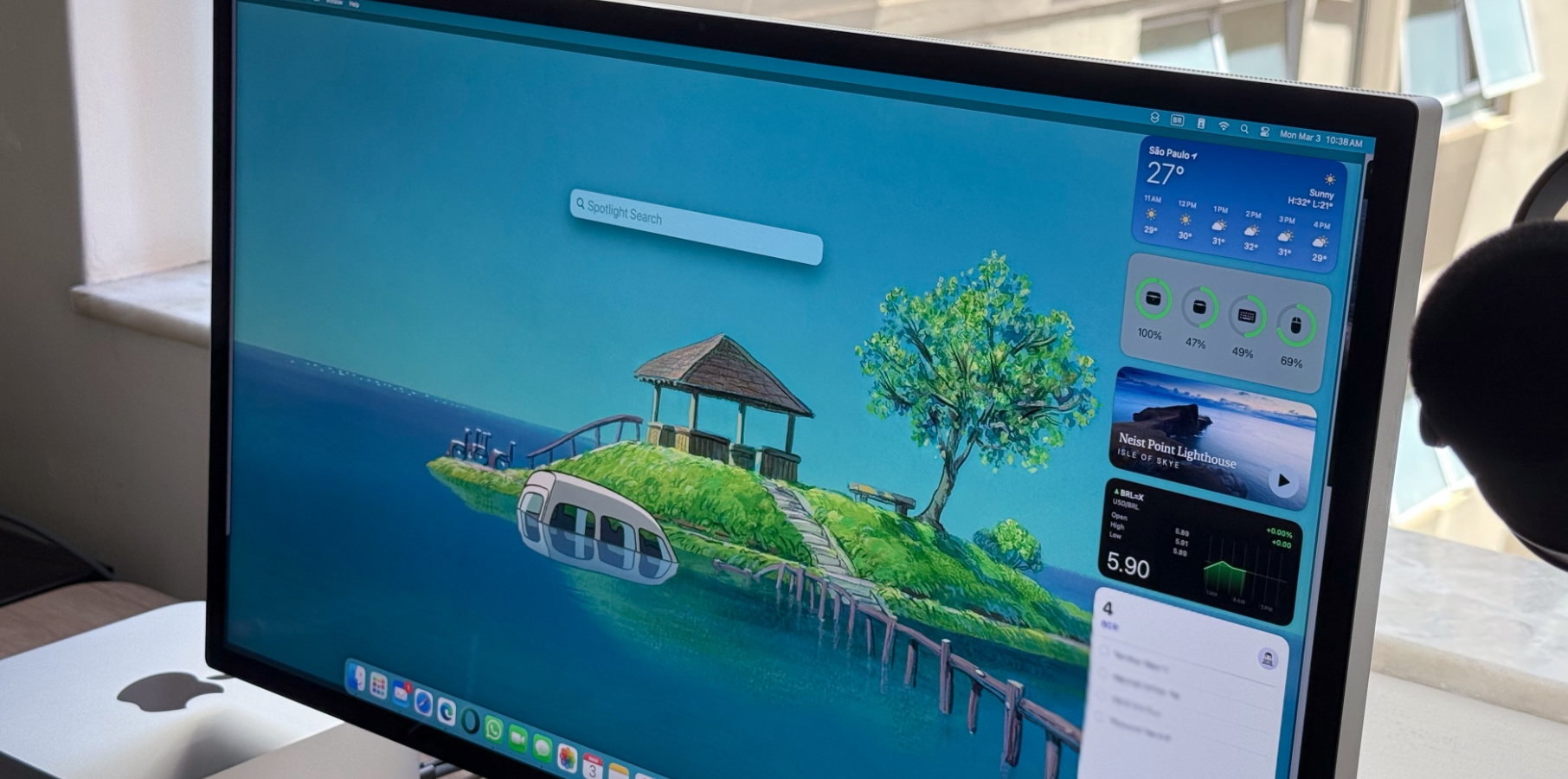
macOS 15.4 RC now available with four major features

Apple nears the end of macOS 15.4 beta testing with its RC build for developers. This version brings Apple Intelligence improvements and is a bit more feature-packed than the previous macOS 15.3 update. Here’s everything we know so far about macOS Sequoia’s latest update.

There are two main Apple Intelligence features landing on macOS 15.4 that are currently in beta testing:

  • All-new Mail experience: Mail is introducing new ways for users to manage their inboxes. On-device categorization organizes and sorts incoming emails into Primary for personal and time-sensitive emails, Transactions for confirmations and receipts, Updates for news and social notifications, and Promotions for marketing emails and coupons. Mail also features a new digest view that pulls together all of the relevant emails from a business, allowing users to quickly scan for what’s important at the moment.
  • New Apple Intelligence languages: Apple is adding Chinese, French, German, Italian, Brazilian Portuguese, Spanish, Japanese, Korean, and localized English for Singapore and India to Apple Intelligence.

In addition to these changes, Apple just added seven new emojis to the macOS 15.4 RC. The Unicode Consortium introduced these figures last May in beta. So far, the new emojis expected for iOS 18 include a face with bags under the eyes, a fingerprint, a leafless tree, a root vegetable, a harp, a shovel, and splatter.

Still, if you don’t care that much about emojis anymore, Apple now lets you create your own with Genmoji. With macOS 15.4 RC, Apple tweaked the Genmoji button on the keyboard so it’s more easily discoverable, even though they’re only considered emojis on Apple’s platforms.

Tech. Entertainment. Science. Your inbox.

Sign up for the most interesting tech & entertainment news out there.

By signing up, I agree to the Terms of Use and have reviewed the Privacy Notice.

Finally, the company announced that lossless support is coming to AirPods Max with macOS 15.4. Still, it’s unclear if Mac users can try this feature today.

Alongside macOS 15.4 RC, Apple has also seeded the release candidate versions of iOS 18.4, iPadOS 18.4, tvOS 18.4, visionOS 2.4, and watchOS 11.4. BGR will let you know if we discover anything new on these upcoming software updates.

Source