Posted on

It’s easier than ever to use SearchGPT on your iPhone

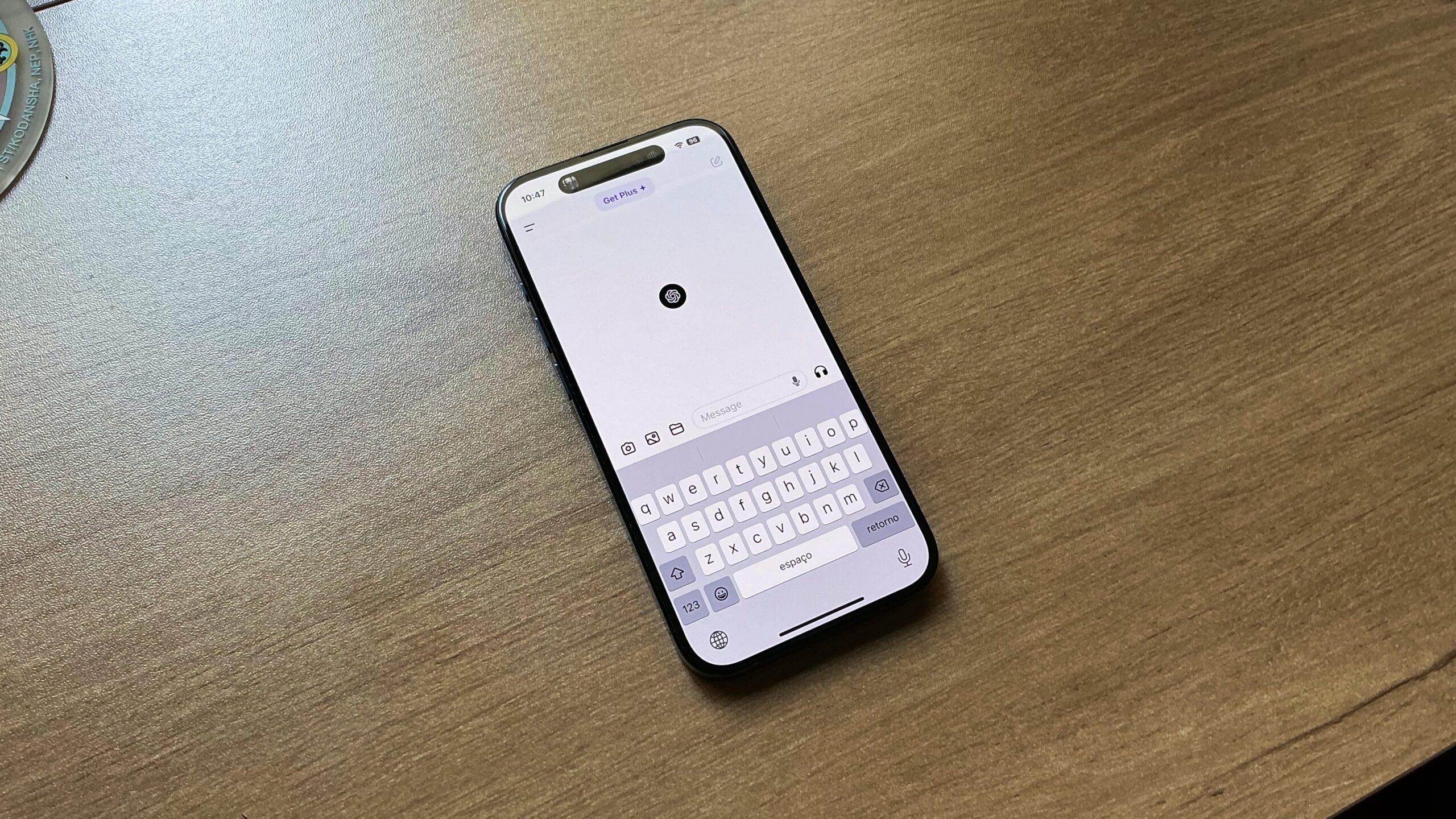
It’s impressive that in only a few months, OpenAI’s ChatGPT became a fundamental part of Apple’s iPhone devices. Whether you have a phone with Apple Intelligence or not, you can take advantage of ChatGPT through its app or by integrating it with Apple’s AI platform.

With the latter, ChatGPT can currently improve Writing Tools technology. Apple explains:

With ChatGPT from OpenAI integrated into Siri and Writing Tools, you get even more expertise when it might be helpful for you — no need to jump between tools. Siri can tap into ChatGPT for certain requests, including questions about photos or documents. And with Compose in Writing Tools, you can create and illustrate original content from scratch.

You control when ChatGPT is used and will be asked before any of your information is shared. Anyone can access ChatGPT for free, without creating an account. ChatGPT subscribers can connect accounts to access paid features within these experiences.

However, if you prefer using OpenAI’s ChatGPT app, the latest update brought an important upgrade. Now, you can set a Shortcut with SearchGPT. For those unaware, OpenAI’s SearchGPT is designed to give you an answer, as it will “quickly and directly respond to your questions with up-to-date information from the web while giving you clear links to relevant sources.” Users will be able to ask follow-up questions as the GPT understands the context of each query.

By using Apple’s Shortcuts app, you could give Siri a command to open SearchGPT or even add it to the Action Button of your iPhone 15 Pro or iPhone 16 models.

Tech. Entertainment. Science. Your inbox.

Sign up for the most interesting tech & entertainment news out there.

By signing up, I agree to the Terms of Use and have reviewed the Privacy Notice.

So far, SearchGPT is available for OpenAI subscribers with ChatGPT Plus and ChatGPT Teams services. Still, the company plans to roll out support to free users in the coming months. To access this feature, don’t forget to update your ChatGPT app to the latest version from the App Store.

Source

Posted on

I want Apple’s iPhone 17 Air, but I have one major concern

I’ve been a fan of the iPhone 17 Air rumor for months now, hoping that Apple will indeed release its thinnest iPhone in years, or perhaps ever. After using the iPhone 16 Plus for nearly two months, I’m convinced I need an iPhone with a large display, but I definitely want it to be a lot thinner.

I’ll probably buy the iPhone 17 Air as soon as it comes out next year, even though I’ll have to accept certain compromises. Considering what Apple did with the ultra-thin M4 iPad Pro, I knew the camera would be the phone’s main compromise. The battery size is another obvious area where Apple will have to make compromises.

But a new report gives us a few additional issues iPhone 17 Air buyers might have to deal with. Among them, there’s a change that could prove to be my biggest concern about buying an ultra-thin iPhone. It’s also something I didn’t see coming: The potential lack of a physical SIM card slot.

Apple stopped selling new iPhones with SIM cards in the US in 2022 when the iPhone 14 series was released. However, international versions of the phones came with the same physical SIM cards as their predecessors. The iPhone 16 models also feature SIM cards in markets like the European Union (EU), where I happen to shop for new iPhones.

Tech. Entertainment. Science. Your inbox.

Sign up for the most interesting tech & entertainment news out there.

By signing up, I agree to the Terms of Use and have reviewed the Privacy Notice.

I never switched to eSIM cards because I never had to. I hoped Apple would take longer to drop physical SIM cards in Europe. Then again, I also understand why removing SIM cards makes sense. eSIM cards might be safer and easier to use. Best of all, they free up space inside the iPhone, which can then be repurposed for the battery. This is exactly what Apple might want to do with an iPhone 17 Air that’s between 5mm and 6mm thick.

But the EU isn’t like the US. It’s a lot easier to manage multiple physical SIMs in Europe, where the mobile market is far more competitive. Roaming charges are almost gone, but some limitations exist. Prepaid plans are quite affordable and a great solution for avoiding potential roaming charges when traveling. Buying prepaid SIM cards is incredibly easy, as is swapping between them.

That’s my biggest issue about a SIM-less iPhone 17 Air in Europe. It’s not that it would be difficult to manage multiple eSIMs on the same phone. The iPhone 16 can store more than eight eSIMs, two of which can be active simultaneously. It’s that carriers might have to make changes to the way they sell prepaid cards in Europe.

It’s also about my convenience, which, yes, is based on habit. I routinely travel with at least one backup phone. That second phone might be something as old as the 2015 iPhone 6s, which doesn’t have eSIM card support. If I were to convert physical SIMs into eSIMs for the iPhone 17 Air, I’d be unable to switch cards between the main phone and the one on mobile hotspot duty.

This is a very specific problem that I have, one I will eventually have to deal with. Whether it’s happening with the iPhone 17 Air or future models, SIM cards are probably going to disappear from EU iPhones sooner rather than later. All 2024 cellular iPads sold in the region only support eSIMs. I just hoped it would be later and that I would have more time to adjust to the iPhone abdandoning physical SIMs.

I don’t care as much about the iPhone 17 Air rocking a single lens on the back, featuring worse battery life than the base model, lacking a speaker on the bottom, or packing Apple’s 5G modem instead of Qualcomm.

Then again, I’m certain I want a thin iPhone. If that means losing the ability to quickly and easily switch SIM cards, so be it.

Source

Posted on

Your Apple ID was not suspended

With over 2 billion Apple devices in use worldwide, it’s likely that hundreds of millions of people receive scary emails telling them they need to act fast as their Apple ID is in some sort of danger. Maybe the Apple ID was suspended, or perhaps you need to refresh your Apple Pay information because it’s supposedly not up to date.

These emails look similar to what Apple might send. They try to convince you to click a button to help you rectify the problem. That button will lead to a website that looks like Apple’s, but it’s not. 

Whatever you do, don’t click the link, and do not fill in your information. Why? Well, your Apple ID was not suspended, and your Apple Pay cards still work. It’s not Apple contacting you; it’s hackers trying to steal access to your Apple Account.

I get these emails occasionally, and you probably do as well. They’ll even send scary Apple ID emails to email accounts that aren’t actually associated with my Apple Account. They have no way of knowing that, and that’s the first red flag you’re dealing with phishing attacks.

Tech. Entertainment. Science. Your inbox.

Sign up for the most interesting tech & entertainment news out there.

By signing up, I agree to the Terms of Use and have reviewed the Privacy Notice.

By the way, Apple ID is no longer called that. It’s an Apple Account, and that’s another hint that you’ve received a phishing email trying to get access to your login credentials.

How do hackers target you?

With so many data breaches occurring in the past years, hackers have obtained a treasure trove of information about hundreds of millions of people. All they need is a valid email address to start sending phishing attacks in bulk. 

That explains why you’ll receive “Apple ID suspended” emails from email accounts not associated with your Apple Account. 

The hackers hope a percentage of the unsuspecting victims will click the links in the emails where they’d fill in passwords and/or credit card numbers. 

What do the hackers want?

Any phishing attack is looking for access first and foremost. You’ll be told to click a link that looks like something you’d get from Apple. From there, you might be prompted to log into your Apple ID on a website that looks like Apple’s, but it’s fraudulent. Just look at the URL you’re being directed to. It’ll have a strange address rather than something simple associated with Apple.com or iCloud.com.

The attackers might even try to obtain two-factor authentication (2FA) codes from you once you fill in your login details to bypass Apple’s security protections. Never accept that, either. 

Once they obtain your login data and 2FA data, they might try to purchase products and gift cards or just snoop around. Maybe you hold passwords in your iCloud Notes, which would become accessible to them once they get in. 

Or they might be after Apple Pay data so that they can use credit cards to buy things online, which they’ll then sell on the black market.

Logging into my Apple ID on iCloud.com.Logging into my Apple ID on iCloud.com. Image source: Chris Smith, BGR

What you should do

First of all, do not panic. Rather than acting in a rush, just inspect the email carefully. Email services usually catch some of these, sending them directly to the spam folder. But others make it to your inbox. 

The first thing you should do is look at the sender’s email address and compare it to emails you receive regularly from Apple. If your Apple ID is associated with the same email account, you can easily compare them.

Hackers might spoof their emails to make them look like they’re coming from Apple. Just hover over the “From” field to see what it says without clicking. Do the same for links and buttons in the phishing email.  They might say, “Go to Apple ID” or “Update Account,” but these are not official. 

Next, look at the text in the email. It often includes inconsistencies. Hackers might try to make it look like the real thing, using Apple logos and similar colors. The email might also include your name if the hackers obtained it from the data breach your email address came from and purported case IDs.

However, the text will often contain grammar and punctuation mistakes. It’ll be easy to spot them. 

After all of that, just go about your day. Send that scary email to the spam folder, and forget about it. 

What if…

I know what you’re thinking: maybe the email is from Apple after all.

In that case, continue to do nothing the sender tells you to do. Instead, inspect your Apple ID on your iPhone, Mac, or iPad and ensure it’s working properly. Go outside and use Apple Pay to make sure you can make payments. 

You’ll notice that your Apple ID has not been suspended, and Apple Pay still works. 

The email you’ve just received will often contain a deadline to pressure you into action. You have 24 or 48 hours to save your account. Wait it out. The hackers might reach out again or not. Your Apple ID will continue to work properly.

You should also contact Apple directly and ask for guidance. Apple actually has a detailed support document that explains some of the scams associated with Apple products, including Apple Accounts.

Finally, if these emails are increasingly frequent, you should change your Apple ID email address to a freshly minted email address. Then, use that email address only for your Apple account and nothing else.

While we’re at it, change your Apple ID passwords from time to time. Use password managers to create unique, strong passwords for each online service you might use.

Mind you, some hackers might also call you pretending to be Apple support staff. They’re looking to extract the same information. Whatever you do, don’t provide it. Hang up, and call Apple yourself. If you’re lucky, some scammers will talk to a Grandma AI instead of you, which will keep them on the line so they can’t target real people.

Apple will never ask you to provide critical account information over the phone or email. Here’s what Apple says in the support document above: 

Apple will never ask you to log in to any website, or to tap Accept in the two-factor authentication dialog, or to provide your password, device passcode, or two-factor authentication code or to enter it into any website.

Rinse and repeat every time you receive a scary email telling you your Apple ID has been suspended. 

Mind you, the same scam can apply to all sorts of online accounts. But hackers will target Apple users first. Treat those emails with the same circumspection and do nothing to fix the problem they instruct you to fix.

After your first shock when receiving such an email, you’ll soon get used to recognizing phishing attacks that warn you that your internet account has just been suspended because you’ll continue to get these emails time and again.

Source

Posted on

We may now know when Apple Intelligence will get Google Gemini integration

iOS 18.2 will finally bring OpenAI’s wildly popular ChatGPT to Siri thanks to integration with Apple Intelligence. This partnership will make Apple’s AI platform even more clever by upgrading Writing Tools and beefing up Siri with ChatGPT’s most recent large language models.

While deeper integration isn’t expected until iOS 18.4, when Siri will be able to control people’s iPhones, there’s a lot of anticipation about this partnership between Apple and OpenAI. Here’s how Apple explains it:

With ChatGPT from OpenAI integrated into Siri and Writing Tools, you get even more expertise when it might be helpful for you — no need to jump between tools. Siri can tap into ChatGPT for certain requests, including questions about photos or documents. And with Compose in Writing Tools, you can create and illustrate original content from scratch.

You control when ChatGPT is used and will be asked before any of your information is shared. Anyone can access ChatGPT for free, without creating an account. ChatGPT subscribers can connect accounts to access paid features within these experiences.

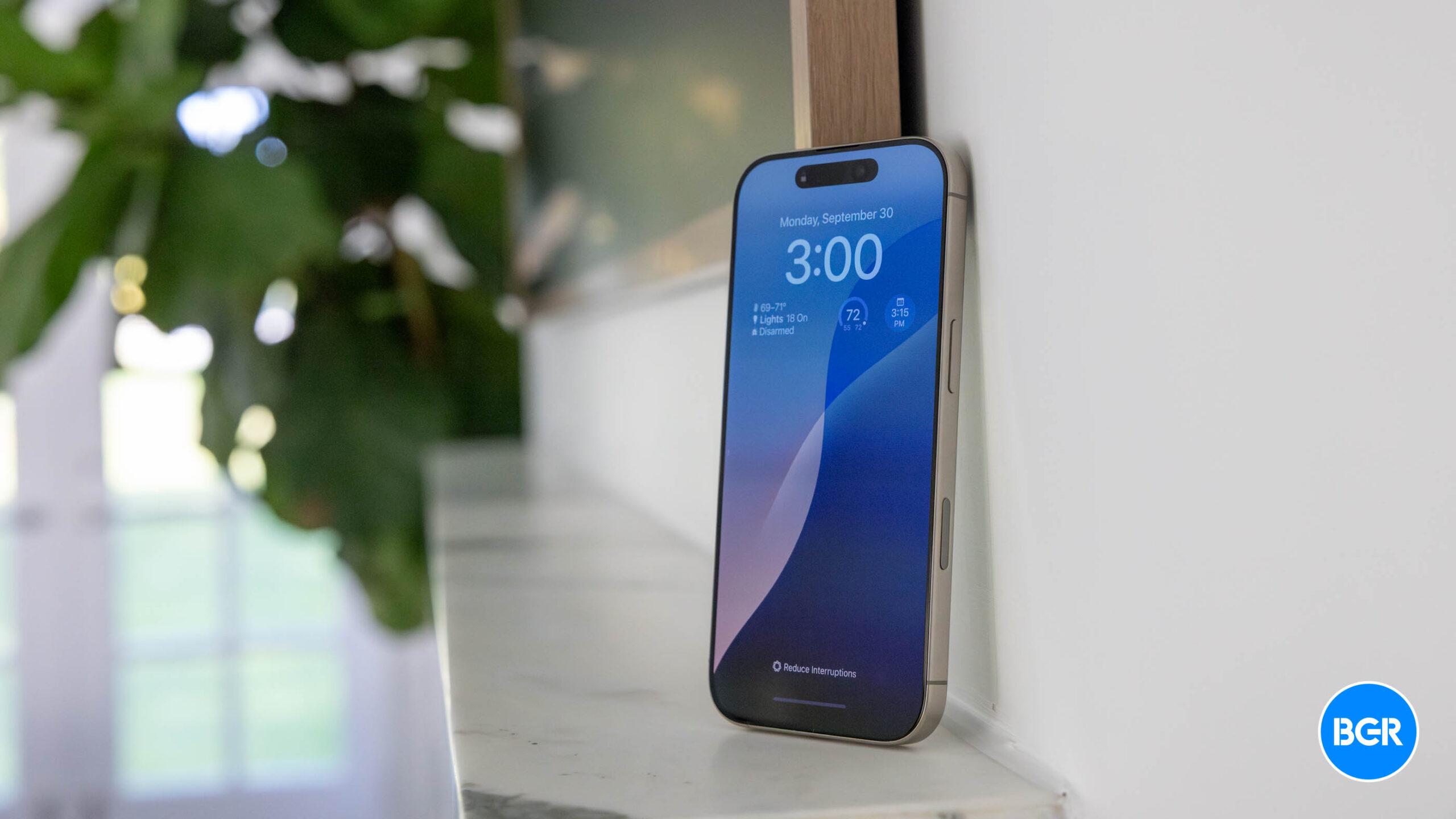
iOS 18.2 ChatGPT integration with Apple IntelligenceiOS 18.2 ChatGPT integration with Apple Intelligence Image source: José Adorno for BGR
However, this isn’t the only LLM that will be available with its AI platform. Back in June, during the WWDC 2024 keynote, Apple announced that Apple Intelligence would work with third-party LLMs. While this partnership starts with ChatGPT, more companies will be able to join the party later.

So far, Bloomberg has reported that Antropic’s Claude and Google’s Gemini were working on this integration. Apple’s Craig Federighi already stated that he would love to have Gemini integration with Apple Intelligence.

Tech. Entertainment. Science. Your inbox.

Sign up for the most interesting tech & entertainment news out there.

By signing up, I agree to the Terms of Use and have reviewed the Privacy Notice.

Now in his latest Power On newsletter, Bloomberg‘s Mark Gurman gave a tidbit on when to expect Google Gemini integration in Apple Intelligence. With an official app recently released for iPhone users, Gurman expects Google Gemini to be available with Apple Intelligence sometime next year. That’s obviously bad news if you’re eagerly awaiting the ability to use Gemini in place of ChatGPT within Apple Intelligence, though we’re not sure how many people out there fall into that category.

The supposed delay is probably due to Apple’s deal with OpenAI. Since Cupertino doesn’t pay OpenAI for this integration, the reporter thinks Apple gave it a “nice window of exclusivity,” which is why “I wouldn’t expect the Gemini chatbot to arrive in iOS until next year.”

Source

Posted on

iPhone 17 Air will be the thinnest iPhone ever made, new rumor claims

Last week, we wrote about how Apple’s rumored “iPhone 17 Air” doesn’t need to break records to be a worthwhile experiment. That said, it would undoubtedly draw quite a crowd if Apple could make it thinner than any other iPhone, and according to a reliable source, that’s still in the cards for the ultra-slim iPhone 17.

In a research note released this week, Apple analyst Jeff Pu appeared to corroborate the recent rumor which suggested the iPhone 17 Air would be the thinnest iPhone yet.

“We agreed with the recent chatter of [a] 6mm thickness ultra-slim design of the iPhone 17 Slim model,” he wrote in the note seen by MacRumors. This is in line with a blog post from yeux1122, which said that “the industry expects the slim model to be around 6mm.”

MacRumors points out that the thinnest iPhone to date is the iPhone 6, with a width of 6.9mm. Every model prior to the iPhone 6 was between 7.6mm and 12.3mm thick, while newer models measure in between 7.1mm and 8.3mm thick.

Tech. Entertainment. Science. Your inbox.

Sign up for the most interesting tech & entertainment news out there.

By signing up, I agree to the Terms of Use and have reviewed the Privacy Notice.

None of these phones are as slim as the 13-inch iPad Pro that launched this year, which is just 5.1mm thick. That’s the thinnest portable device Apple has put out into the world, and based on the latest reports, the iPhone 17 Air (or iPhone 17 Slim, as Pu calls it in his research note) is not likely to top it when it launches in September 2025.

There’s still plenty we don’t know about the iPhone 17 lineup, but other rumors have suggested that the ultra-slim model will feature a 6.6-inch display, an A19 chip, a Dynamic Island, a single rear camera, and a 5G model designed and built by Apple.

Source

Posted on

This is Apple’s official fix for the bug that makes notes disappear in iOS 18

Some iPhone owners recently discovered that their Notes were missing from the handset. Savvy users figured out that accepting the new iCloud terms of service on the iPhone triggers the bug, and the Notes disappear. It happens after the iOS 18 update, but the iPhone doesn’t delete the Notes documents.

That data is still safe in iCloud, but the Notes app won’t sync with it properly after agreeing to the updated terms of service.

We showed you how to fix the disappearing Notes bug a few days ago. People figured out that syncing their Notes from iCloud would do the trick. Judging from the emails I received, the solution actually works, and the affected users have already regained access to their Notes.

Meanwhile, Apple has issued a support document that addresses the issue. The company doesn’t explain what’s causing the problem, but it offers a solution that matches the unofficial fix from a few days ago.

Tech. Entertainment. Science. Your inbox.

Sign up for the most interesting tech & entertainment news out there.

By signing up, I agree to the Terms of Use and have reviewed the Privacy Notice.

I’ve been using the Notes app religiously since Apple introduced it several years ago. It’s my go-to note-taking app on Mac and iPhone, and I don’t want to imagine losing access to local or iCloud notes.

I haven’t experienced the disappearing Notes bug at any point since running iOS 18. I have installed the first beta as soon as it came out this summer, and I’m currently on the latest iOS 18.2 beta.

In the process, I have agreed to all terms of service updates, without really reading any of it. I have no idea if I already agreed to the new iCloud tems of service, but I suspect I did.

This is the Notes toggle you are looking for.This is the Notes toggle you are looking for. Image source: Chris Smith, BGR
Plenty of iPhone users would be affected if Apple decided to put out a support page to address the problem. Here’s the entirety of Apple’s support document:

Here’s how to check your iCloud sync settings and restart if needed.

If your iCloud notes aren’t appearing on your iPhone, iPad, or Apple Vision Pro, follow these steps.

  1. Open the Settings app and tap your name.
  2. Tap iCloud, then tap Notes.
  3. Make sure Sync this [device] is on, then check the Notes app.
  4. If you still don’t see your notes, restart your iPhone, iPad, or Apple Vision Pro. After restarting, check your settings again.

After these steps, your iCloud notes should appear and start syncing again on devices signed in to the same Apple Account. When syncing completes, content previously synced to iCloud should appear.

That’s all you need to do to recover your Notes. Again, they were not deleted, you have not lost anything. A synchronization issue is to blame here, as the iCloud notes did not sync with your Notes app.

Apple’s solution matches the unofficial fix we covered a few days ago. It’s unclear whether Apple will prevent it from happening with subsequent iOS 18 updates. If you still haven’t fixed your Notes problem, or you’re running into it for the first time, you should follow the steps above.

You should also make a mental note of the fix and return to iCloud every time you encounter any sort of iCloud sync issues, whether it’s Notes or a different app. The fix is as easy as turning a toggle off and back on again.

Source

Posted on

Here are all the devices Apple sells that still have Lightning ports

With Apple’s recent iPhone 16 event and M4 Macs release, the company followed an important path by eliminating the Lightning port from more devices. By opting for USB-C, not only is the company agreeing with the European Union’s Digital Markets Act, but it’s also showing a future where customers will be able to use the same cable for all their electronic devices.

That said, there are still some products that require a Lightning port and a few accessories that support this old standard. Here they are.

Apple still sells four iPhone models with Lightning port

iPhone 14 Plus salesImage source: Apple Inc.

Although the iPhone 16 series offers a USB-C port, Apple still has three other iPhone models that still rely on Lightning cables. The 2022 iPhone 14 and iPhone 14 Plus, and the 2022 iPhone SE 3.

While Apple is said to be planning a new iPhone SE 4 for 2025, this means the company will take another year to fully eliminate the Lightning port from all the iPhone models it sells. That means that only when the iPhone 17 is announced will we have a full lineup of USB-C phones.

Tech. Entertainment. Science. Your inbox.

Sign up for the most interesting tech & entertainment news out there.

By signing up, I agree to the Terms of Use and have reviewed the Privacy Notice.

Not only is there still a long way to go, but millions of customers will hold with their iPhone 14 – or older models – for years to come.

All iPad models sold by Apple are USB-C, but the first-gen Apple Pencil is still here

Apple iPad 9Apple iPad 9 with keyboard accessory. Image source: Apple Inc.

The 2021 iPad 9 was the last iPad model with a Lightning port. Earlier this year, Apple discontinued this product and lowered the price of the USB-C iPad 10.

While both iPads work with the first-gen Apple Pencil, Apple also released a USB-C accessory that’s perfect for the iPad 10. However, millions of people with a Lightning iPad still require that first-gen Apple Pencil, which is why the company still sells it.

There are other accessories Lightning-compatible still available

Apple EarPodsImage source: José Adorno for BGR

Apple recently revamped the AirPods lineup. With no more second and third generations available, the company also updated the AirPods Max with a USB-C port. With that, there are only a few Lightning accessories, which include:

  • Lightning EarPods
  • USB-C to Lightning cable
  • USB-A to Lightning cable

Wrap up

As you can see, in a year, Apple almost killed all the Lightning products it used to have. By 2025, we’ll likely only have those three accessories available alongside the first-gen Apple Pencil, as the company will continue to offer them for older devices.

Source

Posted on

Apple’s hotly anticipated iPhone SE 4 might not launch as soon as we hoped

The iPhone SE 4 isn’t even out, yet I can’t stop recommending this unreleased Apple product. That’s because all rumors paint the same picture of this mid-range iPhone that’s supposed to hit stores next year. If you’re not buying the iPhone 16 but want a new iPhone, the iPhone SE 4 is probably for you.

The iPhone SE 4 will deliver flagship performance comparable to the iPhone 16 since Apple wants it to run Apple Intelligence. The only real compromises concern the design and camera. Apple will recycle the iPhone 14 design for this model, and you’ll get only one camera on the back instead of two or three.

But if you consider the likely price of the iPhone SE 4 — $499 — it should be an instant hit.

The good news is that the iPhone SE 4 should launch soon. All reports say the phone is coming in early 2025. But it won’t be as early as you might have hoped, with a more recent report indicating the handset won’t hit stores until March 2025.

Tech. Entertainment. Science. Your inbox.

Sign up for the most interesting tech & entertainment news out there.

By signing up, I agree to the Terms of Use and have reviewed the Privacy Notice.

Korean website AjuNews says that LG Innotek will provide the 48-megapixel camera module for the iPhone SE 4. It’s currently testing the component, and LG will reportedly start mass-producing the camera module next month.

The report notes that LG Innotek usually supplies camera modules three months before the launch of a new product. With manufacturing expected to start in December, the iPhone SE 4 should get a March 2025 release date.

While some iPhone fans might have hoped for an earlier launch, the March window makes sense for Apple. Previous iPhone SE variants were launched around that time each year.

I’ll add that an iPhone SE 4 specs and price leak also recently offered a March 2025 release window. But that might have been an educated guess based on Apple’s iPhone SE release history. The report from Korea says that LG is a confirmed camera supplier for the upcoming iPhone model. The iPhone SE 4 camera will be produced at a factory in Vietnam.

The report notes that the LG camera will feature a 48-megapixel sensor, which should be a big upgrade over the iPhone SE 3’s camera. It’s probably the same sensor Apple uses in the iPhone 16 series.

AjuNews provides the same story about the iPhone SE 4 that other leaks have offered. The iPhone SE 4 should support Apple Intelligence, which implies the handset should feature the same hardware as the iPhone 15 Pros or iPhone 16 phones. These are the only handsets that can run Apple Intelligence right now.

The A18 is the chip that makes the most sense for the iPhone SE 4. It’s the processor that powers the iPhone 16 and 16 Plus, and it’s more energy efficient and cheaper than the A17 Pro that powers the iPhone 15 Pros. Whatever silicon Apple goes for, the company will pair it with 8GB of RAM, the minimum amount of memory Apple Intelligence needs.

The report doesn’t mention a precise release date for the iPhone SE 4, nor should we expect one yet. But other rumors say that Apple will launch several new products next quarter. The list includes the M4 MacBook Air, a new iPad Air, and new accessories. Seeing all these products come out around the same time would make sense.

Source

Posted on

CarPlay just got one of my favorite Apple apps

CarPlay just got even more useful, as one of my favorite Apple apps has been added. Starting today, CarPlay users can take advantage of Apple Music Classical, Apple’s music streaming service for classical songs.

According to the app’s release notes, this update adds “support for CarPlay and Siri, plus stability and performance enhancements.” This is the first major expansion since Apple added support for Android on May 30.

Apple Music Classical is a service based on Primephonic, a classical music streaming service the company bought in 2021. After two years of development, the company released its own version of the app, which has a similar look to Apple Music but with new tweaks and a focus on this specific genre of music.

With it, you can access the world’s largest classical music catalog. Search by composer, work, conductor, and more to quickly find any recording. Explore composers, periods, instruments, and more through curated playlists and composer biographies. Get detailed information about what you are listening to.

Tech. Entertainment. Science. Your inbox.

Sign up for the most interesting tech & entertainment news out there.

By signing up, I agree to the Terms of Use and have reviewed the Privacy Notice.

Apple Music ClassicalImage source: Apple Inc.

The service has the largest classical library with over 100 million songs and the world’s largest catalog of classical music — more than 5 million tracks and 1.2 million recordings. It features:

  • 20K+ composers;
  • 115K+ unique classical workers listed;
  • 350+ movements available.

It is available in Lossless and Hi-Res Lossless up to 24 bits. Spatial Audio with Dolby Atmos is also supported. That said, CarPlay users can also take advantage of songs in Spatial Audio, thanks to the iOS 18 update. The latest version brought these three new features:

  • Spatial Audio: Drivers can now listen to Spatial Audio songs and albums available in Apple Music and third-party apps while connected to CarPlay. Vehicles with multichannel audio capabilities can enable an immersive sound experience. Spatial Audio with support for Dolby Atmos can also be implemented in compatible vehicles.
  • Announced Notifications support: Announce Notifications can read aloud your notification summaries when using AirPods or CarPlay.
  • Accessibility: Color Filters, Bold Text, Voice Control, and Sound Recognition accessibility settings are now available in CarPlay in IOS 18, providing a consistent experience between the iPhone and the vehicle.

Apple Music Classical is available as part of an active Apple Music subscription, whether it’s a standalone subscription or part of Apple One.

Source

Posted on

iOS 18.2 just made the iPhone 16’s Camera Control even better

I had been looking forward to the iPhone 16’s Camera Control button ever since it first popped up in early rumors. After over a month with the iPhone 16 Plus, however, the Camera Control turned out to be a somewhat large disappointment for this longtime iPhone user. The button works as intended. It opens the camera app faster than before. It just doesn’t work well for me. I hold the iPhone in my left hand, so there’s no convenient way to reach the button. My protective case makes it even harder than it should be.

I’d love it if Apple made radical changes to the iPhone’s buttons that would let me swap the location of the Camera Control button with a unified Volume button. That’s not going to happen anytime soon, but Apple is working to make the Camera Control better in the meantime. A new “Require Screen On” option that just appeared in iOS 18.2 beta 3 is one way Apple is improving this feature.

Go to the iPhone 16’s Settings app, tap Display & Brightness, and look for the new Require Screen On toggle at the bottom. That is, after you install iOS 18.2 beta 3, of course.

The new toggle is enabled by default, which matches the current behavior of the Camera Control button. If the iPhone 16 screen is off and you press the button, the display will turn on. A second press will invoke the camera, and a third press will let you take photos.

Tech. Entertainment. Science. Your inbox.

Sign up for the most interesting tech & entertainment news out there.

By signing up, I agree to the Terms of Use and have reviewed the Privacy Notice.

If you disable the Require Screen On setting, you can open the camera even when your screen is off. This might be something some content creators want. They’d get even faster access to the camera, which will help them capture photos and videos immediately.

The obvious downside is that you might get accidental Control Center taps after disabling the feature, especially if you’re not using a case.

Using the Camera Control button to take a photo on the iPhone 16 and 16 Plus.Using the Camera Control button to take a photo on the iPhone 16 and 16 Plus. Image source: Apple Inc.



On the other hand, if you have Raise to Wake enabled from the same Display & Brightness menu, you don’t need to disable the new Require Screen On setting. Simply raising the phone to take a photo or record a video will turn on the screen, so your Camera Control press will bring up the camera on the first press. The next photo or video recording will then be just one tap away.

Separately, Require Screen On should also let you turn on Visual Intelligence faster than before. That’s Apple’s equivalent to Google Lens, which lets Apple Intelligence see what’s around you to provide contextual information.

If you’re not on the iOS 18.2 beta, you’ll have to wait a few weeks to see the Require Screen On appear in the iPhone 16’s Settings app. As for other iPhone versions that can run iOS 18.2, you won’t see the setting because your iPhone lacks a dedicated camera button.

Source